Instagram How-To guides
Step-by-step answers to the most common Instagram questions.
 How-To
How to Link Instagram to Facebook (2026 Step-by-Step)
How to link Instagram to Facebook in 2026 using Meta Accounts Center, plus how to cross-post, unlink, and what linking actually enables.
 How-To
Instagram Messages Black Screen? How to Fix It in 2026
Instagram messages showing a black screen in 2026? Here are the fastest fixes, from clearing cache and updating the app to spotting a server outage.
 How-To
How to Turn Off Active Status on Instagram (2026)
Learn how to turn off active status on Instagram in 2026 so no one sees your green dot or last active time. Steps, the mutual catch, and privacy tips.
 How-To
How to Delete an Instagram Account Permanently (2026)
Learn how to delete an Instagram account permanently, export your data first, and understand the 30-day grace period and 90-day deletion process.
 How-To
How to Clear Instagram Cache on iPhone and Android (2026)
Learn how to clear Instagram cache in 2026: tap Clear cache on Android, or offload and reinstall on iPhone. Fix lag without losing your account.
 How-To
How Do You Upload on Instagram? Phone & Desktop (2026)
How do you upload on Instagram in 2026? Tap the + icon on your phone or click + on instagram.com, pick a photo or video, edit, add a caption, and Share.
 How-To
How to Post Photos on Instagram: Step-by-Step Guide
From single shots to 20-image carousels, here's exactly how photo posting works on Instagram in 2026, including sizing and editing tips.
 How-To
How Can I Deactivate My Instagram Temporarily?
Temporary deactivation isn't available in the mobile app — you have to do it from a browser, via Settings/Accounts Center > Personal details > Account ownership and control > Deactivation or deletion.
 How-To
Why Is Instagram Not Working? Common Fixes for 2026
Instagram issues are usually a server outage, a stale app version, or a local connection problem. Here's how to tell which one and fix it fast.
 How-To
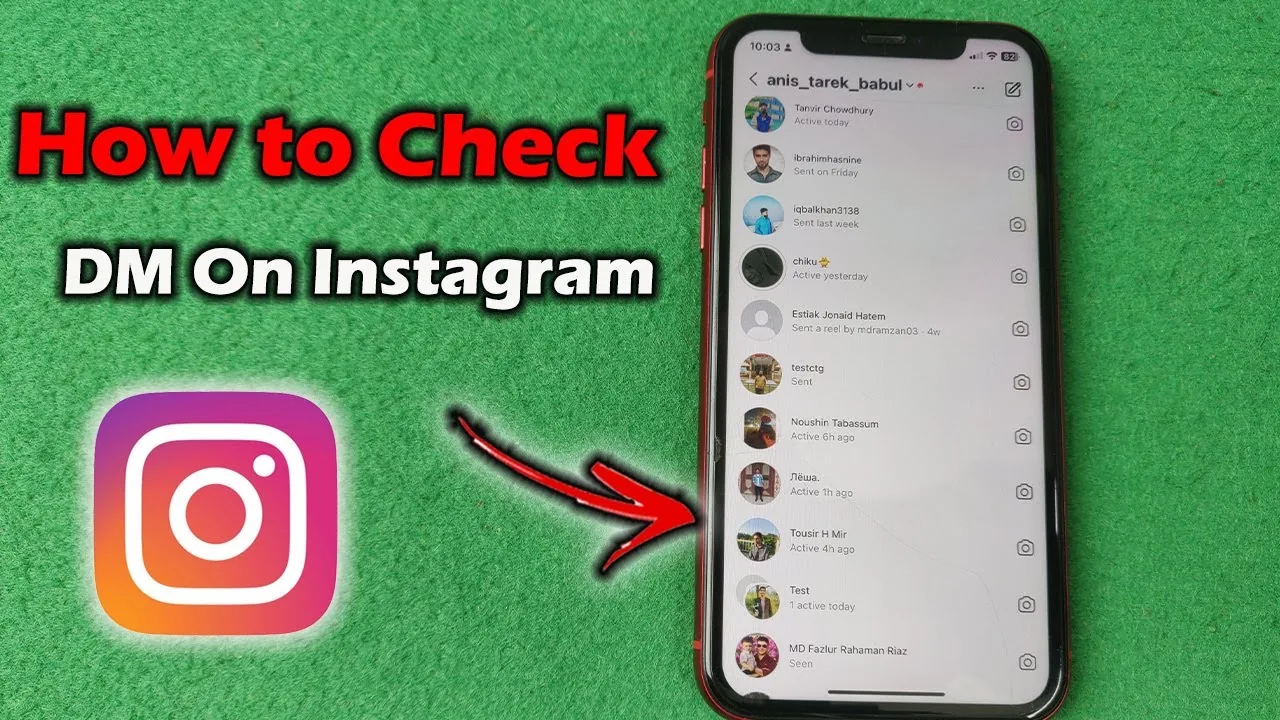
How to Check Your DMs on Instagram (Inbox and Requests)
Tap the paper plane icon on Instagram to open your Direct inbox, then check the separate Requests folder for messages from people you don't follow.
 How-To
How to Post a Black Screen on Your Instagram Story
Post a solid black Instagram story using the paint bucket tool, a pre-made black image, or a darkened photo — all in under a minute.
 How-To
Can You Turn Off Repost on Instagram? 2026 Guide
Yes — you can stop others from reposting your Instagram content in Settings, though the Repost feature itself can't be removed entirely.
 How-To
Can You Turn Off Read Receipts on Instagram?
No — Instagram has no dedicated toggle to hide the 'Seen' read receipt in a standard one-on-one DM thread. The 'Show Activity Status' setting controls your online/active status, not whether messages show as seen.
 How-To
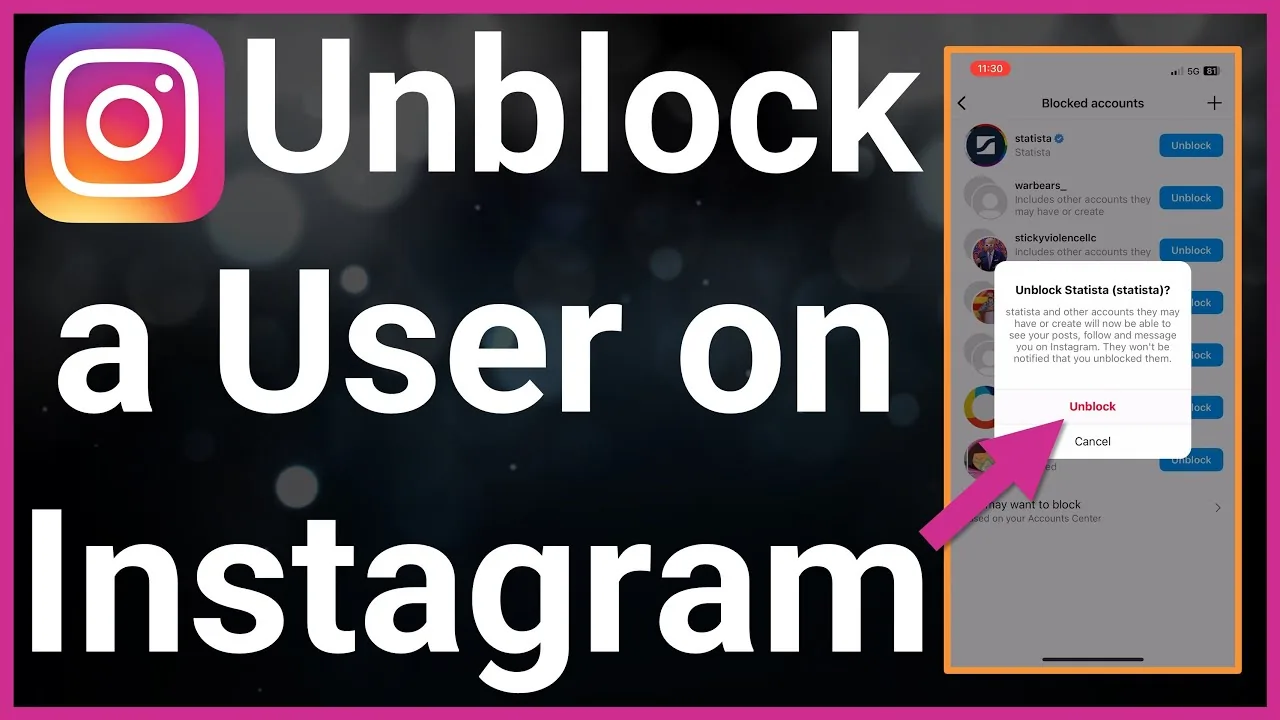
How to Unblock Someone on Instagram (2026 Step-by-Step)
Exact steps to unblock someone on Instagram in 2026, plus what really happens to follows, likes, comments, and re-blocking.
 How-To
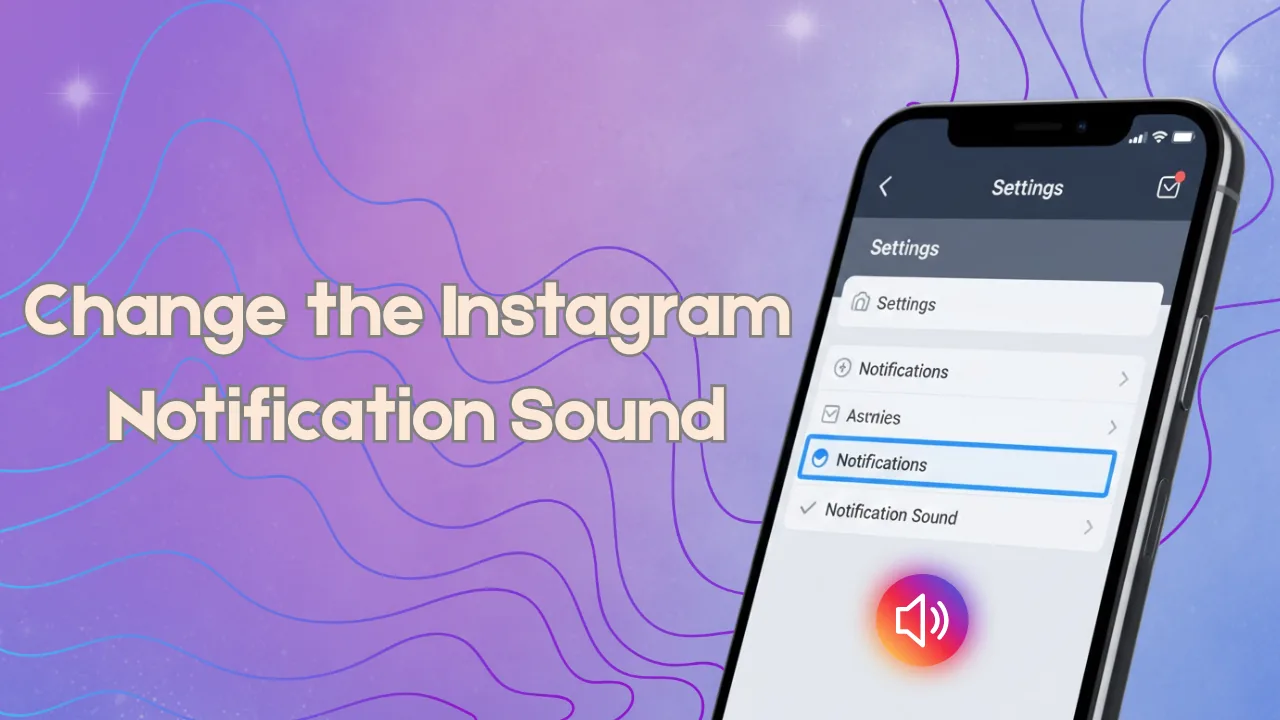
How to Change Your Instagram Notification Sound (2026)
Instagram doesn't let you pick a custom in-app sound — here's how to actually change what your Instagram alerts sound like on iPhone and Android.
 How-To
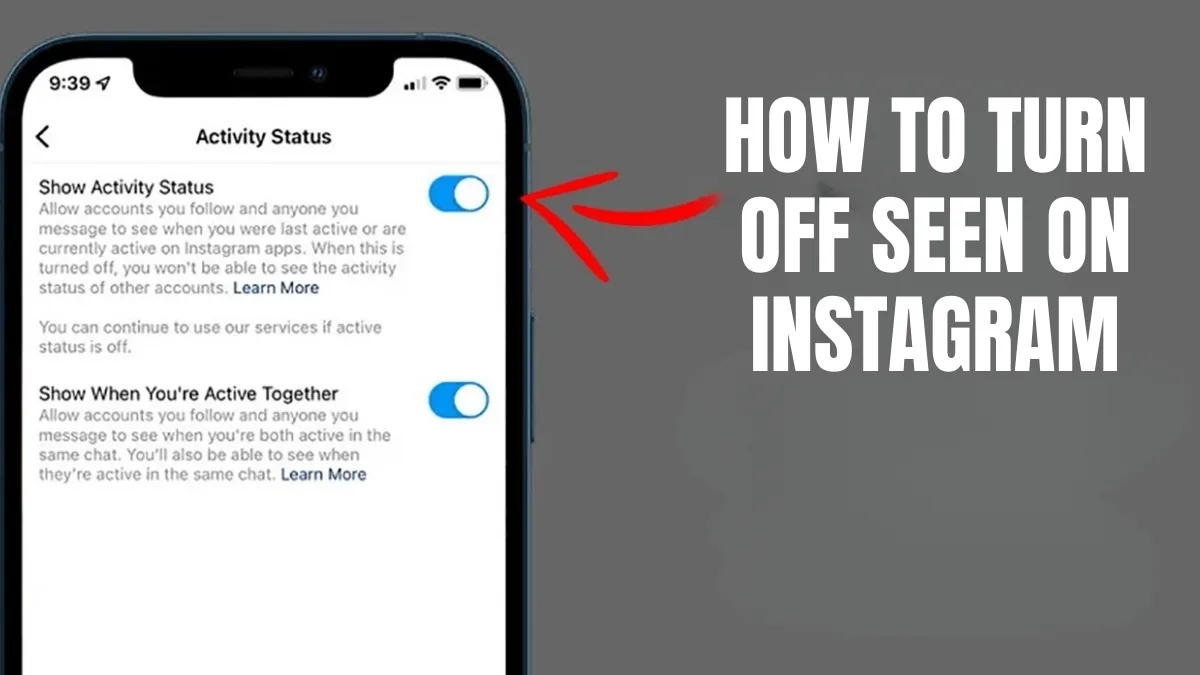
How to Turn Off Seen on Instagram (Read Receipts)
Turn off read receipts on Instagram so people can't tell when you've seen their DM. Here's where the setting lives and what it does and doesn't hide.
 How-To
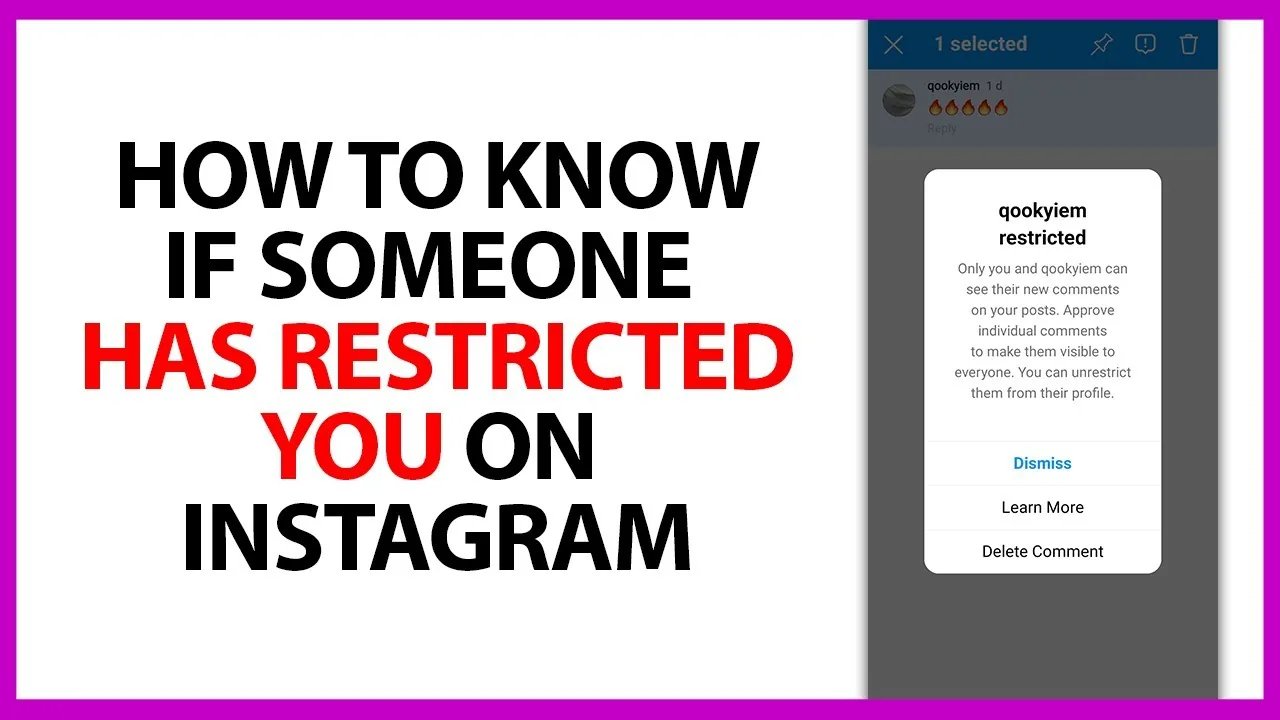
Can a Restricted Account Mention You on Instagram?
Yes. Restrict only filters comments and message requests from that person — it does not stop them from tagging or @mentioning you, and Instagram never tells them they've been restricted.
 How-To
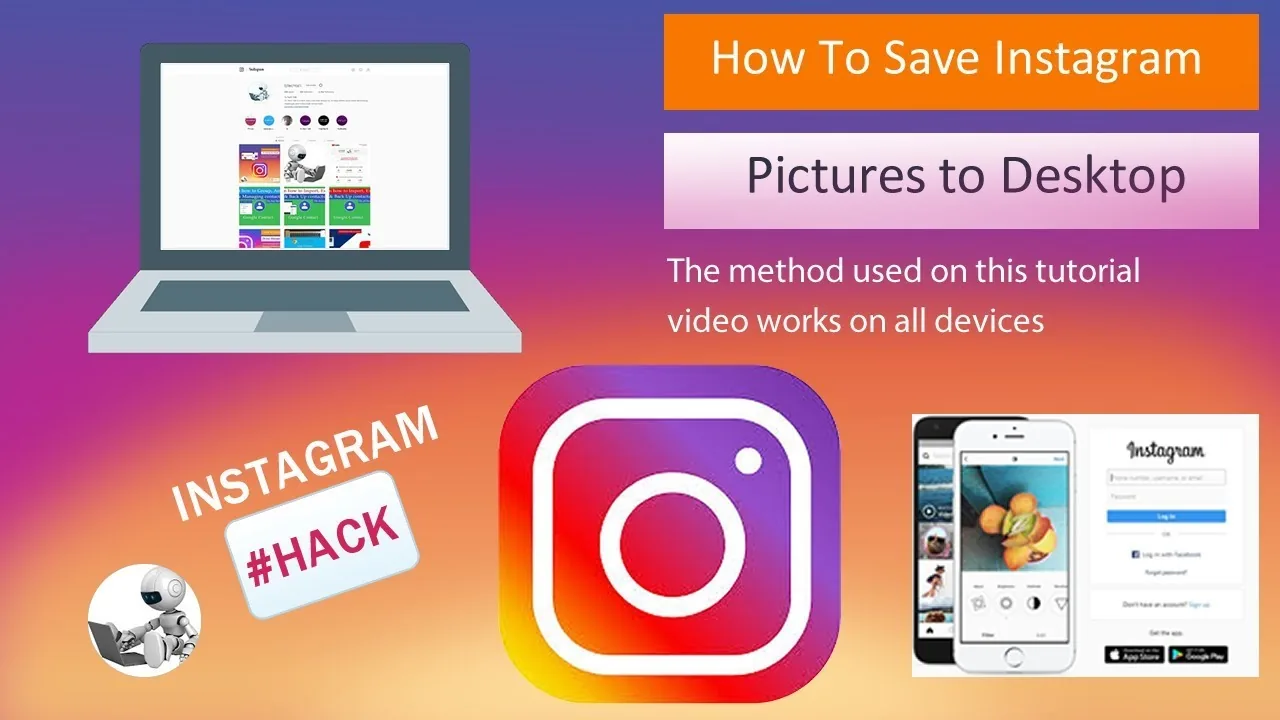
How Can You Save Pics from Instagram?
For your own posts, use the ... menu and choose Save Photo to download it to your phone. For someone else's photo, Instagram has no built-in download button - only the in-app bookmark, which keeps it inside Instagram rather than your camera roll.
 How-To
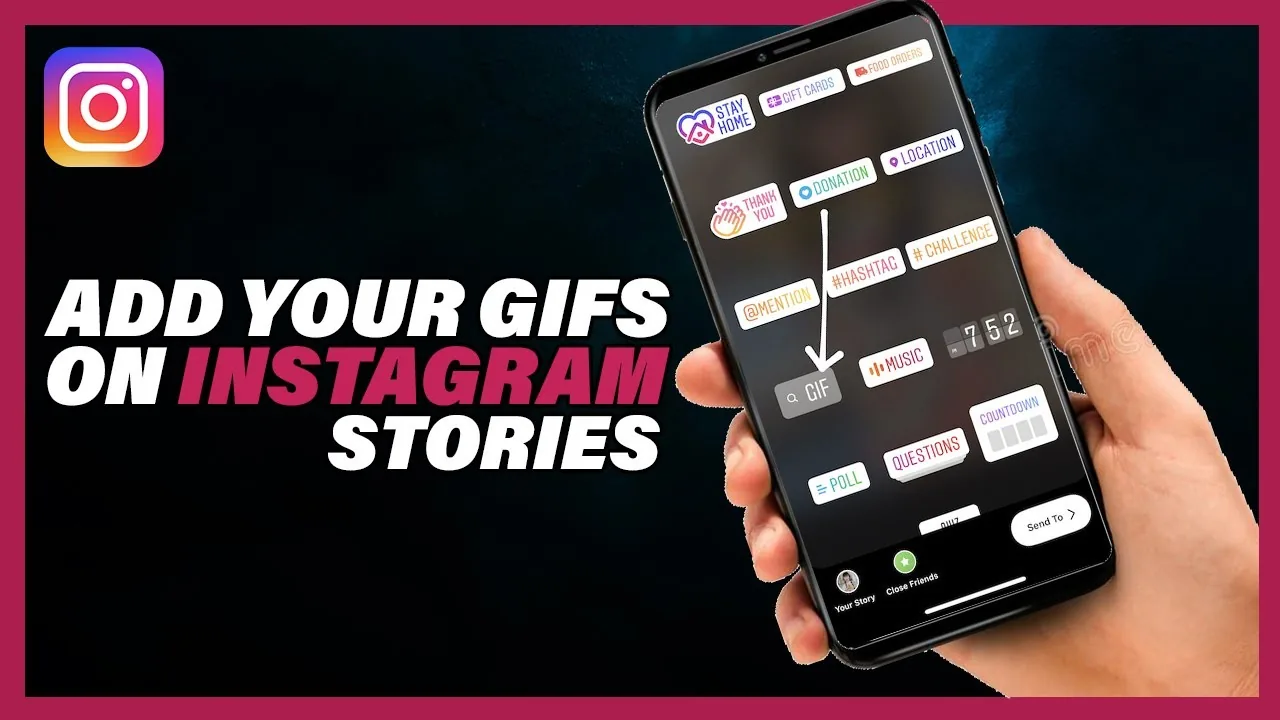
How to Add a GIF on Instagram Stories and Posts
How to add GIFs to Instagram Stories using the built-in GIPHY sticker tray, plus how to use your own custom GIF stickers.
 How-To
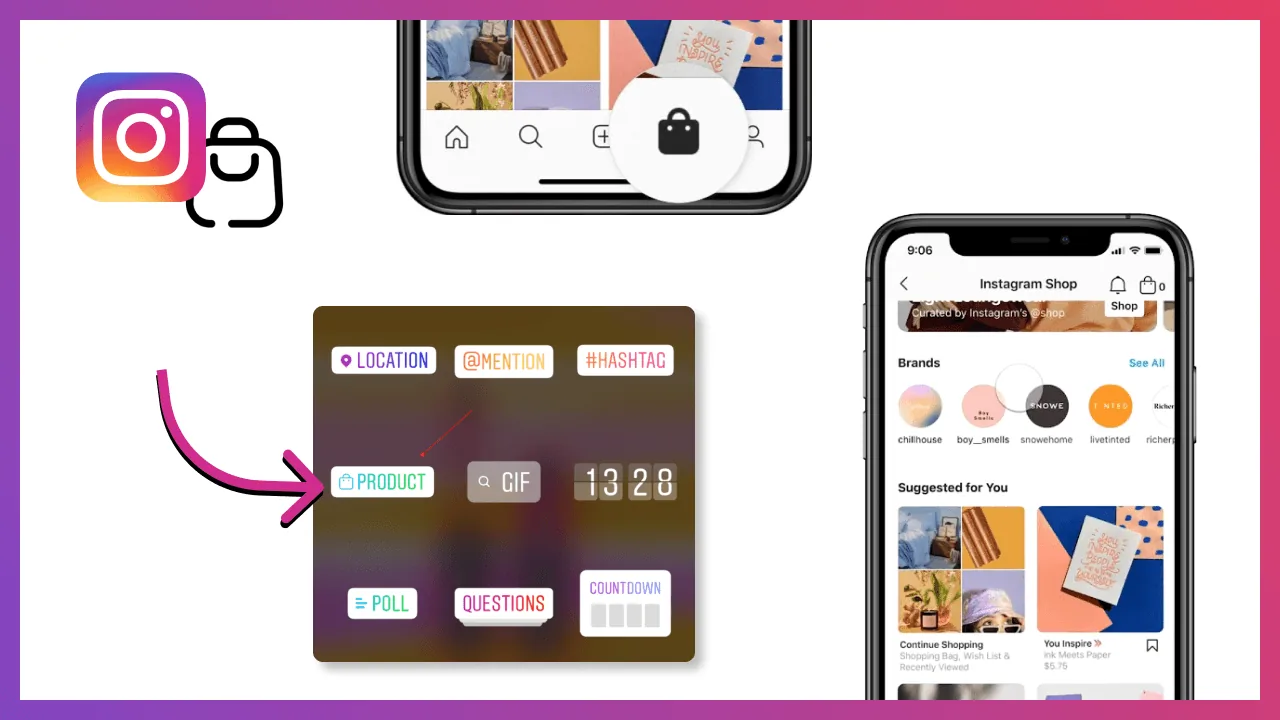
How to Tag Someone on Instagram Posts, Stories and Reels
Tag people on Instagram by typing @ plus their username on a post, Story, Reel, or comment, then selecting them from the dropdown.
 How-To
How Can I Get Blue Tick on Instagram?
There are two separate paths to a blue tick: free notability-based verification for genuinely public figures via Account Center, or the paid Meta Verified subscription in supported countries — and the two badges are not equivalent, since Meta Verified is a subscription perk, not a mark of fame, and can be lost if you stop paying or fail ID checks.
 How-To
How to Get the Blue Check on Instagram (Meta Verified 2026)
Get Instagram's blue checkmark through paid Meta Verified or free notability-based verification — costs, steps, and timing.
 How-To
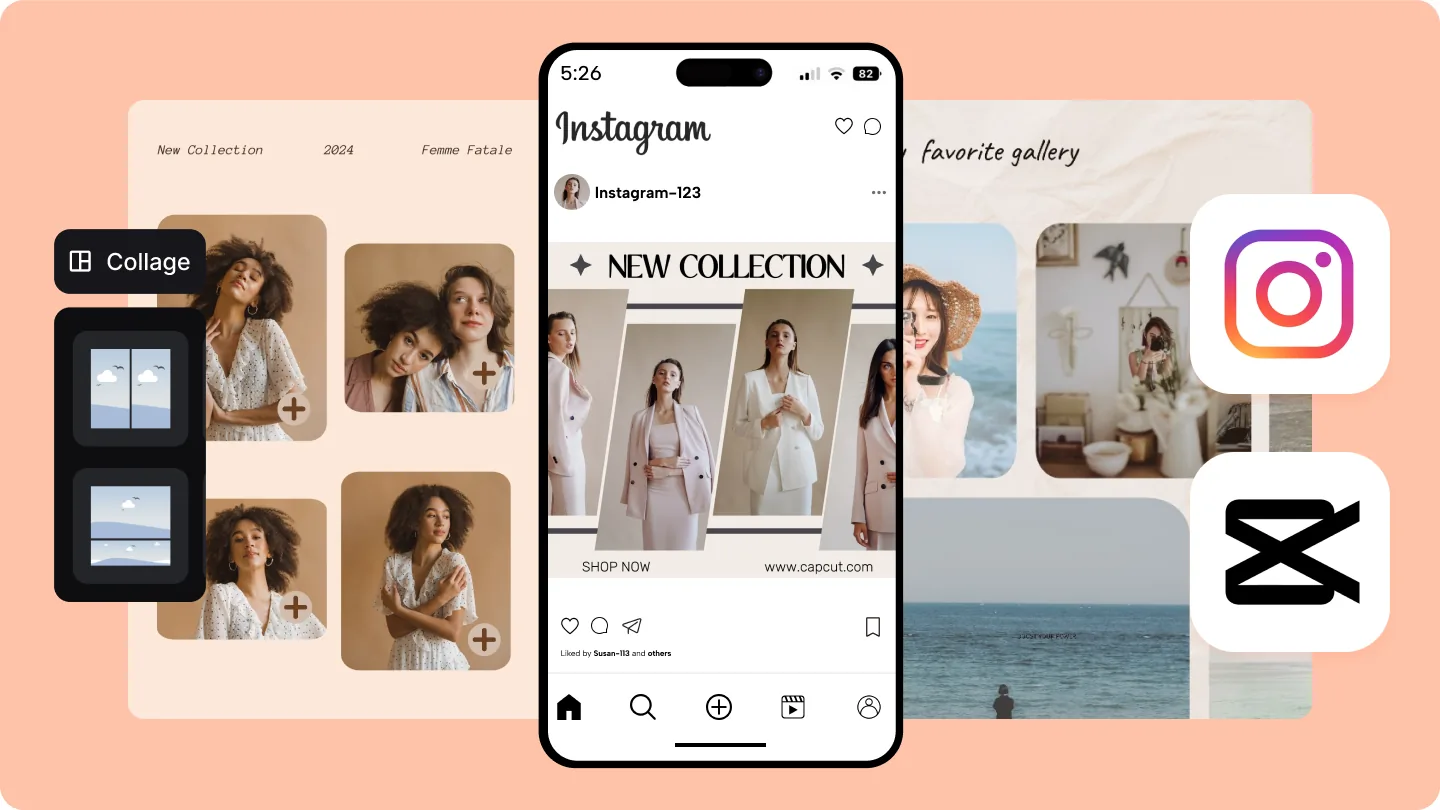
How to Make a Photo Collage on Instagram (Feed and Story)
Make an Instagram collage using the Layout app or Story stickers, combine up to nine photos, and post it to your feed, Story, or Reels.
 How-To
How to Use Instagram for Business: A Complete 2026 Guide
Set up an Instagram Business account and use Insights, Shopping tags, and ads to actually grow your business.
About How-To on IG Stories Pro
This category is the reference shelf for Instagram's day-to-day mechanics — the settings, features, and account actions that don't fit neatly into growth strategy or content planning but that people search for constantly because the app's interface doesn't always make them obvious. If you know exactly what you're trying to do and just need clear steps, this is usually the fastest place to find the answer.
How to Post on Instagram: Step-by-Step Guide (2026) covers something that sounds basic but trips up more people than expected, especially with Instagram's interface changes between feed posts, Reels, and Stories, and the different aspect ratios and formats each one expects. We keep this guide updated as the posting flow changes rather than leaving outdated screenshots up, since interface guides go stale faster than almost any other content type on the site.
For people newer to the platform entirely, How to Use Instagram: Complete Beginner Guide (2026) is the broader orientation — navigation, core features, privacy basics, and the vocabulary (Stories, Reels, Highlights, close friends) that every other guide on the site assumes you already understand. If a specific guide elsewhere references a term you don't recognize, this is a reasonable place to check first.
Account-type questions come up constantly, and How to Switch to a Personal Account on Instagram addresses one of the more common ones — when and why you'd move from a business or creator account back to personal, what you lose access to (insights, promotion tools, contact buttons), and what stays the same. Account type affects a surprising number of downstream features, so getting this decision right early saves a lot of back-and-forth switching later.
The guides in this category are intentionally narrow in scope — each one answers a specific question rather than trying to be a comprehensive Instagram manual. That's deliberate: when someone searches "how to switch to a personal account," they want that answer, not a general overview of account types with the specific answer buried three sections down. We'd rather have a lot of focused guides than a few sprawling ones that make people scroll to find what they need.
Instagram changes its interface often enough that "how-to" content has a shorter shelf life than strategy content — a menu gets renamed, a setting moves, a feature gets deprecated. We revisit these guides more frequently than the growth or monetization categories for exactly that reason, and if you find one that's out of date, that's useful signal for us to prioritize a refresh. Use this section as a lookup reference rather than reading through it linearly — search for the specific action you're trying to take, and you should land on the right guide quickly.