Can a Restricted Account Mention You on Instagram?
Yes. Restrict only filters comments and message requests from that person — it does not stop them from tagging or @mentioning you, and Instagram never tells them they've been restricted.
Short answer
Restricting someone on Instagram hides their comments and moves their DMs into a quiet message request, but it does not block @mentions or tags — a restricted account can still mention you, and you'll only see it if you go looking.
Quick answer
A restricted account can still @mention you or tag you in a post, comment, caption, or Story. Instagram's Restrict feature is built to quietly limit interaction, not to sever it completely — it hides their comments from other visitors and reroutes their DMs, but mentions and tags slip through the gap that Restrict doesn't cover.
Key takeaways
- Restrict does not block mentions or tags. Someone you've restricted can still write "@yourusername" in their own caption, a comment on someone else's post, or a Story.
- What Restrict actually changes: their comments on your posts become visible only to them (and to you, if you choose to approve them for everyone else), and their new DMs to you land in your hidden Message Requests folder instead of your main inbox — with no read receipts or "active now" status leaking to them.
- Restrict is silent by design. Instagram never sends a notification telling someone they've been restricted, which is the whole point — it lets you defuse harassment or an awkward ex without triggering a confrontation.
- If a restricted person tags you in a post, that tag still generates a normal tag notification and can still show up on your profile under "Photos of You" unless you've turned off tagging entirely or set tag approval to manual.
- To actually stop someone from mentioning or tagging you, you need a separate control: Settings > Privacy > Tags and Mentions, where you can limit who is allowed to tag or mention you to "Nobody" or "People You Follow."
What Restrict actually does
Instagram's Restrict feature, found under a profile's three-dot menu or directly from a comment (long-press or tap the ••• next to it), is designed as a lower-key alternative to blocking. It targets two specific channels:
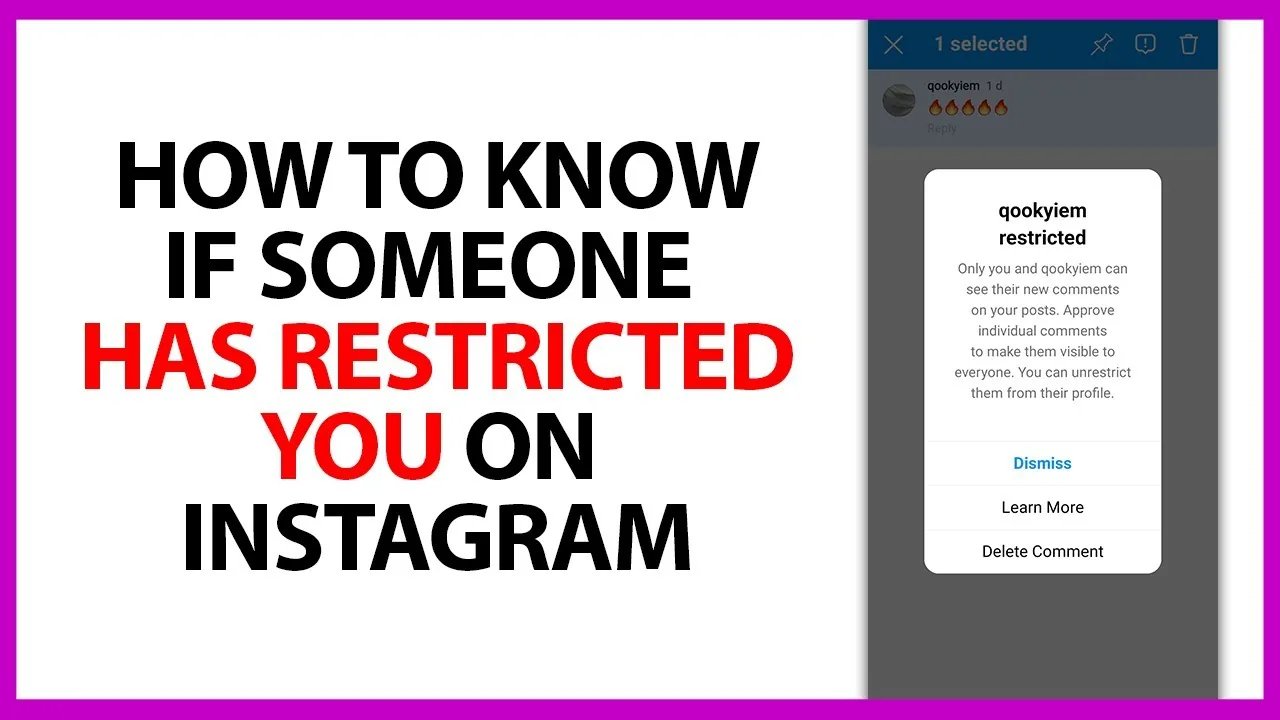
- Comments on your content. Once someone is restricted, any comment they leave on your posts or Reels is visible only to them by default. Everyone else scrolling your comment section simply won't see it. You can tap into the comment and choose "See comment" or approve it to make it public again, but nothing happens automatically.
- Direct messages. New messages from a restricted account no longer land in your main inbox — they go to Message Requests, and importantly, the sender gets no signal that anything changed. No "seen" receipt, no online status, no read timestamp. They can keep typing into the void without knowing you've quietly stepped back.
That's the entire scope of Restrict. It was built as a lightweight anti-harassment tool for exactly this scenario: someone you don't want to fully block (a classmate, a family member, a follower who's being rude but not dangerous) but whose comments and messages you want to defuse without them realizing it.
Why mentions and tags aren't covered
Mentions and tags are a different technical feature from comments and DMs — they're part of how content gets attributed and connected across the app, not part of your inbox or comment thread. Restrict was scoped narrowly to the two interaction points most associated with harassment (unwanted comments and unwanted DMs), so a restricted account keeps full ability to:
- Type your @username into their own post caption, Story, or comment on someone else's content
- Tag your profile photo-tag style onto a photo they post
- Reply-tag you inside a public comment thread elsewhere on the app
If they mention you in a Story, it can still generate a Story mention sticker that (if your settings allow it) lets you reshare it — the restriction doesn't intercept that pathway either.
How to actually stop unwanted mentions or tags
If the goal is to prevent someone from mentioning or tagging you at all, Restrict is the wrong tool. Use Instagram's dedicated tag and mention controls instead:
- Open Instagram and go to your profile.
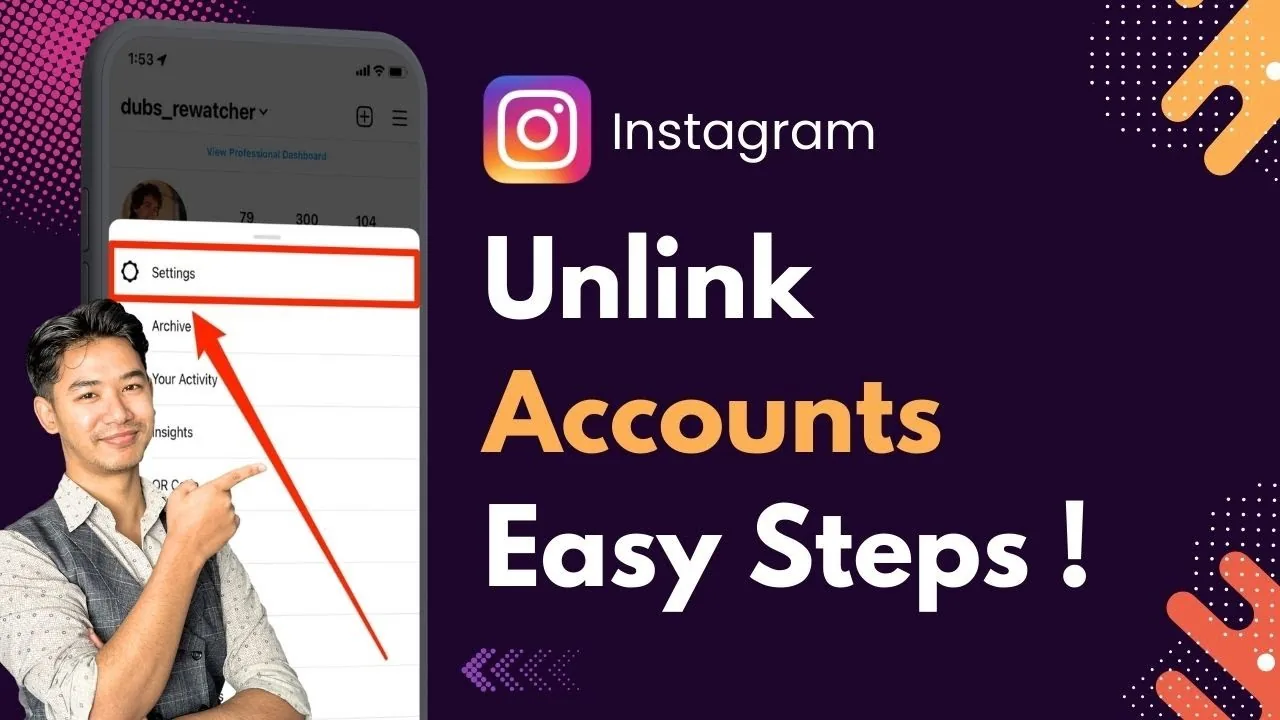
- Tap the menu icon and go to Settings and privacy.
- Tap Tags and mentions (sometimes listed under Interactions or inside the broader Privacy menu depending on your app version).
- Under "Allow tags from" and "Allow mentions from," choose People you follow or No one instead of Everyone.
With mentions restricted to "No one," a person you've also restricted (or blocked, or anyone else) simply can't tag your username into a caption in a way that links to your profile — the tag won't resolve. This is the actual mechanism that closes the gap Restrict leaves open.
Restrict vs. Block vs. Mute
It helps to separate the three because people often use them interchangeably:
- Restrict: hides their comments from others, moves their DMs to requests, no notification sent to them. Mentions and tags still work.
- Mute: you stop seeing their posts/Stories in your feed, but they can still see your content, comment, DM, mention, and tag you normally. Purely one-directional on your end.
- Block: the most complete separation — they can't view your profile, follow you, comment, DM you, mention you meaningfully, or find your content through search while blocked.
If mentions specifically are the problem, Block (or the Tags and Mentions setting above) is the actual fix — Restrict was never meant to cover that case.
Common mistakes to avoid
- Assuming Restrict is a full block-lite that covers every interaction — it only covers comments and DMs.
- Restricting someone to stop being tagged, then being surprised when a tag notification still arrives.
- Forgetting that "Photos of You" on your profile can still populate from a restricted account's tags unless you've set tag approval to manual review under Tags and Mentions.
- Not checking both the app and instagram.com, since some privacy toggles are easier to find on one than the other depending on your Instagram version.
Frequently asked questions
Frequently asked questions
Yes. Restrict only affects that person's comments on your posts and their direct messages to you — it doesn't stop them from typing your @username into a caption, comment, or Story elsewhere on the app.
Sources
Keep reading
More guides to grow your account.