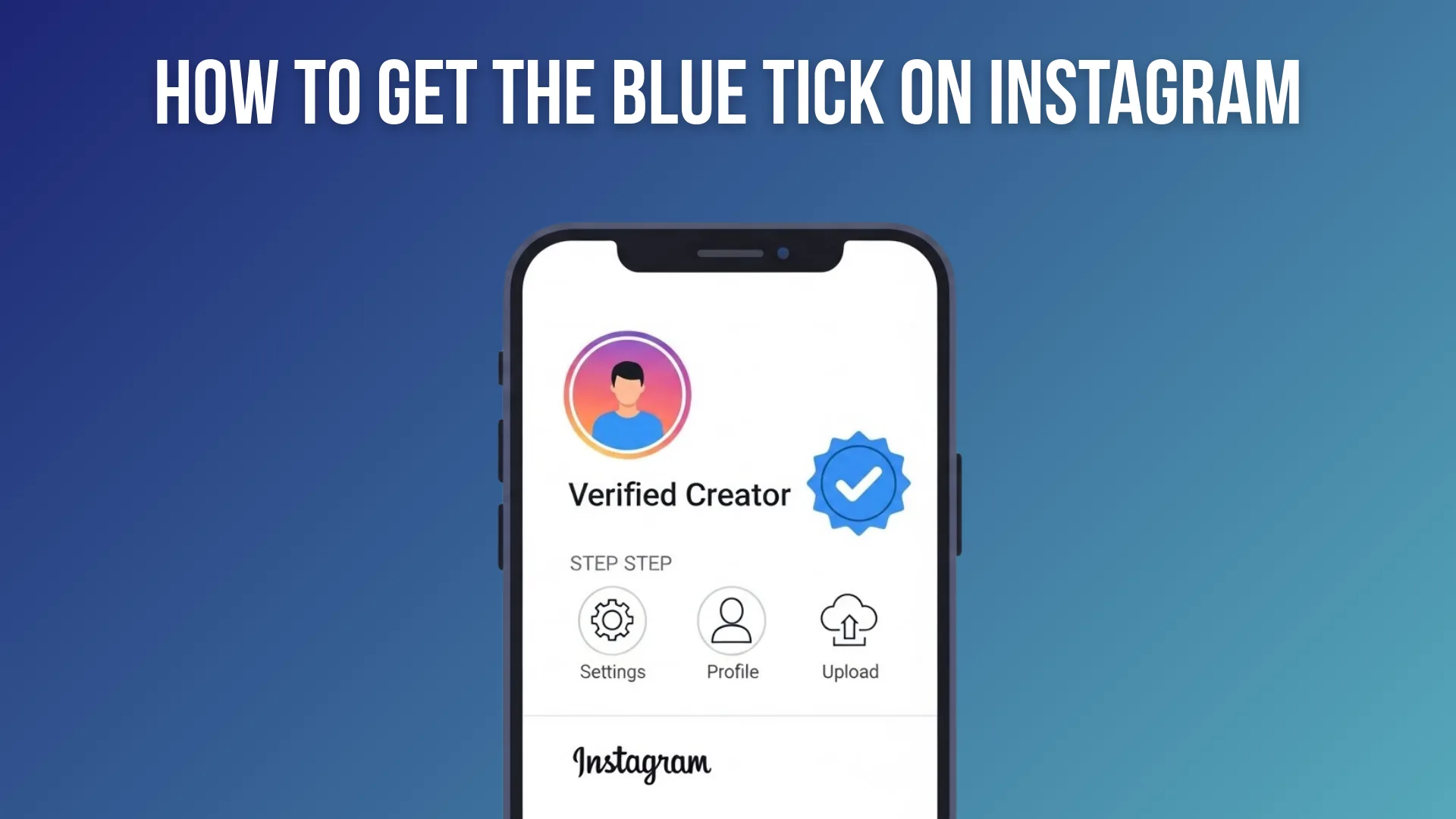
How to Get the Blue Check on Instagram (Meta Verified 2026)
Get Instagram's blue checkmark through paid Meta Verified or free notability-based verification — costs, steps, and timing.
Short answer
Most people get the Instagram blue check through Meta Verified, a paid subscription around 11.99 to 14.99 dollars a month that requires a matching government ID and approves in 24 to 72 hours. Free verification exists but is reserved for genuinely notable public figures and brands.
Key takeaways
- There are two paths to the blue check: a paid Meta Verified subscription, or free verification for notable public figures and brands.
- Meta Verified costs roughly 14.99 dollars a month on mobile or 11.99 dollars a month if purchased on the web, with separate business pricing.
- Meta Verified requires proof of identity matching your account name exactly, and rejections are usually caused by an ID mismatch.
- Free traditional verification is reserved for well-known, highly searched people, brands, or entities, and is genuinely hard to qualify for.
- Approval for Meta Verified typically takes 24 to 72 hours once your application and ID are submitted.
What are the two ways to get verified on Instagram?
You can either subscribe to Meta Verified, a paid monthly plan, or apply for free traditional verification if Instagram considers your account genuinely notable. Meta Verified is by far the more accessible route for most creators and small businesses, while free verification is reserved for public figures, celebrities, and well-established brands that meet strict notability criteria.
How much does Meta Verified cost?
Meta Verified runs about 14.99 dollars a month if purchased through the mobile app, or 11.99 dollars a month if purchased through the Instagram or Facebook website, with business plans ranging from roughly 14.99 to 44.99 dollars a month depending on account count. Buying it via web is consistently cheaper than in-app, since Apple and Google take a cut of in-app purchases that Meta passes on to the subscriber.
How do you apply for Meta Verified?
Open the Instagram app, tap your profile picture, then tap the menu icon in the top right and select Meta Verified. Follow the prompts to submit a government ID that matches your account name exactly, since a mismatch is the most common reason applications get rejected. Once approved, usually within 24 to 72 hours, the badge appears next to your name, similar in visibility to steps covered in how to get verified on Instagram.
What do you get besides the badge with Meta Verified?
Meta Verified subscribers get proactive account monitoring for impersonation, priority access to customer support, and increased visibility in some areas like comments and search, on top of the checkmark itself. It's worth weighing whether these extras matter for your account before subscribing, since the badge itself doesn't directly boost algorithmic reach the way many assume.
Who qualifies for free traditional verification instead of paying?
Instagram reserves free verification for accounts representing a well-known, highly searched-for person, brand, or entity, and the bar is intentionally high. If you're a smaller creator or local business, you'll almost certainly need Meta Verified rather than waiting on free approval, and pairing an active, engaged account with a resource like how to use Instagram for business improves your odds if you ever do apply for free status later.
| Path | Cost | Who it's for | Approval time |
|---|---|---|---|
| Meta Verified (mobile) | About 14.99 dollars per month | Individual creators | 24-72 hours |
| Meta Verified (web) | About 11.99 dollars per month | Individual creators | 24-72 hours |
| Meta Verified (business) | 14.99-44.99 dollars per month | Businesses | 24-72 hours |
| Free traditional verification | Free | Notable public figures and brands only | Varies, often weeks |
What should you do if your Meta Verified application gets rejected?
Double-check that your account display name exactly matches the name on your government ID, since ID mismatches are the leading cause of rejection, then resubmit. If you keep getting denied despite a matching name, contacting support through channels outlined in how to contact Instagram support is the next step before trying again.
Getting the blue check on Instagram in 2026 comes down to choosing between paying for Meta Verified, which most people qualify for with a matching ID, or waiting on free verification, which is realistically only available to genuinely famous accounts.
Frequently asked questions
You can subscribe to Meta Verified for a monthly fee, or apply for free traditional verification as covered in [how to get verified on Instagram](/profile/how-to-get-verified-on-instagram), which is a much higher bar to clear.
Sources
Keep reading
More guides to grow your account.