Instagram Reels guides
Hooks, editing, and the algorithm behind viral Reels.
 Reels
ReelsHow Do I Post Videos from Youtube to Instagram?
Since Instagram doesn't accept a YouTube link as a video source, you first need to download your own YouTube video as an MP4 file, then upload that file to Instagram as a feed post, Reel, or Story — just be mindful of aspect ratio, since YouTube's widescreen format usually needs cropping or reformatting for Instagram.
 Reels
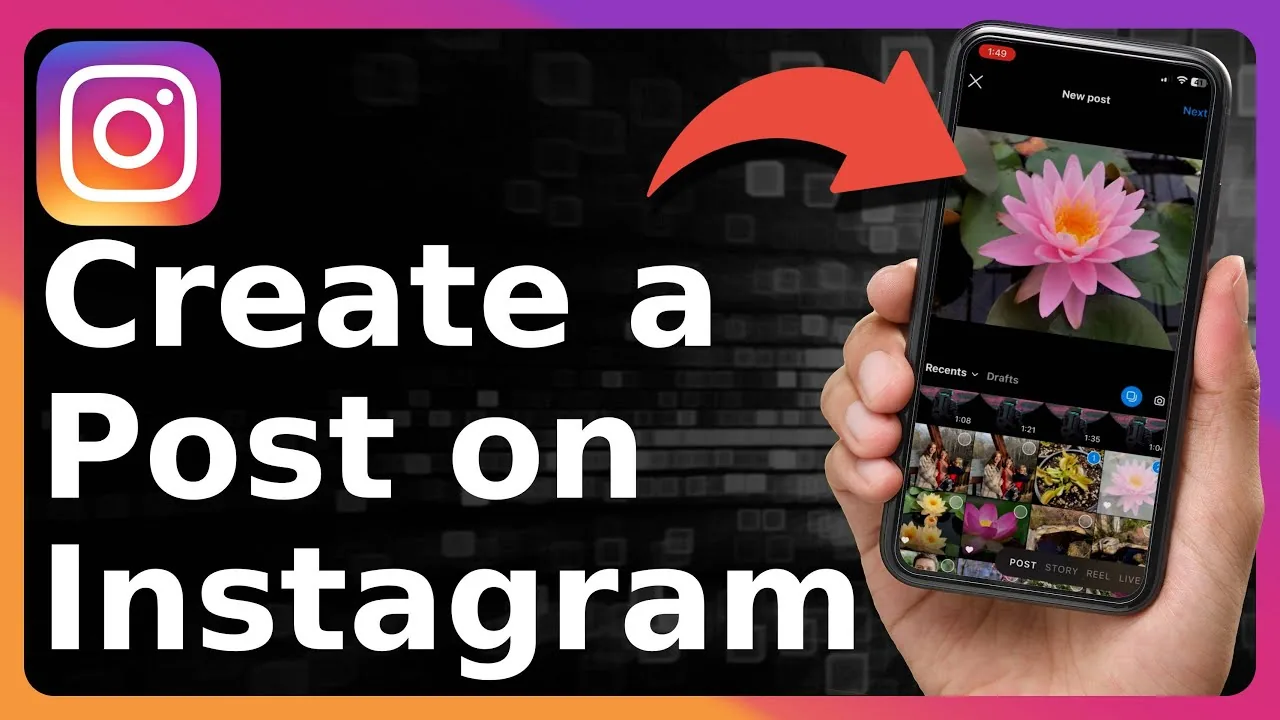
ReelsHow Do I Post a Video on Instagram from Youtube?
For your own long-form YouTube videos, the smartest approach isn't posting the whole thing — trim out a single strong 15-60 second moment (a hook, a punchline, a key insight), reformat it vertically, and post that clip as a Reel with a caption pointing viewers to the full video on YouTube.
 Reels
ReelsIs Instagram Down Right Now? How to Check the Status
Wondering if Instagram is down right now? Here's how to check outage status, tell a global outage from a local glitch, and what to do while you wait.
 Reels
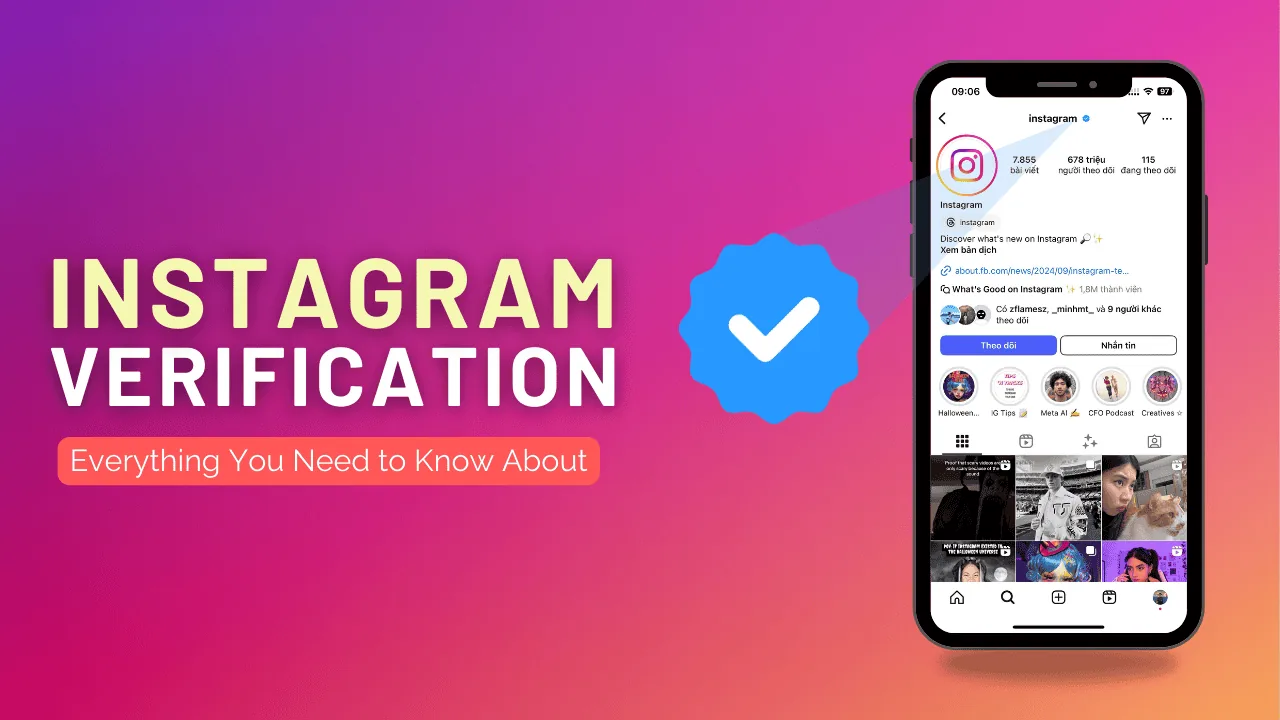
ReelsHow Can I Get Instagram Verification?
Free blue-check verification requires proving your account is authentic, unique, complete, and notable (genuinely covered by multiple independent news sources) via a government ID submitted through Account Center — it's a separate process from the paid Meta Verified subscription.
 Reels
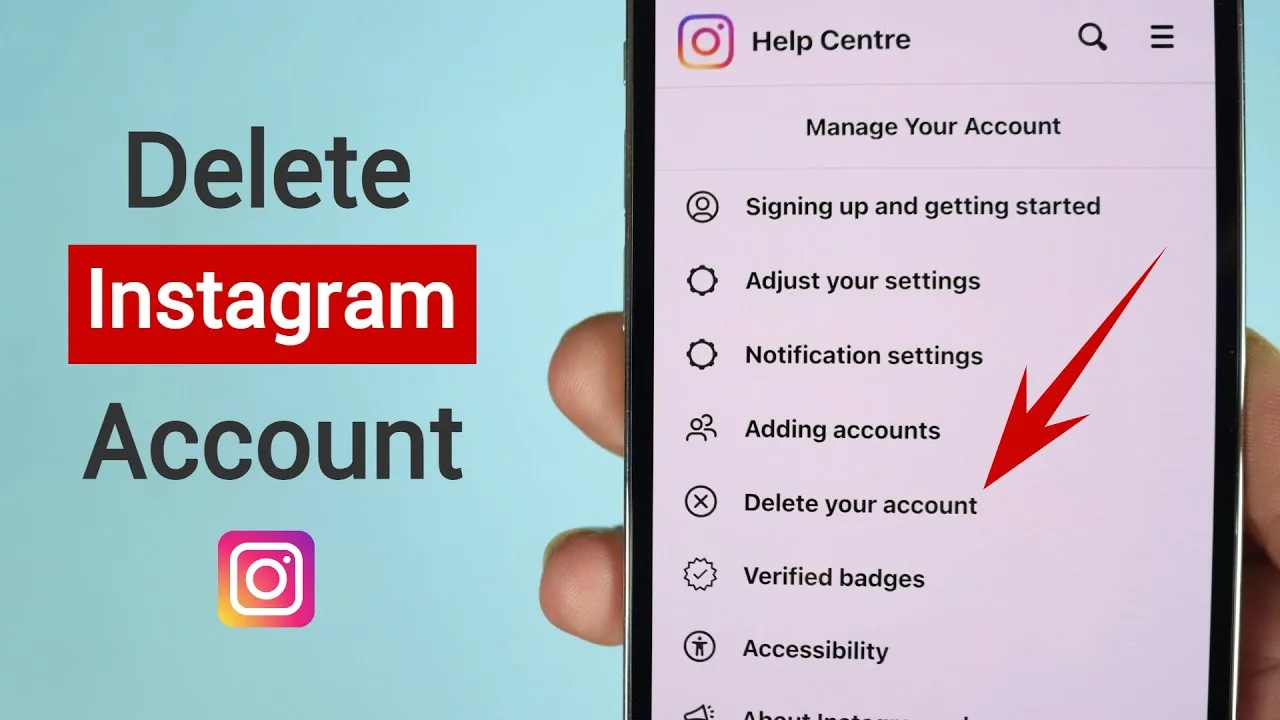
ReelsHow Do I Delete My Instagram Account Permanently?
Delete your Instagram account via Accounts Center on web or mobile. You get a 30-day grace period before deletion becomes permanent.
 Reels
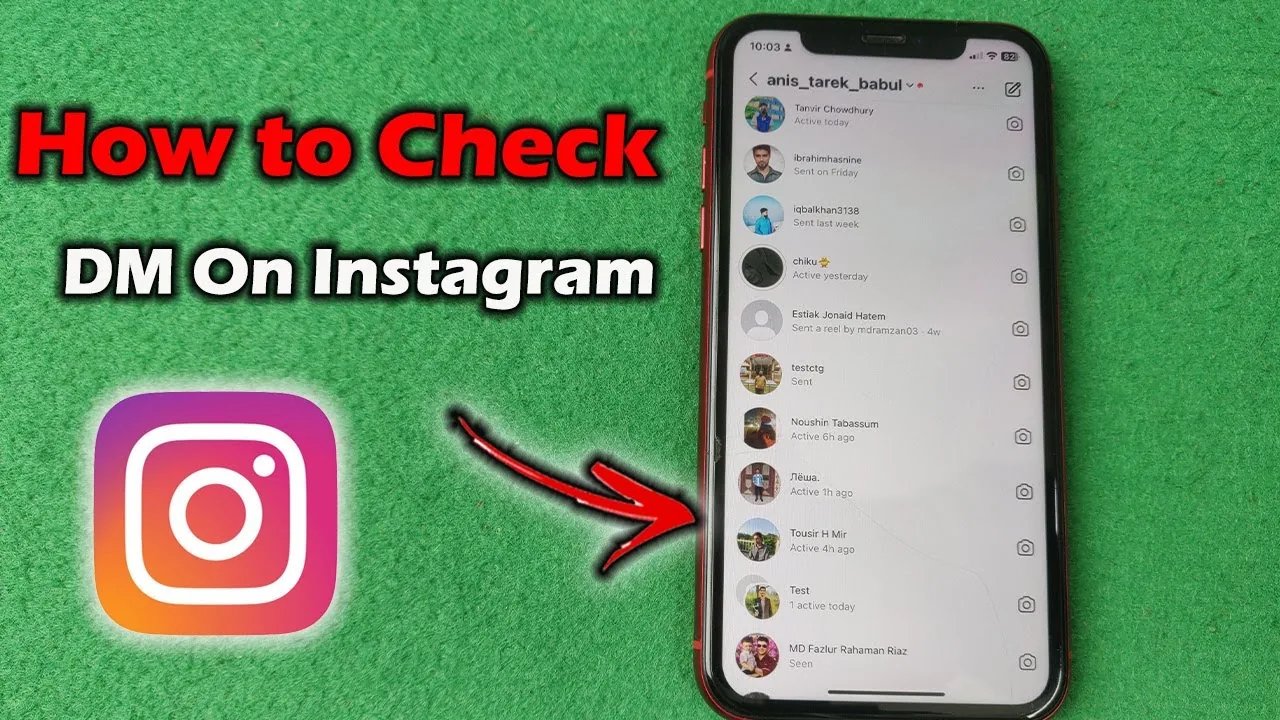
ReelsHow to Check DMs on Instagram, Including Requests
Where to find Instagram DMs, why message requests hide with no notification, and how the Primary, General, and Requests tabs actually work.
 Reels
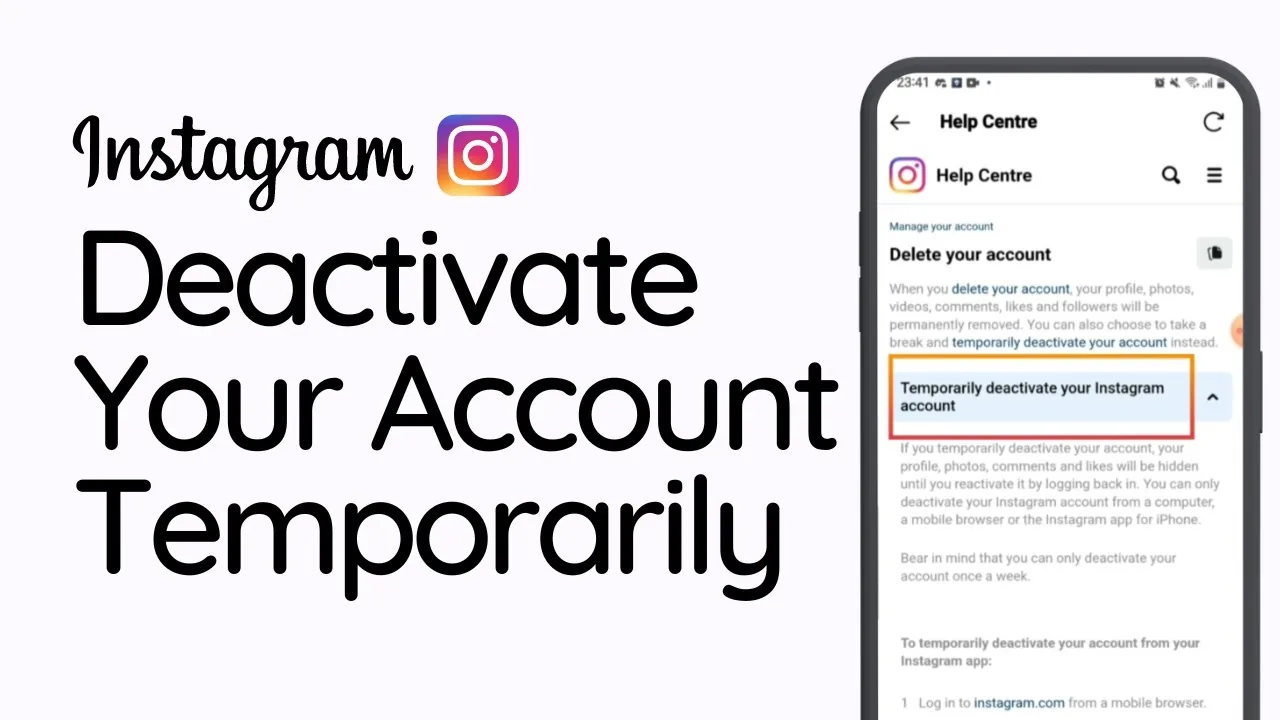
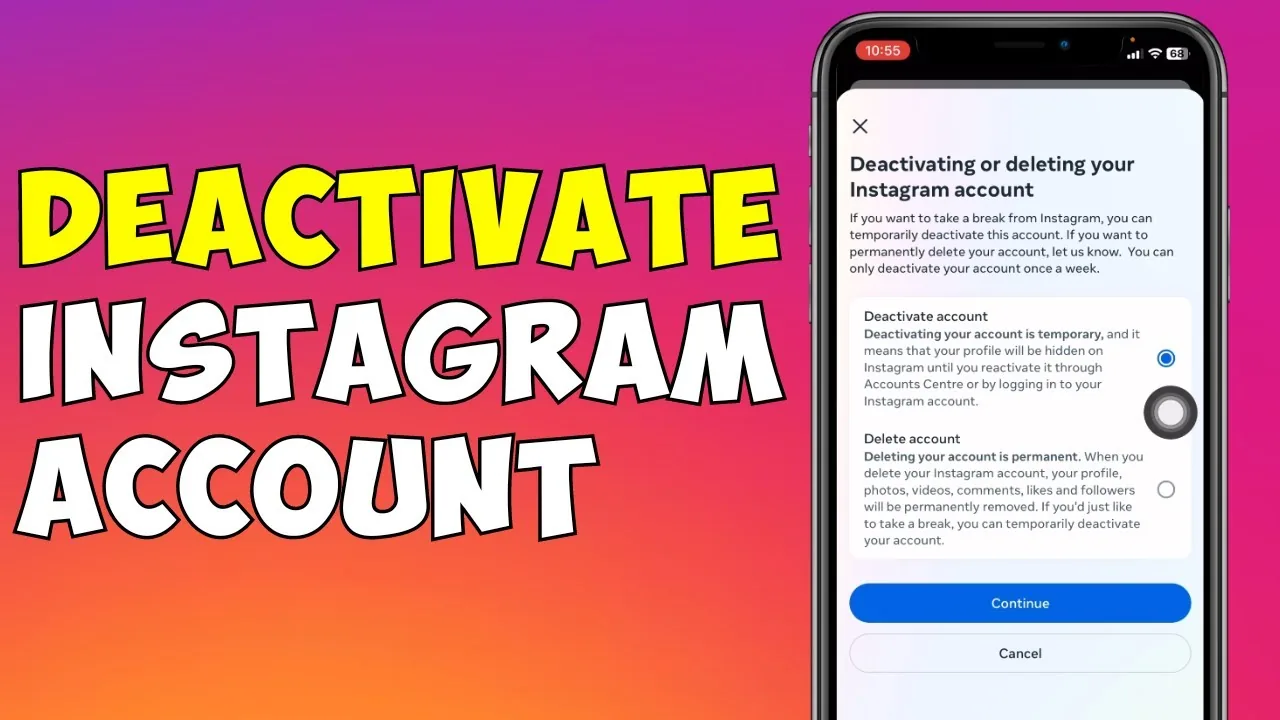
ReelsHow to Temporarily Disable Your Instagram Account (2026)
Deactivate Instagram through a browser to hide your profile instantly and reversibly, without losing any posts, followers, or messages.
 Reels
ReelsHow Can I Save an Instagram Video?
Tapping the bookmark/ribbon icon on any Reel or video post saves it privately to your Instagram Saved collections for later viewing — but it doesn't download the file to your device. Actually downloading a video file requires it to be your own upload, screen recording, or a third-party tool that carries real privacy and Terms of Use risk.
 Reels
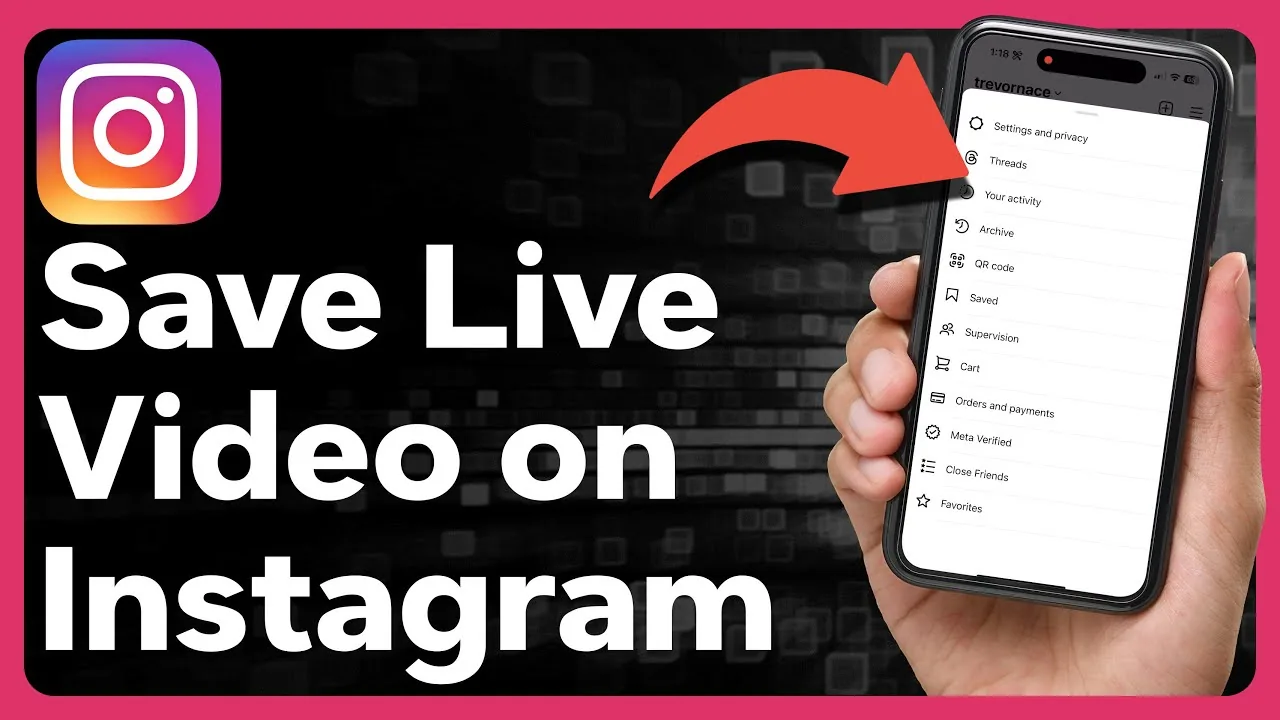
ReelsHow to Temporarily Deactivate Instagram on Phone
Step-by-step guide to temporarily deactivating your Instagram account from the mobile app, plus what happens to your profile while it's off.
 Reels
ReelsHow to Save Instagram Videos to Your Camera Roll
The exact steps to save your own Reels, Stories, and Live videos to your phone — plus what to do about other people's content.
 Reels
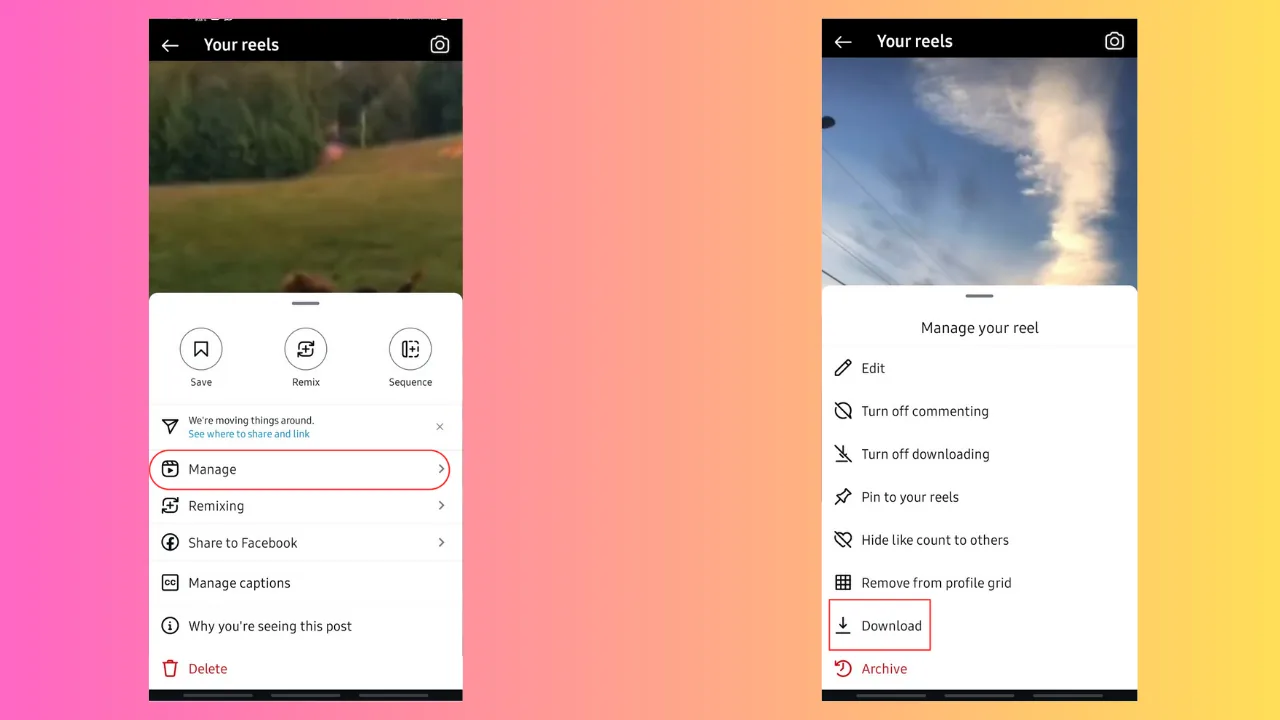
ReelsHow Can I Download Instagram Videos?
You can save your own Reels and video posts straight to your device using Instagram's built-in Save Video option, but Instagram gives you no official way to download someone else's video — the in-app "Save" button only bookmarks it inside the app.
 Reels
ReelsHow Can I Upload Video on Instagram from My Camera Roll?
Tap the + button, select Post or Reel, then switch to the Gallery tab to pull a video from your camera roll instead of recording it live — you can trim it, set a custom cover image, and save it as a draft before deciding to publish.
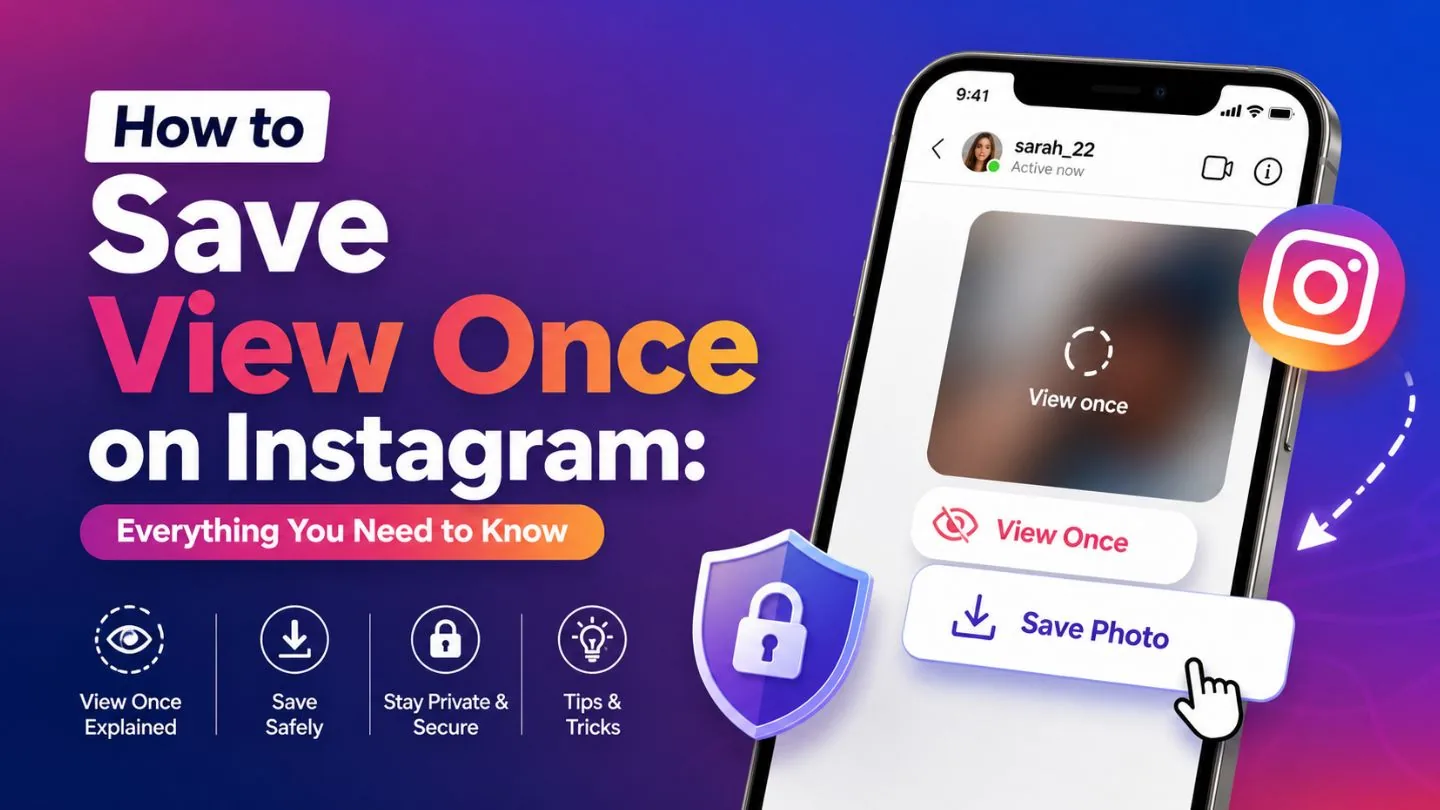 Reels
ReelsHow Can You Save Videos on Instagram?
Bookmark any video or Reel to file it into your Saved tab, and use the dedicated Favorites Collection to build a quick-access list of your top clips - all without ever downloading anything to your device.
 Reels
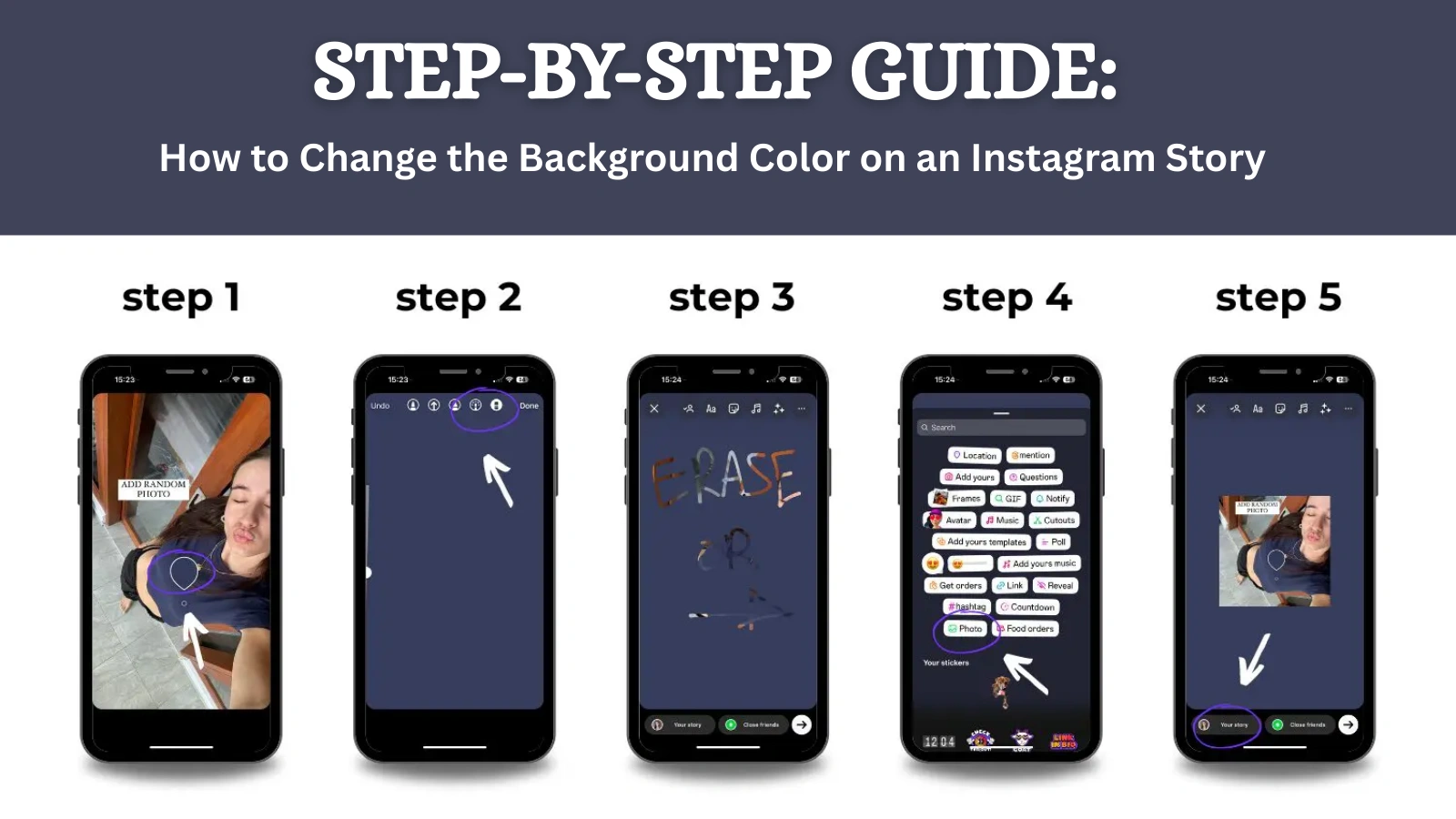
ReelsHow to Change Your Instagram Story Background Color
Two real ways to set a solid background color on an Instagram Story: the Create mode picker for text-only stories, and the Draw-tool press-and-hold fill trick.
 Reels
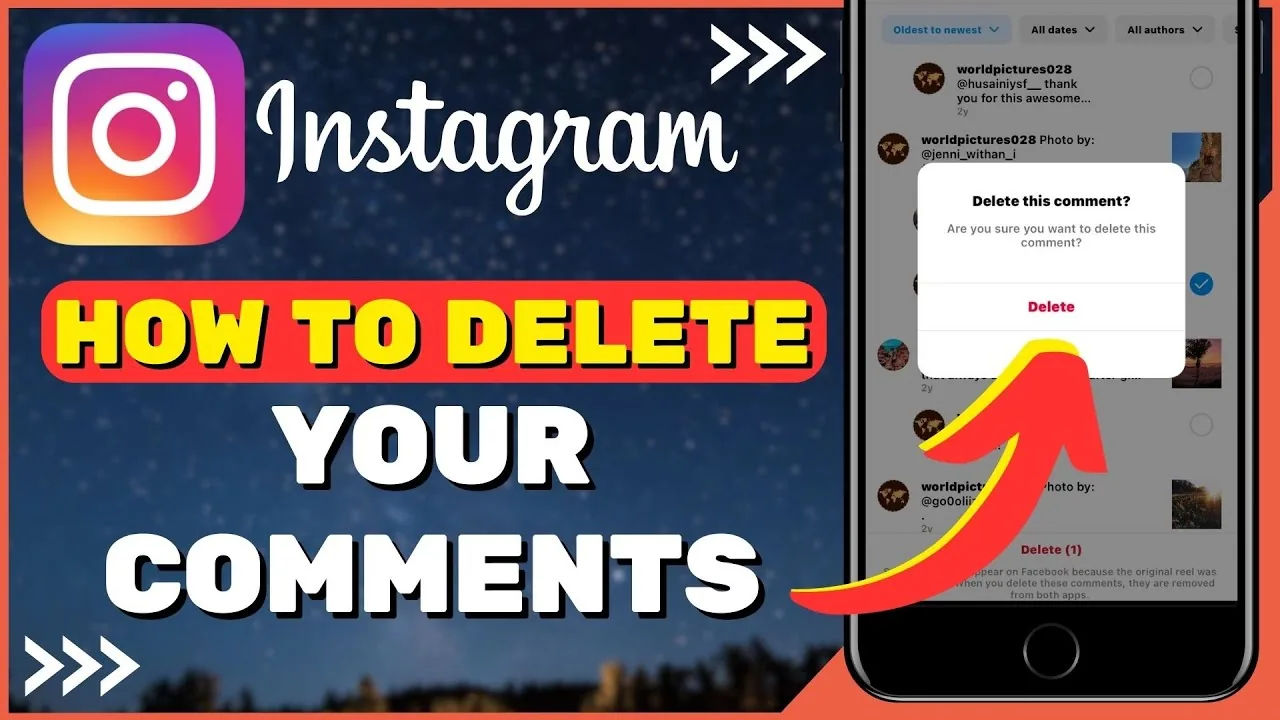
ReelsHow to Delete a Comment on Instagram (Yours or Others)
Delete your own Instagram comment by tapping and holding it, or remove any comment on your own post from the three-dot menu.
 Reels
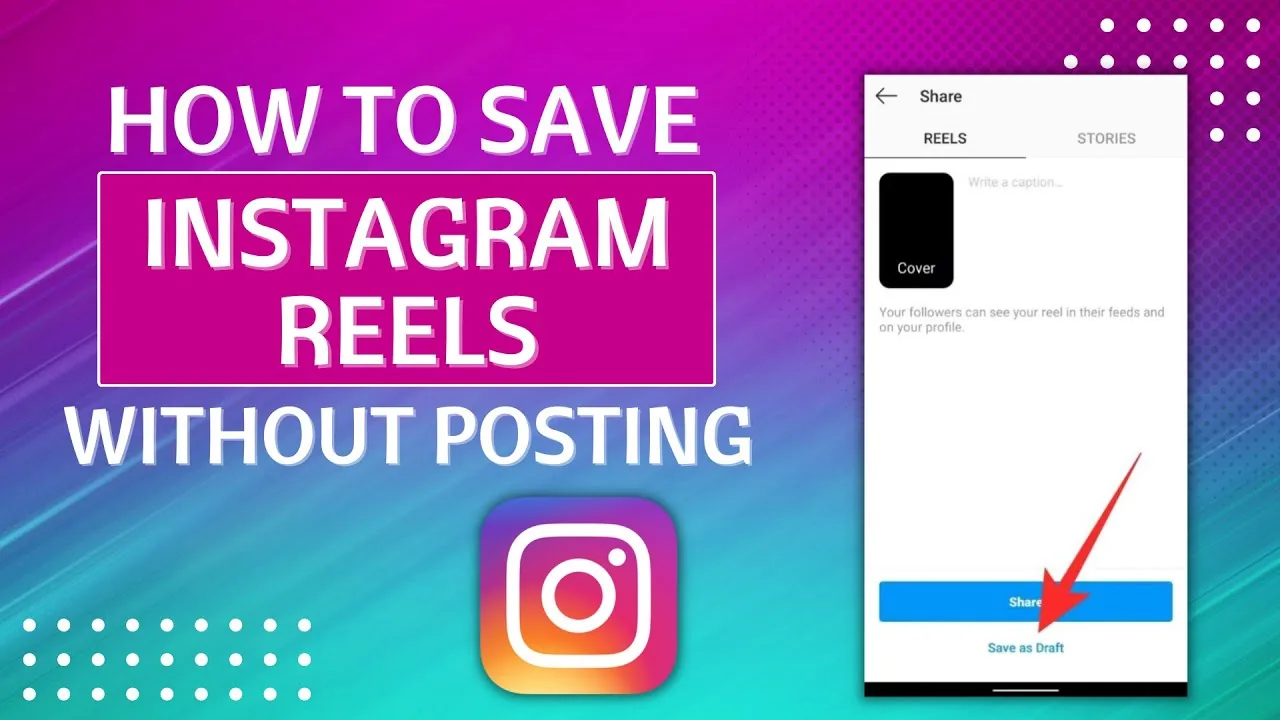
ReelsHow to Save Instagram Reels to Your Phone or App
Save Reels inside Instagram's Saved collections, or download your own Reel to your camera roll before or after posting — here's exactly how.
 Reels
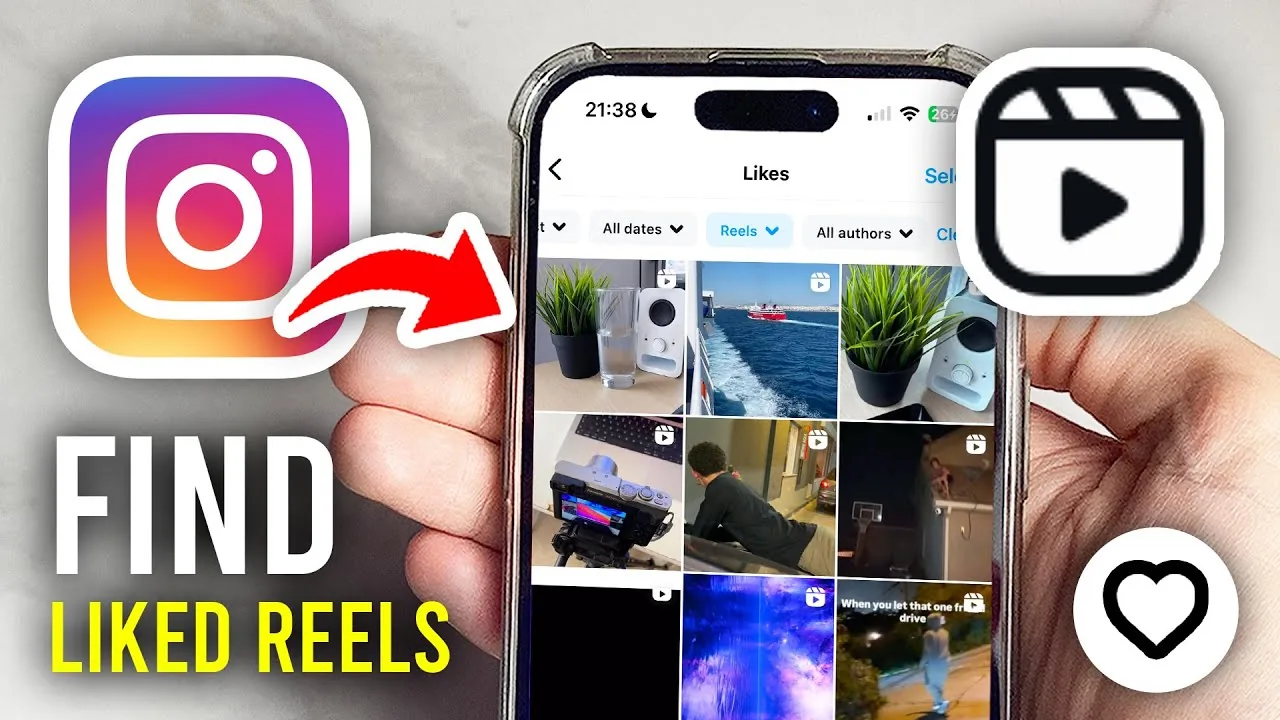
ReelsHow to See Your Liked Reels on Instagram (2026)
Find every Reel you've liked on Instagram using Your Activity, filter by content type, and see why the list isn't visible to anyone else.
 Reels
ReelsWhat Does Archived Mean on Instagram?
Archiving a post or Story removes it from your public profile and Story tray without deleting it — only you can see archived content, stored in a private Archive section, and you can unarchive it back to your grid or Highlights at any time.
 Reels
ReelsDid Nicki Minaj Delete Her Instagram?
Nicki Minaj has publicly deactivated or stepped away from her Instagram more than once over the years, often around album drama or online feuds, though these moves have generally been temporary rather than a permanent deletion.
 Reels
ReelsHow Do I Contact Instagram?
Instagram has no public phone number or direct support email — the real contact channels are the in-app "Report a Problem" tool, the Help Center's topic-specific forms, and the Meta Business Help Center for advertisers and verified/business accounts.
 Reels
ReelsHow Do I Upload Pictures on Instagram?
You can now upload pictures directly from a desktop browser at instagram.com, not just the mobile app — click the create (+) icon in the top navigation bar, select your photo file, edit and caption it the same way you would on mobile, and share.
 Reels
ReelsHow Do You Add Videos to Instagram?
Instagram gives you three distinct places to add a video — feed post, Reel, or Story — each with different length limits and algorithm treatment, so choosing the right one for your specific clip matters more than the upload steps themselves, which are nearly identical across all three.
 Reels
ReelsHow Do You Get Your Instagram Back? Every Scenario (2026)
Locked out, hacked, disabled, or just deactivated? Here's the exact Instagram recovery path for each scenario, including video selfie verification.
 Reels
ReelsHow Long Can Instagram Reels Be in 2026?
Instagram Reels can run up to 20 minutes for some accounts, but the practical limit depends on how you create and upload the clip.
About Reels on IG Stories Pro
Reels are the format Instagram's algorithm favors most heavily for reach right now, and that makes this the highest-leverage category on the site if you're trying to grow. But "post more Reels" isn't useful advice on its own — what actually moves the needle is the first three seconds, and we treat that as its own discipline. Viral Reels Hook Formula: Nail the First 3 Seconds is the anchor guide here because hook quality determines watch time more than any other single factor, and watch time is what the algorithm weighs most heavily when deciding whether to keep showing your Reel to new people.
If you've never made a Reel before, How to Make an Instagram Reel Step by Step walks through the actual mechanics — recording, trimming, adding audio, and publishing — without assuming you already know the interface. We wrote it for people coming from TikTok or YouTube Shorts who understand short-form video conceptually but haven't used Instagram's specific tools, as well as for people who are genuinely new to short-form content entirely.
A theme that runs through this whole category: production quality matters less than most people think, and structure matters more. A well-lit, well-edited Reel with a weak hook and no retention plan will underperform a rougher video that gives viewers a reason to keep watching in the first second and a reason to rewatch at the end. We link back to how the algorithm actually ranks content throughout this section because Reels performance is really just algorithm behavior applied to one specific format — the same signals (completion rate, rewatches, shares) that drive growth everywhere else on the platform apply here, just with more weight.
Editing choices — pacing, caption timing, trending audio — all matter, but they're downstream of the two decisions that actually determine whether a Reel gets distribution: the hook, and whether the content delivers on what the hook promised. A misleading hook gets you an initial view but tanks completion rate on the back half, which the algorithm reads as a signal to stop showing it. We're direct about this trade-off in the individual guides rather than treating hooks as a pure clickbait tactic.
Captions and on-screen text also do more work than people assume, especially since a large share of Reels get watched with sound off. If you're writing captions that only work as narration, you're losing a meaningful chunk of your audience before the hook even lands. Our content strategy section covers caption writing in more depth, but the short version for Reels specifically: front-load the payoff in on-screen text, don't rely on audio alone to carry the point.
Use this category as a working reference rather than a one-time read. Hook formulas and editing patterns shift as the algorithm updates and as audience attention spans change, and we revise these guides when that happens rather than leaving stale advice up. If a specific tactic here stops working, that's worth knowing — and worth telling us about.