How Do You Upload on Instagram? Phone & Desktop (2026)
How do you upload on Instagram in 2026? Tap the + icon on your phone or click + on instagram.com, pick a photo or video, edit, add a caption, and Share.

Short answer
To upload on Instagram, tap the + icon in the app (or click + on instagram.com), select a photo or video, edit and crop it, write a caption, then tap Share. As of 2026 you can upload single photos, carousels of up to 20 items, and videos up to 60 minutes, from both phone and desktop.
Key takeaways
- Upload in 5 steps: tap the + icon, pick a photo or video, edit and crop, add a caption, then tap Share. The same flow works on the app and on instagram.com.
- As of 2026 you can upload a single image, a carousel of up to 20 photos or videos, a Reel, or a Story from one + menu.
- Instagram accepts JPG/PNG images up to 30 MB and MP4/MOV video up to about 3.6 GB, with clips from 3 seconds to 60 minutes (roughly 15 minutes on mobile, up to 60 minutes on desktop).
- Upload at 1080 x 1350 px (4:5 portrait) for the most feed space; since early 2025 your profile grid crops every thumbnail to 3:4.
- Desktop uploads work natively at instagram.com, so you no longer need a phone or a third-party app to post.
How do you upload on Instagram?
To upload on Instagram, open the app and tap the + icon, choose Post, select one or more photos or videos from your camera roll, edit them, write a caption, and tap Share. The entire process takes under a minute once your media is ready. This is the same core flow whether you are posting a single photo, a carousel, or a Reel, which is why it is worth learning once and reusing every time. For the deepest walkthrough with every screen, see our fuller step-by-step guide to posting on Instagram.
How do you upload a photo or video from your phone?
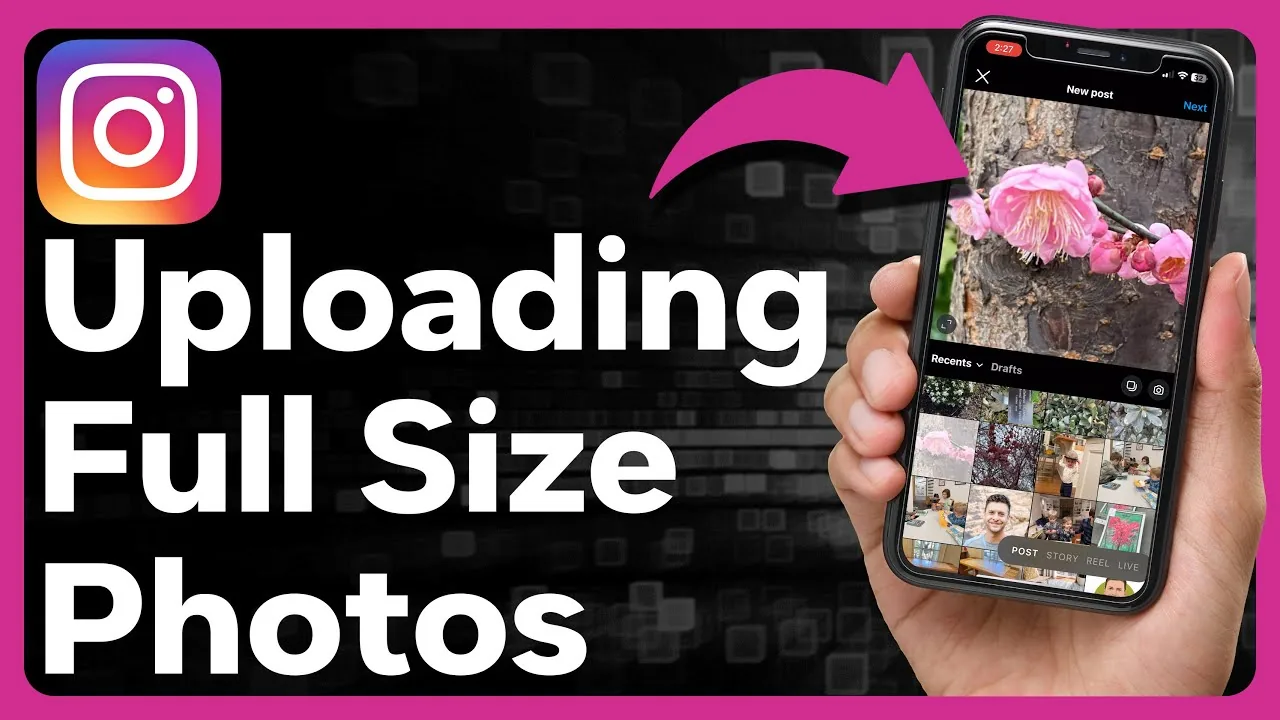
On your phone, tap the + icon at the top of the app, then pick your format before selecting media. Here is the full sequence:
- Tap the + icon (top-right on most versions) and choose Post, Reel, or Story.
- Select a photo or video from your gallery, or tap the camera to shoot new media.
- Use the built-in editor to crop, adjust brightness, apply filters, trim clips, or add music and text.
- Tap Next, write a caption, add a location, and tag people or products.
- Tap Share to publish.
Instagram lets you combine up to 20 photos and videos in one carousel, which is ideal for tutorials and before/after sequences. If you want your clip to reach beyond your followers, upload it as a Reel and open with a strong hook, using our viral Reels hook formula to hold attention in the first three seconds.
How do you upload on Instagram from a desktop or PC?
You can upload on Instagram from a desktop in 2026 by going to instagram.com, logging in, and clicking the + icon in the top navigation. A pop-up asks you to drag in or select photos and videos from your computer, then walks you through cropping, filters, captions, and a final Share button. Desktop uploads support carousels and longer videos, making the browser a genuinely full posting tool rather than a stripped-down version. If you manage several accounts or want to schedule ahead, Meta Business Suite offers the same native upload plus a calendar, which pairs well with a batch-and-schedule content workflow.
What can you upload on Instagram, and what are the limits?
Instagram accepts photos and videos across four formats, each with its own size rules. The table below shows the current 2026 specs.
| Format | Best size (pixels) | File limit | Length |
|---|---|---|---|
| Single photo | 1080 x 1350 (4:5) | 30 MB, JPG/PNG | n/a |
| Carousel | 1080 x 1350 (4:5), up to 20 items | 30 MB per image | up to 15 min per clip |
| Reel / Story | 1080 x 1920 (9:16) | ~3.6 GB, MP4/MOV | 3 sec to 3 min |
| Feed video | 1080 x 1350 (4:5) | ~3.6 GB, MP4/MOV | up to 60 min |
For the sharpest results, export at 1440 px on the long edge rather than the older 1080 px standard; Instagram now retains more detail on higher-resolution uploads. Since early 2025 your profile grid crops thumbnails to 3:4, so keep faces and text away from the top and bottom edges. To go beyond pre-recorded uploads entirely, you can also broadcast a live video straight from the same + menu.
Why won't my Instagram upload work?
Most failed uploads come from a weak connection, an outdated app, or a file that exceeds the limits. First, check your internet and switch between Wi-Fi and mobile data. Then update the Instagram app, since older versions often reject newer formats. If a specific video fails, confirm it is MP4 or MOV and under the size cap, and re-export it if needed. A blocked or corrupted post can also stem from copyrighted audio, which Instagram may mute or reject during upload. When the app itself feels stuck, force-close and reopen it, or check whether the algorithm has flagged your posting behavior as spam-like from too many rapid uploads.
How do you make uploads perform better?
Great uploads combine the right size, a scroll-stopping first frame, and a caption that earns saves and shares. Post at 4:5 to claim the most feed real estate, and lead carousels with your strongest slide. Timing matters too: aligning uploads with your audience's active hours, using our best time to upload on Instagram data and the optimal posting-time breakdown, can lift early engagement that the algorithm rewards. Write captions that ask a question or promise value, drawing on ready-made Instagram caption ideas. Finally, a clear, keyword-rich profile helps new viewers convert into followers, so pair every upload with an optimized Instagram bio. Consistency beats volume, and a simple weekly growth plan for beginners keeps your uploads steady without burning out.
Tip: To re-use someone else's content, learn the proper way to repost a photo or Reel with credit rather than re-downloading and re-uploading it.
Can you upload a video you saved from Instagram?
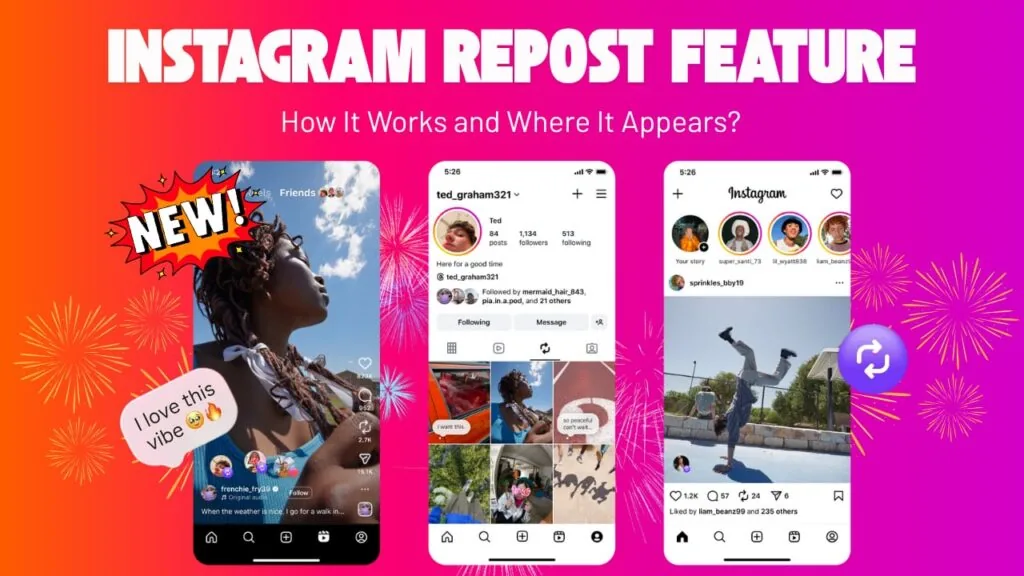
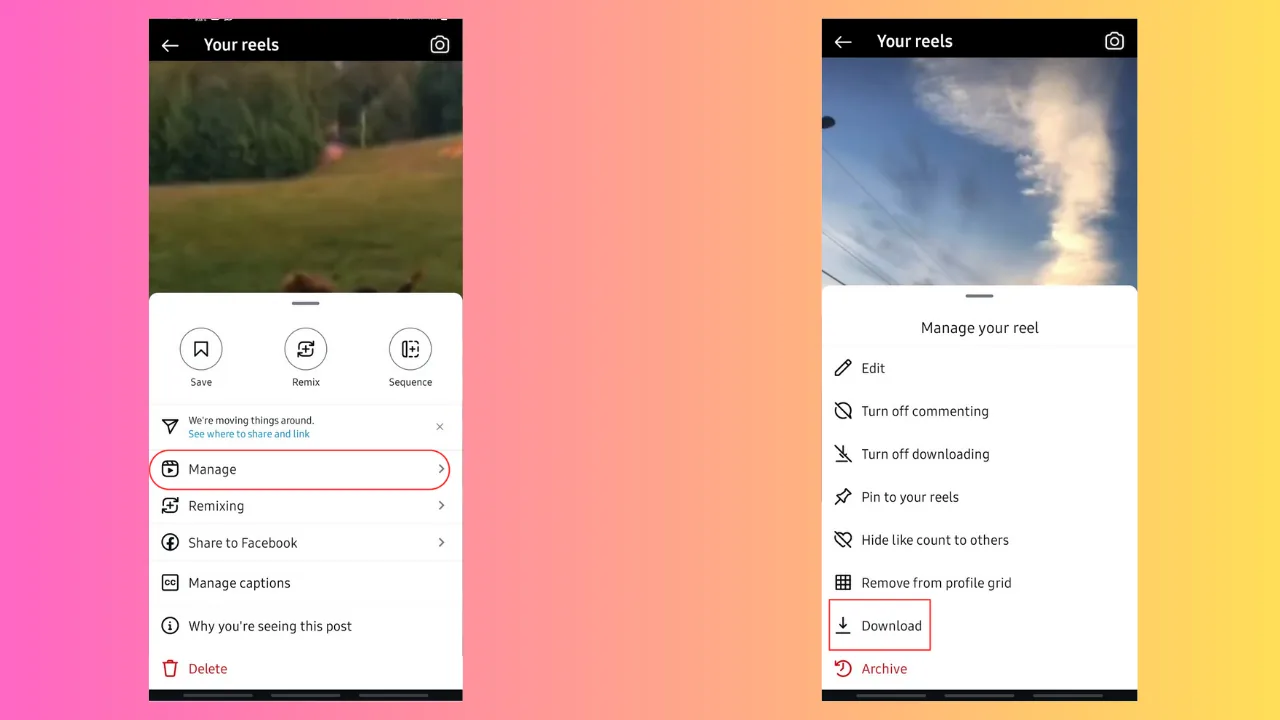
You can re-upload video you legitimately own or have permission to use, but never re-upload someone else's content as your own. If you need your own clips off the app, our guide on saving Instagram videos covers the safe methods. When you want the same post to appear on Facebook automatically, you can link Instagram to Facebook so every upload cross-posts in one step.
Frequently asked questions
Tap the + icon in the app or on instagram.com, choose Post, then select a photo from your gallery or computer. Edit and crop it, write a caption, and tap Share to publish. The whole process takes under a minute.
Sources
- How to Post on Instagram [Updated for 2026] - Sprout Social
- How to Post on Instagram From Desktop (PC & Mac) in 2026 - Hopper HQ
- Instagram Post Size Guide 2026 - Buffer
- Instagram File Size Limits 2026 - FileSize.org
- Instagram Grid Size 2025: What Changed and How to Adapt
- Image resolution of photos you share on Instagram - Instagram Help
Keep reading
More guides to grow your account.