How to Check Your DMs on Instagram (Inbox and Requests)
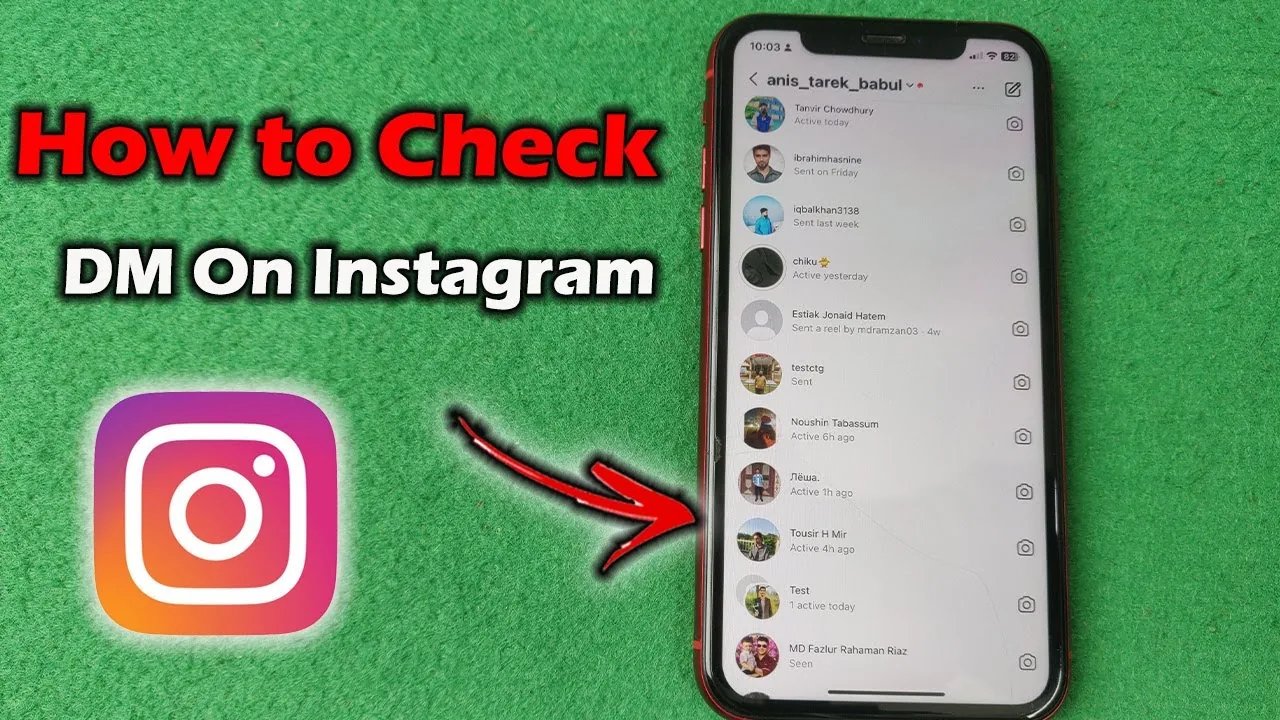
Tap the paper plane icon on Instagram to open your Direct inbox, then check the separate Requests folder for messages from people you don't follow.
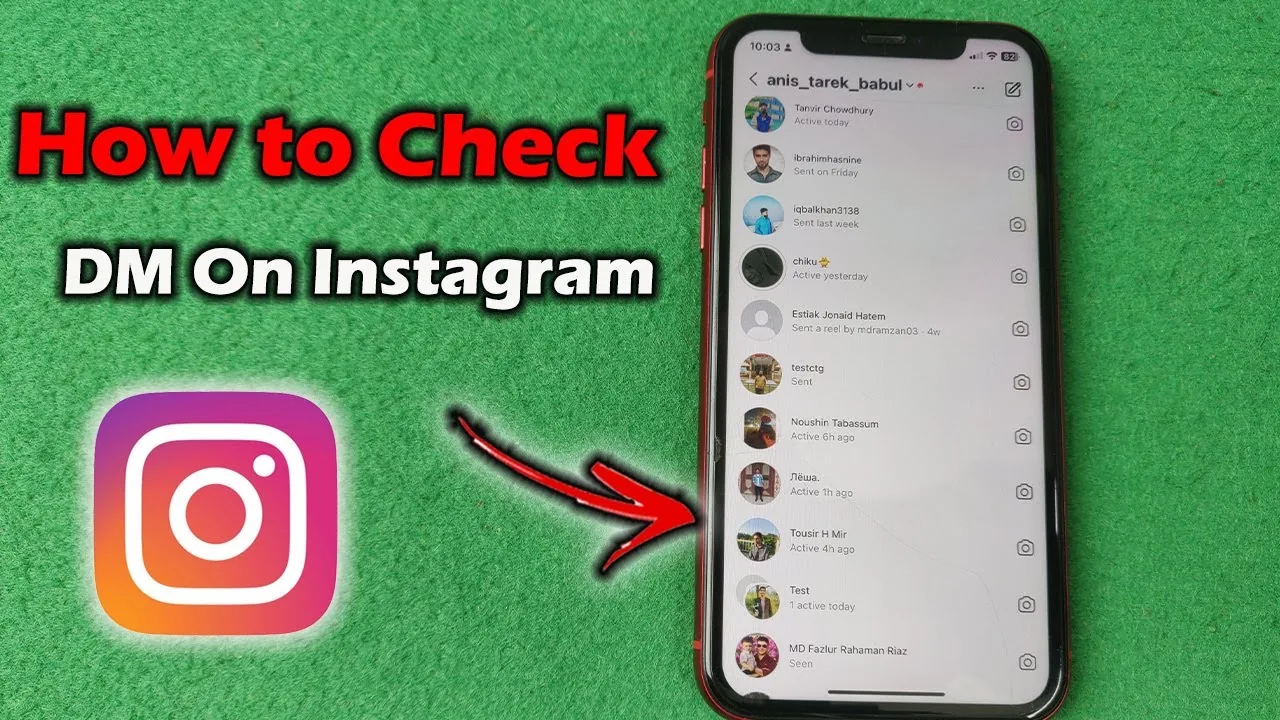
Short answer
Open Instagram and tap the paper plane icon in the top right of your feed to reach your Direct inbox, where your primary and general message tabs live. Messages from accounts you don't follow land in a separate Requests folder that you have to check manually.
Key takeaways
- Tap the paper plane icon at the top of the Instagram home feed to open your Direct message inbox
- Business and creator accounts see inbox tabs split into Primary and General
- Messages from people you don't follow go into a Requests folder, not your main inbox
- Unread message previews show as a bold thread with a blue dot until opened
- You can check DMs from the mobile app, instagram.com, or Messenger if your accounts are linked
- If DMs seem to be missing, check Requests first since that's the most common reason messages go unread, the same trap that trips people up when they wonder why they can't see comments
Where do I find my Instagram DMs?
Open the Instagram app and tap the paper plane icon in the top right corner of your home feed, which takes you straight to your Direct inbox. On instagram.com, click the same paper plane icon near the top of the page, or go directly to instagram.com/direct/inbox. Every conversation you're part of, including group chats, appears there sorted by most recent activity.
Why are some messages missing from my main inbox?
Instagram automatically routes messages from accounts you don't follow into a Requests folder above your main conversation list. Tap Requests to see them, and within that folder there's often a further split between general requests and ones Instagram flags as spam. This is separate from your regular inbox on purpose, so checking DMs fully means checking both places, not just the top of your list.
How do business and creator accounts check messages differently?
Professional accounts see two tabs at the top of the inbox: Primary, which highlights messages Instagram thinks matter most, and General, which catches everything else from followers and other verified-ish sources. You can manually move a conversation between tabs by opening it, tapping the name at the top, and choosing Move to Primary or Move to General. This structure exists to help creators triage volume without missing important messages, similar in spirit to how restricting an account controls what reaches you, or how a business account unlocks other creator-only tools.
Can I check my Instagram DMs without the app?
Yes. Log into instagram.com on any browser and click the Direct inbox icon, which mirrors the same conversations, read status, and Requests folder as the mobile app. If your Instagram account is linked to Messenger, some conversations may also sync there, though not every account has this connected. There is no official way to check DMs through a phone number or SMS without going through the app or website, and any third-party site that promises to download or access your messages outside those channels should be avoided.
What if I accidentally deleted a message I need?
Instagram doesn't offer an in-app way to recover a deleted DM once you've removed it for yourself, though the other person's copy stays intact on their end unless they also delete it. Requesting your full data download is the only way to retrieve message content Instagram has archived on its servers.
How do I know if I have unread messages?
Unread threads appear in bold with a small blue dot next to them, and the Direct icon itself shows a red badge with a number when you have unread messages waiting. Opening a thread marks it read immediately for both sides, and there's no way to preview a message without triggering that read receipt unless you use airplane mode before opening it. This differs from seeing who viewed your profile, since message reads are always visible to the sender by default.
| Location | What you'll find | How to access |
|---|---|---|
| Main Direct inbox | Conversations with people you follow or have messaged before | Tap paper plane icon |
| Requests folder | Messages from accounts you don't follow | Tap Requests above inbox |
| Primary tab (business/creator) | Messages Instagram prioritizes | Swipe or tap Primary |
| General tab (business/creator) | Everything else | Swipe or tap General |
| instagram.com | Full mirrored inbox | instagram.com/direct/inbox |
What if I still can't see a message someone says they sent?
Ask them to confirm they sent it to the right username, since a common cause is a message landing in Requests where it sits unseen for weeks. Also check that your app is updated, since older versions occasionally fail to sync new messages until reopened. If the sender is someone you've blocked or restricted, their messages either won't arrive at all or will sit quietly filtered out of your notifications.
Conclusion
Checking your Instagram DMs is as simple as tapping the paper plane icon, but the real skill is remembering to check Requests too, since that's where messages from non-followers hide by default. Business accounts get an extra layer with Primary and General tabs, which is worth setting up once so nothing important slips past you.
Frequently asked questions
Tap the paper plane icon in the top right of your home feed to open your Direct inbox on mobile, or click the same icon on instagram.com. All your active conversations appear there sorted by recent activity.
Sources
Keep reading
More guides to grow your account.