How to Tag Someone on Instagram Posts, Stories and Reels
Tag people on Instagram by typing @ plus their username on a post, Story, Reel, or comment, then selecting them from the dropdown.
Short answer
To tag someone on Instagram, tap the photo or video while creating a post, type their username, and select it from the suggestions, or type @username directly in a Story text box, Reel caption, or comment. Tags can be edited after posting for feed posts and Reels but not for Stories.
Key takeaways
- Tagging on feed posts works by tapping the image and typing a username to place it directly on the photo.
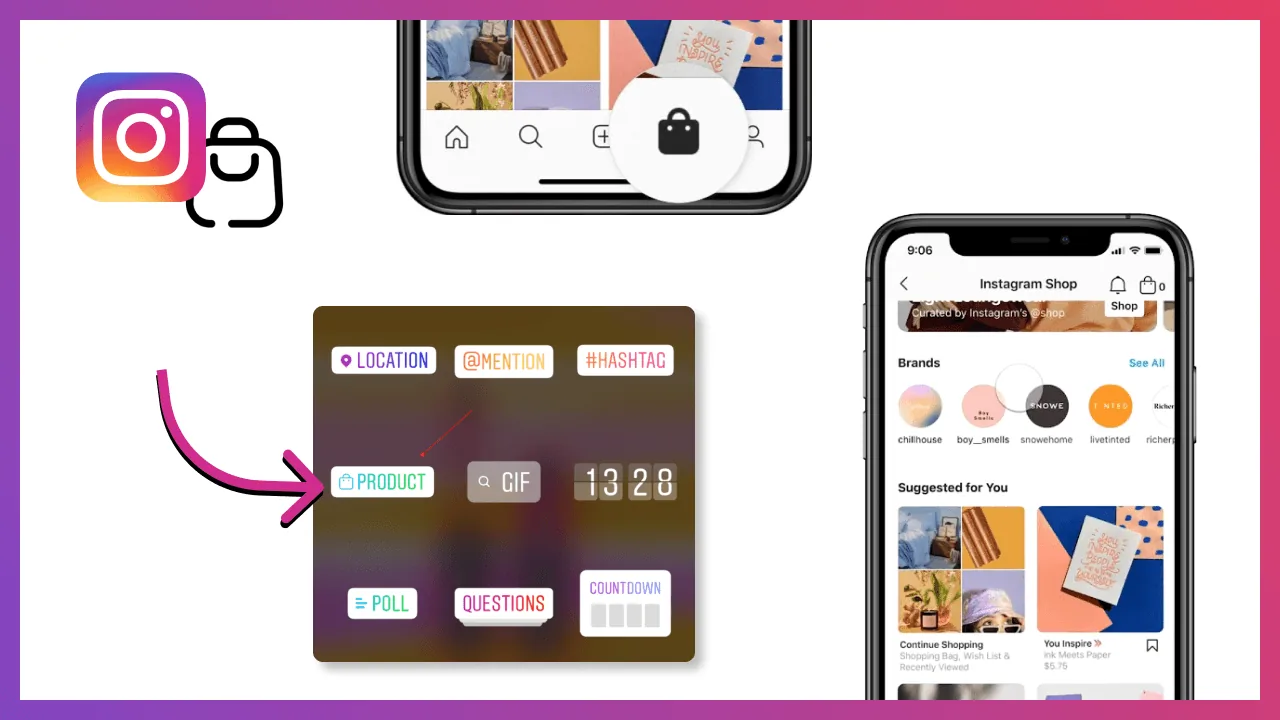
- Stories use either the text tool with @username or the dedicated Mention sticker.
- Reels support tagging in the on-screen text overlay and in the caption itself.
- Comments are tagged by typing @ followed by a username with no space.
- Feed posts and Reels can have tags edited after publishing, but Story tags are locked once posted.
- Getting tagged correctly matters for collaborating on Instagram since tags are how co-creators and brand partners get credited.
How do you tag someone in an Instagram post?
Tap the spot on the photo where you want the tag, then type the person's username and select it from the dropdown that appears. You can drag the resulting tag bubble anywhere on the image before sharing, and viewers reveal it by tapping the photo. This is the same mechanic used when you add a collaborator on Instagram, except a collaborator tag actually co-publishes the post to both profiles.
How do you tag someone in an Instagram Story?
There are two routes. Tap the screen to open the text tool, type @ followed by the username, then tap the correct match as it appears. Alternatively, tap the sticker icon after adding your photo or video and choose the Mention sticker, which drops a tappable tag onto the Story that you can resize or reposition. Either method notifies the tagged account and can add your Story to their tagged mentions.
How do you tag someone in a Reel?
Tag people the same way you would in a Story, by typing @username into the text overlay while editing your Reel, or by adding @username in the Reel's caption. Both methods make the tag visible and notify the person, which is useful for crediting collaborators the way many creators track performance through Reel viral hook formulas that rely on tagging trends and creators.
How do you tag someone in a comment?
Type @ immediately before their username with no space in between, and Instagram will surface matching accounts as you type. Selecting the right one turns it into a clickable link, and the tagged user gets a notification about the mention.
Can you edit or remove a tag after posting?
Yes, but only on feed posts and Reels. Open the post, tap the three dots, choose Edit, then Tag People to add, move, or remove tags. Stories are the exception — once published, you cannot edit or add tags to a Story, so it's worth double-checking spelling before you post.
Can someone remove themselves from a tag?
Yes, anyone tagged in a post or Reel can tap the tag and choose Remove Me From Post, or adjust their settings so tags require manual approval before appearing on their profile, similar to the control options described in what does restricting someone on Instagram do for limiting unwanted interactions.
| Content type | How to tag | Editable after posting |
|---|---|---|
| Feed post | Tap photo, type username | Yes |
| Story | Text tool or Mention sticker | No |
| Reel | Text overlay or caption | Yes |
| Comment | @username, no space | No (can delete comment) |
Tagging is one of the simplest but most overlooked tools for building visibility, since a good tag can pull your content in front of an entirely new audience the same way strong hashtag strategy extends reach beyond your existing followers.
Frequently asked questions
While creating the post, tap the photo where you want the tag to appear, type the person's username, and select it from the dropdown. You can drag the tag bubble to reposition it before sharing.
Sources
Keep reading
More guides to grow your account.