Instagram Content Strategy guides
Plan, batch, and post content people actually save.
 Content Strategy
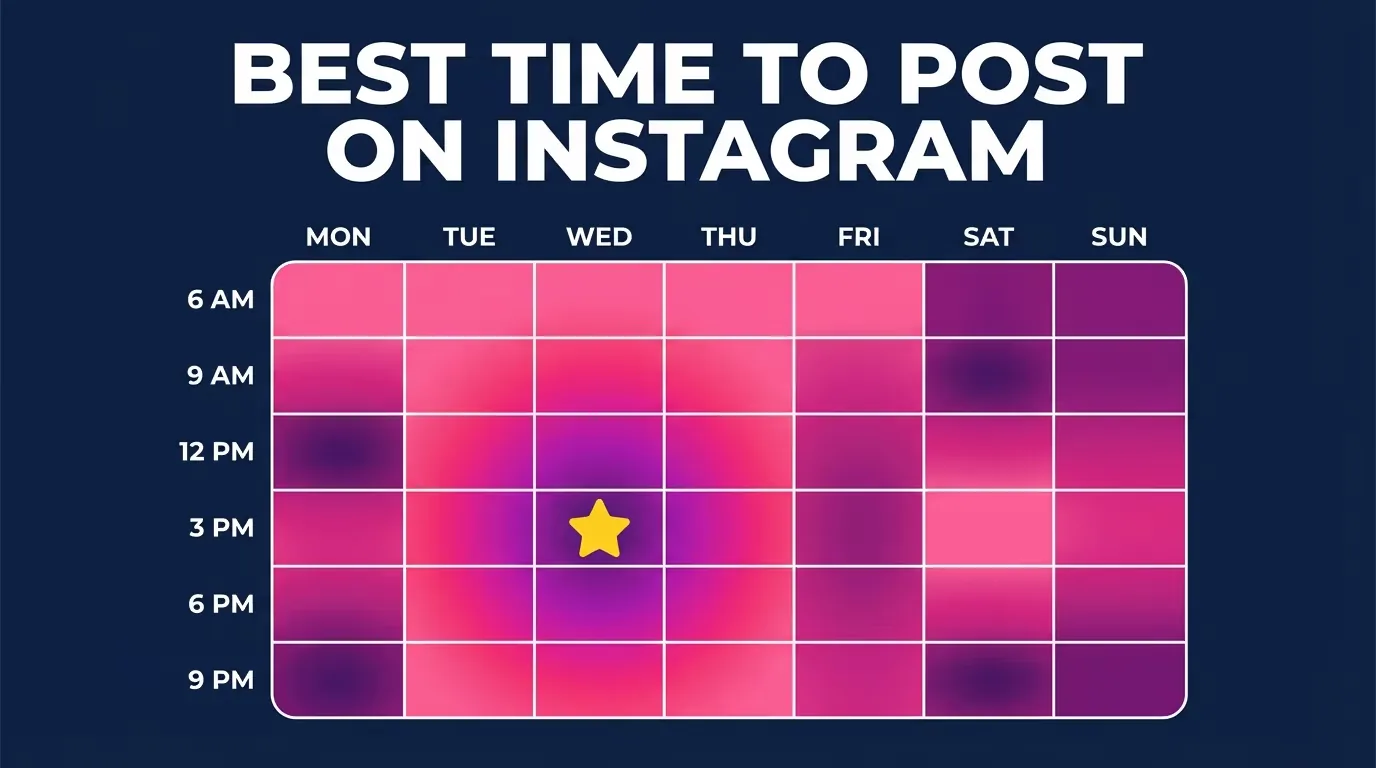
Optimal Instagram Posting Time: Find Yours in 2026
What is the optimal Instagram posting time? Generic charts help, but your real optimal time lives in Instagram Insights. Here's how to find it in 2026.
 Content Strategy
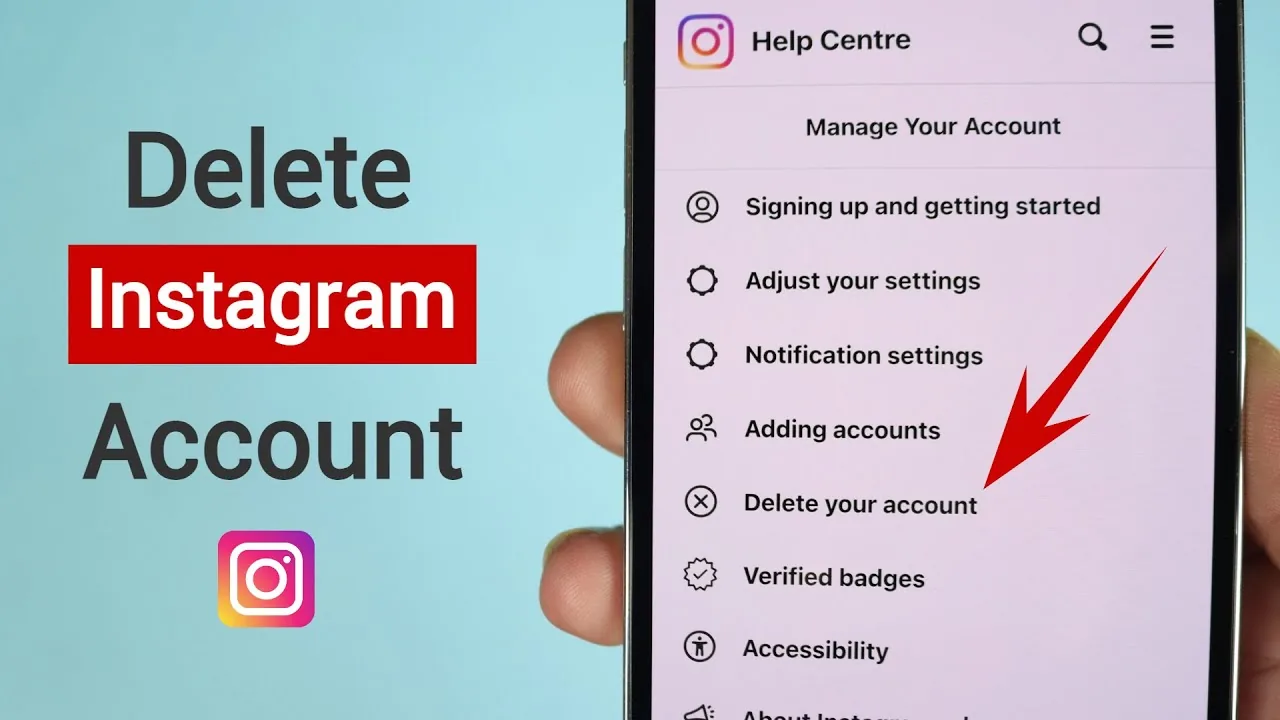
How Can I Remove My Instagram Account?
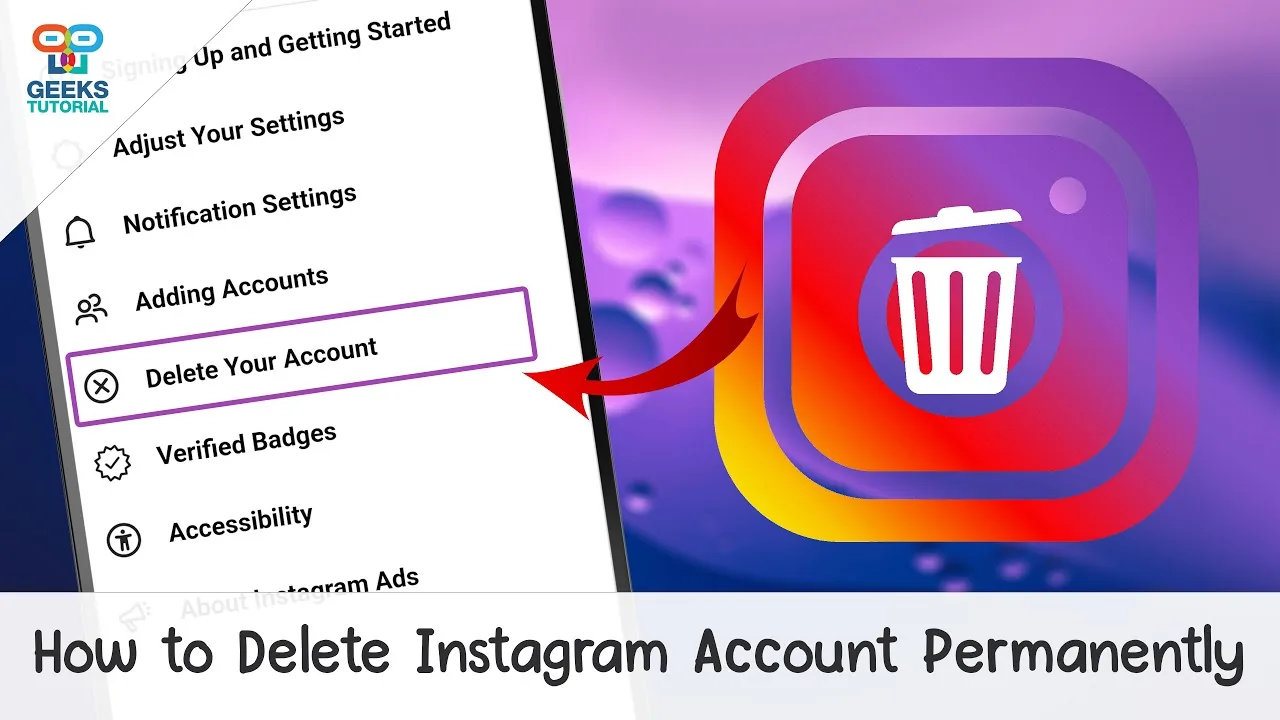
To permanently remove your Instagram account, go to Settings and privacy > Account Center > Personal details > Account ownership and control > Deactivation or deletion > Delete account, pick a reason, and confirm your password — deletion has roughly a 30-day grace period before it's final.
 Content Strategy
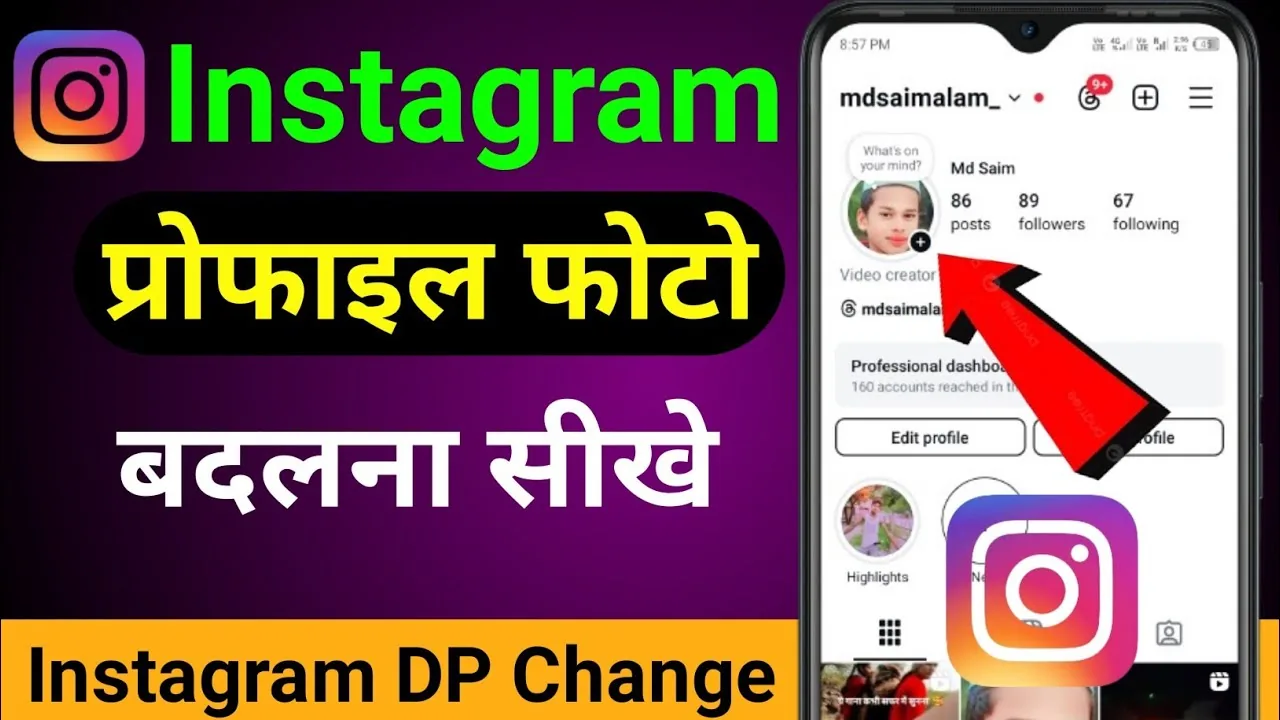
How to Change Your DP on Instagram (Quick Steps)
"DP" just means profile picture — here's the fastest way to change your Instagram DP on mobile, the web, and what happens to your old one.
 Content Strategy
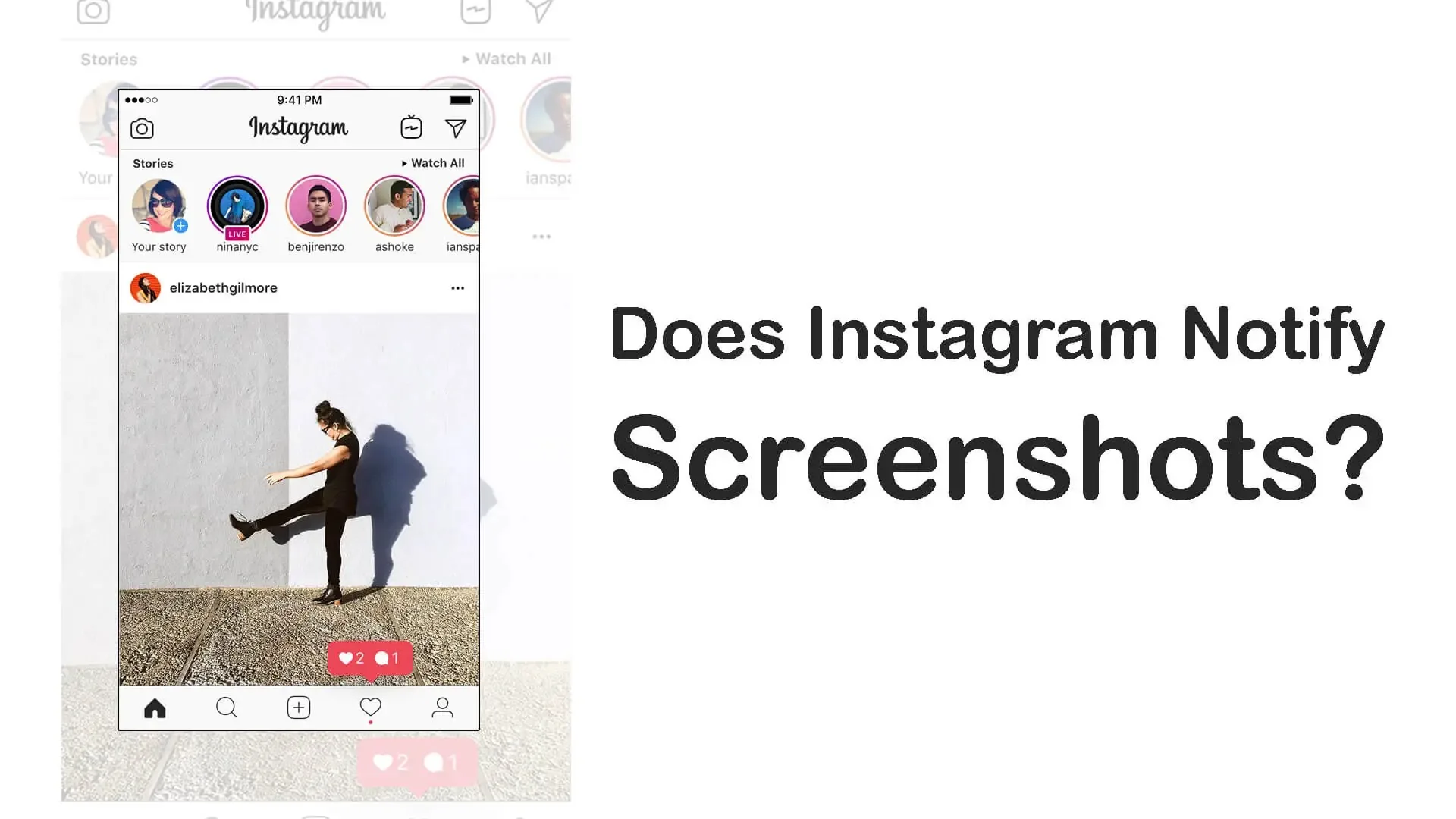
Does Instagram Notify of Screenshots?
No — Instagram does not tell anyone when you screenshot their feed posts, Reels, or profile. The one exception is disappearing photos and videos sent in DMs, where the sender is alerted if you screenshot or screen record.
 Content Strategy
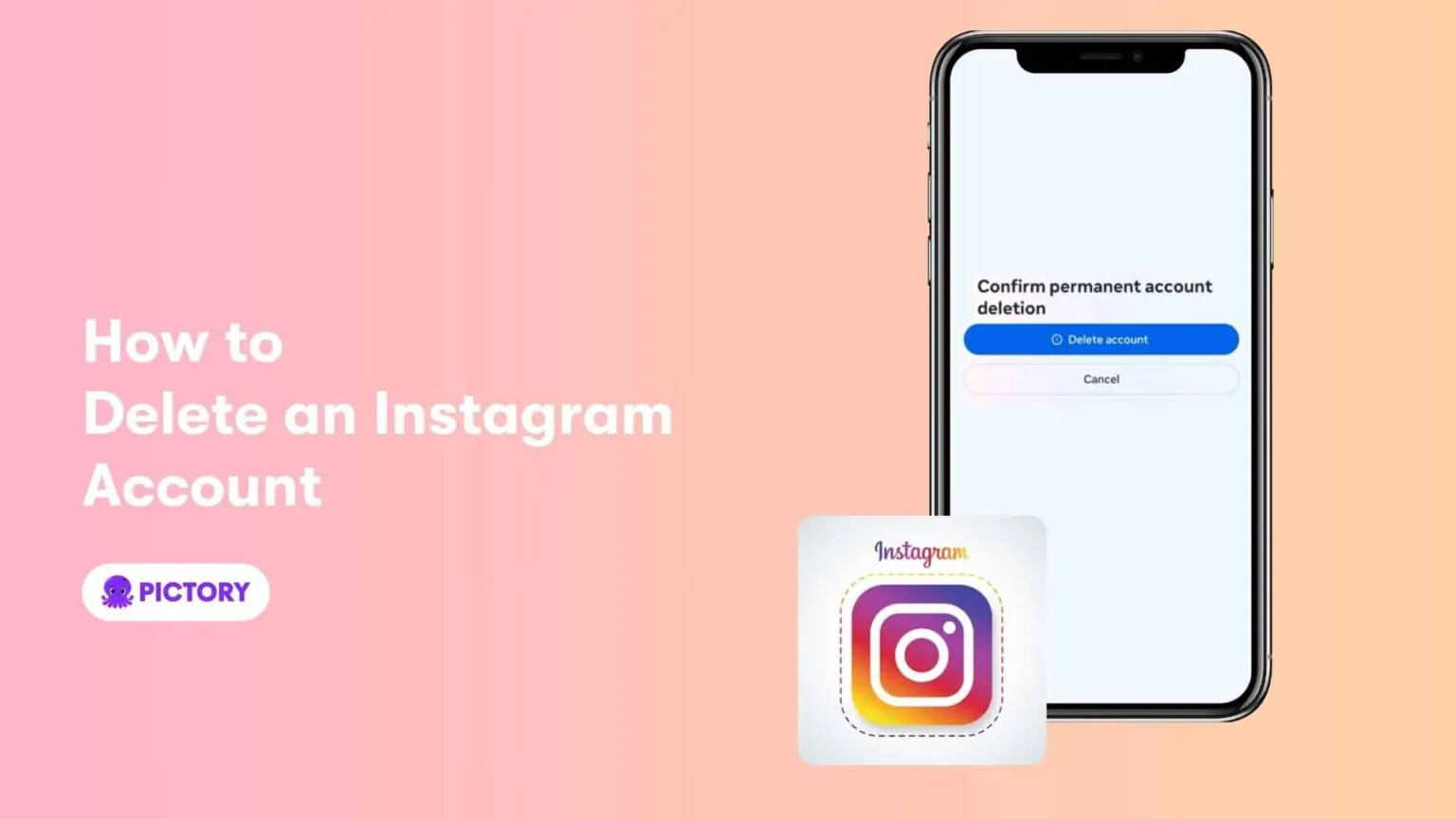
How Do I Delete Instagram?
"Delete Instagram" usually means one of two very different things: uninstalling the app from your phone (which keeps your account intact) or permanently deleting your account and data (which requires the in-app Accounts Center flow and a 30-day wait before it's final).
 Content Strategy
How to Download Your Instagram Chat History (2026)
Export your full Instagram DM history as a JSON or HTML file using the official Accounts Center data download tool — no third-party apps needed.
 Content Strategy
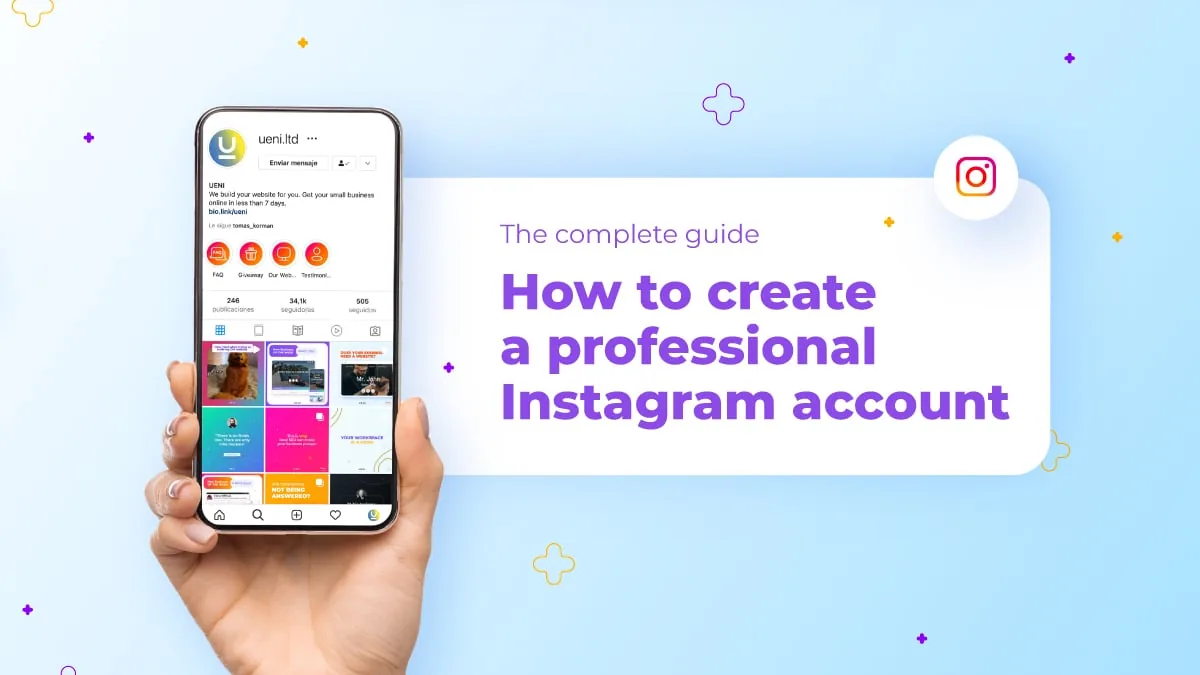
How to Make a New Instagram Account (2026 Guide)
Learn how to create a new Instagram account from scratch or add a second one alongside your existing profile, on mobile or desktop.
 Content Strategy
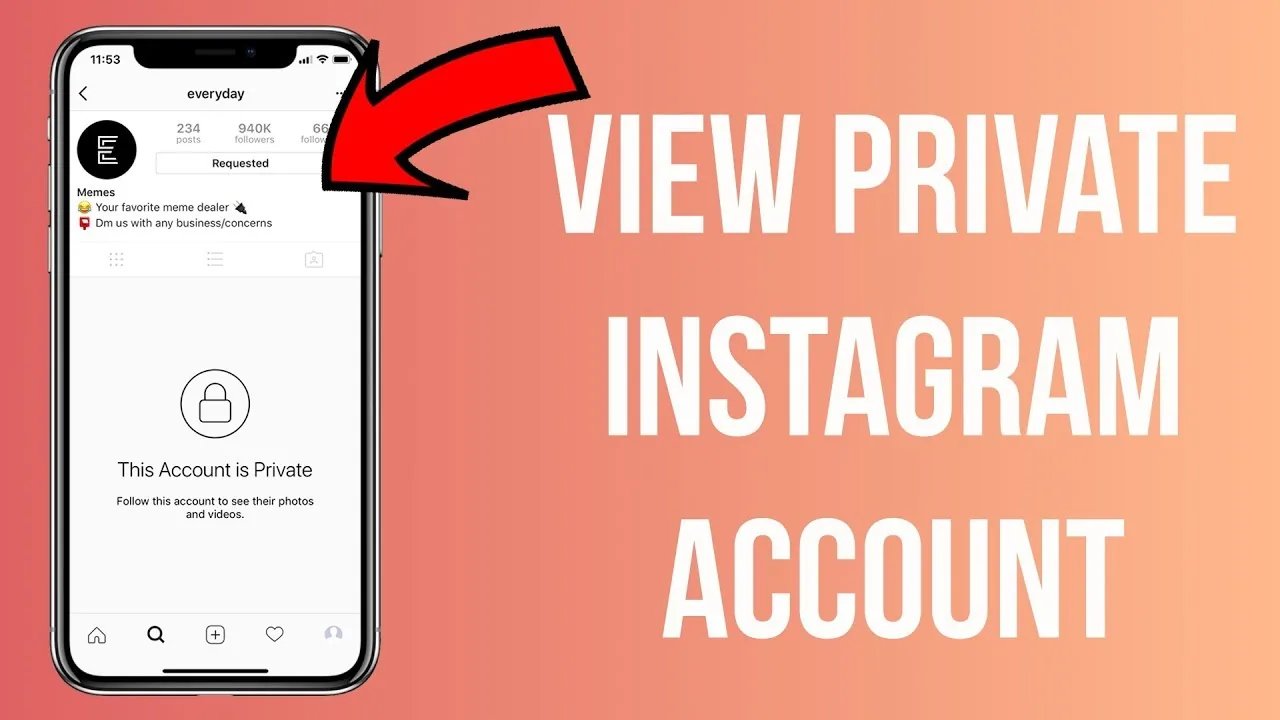
Can You See Private Instagram Accounts Without Following?
The only legitimate way to view a private Instagram account is sending a follow request they approve — here's why third-party viewer tools don't actually work.
 Content Strategy
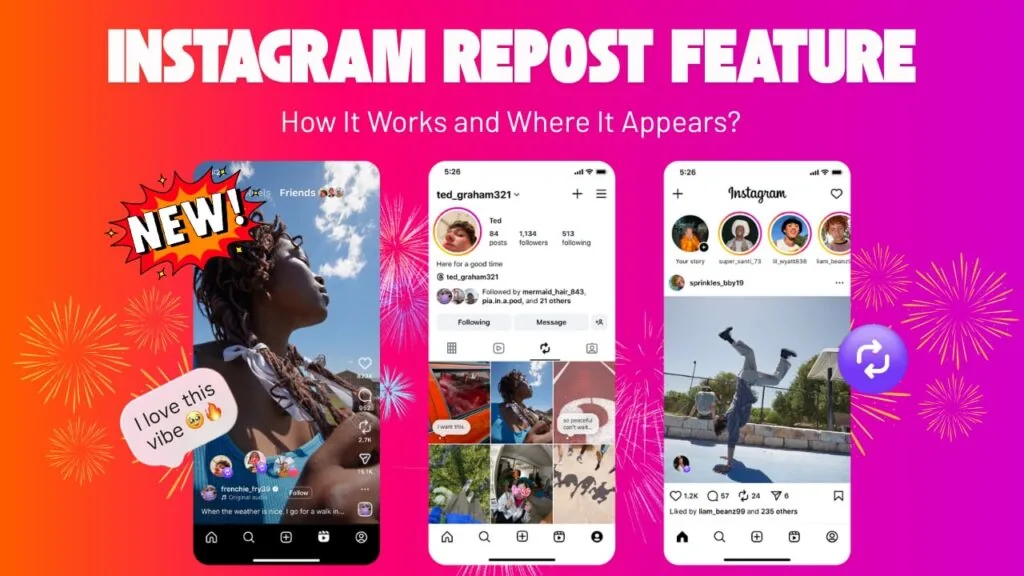
What Does the Repost Button Do on Instagram in 2026?
Instagram's Repost button reshares another public post or Reel to your profile's Reposts tab, with credit to the original creator.
 Content Strategy
How Do You Upload a Gif on Instagram?
If a GIF won't upload the way you expect, it's almost always a format issue — Instagram's feed and Reels don't accept .gif files at all, only MP4/MOV video, so the fix is converting it first, choosing the right export settings (frame rate, resolution, file size), and picking the right editing app for the job.
 Content Strategy
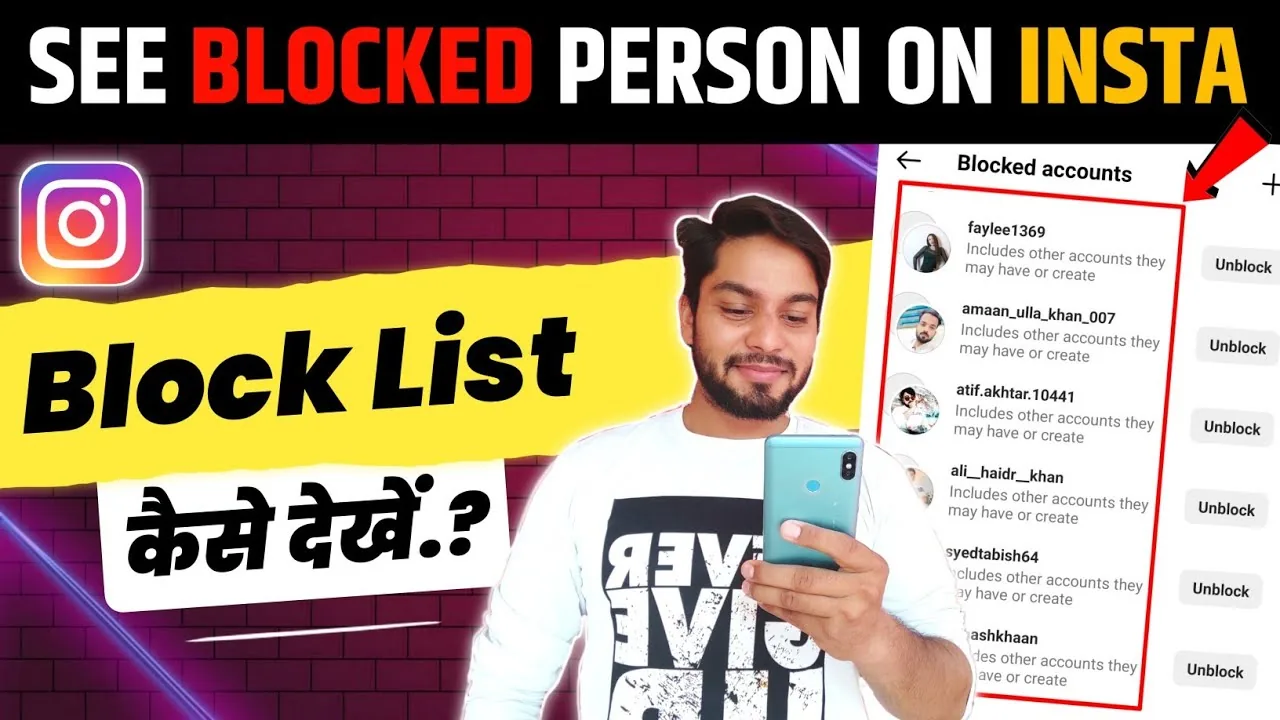
How to Block a Person from Instagram?
To block someone, open their profile, tap the three-dot menu, select Block, and confirm — they'll immediately lose the ability to find your profile, see your posts and Stories, or message you, and Instagram doesn't notify them that you did it.
 Content Strategy
How to Permanently Delete Your Instagram Account (2026)
Permanently deleting Instagram takes a 30-day grace period before your data is truly gone. Here's the exact process, step by step.
 Content Strategy
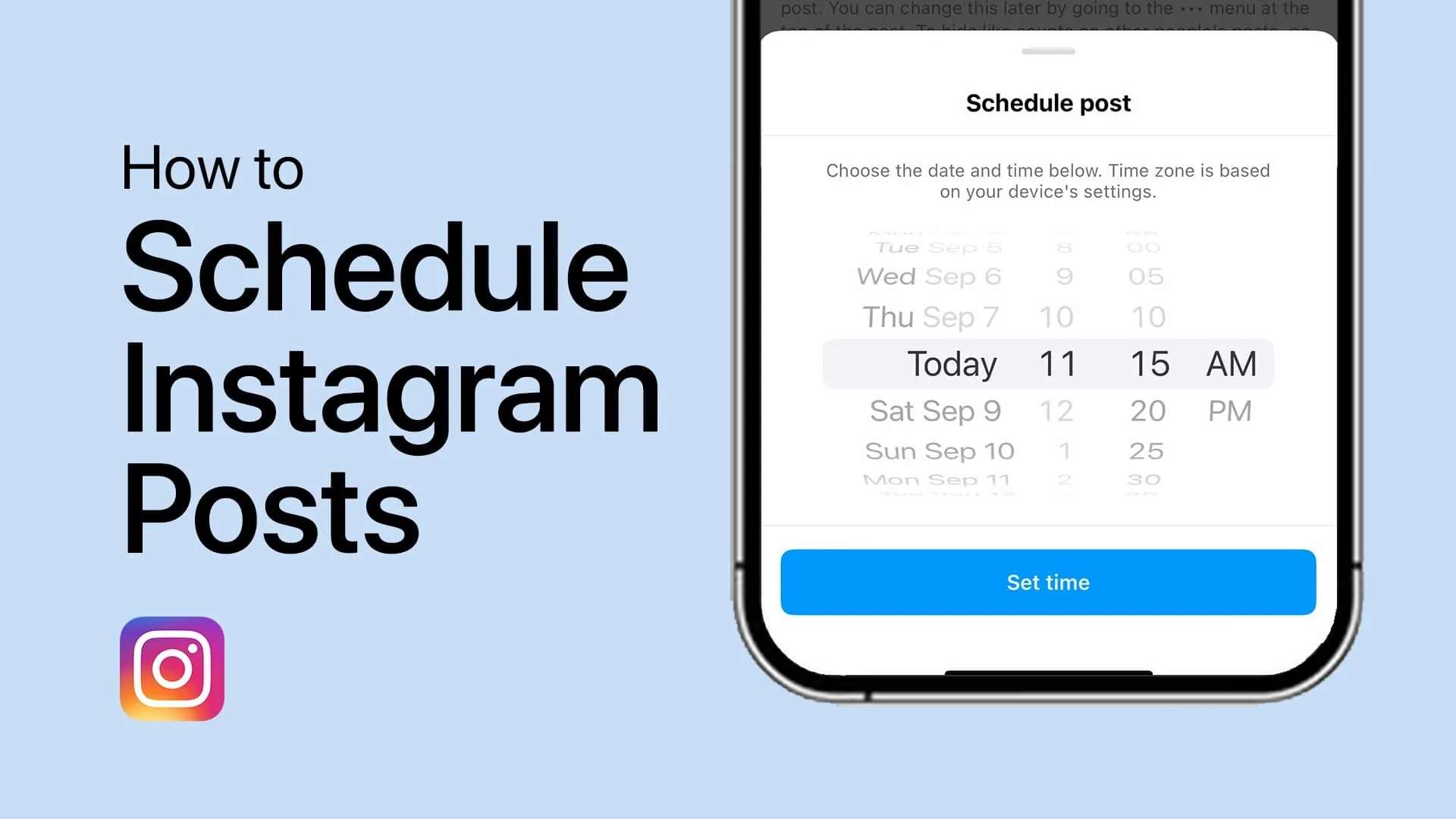
Can I Schedule a Post on Instagram?
Yes — feed posts and Reels can be scheduled natively up to 75 days ahead through Meta Business Suite or Creator Studio, though Stories still have limited native scheduling support, which is why many creators use third-party tools like Later, Buffer, or Hootsuite.
 Content Strategy
Can You Schedule Instagram Stories in Advance?
Yes, Instagram lets you schedule Stories ahead of time through Meta Business Suite or a third-party tool — here's how it works and its limits.
 Content Strategy
How to Add a Collaborator on Instagram Posts and Reels
Add up to 5 collaborators to a public post or Reel before or after publishing, so it shares likes, comments, and reach across every tagged profile.
 Content Strategy
How to Connect Your Facebook Account to Instagram in 2026
Link your Facebook Page and Instagram account through Meta's Accounts Center to cross-post content and manage messages from one place.
 Content Strategy
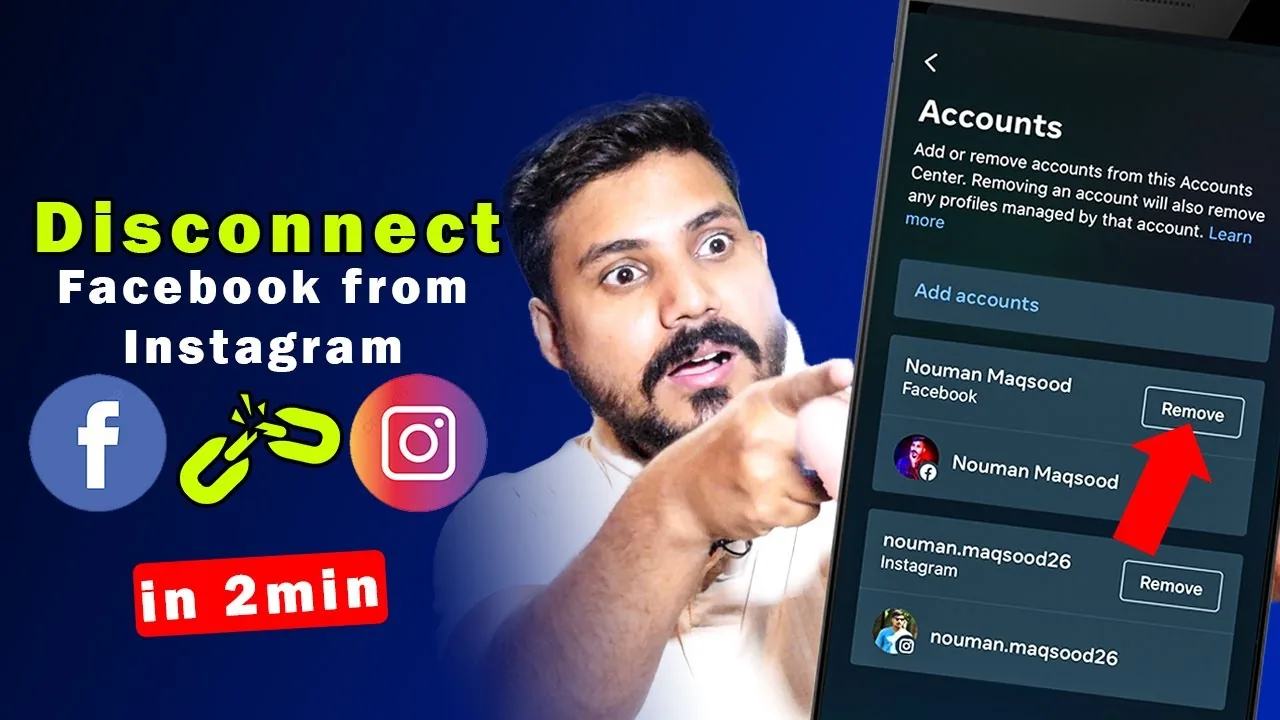
How to Disconnect Instagram from Facebook (2026 Guide)
Step-by-step guide to unlinking Instagram from Facebook using Accounts Center, plus what stops working and what stays the same after.
 Content Strategy
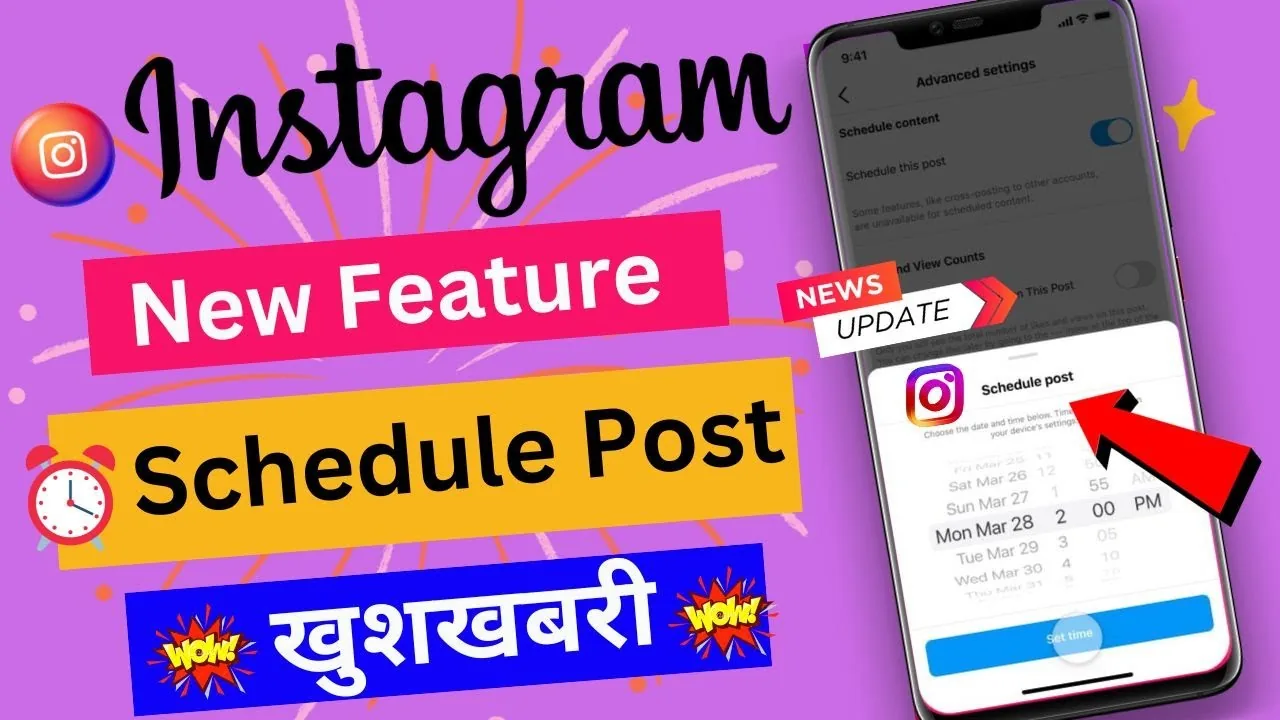
How to Schedule an Instagram Post: Full 2026 Guide
Instagram now lets any public account schedule posts, Reels, and carousels natively up to 75 days ahead. Here's exactly how to set it up.
 Content Strategy
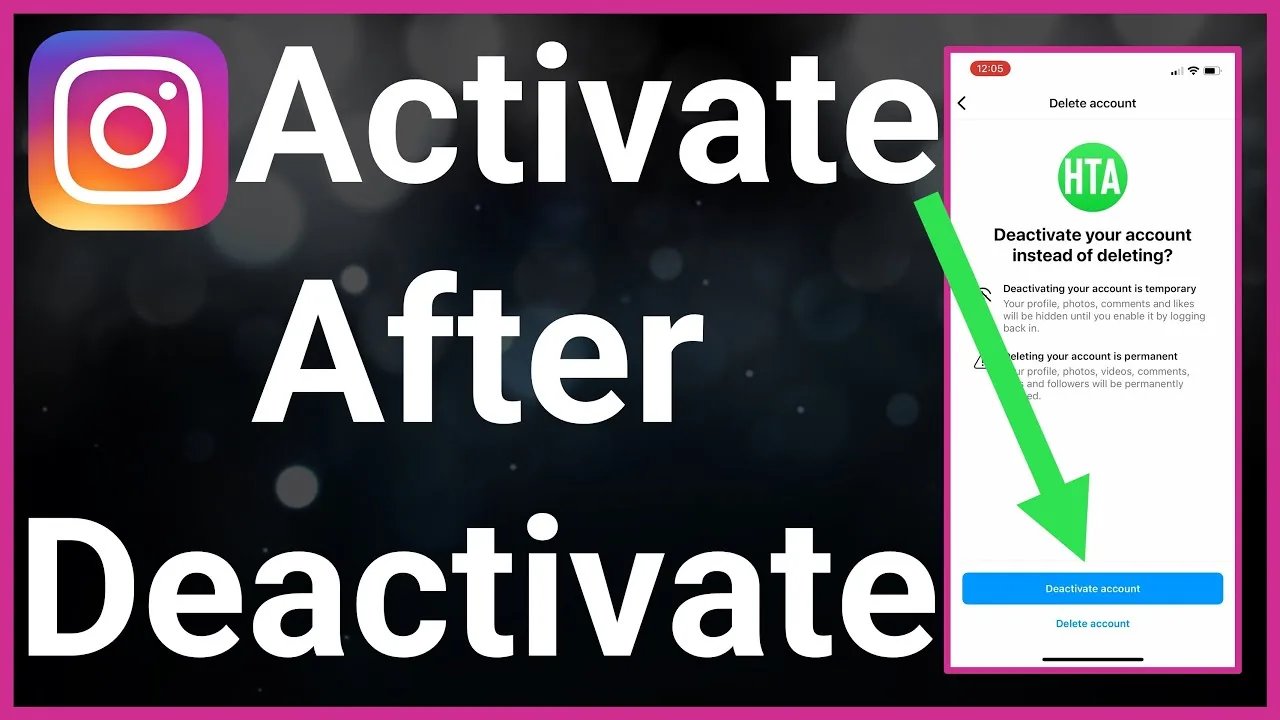
What Does Deactivated Account Mean on Instagram?
A deactivated Instagram account is temporarily hidden, not deleted — to anyone who searches for it, the profile appears to not exist at all (no "deactivated" label, just an absence), while the account owner's data, followers, and posts remain fully intact and reappear instantly the moment they log back in.
 Content Strategy
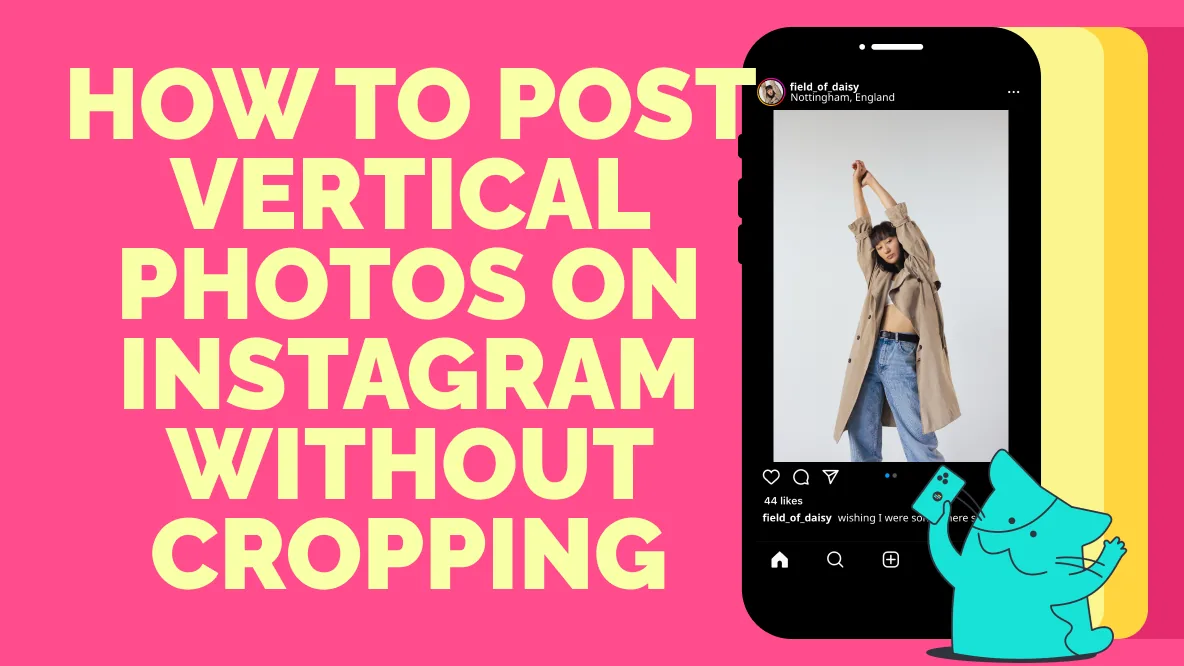
Can You Add Multiple Photos to One Instagram Post?
Yes, Instagram carousel posts let you add up to 20 photos or videos in a single post. Here's how to create one and pick the right number of slides.
 Content Strategy
Does Instagram Pay for Views?
Not in a simple per-1,000-views way like YouTube. Instagram monetization is spread across several separate programs — Reels bonuses (largely wound down in the US), ads revenue sharing on Reels, Subscriptions, Live Badges, and brand deals — and Meta has never published a fixed per-view rate.
 Content Strategy
How Can You Hack Instagram?
There is no legitimate way to hack an Instagram account — doing so is illegal and against Instagram's rules, and most "hacking" sites you'll find are phishing scams designed to steal your own login instead.
 Content Strategy
Captions for Instagram: 60 Ideas That Drive Engagement
Use these captions for Instagram across selfies, funny posts, aesthetic photos, and business content, plus a simple formula for engagement.
 Content Strategy
How Do You Add Stickers on Instagram?
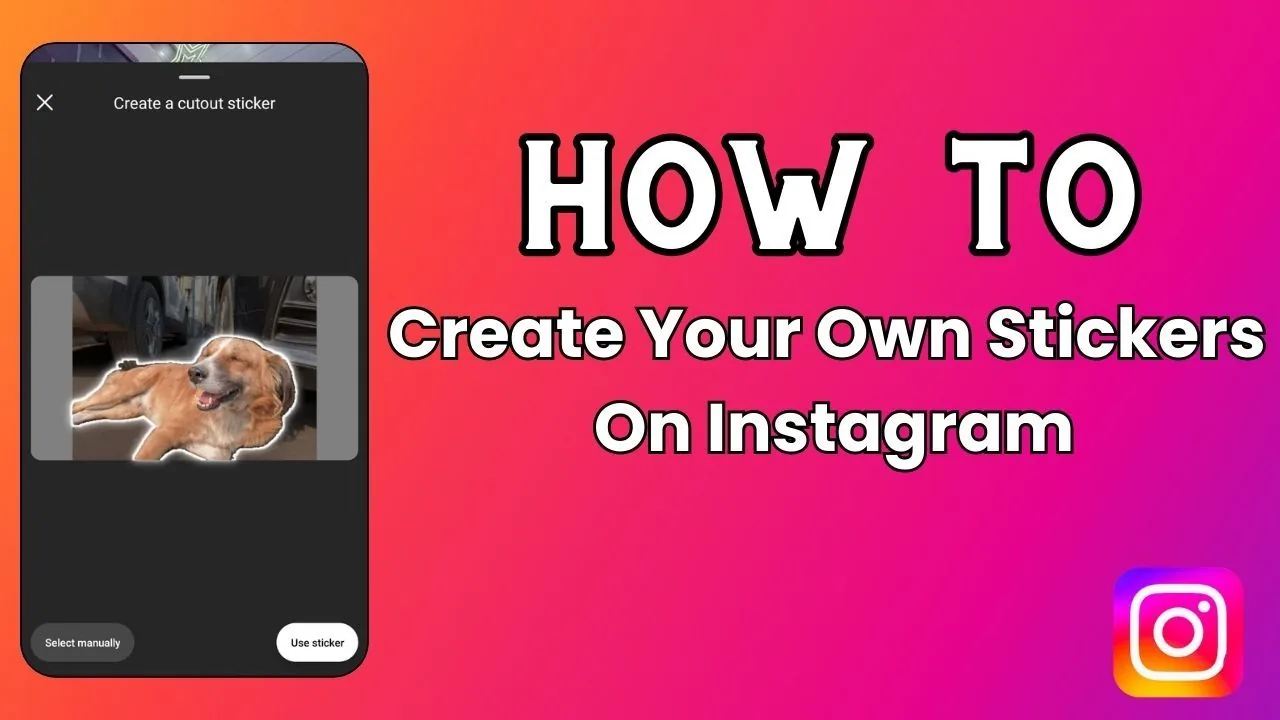
Stickers are added to Instagram Stories (not the main feed) by tapping the sticker icon in the top toolbar after opening the Story camera — from there you can add polls, questions, location, music, countdowns, GIFs, and dozens of other interactive elements.
About Content Strategy on IG Stories Pro
Content strategy is the part of growing on Instagram that has nothing to do with the algorithm and everything to do with not burning out. Most accounts that stall don't stall because they misunderstood the platform — they stall because posting became a daily improvisation exercise instead of a system, and eventually the improvisation stopped happening. This category exists to turn content creation into a repeatable process instead of a recurring decision you have to make from scratch every day.
How to Batch an Instagram Content Calendar in One Day is the practical starting point: block one focused session to plan and shoot a week or two of content instead of scrambling daily. Batching isn't just a time-saving trick — it produces better content, because you're making creative decisions in a planning mindset rather than a "what do I post today" panic. Accounts that batch consistently tend to have more cohesive feeds and more consistent posting cadence, both of which matter for how the algorithm treats an account over time.
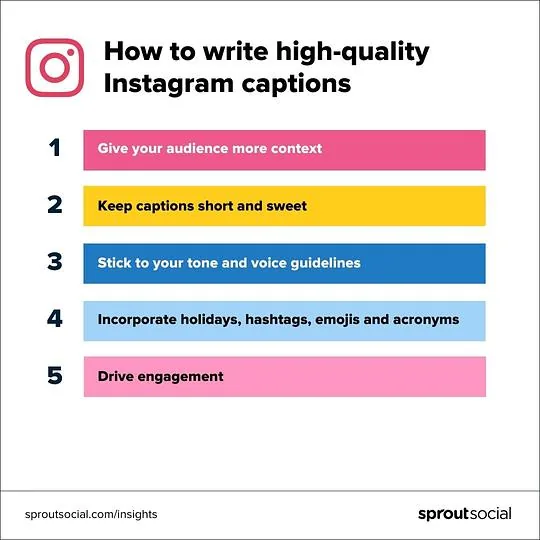
Captions are the most underrated part of content strategy. A strong photo or Reel with a flat caption leaves engagement on the table, because captions are often what convert a passive scroll-past into a comment, save, or share — and those actions are exactly what the algorithm weighs most heavily. Captions for Instagram: 60 Ideas That Drive Engagement is written as a practical reference rather than a generic "write engaging captions" post — it's organized by the actual goal (starting conversation, driving saves, prompting shares) so you can pick an approach based on what a specific post needs.
Scheduling is the other piece people either ignore or overcomplicate. How to Schedule Instagram Posts covers both Instagram's native scheduling tools and the trade-offs of third-party schedulers, including what actually happens to reach when you use an automated posting tool versus posting manually — a detail most scheduling guides skip entirely.
We treat content strategy as connected to, not separate from, the Reels and growth categories. A batching system that only produces static posts while ignoring Reels is optimizing for the wrong format given how the algorithm currently distributes content. If you're planning a week of content, the Reels hook framework should inform what you're shooting, not get bolted on afterward as an extra task.
The guides in this section assume you're trying to build something sustainable, not chase a single viral moment. A content system that works consistently for months will outperform sporadic bursts of high-effort posting almost every time, because consistency is itself a signal the algorithm rewards, and because audiences build trust in accounts that show up reliably. If your current process involves deciding what to post the moment you sit down to post it, start with the batching guide — it's the single change most likely to make everything else in this category easier to execute.