Why Is Instagram Not Working? Common Fixes for 2026
Instagram issues are usually a server outage, a stale app version, or a local connection problem. Here's how to tell which one and fix it fast.
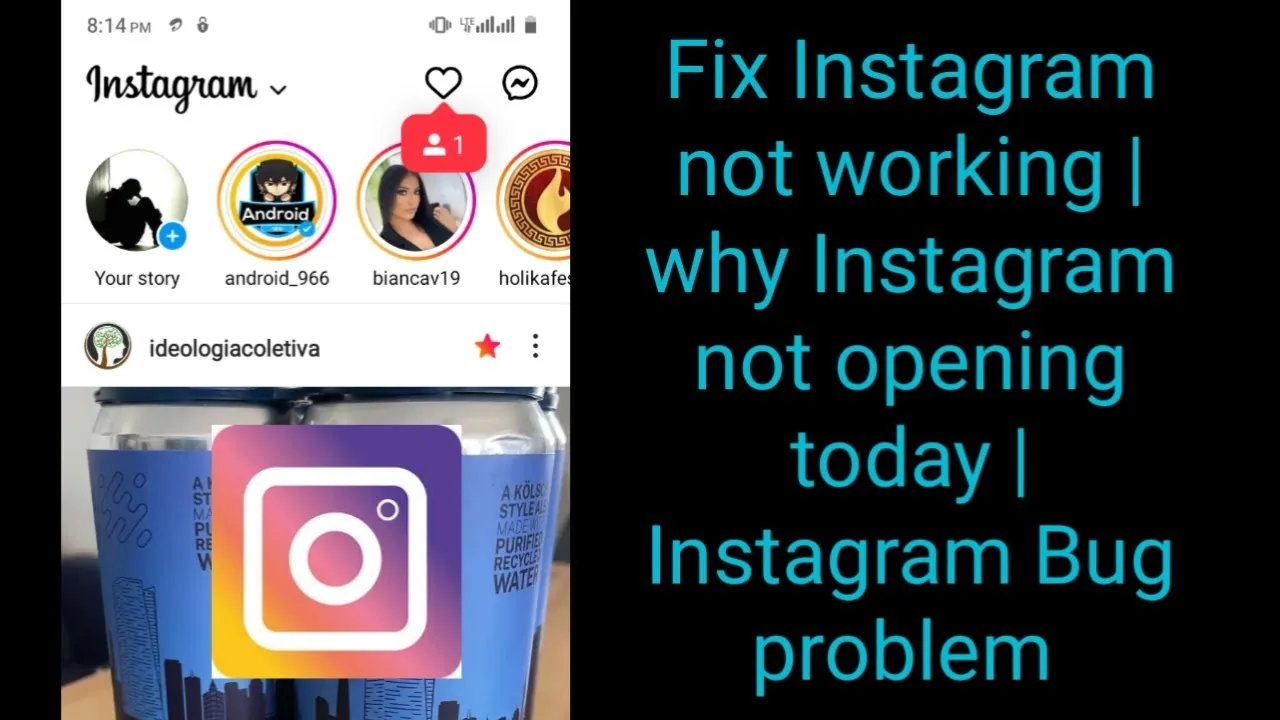
Short answer
If Instagram won't load, isn't sending DMs, or keeps crashing, the most likely cause is a temporary Instagram outage, though an outdated app, a bad connection, or a corrupted cache can cause the same symptoms. Most Instagram-side outages resolve within about 30 minutes.
Key takeaways
- A widespread Instagram outage is the most common reason for login failures, missing DMs, or a frozen feed.
- Check your internet connection first by testing another app or website on the same device.
- Restarting the app fixes many temporary glitches without needing any other troubleshooting.
- An outdated app version can silently break features, so keeping Instagram updated matters more than people expect.
- Clearing the app cache resolves persistent freezing or crashing that a simple restart doesn't fix.
- Most Instagram-side outages resolve within roughly 30 minutes, though a major Meta-wide issue can last several hours.
Is Instagram actually down right now, or is it just my device?
The fastest way to tell is checking whether other apps and websites load normally on the same device and network. If everything else works fine except Instagram, it's more likely a server-side outage rather than your connection, similar to the pattern you'd see when trying to figure out is instagram down during a known incident. If nothing loads at all, the problem is your internet connection, not Instagram.
What's the first thing I should try?
Restart the app completely, not just switch away from it. Fully close Instagram, wait a few seconds, and reopen it, since many temporary glitches, like a feed that won't refresh or a Story that won't load, clear up with a simple restart before you need to touch any settings, including things like how you turn off active status on instagram or other toggles that sometimes get blamed incorrectly.
Could an outdated app version be the problem?
Yes, and it's more common than people assume. Instagram pushes frequent updates, and running an old version can cause crashes, missing features, or messages that won't send. Visit the App Store or Google Play and check for a pending Instagram update, the same routine you'd follow any time you update instagram to keep newer features working correctly.
Does clearing the cache actually help?
Often yes, especially if the app has been misbehaving for more than a day. A bloated or corrupted cache can cause the app to freeze, crash on open, or fail to load images and videos properly. On Android, go to Settings, then Apps, find Instagram, and clear the cache without clearing app data, so you don't lose your login. This is a similar cleanup step to what you'd do if you notice issues while trying to clear instagram search suggestions that keep reappearing.
How long do Instagram outages usually last?
Most outages resolve within about 30 minutes, since Meta's engineering teams typically catch and patch server-side issues quickly. A larger outage affecting the whole Meta network, including Facebook and WhatsApp, can run several hours, but that scale of disruption is rare compared to smaller, localized glitches.
Common causes compared
| Cause | Typical symptoms | Fix |
|---|---|---|
| Server-side outage | App-wide, affects many users at once | Wait it out, usually under 30 minutes |
| Weak or no internet connection | Only Instagram fails to load, or everything fails | Switch networks or reset router |
| Outdated app version | Crashes, missing features, failed sends | Update via App Store or Google Play |
| Corrupted cache | Freezing, slow loading, repeated crashes | Clear cache in device settings |
Should I report the problem to Instagram directly?
If restarting, updating, and clearing the cache don't fix it, reporting the issue through Instagram's built-in tool helps flag a pattern to their team, especially if it seems tied to a specific feature rather than the whole app. This is worth doing before assuming something more serious is wrong, like when people wonder is instagram getting banned after seeing widespread errors that are really just a temporary outage, or when a stubborn glitch has people asking how to log out of instagram and back in as a quick reset step.
Frequently asked questions
It's most likely a temporary server-side outage. Check if other apps work fine on your device; if they do, the issue is probably on Instagram's end, not yours.
Sources
Keep reading
More guides to grow your account.