How to Unblock Someone on Instagram (2026 Step-by-Step)
Exact steps to unblock someone on Instagram in 2026, plus what really happens to follows, likes, comments, and re-blocking.
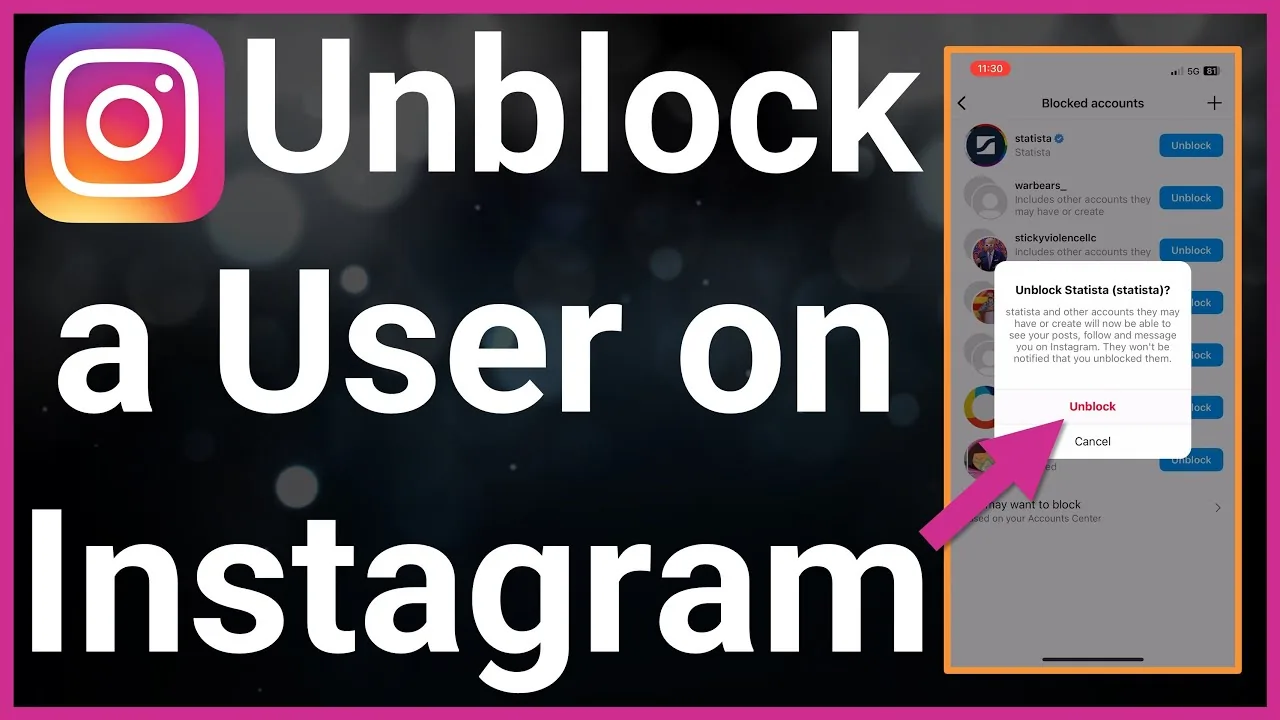
Short answer
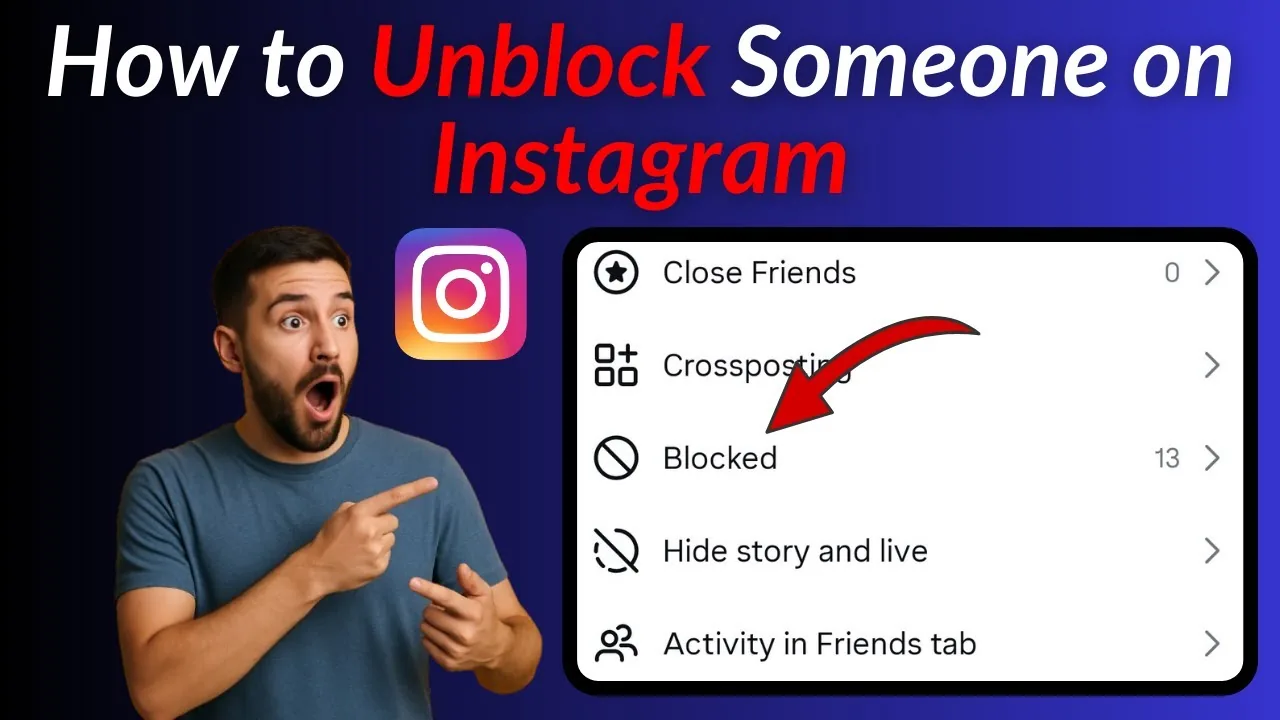
Unblock someone on Instagram from Settings and privacy > Who can see your content > Blocked accounts, tap their name, then confirm Unblock. Instagram sends no notification either way, but the person will not automatically re-follow you and old likes or comments do not come back.
Key takeaways
- Unblock from Settings and privacy > Who can see your content > Blocked accounts on mobile, or the Blocked list in Instagram.com settings on desktop.
- Instagram never notifies the other person when you unblock them, so nothing appears in their activity feed.
- A previous follow relationship does not come back automatically — both people have to follow each other again.
- Old likes and comments made before the block do not reappear after you unblock someone.
- If you unblock someone and change your mind, Instagram enforces a short cooldown, generally around 48 hours, before you can block that same account again.
- Unblocking restores the ability to see public profiles, send follow requests, and message each other, but private accounts still require a fresh follow request.
How do I unblock someone on Instagram from the app?
Open the Instagram app, go to your profile, and tap the three lines in the top right corner. From there tap Settings and privacy, then Who can see your content, then Blocked accounts, where every account you have ever blocked is listed. Tap the username you want to unblock, tap Unblock, and confirm the pop-up that appears. This is the same path Instagram documents in its own Help Center, and it mirrors how to block someone on Instagram in reverse, working whether the account is a personal, business, or creator profile.
How do I unblock someone on Instagram from a computer?
On instagram.com, click the More (hamburger) icon in the bottom-left navigation, choose Settings, then look for the Who can see your content section and select Blocked. You will see the same list of blocked accounts with an Unblock button next to each username. If that menu path is not visible, searching for the account directly and opening their profile will also surface an Unblock button, since Instagram occasionally repositions settings menus between web updates.
Does the person I unblock get notified?
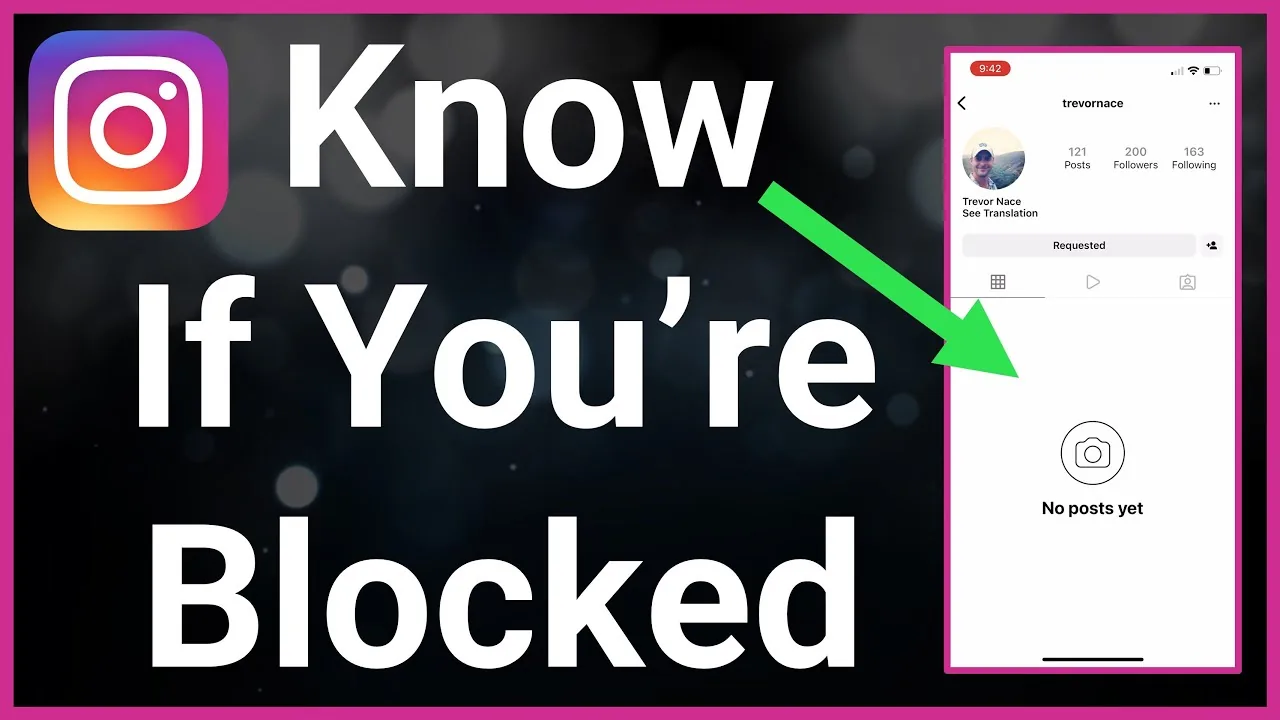
No. Instagram does not send a notification, alert, or activity-feed entry when you block or unblock someone, so the other account will not automatically know their status changed. They will only find out if they search for your profile again or try to message or follow you and it succeeds. This is also why people who are wondering how do you know if someone blocked you on Instagram usually have to check indirectly rather than relying on an alert.
Will they automatically follow me again after I unblock them?
No. Blocking someone removes any existing follow relationship in both directions, and unblocking does not restore it. If you want to be connected again, one of you has to send a new follow request, and if your account is private, that request has to be accepted just like with any other new follower. This is a common point of confusion for people who also ask how to know who unfollowed you on Instagram, since a block looks identical to an unfollow from the follower-count side.
Do old likes, comments, and DMs come back?
No. Any likes or comments the blocked account left on your posts before the block disappear and do not reappear after you unblock them — you would need to ask the person to re-engage if you want that activity back. Direct message threads are similarly affected: messages sent before the block may still sit in your inbox, but new messages could not be delivered while blocked, and reopening the conversation depends on whether either of you deleted the thread. If you are trying to track down older conversations, it helps to first check how to recover a deleted DM on Instagram before assuming the messages are gone for good.
What can the other person see right after I unblock them?
Once you unblock someone, they regain the same access any other Instagram user has to your account. If your profile is public, they can immediately view your posts, Reels, and Stories again. If your profile is private, they can see your bio and profile photo but need to send a new follow request to view your content, exactly like a stranger encountering your account for the first time.
| Action after unblocking | Happens automatically? | What you or they need to do |
|---|---|---|
| View public profile and posts | Yes | Nothing — access returns instantly |
| View private profile content | No | They must send a new follow request |
| Regain previous follow status | No | Both accounts must follow each other again |
| See old likes/comments | No | Cannot be restored; new activity only |
| Send you a direct message | Yes, if you accept message requests | May land in Requests folder first |
| Re-block the same account | Delayed | Wait roughly 48 hours after unblocking |
Why can't I re-block someone right after unblocking them?
Instagram applies a short cooldown window after an unblock, commonly reported as around 48 hours, before the block option becomes available again for that same account. This appears to be an anti-abuse measure that discourages using how do I block someone on Instagram as a way to repeatedly toggle someone's access or manipulate what they can see. If you are unsure whether you actually still have someone blocked, it is worth reviewing how to know if someone blocked you on Instagram for the signs to check.
Is unblocking the same as unmuting or unrestricting someone?
No, and mixing these up is one of the most common mistakes people make. Blocking fully cuts off contact and hides your content from that account, while muting only hides their posts and Stories from your feed without them knowing, and restricting limits their comments and message visibility while still letting them technically follow you. If your goal is a lighter-touch option than a full block, it is worth comparing this guide with how to mute someone on Instagram before deciding which tool fits the situation, since unblocking only reverses a block — it has no effect on separate mute or restrict settings you may have applied.
What should I do before or after unblocking someone I had a conflict with?
Think through why you blocked them in the first place, since unblocking gives that account full visibility into anything you post publicly going forward. Some people unblock and immediately reapply a Restrict, which keeps the connection technically open while still limiting how much interaction is possible — worth knowing since a restricted account can still mention you on Instagram even though their comments stay hidden by default. If the original reason for blocking was harassment rather than a personal falling-out, it is often safer to leave the block in place, and Instagram's reporting tools remain available if the behavior continues elsewhere on the platform.
How do I unblock someone if I originally blocked them by mistake?
The steps are identical to any other unblock — go to Blocked accounts in Settings and privacy, find their name, and tap Unblock. If you blocked the wrong username by accident, double-check the profile photo and handle before confirming, since Instagram usernames are reused after accounts are renamed or deleted, and it is easy to unblock the wrong "same-looking" account if you are not careful.
Frequently asked questions
Go to Settings and privacy, then Who can see your content, then Blocked accounts. Tap the username you want to unblock, tap Unblock, and confirm the prompt that appears.
Sources
Keep reading
More guides to grow your account.