Instagram How-To guides
Step-by-step answers to the most common Instagram questions.
 How-To
How to See Who Liked Your Instagram Post: 2026 Guide
How to see who liked your post on instagram: Open your Post or Reel and tap the like count or “liked by” text to view the accounts Instagram currently lists....
 How-To
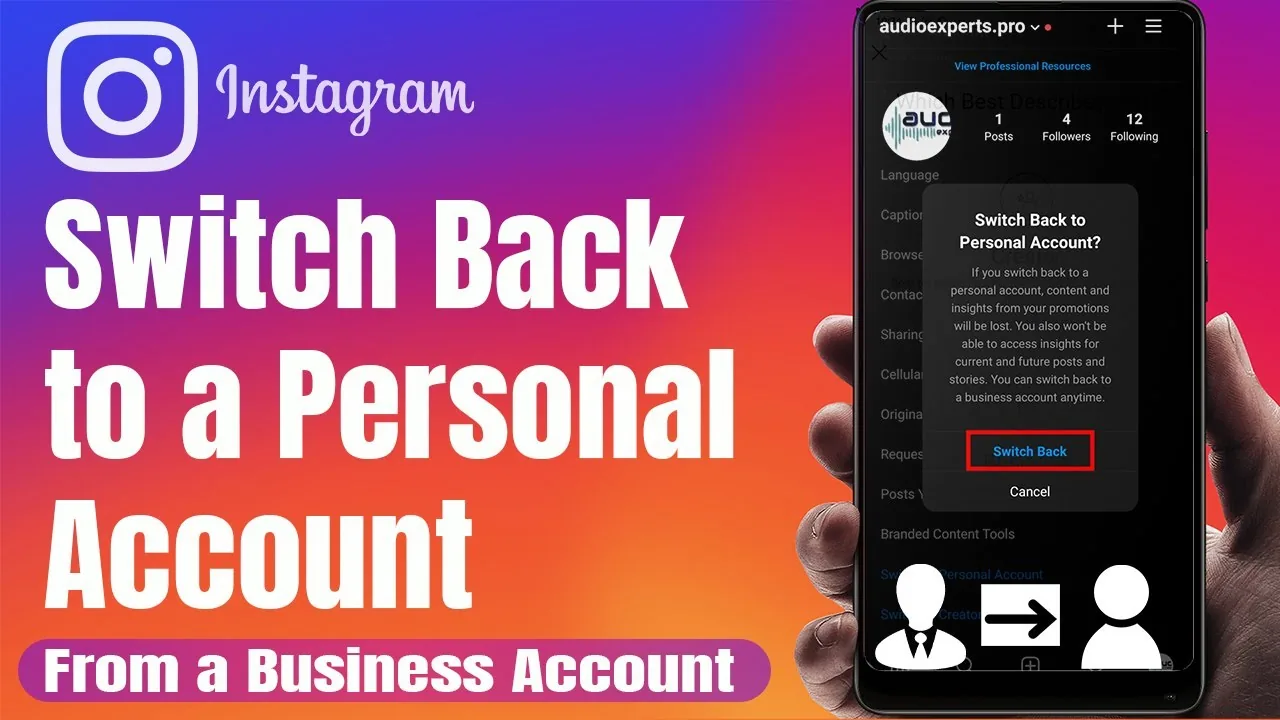
How to Switch to a Personal Account on Instagram
Switch an Instagram business or creator profile back to personal, and understand what happens to insights, ads, contact buttons, music, and privacy.
 How-To
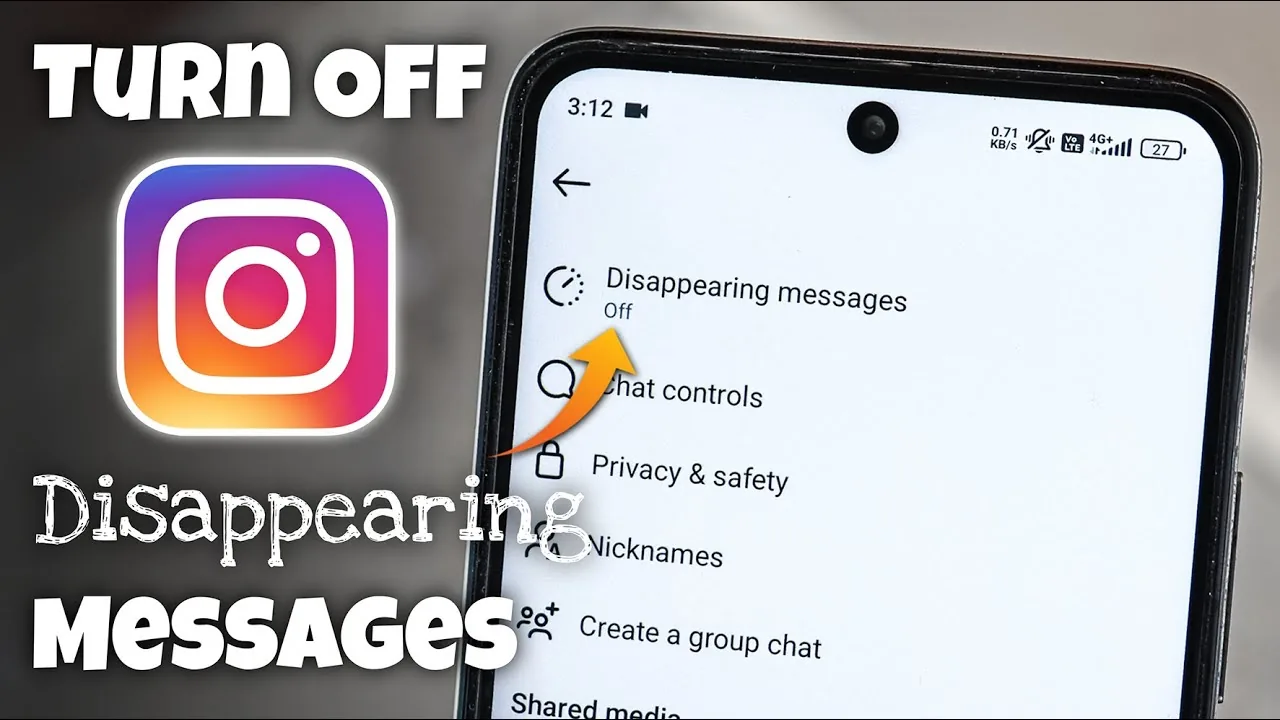
How to Turn Off Disappearing Messages on Instagram
Turn off vanish or disappearing chat behavior, understand view-once media, preserve evidence safely, and fix a conversation that keeps switching modes.
 How-To
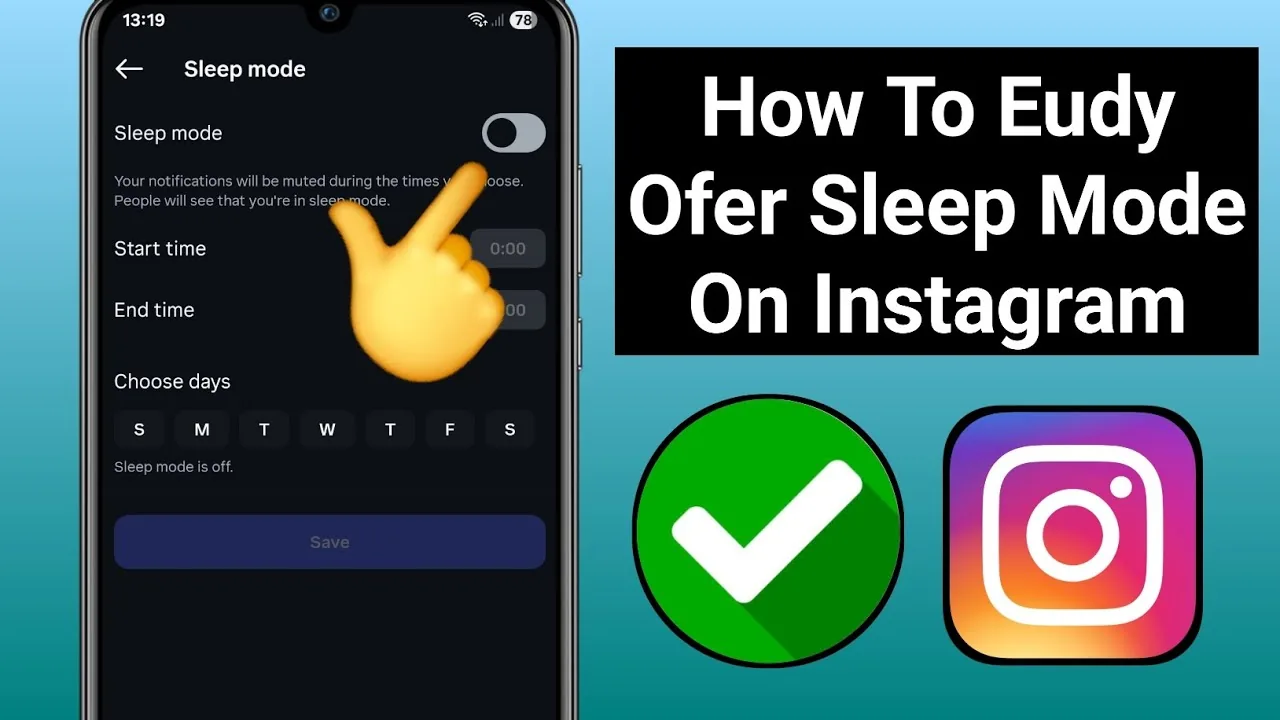
How to Turn Off Instagram Sleep Mode (2026)
Turn Instagram Sleep mode off or change its schedule through Time Management, and understand notifications, auto-replies and teen-account protections.
 How-To
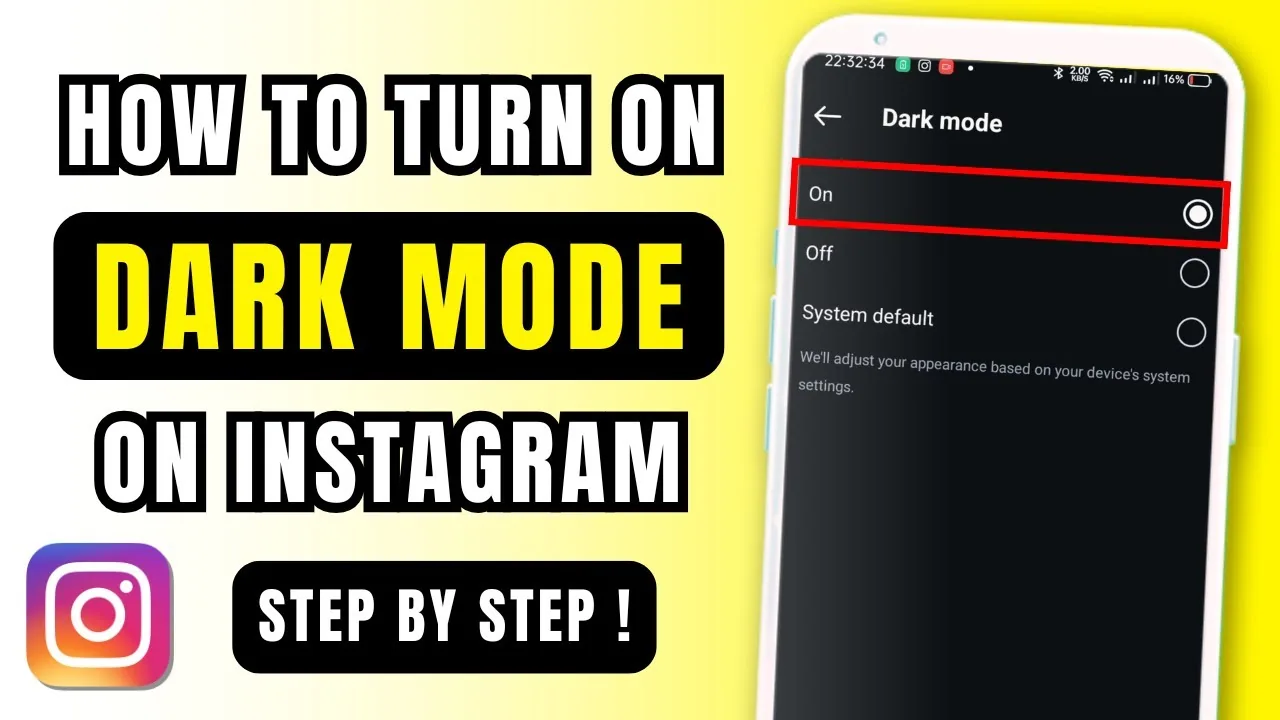
How to Turn On Dark Mode on Instagram Safely in 2026
How to turn on dark mode on instagram: Instagram normally follows the phone’s system appearance: choose Dark under iPhone Display & Brightness or enable Dark...
 How-To
How to Unarchive an Instagram Story: Complete 2026 Guide
How to unarchive a story on instagram: You cannot put an expired Story back into its original 24-hour slot; open Story archive and either share it as a new Story...
 How-To
How to Follow or Unfollow Someone on Instagram
Follow or unfollow one Instagram account, understand private requests and notifications, and choose mute or restrict when unfollowing is not the right tool.
 How-To
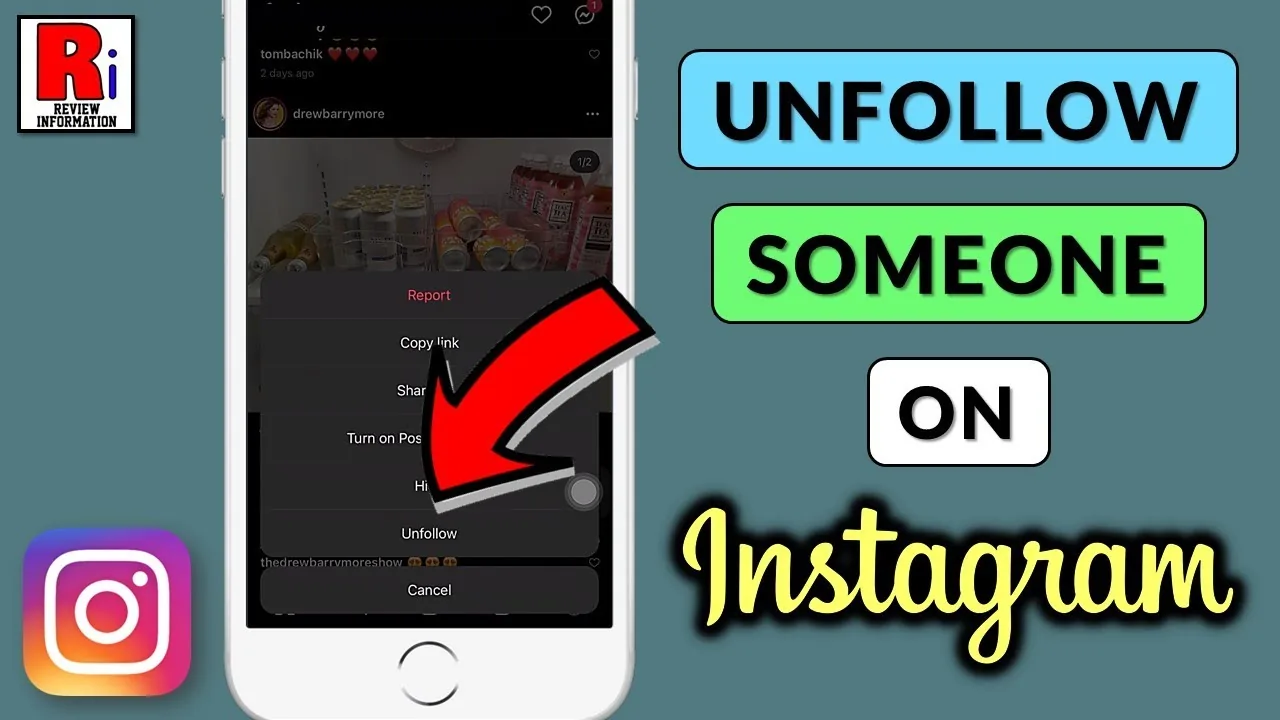
How to Unfollow Someone on Instagram: Limits and Steps
A complete guide on how to unfollow someone on Instagram in 2026, manage your following list, and avoid action blocks.
 How-To
How to Unlink Instagram Accounts Safely (2026)
Separate Instagram profiles in Accounts Center, remove saved logins and stop cross-account sharing without accidentally deleting either account.
 How-To
How to Update Instagram on iPhone and Android
Update Instagram from the official app store, turn on automatic updates, confirm the installed version, and fix a missing or stuck Update button safely.
 How-To
How to Use Instagram: Complete Beginner Guide (2026)
Learn how to use Instagram in 2026, from creating a profile and following people to posting, messaging, privacy, Reels and Stories.
 How-To
Is Instagram Down? How to Check and Fix It
Is Instagram down right now, or is the problem on your phone? Check service status, isolate the cause, and use the right fix without risking your account.
 How-To
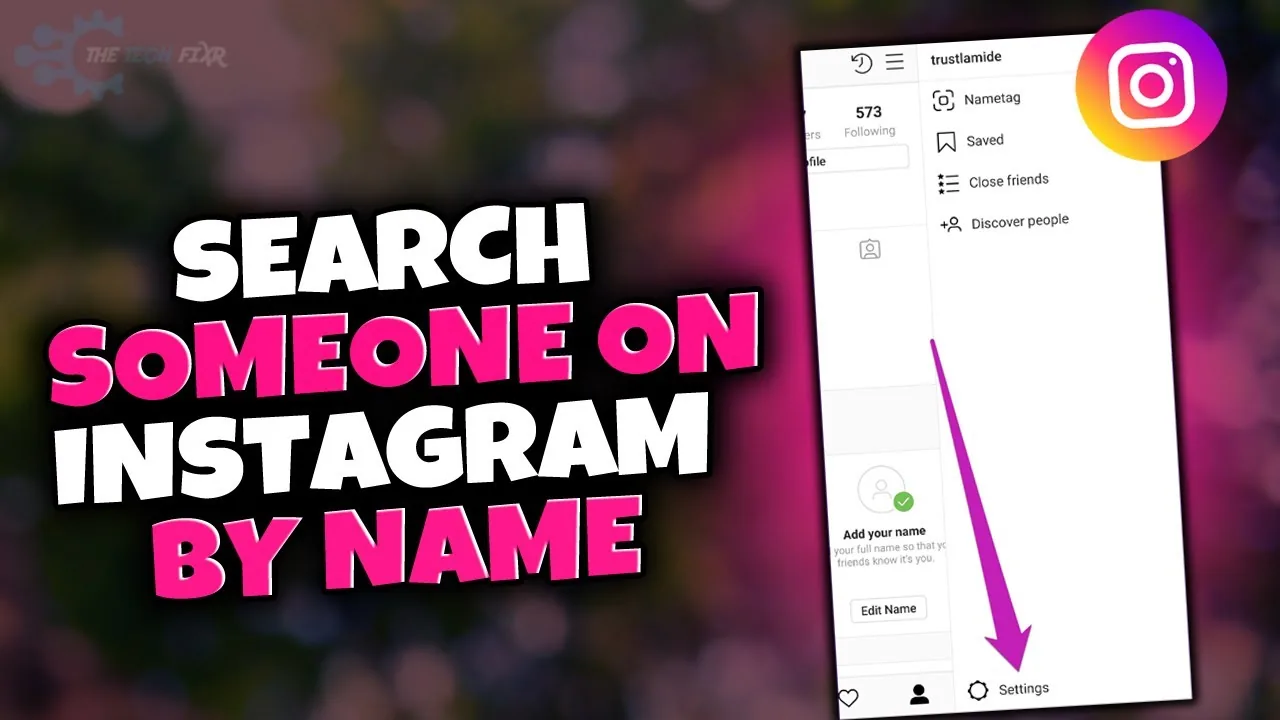
How to Find Someone’s Name on Instagram Safely in 2026
What is her name on instagram: A query such as “what is her name on Instagram” needs more context because Instagram has no universal “her.” Use a known real...
 How-To
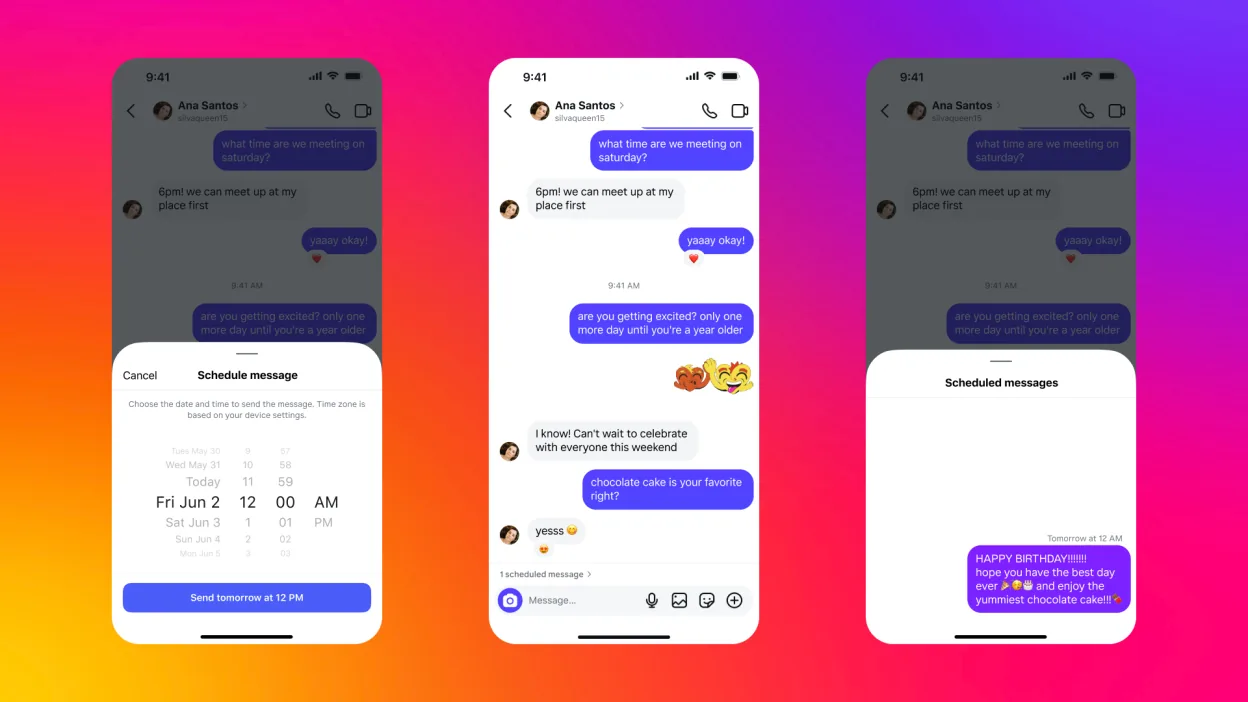
What Is Instagram Direct? DMs and Messages Explained
What is instagram direct: Instagram Direct is Instagram’s private messaging system for one-to-one and group conversations, including text, photos, Reels, voice...
 How-To
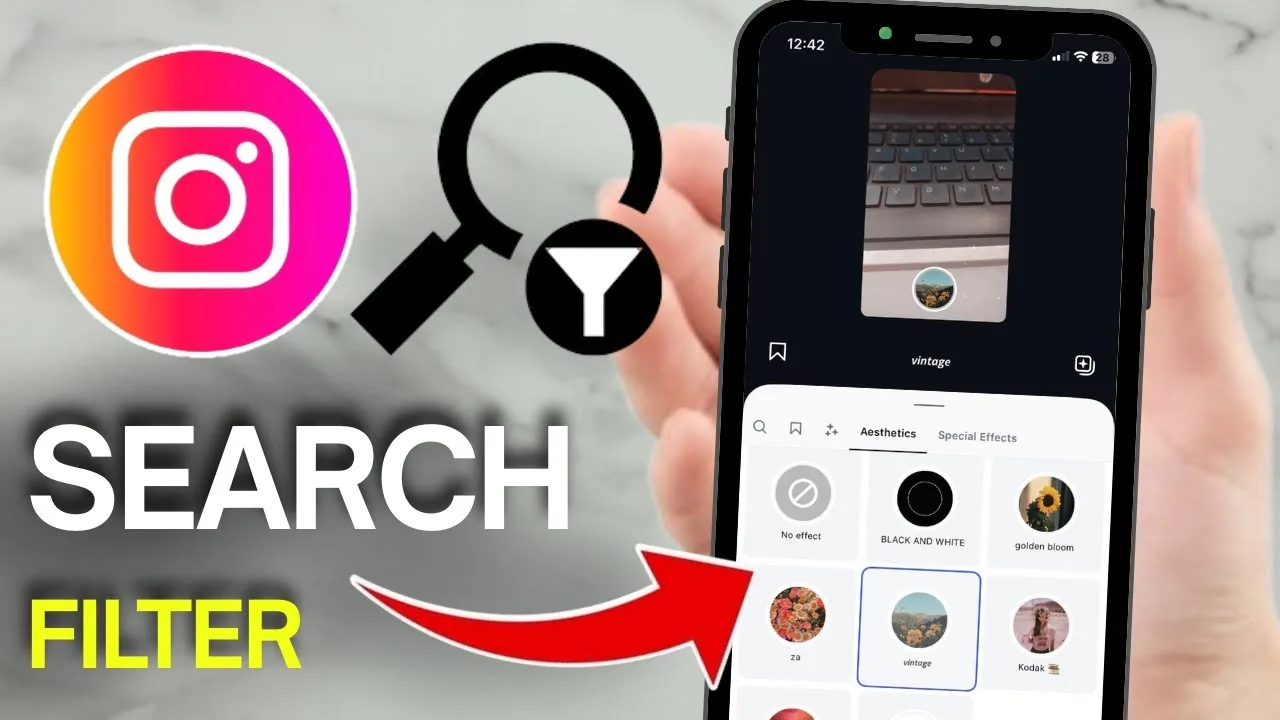
Where Is Browse Effects on Instagram? Complete 2026 Update
Where is browse effects on instagram: Browse Effects may appear at the end of the Story camera’s effects tray or through an effect name on existing content; if...
 How-To
Why Can’t I Like Posts on Instagram? Complete 2026 Fixes
Why can't i like posts on instagram: Instagram may block likes because of a temporary connection or app problem, an action limit, suspicious automation, an...
 How-To
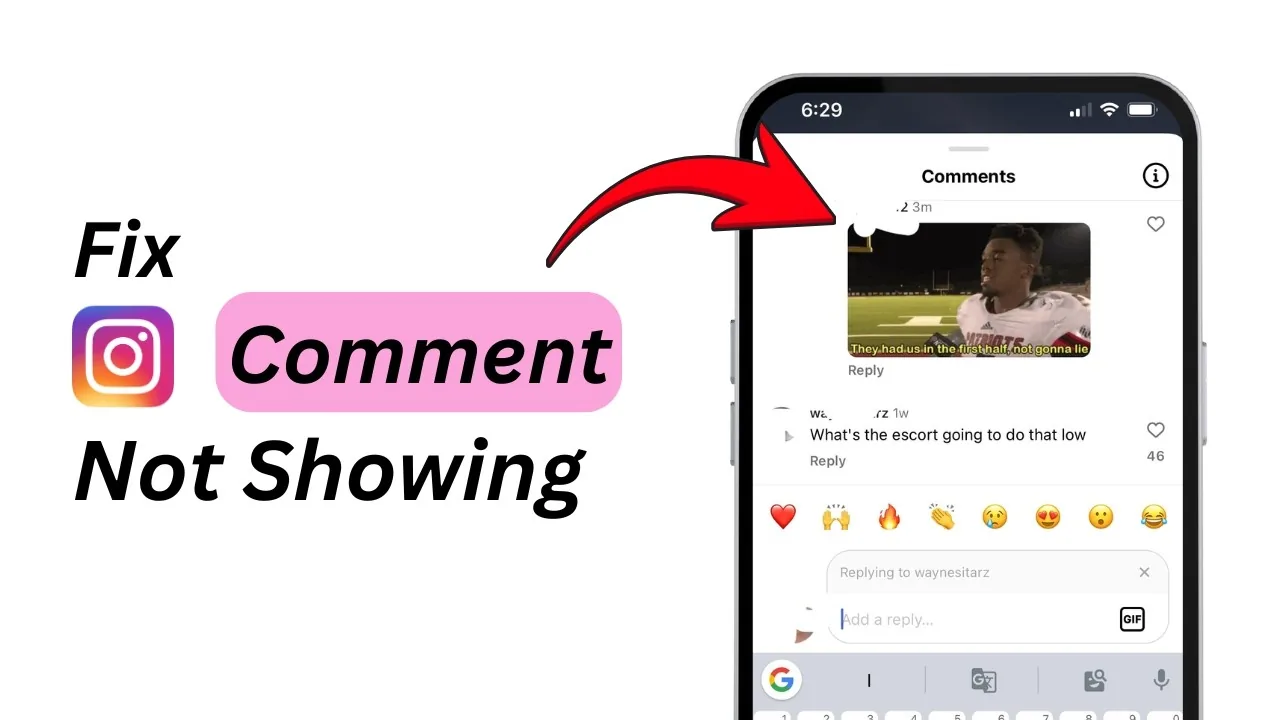
Why Can’t I See Comments on Instagram? Fixes for 2026
Why can't i see comments on instagram: Instagram comments may be hidden by filters, limited by the creator, removed for policy reasons, delayed by a connection...
 How-To
Why Does My Instagram Call Keep Disconnecting in 2026?
Why does my instagram call keep disconnecting: Instagram calls usually disconnect because of an unstable connection, restricted microphone or background...
 How-To
Why Instagram Web Is Not Showing Your Messages
Fix missing Instagram messages on the web by checking requests, account identity, browser storage, encryption and whether the problem is an outage or rollout.
 How-To
How to Repost a Story on Instagram (2026 Guide)
How to repost a story on Instagram in 2026: reshare tags, feed posts, and other people's stories with credit, music, and stickers - step by step.
 How-To
How to Go Live on Instagram: Step-by-Step (2026)
Start a live broadcast, add up to 3 guests, moderate comments, and save the replay — plus the new 1,000-follower requirement to go live.
 How-To
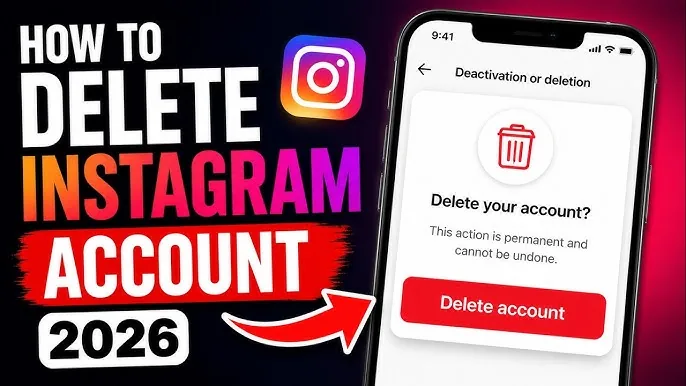
How to Delete Your Instagram Account (Permanently or Temporarily)
The exact 2026 steps to permanently delete or temporarily deactivate your Instagram account — plus what happens to your data and the 30-day grace period.
 How-To
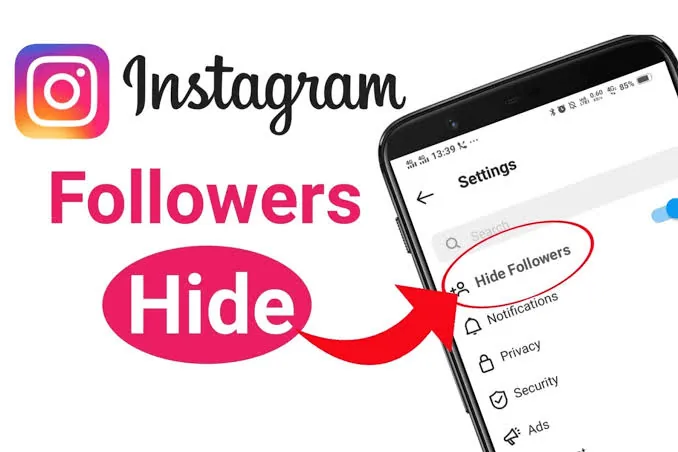
How to Hide Your Instagram Followers: What's Possible?
You can't hide your follower count, but you can hide the list. Here's exactly what's possible in 2026 — going private, removing, blocking, and restricting.