How to Turn Off Active Status on Instagram (2026)
Learn how to turn off active status on Instagram in 2026 so no one sees your green dot or last active time. Steps, the mutual catch, and privacy tips.

Short answer
To turn off active status on Instagram, open Settings and Privacy, tap Messages and story replies under 'How others can interact with you,' select Show Activity Status, and toggle it off. The catch is that it is mutual: once you hide your green dot and last active time, you also stop seeing everyone else's.
Key takeaways
- Active status lives in Settings and Privacy > Messages and story replies > Show Activity Status and is toggled off with a single switch.
- It is mutual (all-or-nothing): once you hide your green dot and last active time, you can no longer see anyone else's status either.
- Only people you follow and anyone you DM can see your activity status in the first place, not the whole public.
- The change is instant and works the same on iPhone, Android, and Instagram.com in 2026.
- You cannot hide status from specific people and keep it visible to others, there is no middle-ground option.
- Active status is separate from read receipts and last-seen, which are controlled elsewhere in your message settings.
How do I turn off active status on Instagram?
To turn off active status on Instagram, open Settings and Privacy, tap Messages and story replies, select Show Activity Status, and turn off the toggle. The whole change takes under 30 seconds and applies instantly across your account.
Here are the exact 2026 steps on the mobile app:
- Open Instagram and tap your profile picture in the bottom-right corner.
- Tap the three horizontal lines (menu) in the top-right corner.
- Tap Settings and privacy (usually the top option).
- Scroll to How others can interact with you and tap Messages and story replies.
- Tap Show Activity Status.
- Turn off the toggle next to Show Activity Status.
That is it, there is no confirmation or save button. If you change your mind, repeat the steps and switch the toggle back on. Managing these controls is the same privacy habit as learning to make your Instagram account private and to hide your followers list.
How do I turn off active status on the desktop website?
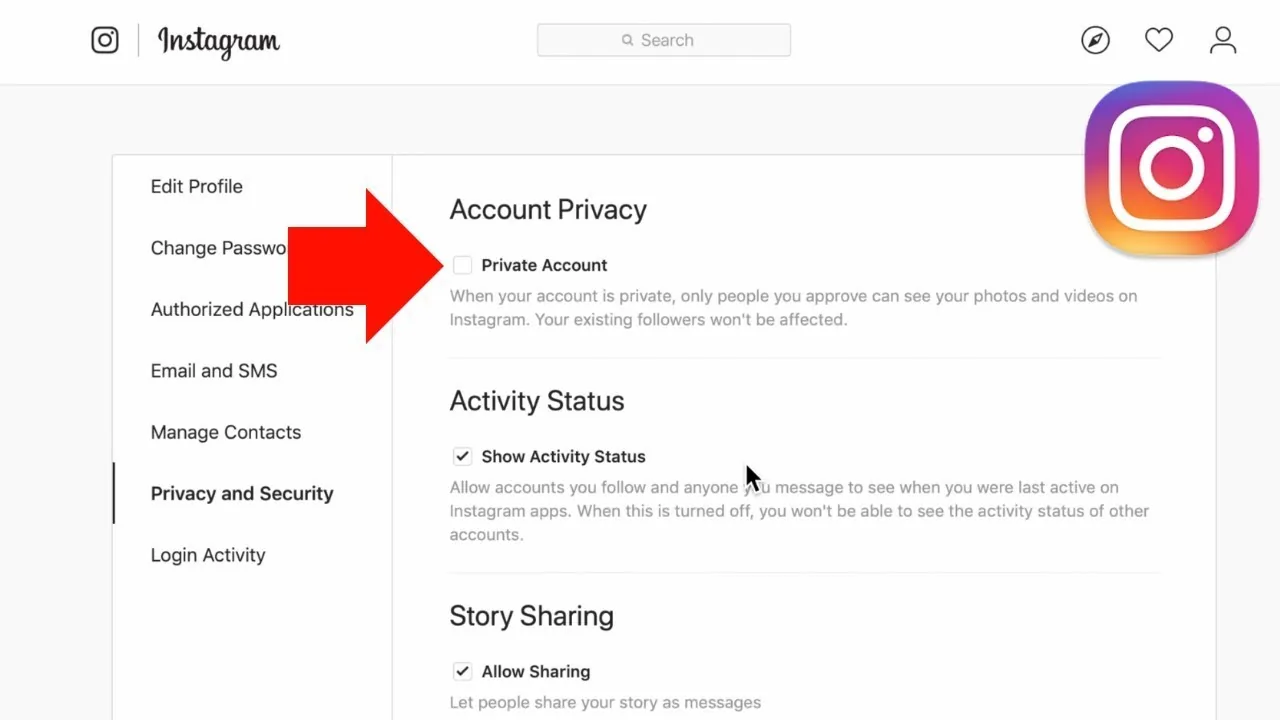
On Instagram.com, log in, click More (the three-line icon) in the bottom-left, click Settings, open How others can interact with you in the sidebar, find the Show Activity Status section, and uncheck the box. The desktop toggle syncs with your phone, so you only need to change it in one place.
The web flow mirrors the app almost exactly. If the setting will not load or the page looks broken, it is usually a temporary glitch, try a hard refresh or clear cached data the same way you would to fix a black screen in Instagram messages or when you clear the Instagram cache.
Who can actually see my active status on Instagram?
Active status is only visible to accounts you follow and to anyone you exchange direct messages with, not to the general public. It never appears on your public profile or in the main feed, it is strictly a Direct Messages feature.
When it is on, those people can see a green dot next to your name, an "Active now" label, or a last active timestamp like "Active 2h ago." This is different from someone seeing your posts or checking whether you exist, so if your concern is a specific person, you may instead want to mute someone or check the signs for when someone has blocked you.
Is turning off active status mutual on Instagram?
Yes, active status is completely mutual in 2026. The moment you hide your own green dot and last active time, Instagram also stops showing you everyone else's status, including close friends and people you DM daily.
This reciprocal rule is the single biggest trade-off. To see other people's status, you must share your own. Here is what changes the instant you toggle it off:
| What you give up | What you gain |
|---|---|
| Seeing others' green dot | Your green dot is hidden |
| "Active now" labels on other accounts | Nobody sees your "Active now" |
| Last active timestamps in your DM list | Your last active time is hidden |
| Knowing when a contact is online | Freedom to browse unseen |
Because of this, many people leave it on and simply manage other signals instead. For example, you can separately turn off read receipts on Instagram so people cannot tell you opened their message, even while your green dot stays visible.
Can I hide active status from only one person?
No. Instagram does not let you hide your activity status from specific people while keeping it visible to others, it is an all-or-nothing setting in 2026. There is no per-contact or close-friends exception for the green dot.
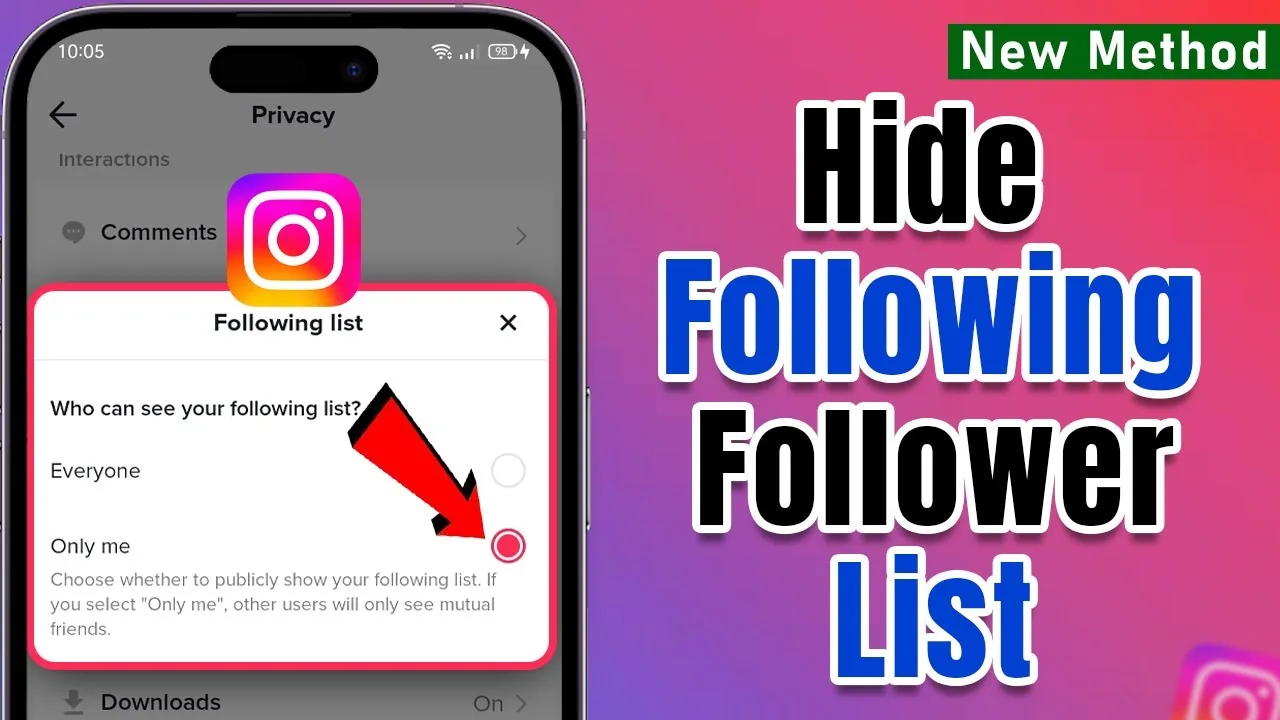
If your goal is to limit what one particular account sees, your real tools are broader privacy controls: switch to a private account, hide your following list, or restrict and mute that person. These give you targeted control that the activity-status toggle simply does not offer.
Does turning off active status stop other tracking?
Turning off active status only hides your green dot and last active time, it does not stop read receipts, screenshot behavior, or location signals. Each of those is a separate control you have to manage on its own.
Here is how the main privacy switches compare:
| Setting | What it hides | Where to change it |
|---|---|---|
| Active status | Green dot, last active time | Messages and story replies |
| Read receipts | The "Seen" label on DMs | Message settings / vanish mode |
| Location | Geotags and device location | App and phone settings |
| Account privacy | Who can see your posts | Account privacy |
For a full lockdown, pair this guide with turning off location on Instagram and understanding whether Instagram shows screenshots. If you are curious about posting privately in the first place, our guide to posting on Instagram covers audience controls too.
Why is my active status still showing after I turned it off?
If your status still shows after toggling it off, the change usually just needs a moment to sync, force-close and reopen the app. A stale cache or an outdated app version is the most common cause in 2026.
Try these fixes in order: fully close and reopen Instagram, confirm the toggle actually saved by revisiting the setting, update the app to the latest version, then clear the cache. If a friend still sees a green dot, remember it may be a delayed timestamp rather than live presence. Persistent glitches often clear once you clear your Instagram cache or reinstall the app.
Privacy tip: Turning off active status is reversible and instant, so experiment freely. If losing visibility of others' status bothers you, leave it on and lean on read-receipt and mute controls instead.
Frequently asked questions
Open Settings and privacy, tap Messages and story replies under 'How others can interact with you,' select Show Activity Status, and switch the toggle off. The change is instant and needs no confirmation.
Sources
Keep reading
More guides to grow your account.