How to Turn Off Seen on Instagram (Read Receipts)
Turn off read receipts on Instagram so people can't tell when you've seen their DM. Here's where the setting lives and what it does and doesn't hide.
Short answer
Go to Settings and privacy, then Messages and story replies, then turn off Show read receipts to stop the Seen label from appearing on your DMs. This is mobile-only and works both ways, meaning you also stop seeing when others read your messages.
Key takeaways
- The read receipts toggle is under Settings and privacy, then Messages and story replies
- Turning it off is reciprocal, since you lose the ability to see others' Seen status too
- This setting is mobile-only and isn't available through the desktop website
- It only hides the Seen label in DMs, not your green dot activity status
- Group chats still show who has seen a message even if you personally turn off read receipts for one-on-one chats
- Vanish mode messages behave differently, since seen status works alongside disappearing messages
Where do you turn off Seen on Instagram?
Go to your profile, tap the menu icon, then open Settings and privacy. From there tap Messages and story replies, then find Show read receipts under Who can see that you're online, and toggle it off. Once disabled, you can still read incoming messages, but the sender won't see a Seen timestamp appear under their message.
This setting currently only works from the mobile app, so if you're managing your account through instagram messages black screen issues on desktop or another problem, you'll need to switch to your phone to change it.
Does turning off read receipts also hide your online status?
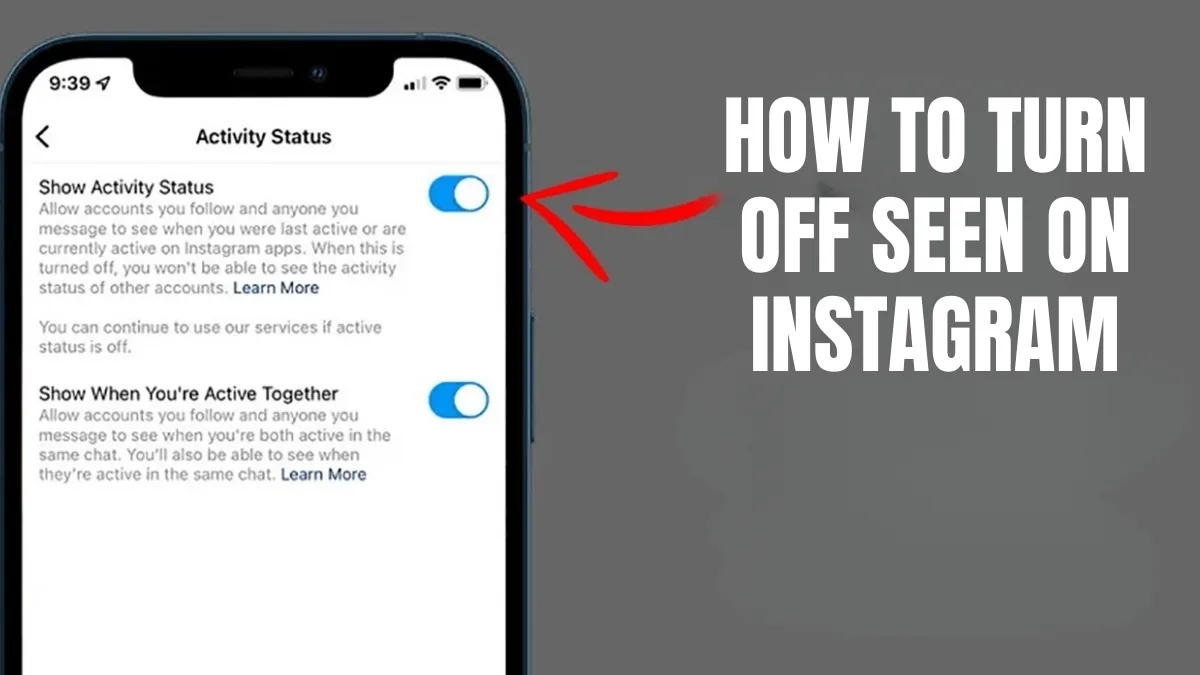
No, read receipts and activity status are two separate settings. Turning off Show read receipts only stops the Seen label from appearing on individual messages, while your green active dot is controlled separately under how to turn off active status on instagram.
If your goal is to browse without anyone knowing you're on the app at all, you'll want to adjust both settings rather than just one.
Is turning off read receipts a two-way street?
Yes, this is the trade-off most people don't expect. Once you disable read receipts, you also lose visibility into whether the people you message have read your texts, so you can't have it both ways. It applies symmetrically to everyone you DM, not selectively per conversation.
If you only want privacy with specific people, this setting won't help since it's an account-wide toggle rather than a per-contact one.
Does this setting affect group chats too?
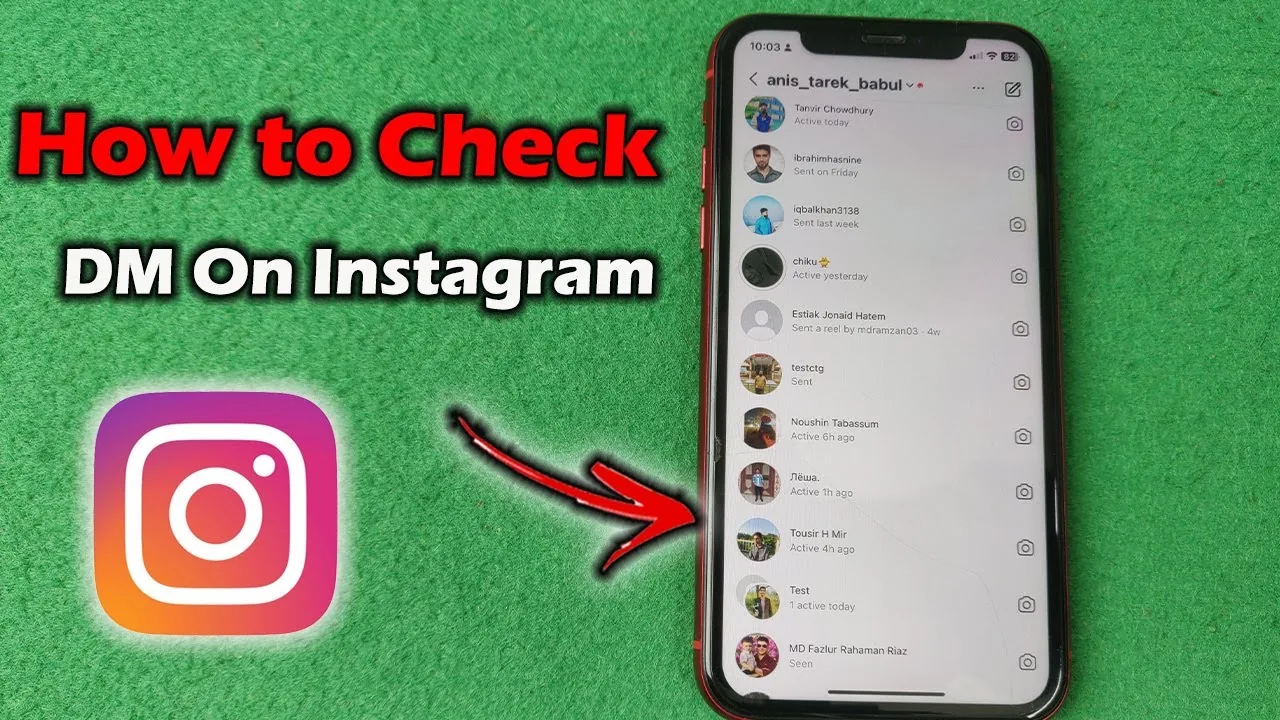
Group conversations still show a list of who has seen a message, regardless of your individual read receipts setting. Because multiple people are involved, Instagram keeps the seen indicators visible in groups so everyone can track engagement, which is different from the one-on-one behavior described in how to check dm instagram.
This means turning off read receipts mainly protects your privacy in direct one-to-one conversations, not group threads, which is a distinction worth knowing before assuming can you see deleted messages on instagram or read status behaves the same everywhere.
| Setting | What it hides | Where it lives |
|---|---|---|
| Read receipts | Seen label on individual DMs | Messages and story replies |
| Activity status | Green dot and last active time | Messages and story replies |
| Vanish mode | Message history after viewing | Swipe up inside a chat |
| Story view list | Who viewed your story | Cannot be hidden individually |
What about Vanish Mode and disappearing messages?
Vanish mode messages still show as seen once opened, since the disappearing behavior and the read receipt setting are independent features. Turning off read receipts doesn't stop a Vanish mode chat from disappearing after both people leave the conversation.
If you use Vanish mode frequently, understand that the privacy benefit is the disappearing history, not necessarily hiding whether you've read something, similar to how can you turn off read receipts on instagram explains the reciprocal nature of the main setting.
Can other apps show you Instagram messages without marking them seen?
No reliable third-party app can bypass Instagram's read receipt system safely, and using unofficial tools that claim to do this risks your account's security. The only legitimate way to read a message without it showing as seen is to disable read receipts entirely through Instagram's own settings, or read the message preview from a notification banner before opening the app. If you'd rather remove a message you regret sending instead of hiding that you saw it, how to delete instagram messages covers that separately.
Notification previews on your lock screen sometimes show enough of a message to get the gist without technically opening the conversation, though this depends on your phone's notification settings rather than anything Instagram controls directly.
Frequently asked questions
Go to Settings and privacy, then Messages and story replies, then toggle off Show read receipts. This stops the Seen label from appearing under your messages for the other person.
Sources
Keep reading
More guides to grow your account.