How to Delete an Instagram Account Permanently (2026)
Learn how to delete an Instagram account permanently, export your data first, and understand the 30-day grace period and 90-day deletion process.

Short answer
You can permanently delete Instagram through Accounts Center by choosing Personal details, Account ownership and control, then Deactivation or deletion. Export anything you need first: Instagram generally allows a 30-day cancellation window, which can vary by region, and says backend deletion may take up to 90 days.
Key takeaways
- Permanent deletion removes your profile, photos, videos, comments, likes, and followers; temporary deactivation only hides them.
- Instagram generally gives you 30 days to cancel a deletion request, although its Help Center says the period can vary by region.
- Instagram says completing deletion can take up to 90 days, and limited backup or legally required copies may remain longer.
- Export your information before requesting deletion because the export tool becomes unavailable after the account is deleted.
- You must be able to log in and choose the correct profile in Accounts Center; Instagram will not delete an account for you.
How do you delete an Instagram account permanently in 2026?
You permanently delete Instagram from Accounts Center, not by merely removing the app from your phone. The route is available in the mobile app and on a computer, although labels can move slightly after an update.
- Sign in to the account you intend to delete.
- Open your profile menu and choose Settings and privacy, then Accounts Center.
- Select Personal details and Account ownership and control.
- Choose Deactivation or deletion, then select the correct Instagram profile.
- Select Delete account, choose Continue, and complete the confirmation prompts.
If you want the broader overview first, read the standard Instagram account deletion guide. Removing only local app data is different; the Instagram cache-clearing steps leave your account online.
What does Instagram permanently delete, and when?
Instagram permanently removes the profile and its photos, videos, comments, likes, and followers after the cancellation period ends. Meta states that the usual deadline is 30 days after the request, but the exact number of cancellation days can differ by region.
Your content is not visible to other Instagram users during that window. Instagram also says technical deletion can take up to 90 days after it begins, while copies may remain in disaster-recovery backups or be retained for legal, safety, or terms-enforcement reasons. That distinction matters: invisible does not necessarily mean every backup byte has already been erased.
Deleting the app, logging out, making the account private with the Instagram privacy walkthrough, or hiding connections using the following-list privacy guide does not delete the account.
Should you export your Instagram data first?
Yes, export your Instagram information before deletion if you may want your photos, videos, messages, or account history later. Once deletion is final, you cannot use Instagram's export tool for that profile.
In Accounts Center, open Your information and permissions, choose Export your information, create an export, then select the profile, destination, date range, format, and media quality. Instagram says a requested export can take up to 30 days and, once ready in Available downloads, may remain downloadable for four days. Wait until you have opened the archive and confirmed the important media is present before deleting.
Also save any recovery codes, invoices, or brand records stored outside the export. If your goal is only a cleaner digital footprint, the guide to erasing Instagram data explains less final options.
Is deleting Instagram different from deactivating it?
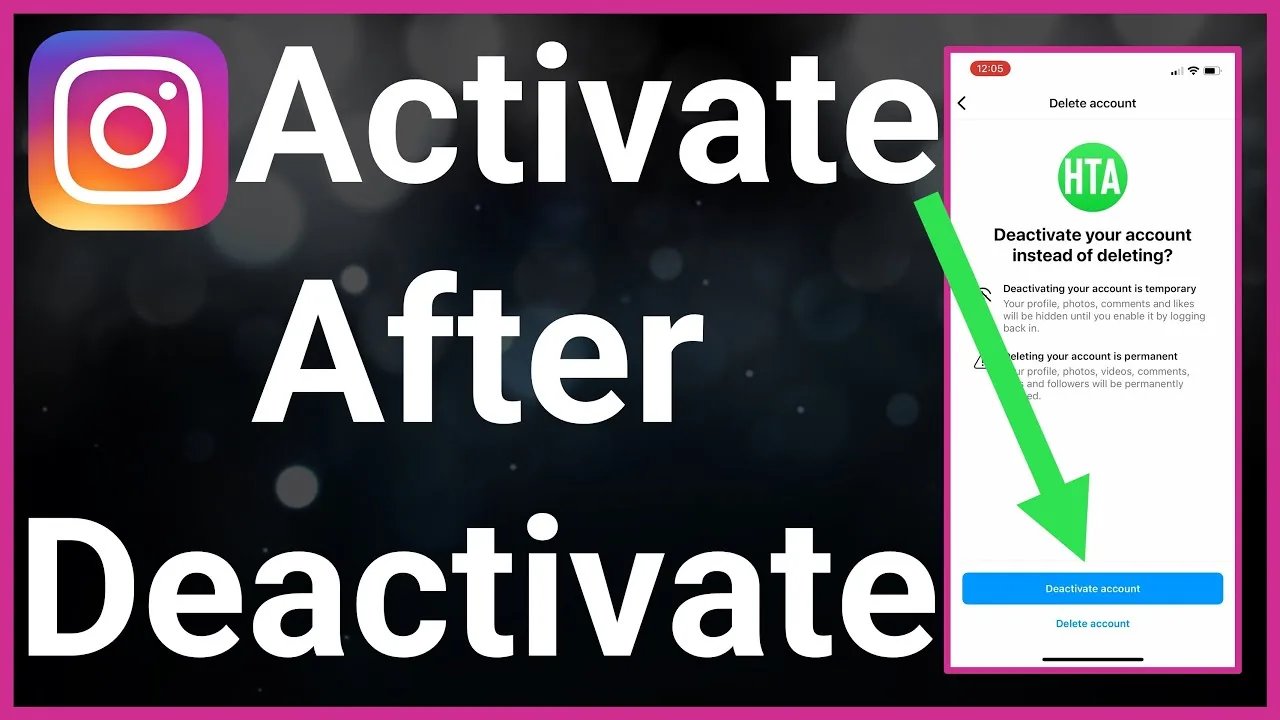
Yes, deletion is intended to be permanent, while deactivation hides the account until you log back in. Choose deactivation when you want a reversible break and deletion only when you accept losing the profile after the grace period.
| Choice | What followers see | Recovery | Main limit |
|---|---|---|---|
| Delete account | Profile becomes inaccessible | Cancel during the stated grace period | Data becomes unrecoverable after the deadline |
| Deactivate account | Profile, posts, comments, and likes are hidden | Log back in to reactivate | Instagram says deactivation is limited to once a week |
| Uninstall app | Account stays visible | Reinstall and sign in | Removes only the app from that device |
| Make private | Approved followers still see content | Change privacy setting | Does not hide the account from existing followers |
Use the temporary Instagram deactivation steps if you are undecided. Privacy controls such as turning off active status can also reduce visibility without removing content.
Can you cancel an Instagram deletion request?
You can generally cancel by signing back into the account before the deadline Instagram shows during deletion. Follow the on-screen option to keep the account; do not assume every region uses exactly 30 days because Meta expressly notes regional variation.
After the deadline, Instagram says the account and information cannot be retrieved. A previous username may become available again, but it is not reserved and another person could take it. If a profile was removed for violating platform rules, the same username might not be reusable.
Do not call numbers found in search results to reverse deletion. Instagram does not advertise a general 24/7 customer-service phone line, as explained in the Instagram support-number scam warning.
What if you cannot log in to delete the account?
Recover access through Instagram's official login-help flow first because Meta says it cannot delete the account on your behalf for security reasons. Check the username, reset the password through the registered email or phone, and use the hacked-account recovery route if someone changed your details.
Avoid anyone who asks for your password, backup code, remote-device access, or payment to delete the profile. Those are strong scam signals. If the account is accessible but you need an immediate safety measure, remove public location exposure with the Instagram location privacy guide while you finish recovery.
What should you check before confirming deletion?
Confirm the selected profile, export status, connected services, and business obligations before you press the final button. Accounts Center may contain several Facebook and Instagram identities, so verify the username shown on the confirmation screen.
Transfer business assets, download tax or campaign records, tell collaborators, and replace Instagram-based logins on other services. If the problem is an outdated identity rather than the platform itself, revising your Instagram bio and profile positioning may solve it without losing years of content. Finally, record the cancellation deadline displayed to you and store the export somewhere you control.
Frequently asked questions
Yes. Open Accounts Center in the Instagram app, then choose Personal details, Account ownership and control, and Deactivation or deletion. Select the correct profile and choose Delete account.
Sources
Keep reading
More guides to grow your account.