Instagram Profile & Bio guides
Optimize your profile so visitors hit follow.
 Profile & Bio
What Does Archive Mean on Instagram? A Full Explainer
Archiving hides a post, Reel, or Story from your public profile without deleting it — only you can see it, and it's fully reversible anytime.
 Profile & Bio
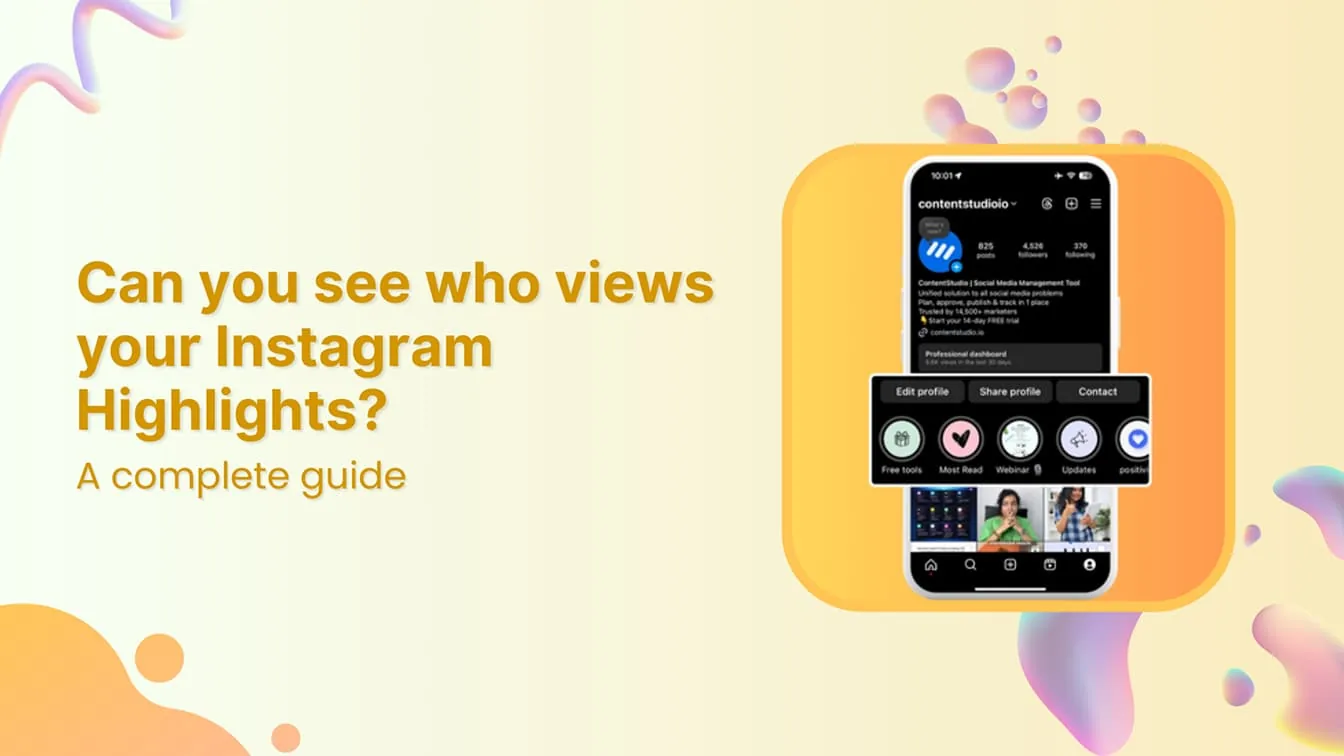
Can People See if You View Their Profile on Instagram?
No. Instagram has no feature that reveals who viewed a profile, and any app that claims to show this is not legitimate and typically puts your account at risk.
 Profile & Bio
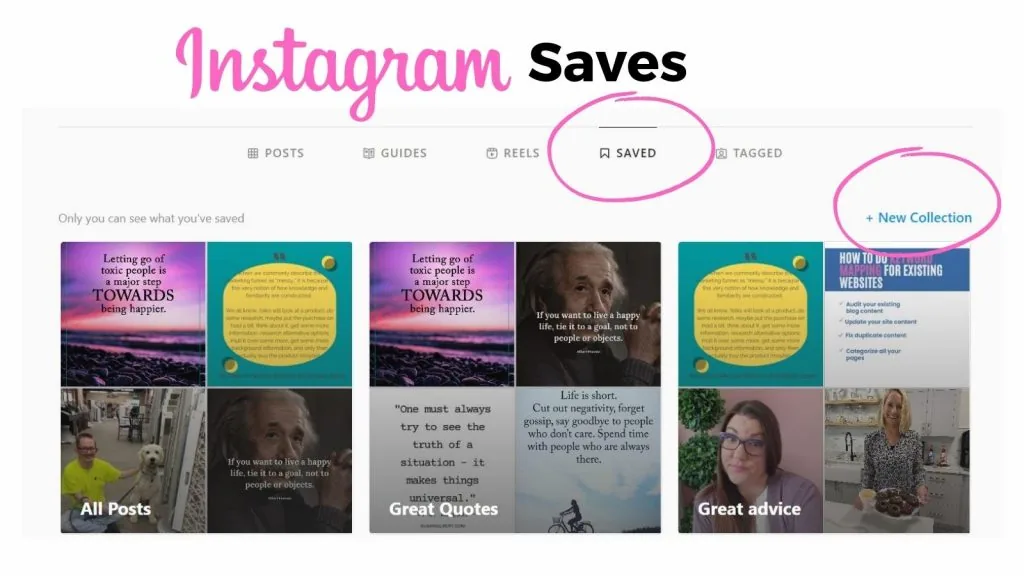
How Can You Save Photos on Instagram?
Tap the bookmark icon on any photo to file it into your private Saved Collections for quick browsing later - it's the fastest way to build a swipe file of outfits, recipes, or design ideas without leaving the app.
 Profile & Bio
What Does It Mean to Restrict Someone on Instagram?
Restricting someone limits their ability to see when you're active or that you've read their messages, and moves their comments on your posts so only they can see them by default — all without unfollowing, blocking, or notifying them that anything changed.
 Profile & Bio
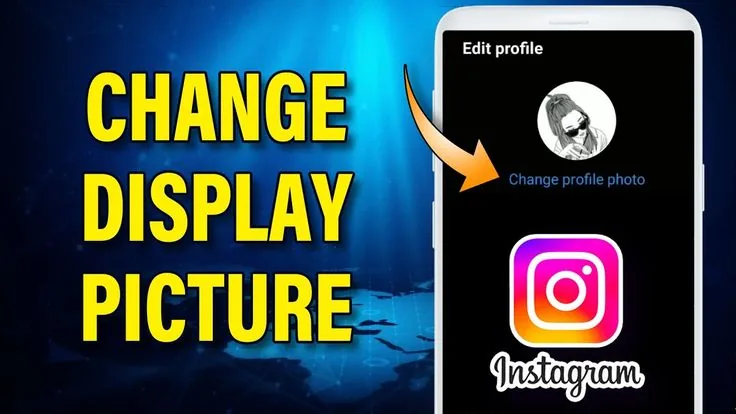
How to Change Your Instagram Profile Picture
Change your Instagram display picture in seconds by tapping your current photo on your profile — here's the full process plus sizing tips.
 Profile & Bio
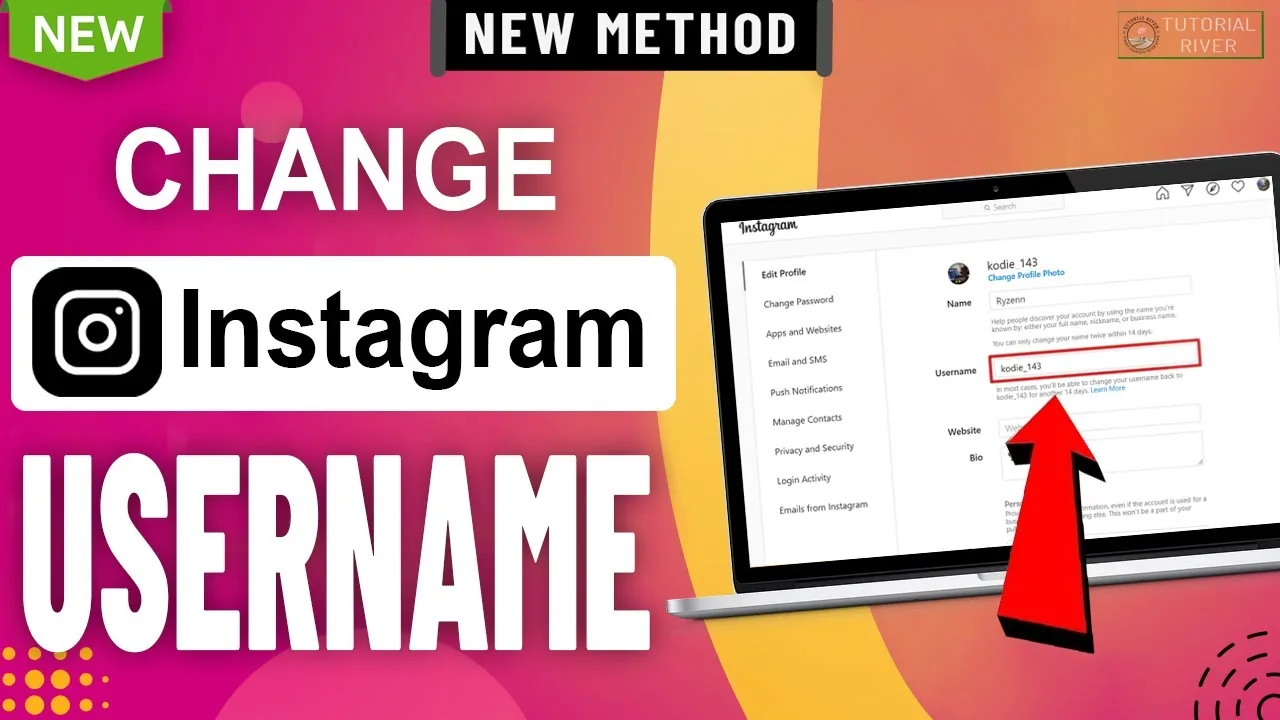
How to Change Your Instagram Username (@handle)
Change your Instagram username from Edit Profile in seconds — the 30-character rule, what happens to your old handle, and whether you'll get it back later.
 Profile & Bio
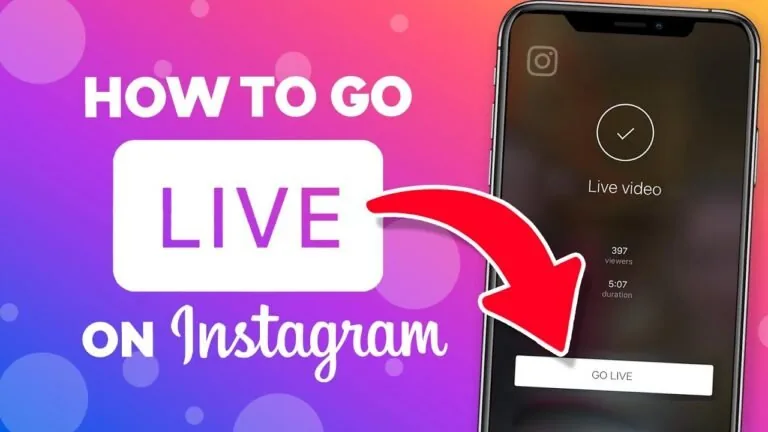
How to Go Live on Instagram: Requirements & Steps
To go live on Instagram you need a public account with 1,000+ followers, then tap + and select Live. Here's the full walkthrough.
 Profile & Bio
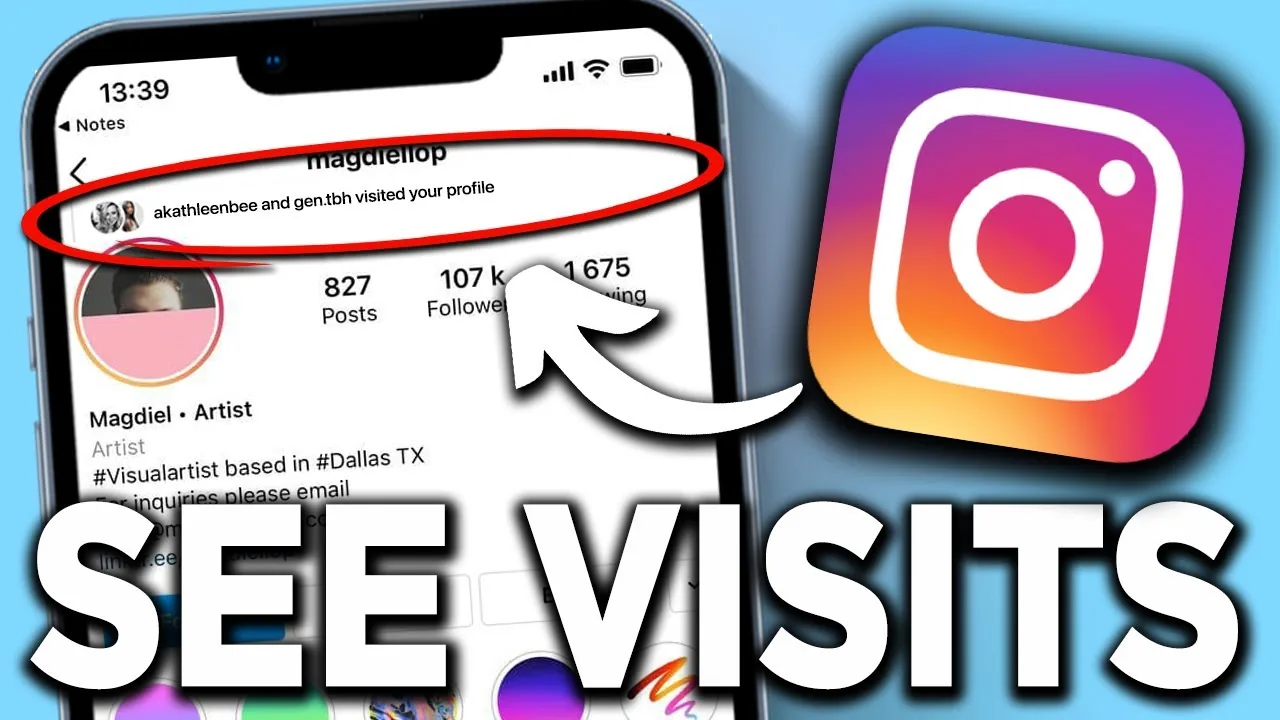
Can Instagram See Who Viewed Your Profile?
Instagram does not track or reveal who visited your profile, and no legitimate feature or app can show you that list — any service claiming otherwise is not using real Instagram data.
 Profile & Bio
Do Instagram Show Profile Views?
No — Instagram does not track or display who visits your profile page. The app only shows a viewer list for Stories, which is a completely separate feature from ordinary profile visits.
 Profile & Bio
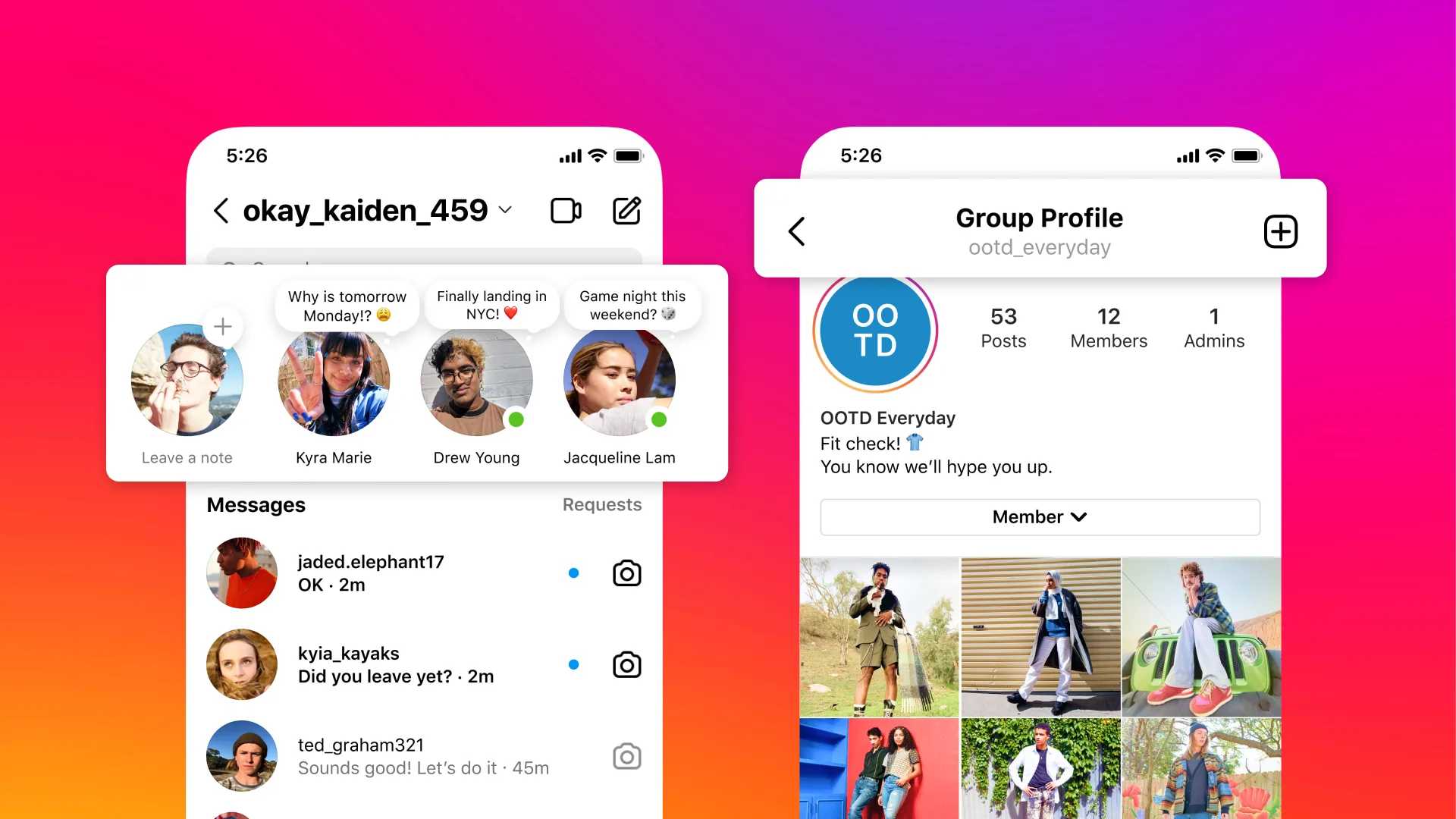
How to Look Up an Instagram Profile (No Account Needed)
Search Instagram by username, name, or a web browser without logging in — here's how to find any public profile fast and confirm it's the real one.
 Profile & Bio
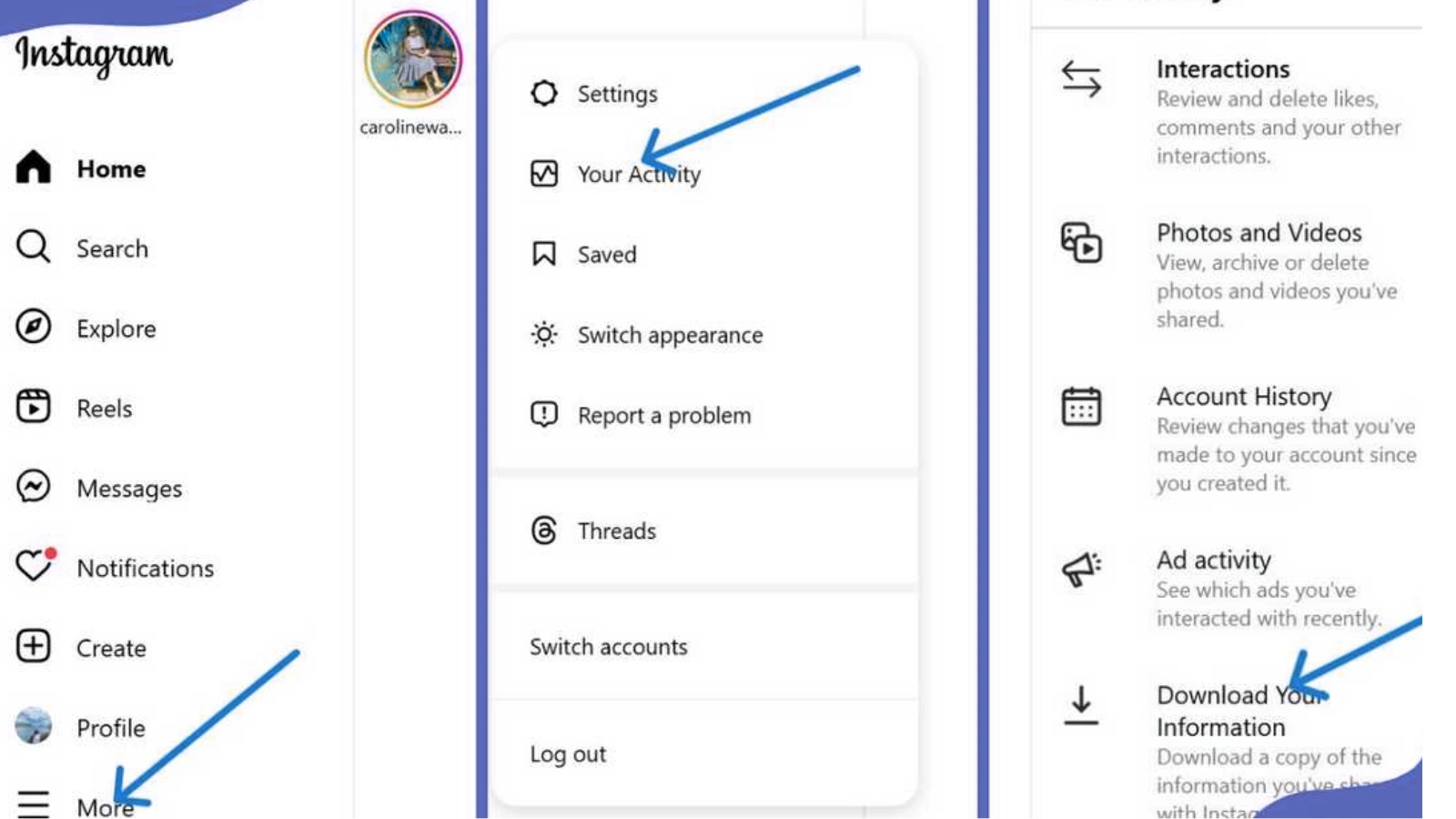
How to See Your Instagram Watch History
Find recently viewed Reels via Your Activity > Watch History, though the list mainly covers Reels you engaged with, not everything you scrolled past.
 Profile & Bio
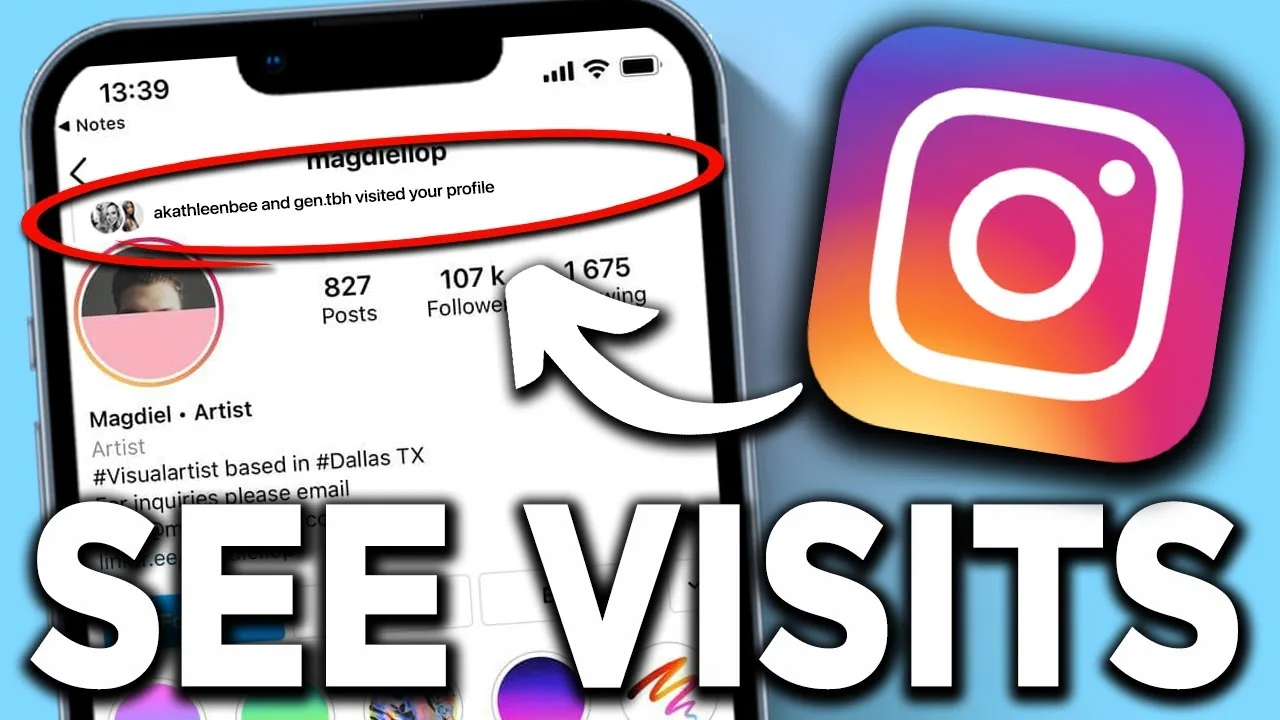
Can People See Who Viewed Their Instagram Profile?
No — unlike Stories, which show the poster a list of viewers, Instagram profiles have no viewer list at all, for anyone.
 Profile & Bio
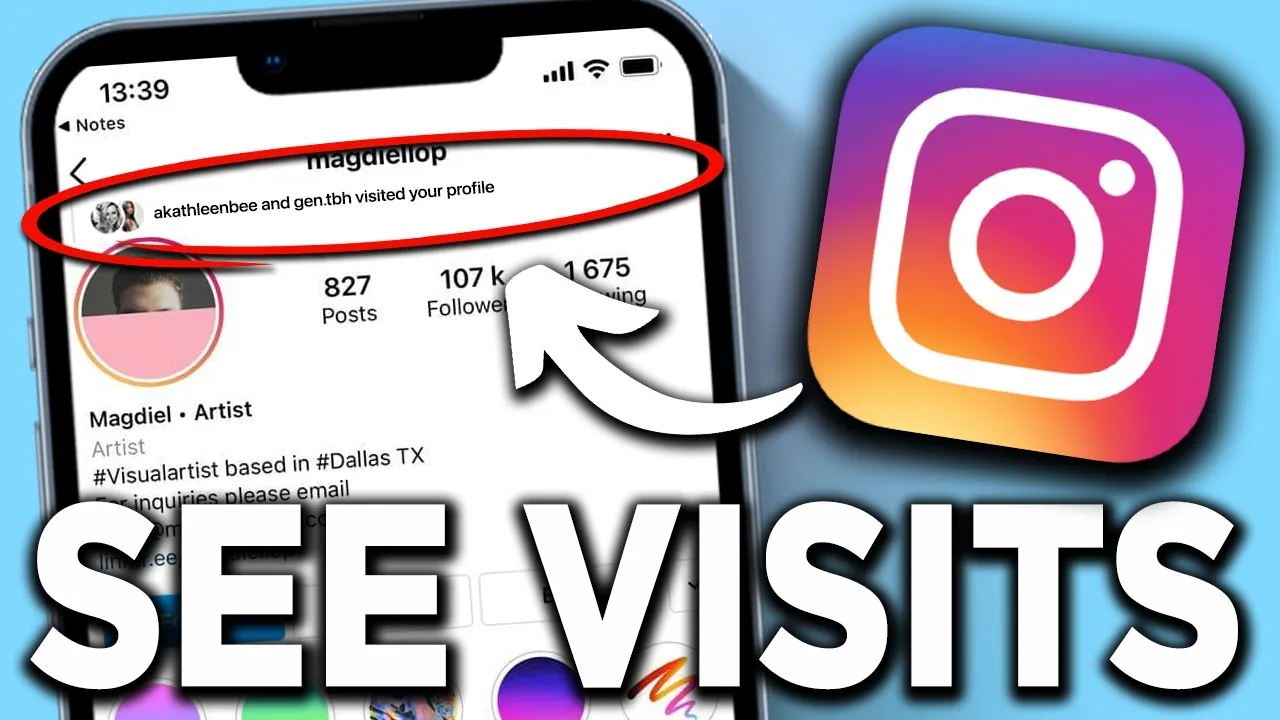
How Do You See Who Views Your Instagram Profile?
Short answer: you can't. Instagram never reveals profile visitors — here's what it does show, and why viewer apps are risky.
 Profile & Bio
How Old Is Instagram? Founding Date and Full Timeline
Instagram launched October 6, 2010. See its exact age in 2026, founders, the Facebook/Meta deal, and every major milestone since.
 Profile & Bio
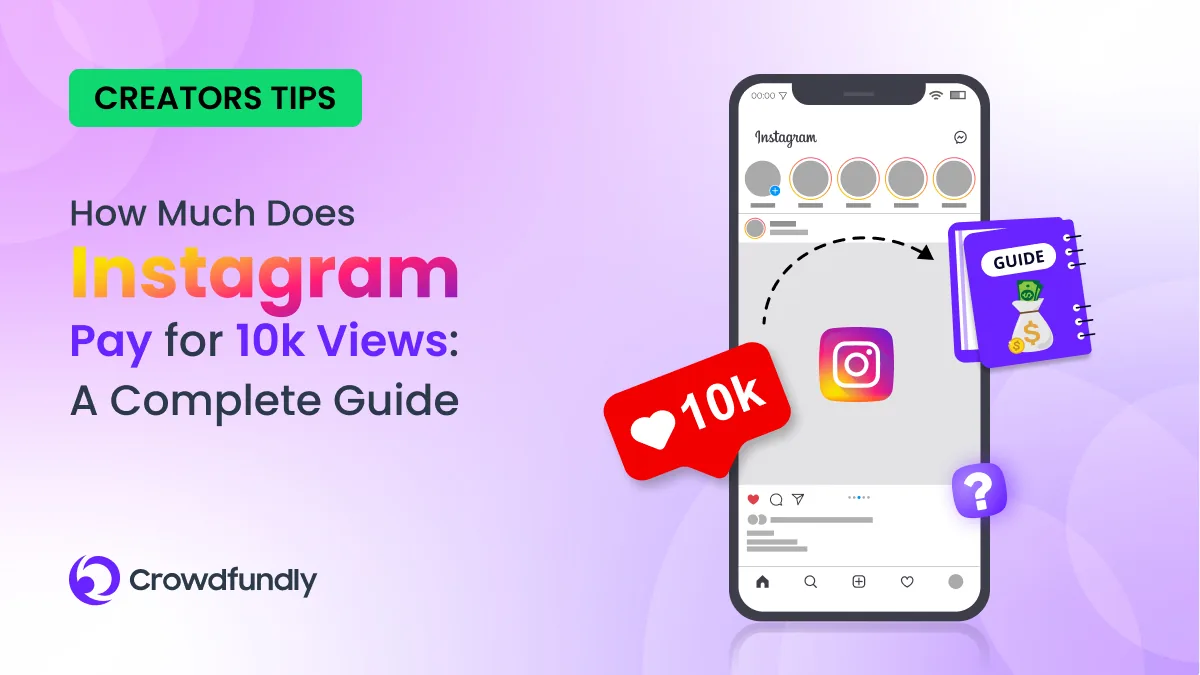
Does Instagram Pay You?
Yes, but only through specific programs — Subscriptions, Live Badges, occasional Reels bonuses, and ads-on-Reels revenue sharing where available — not through a single blanket payout for using the app. Most creators still earn the bulk of their income from brand deals, which come from advertisers, not Instagram itself.
 Profile & Bio
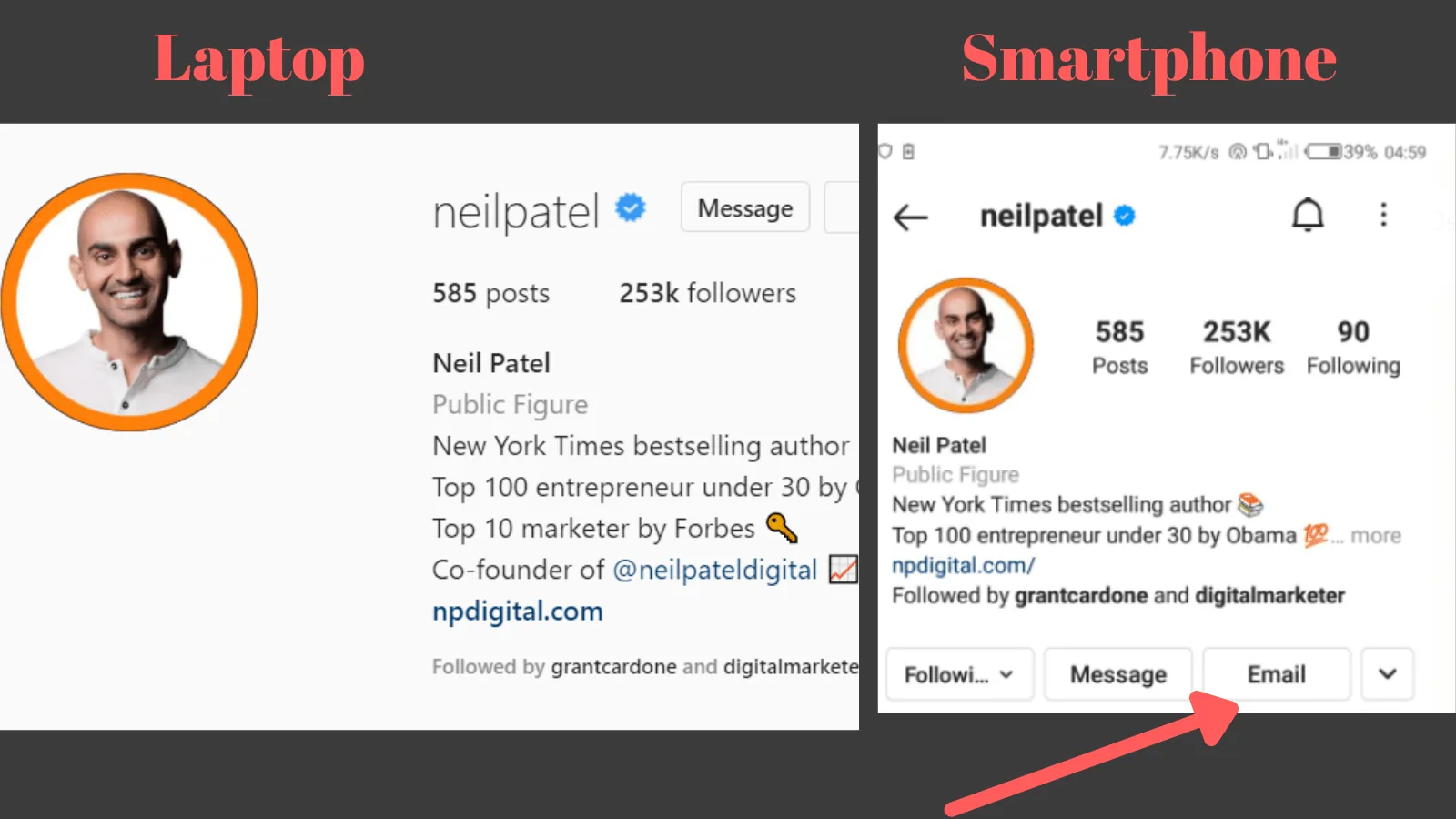
How to Find Someone's Instagram Account (2026 Guide)
Search by username, email, or phone contacts, or use Instagram's Discover People feature — here are the fastest legitimate ways to find someone's account.
 Profile & Bio
How to Get More Likes on Instagram in 2026
Likes are no longer the top algorithm signal, but they still matter. Here's what actually drives more likes on Instagram posts and Reels in 2026.
 Profile & Bio
How to Recover a Deleted DM on Instagram (2026)
You can pull deleted Instagram DMs back for up to 30 days using Download Your Information — here's the real recovery process and its limits.
 Profile & Bio
How to See Profile Views on Instagram (What's Really Available)
Instagram doesn't show who viewed your profile, but it is testing a profile-view counter, and you can already see exact viewers of your Stories and Live videos.
 Profile & Bio
Can People See What You Save on Instagram?
No — saving a post to your Instagram Saved collections is completely private. Unlike likes and comments, saves are never shown to the original poster or anyone else.
 Profile & Bio
Can You Screenshot Instagram DMs Without Anyone Knowing?
You can screenshot regular Instagram DMs without a notification, but Vanish Mode and view-once media are the exception. Here's the full breakdown.
 Profile & Bio
How Can I Logout of Instagram?
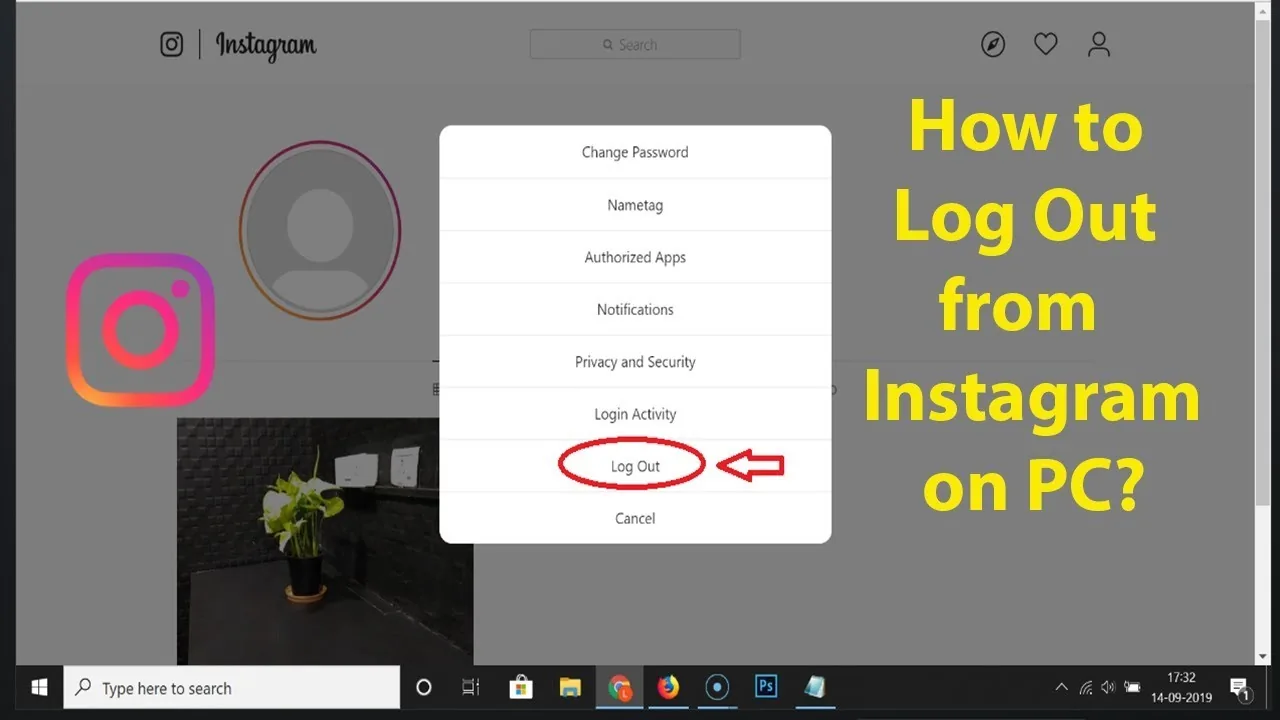
Tap your profile picture, open the menu (☰) in the top right, scroll to the bottom, and tap Log out — if you have multiple accounts logged in, you'll be asked whether to log out of just that account or all of them.
 Profile & Bio
How Do I Change My Instagram Profile Pic?
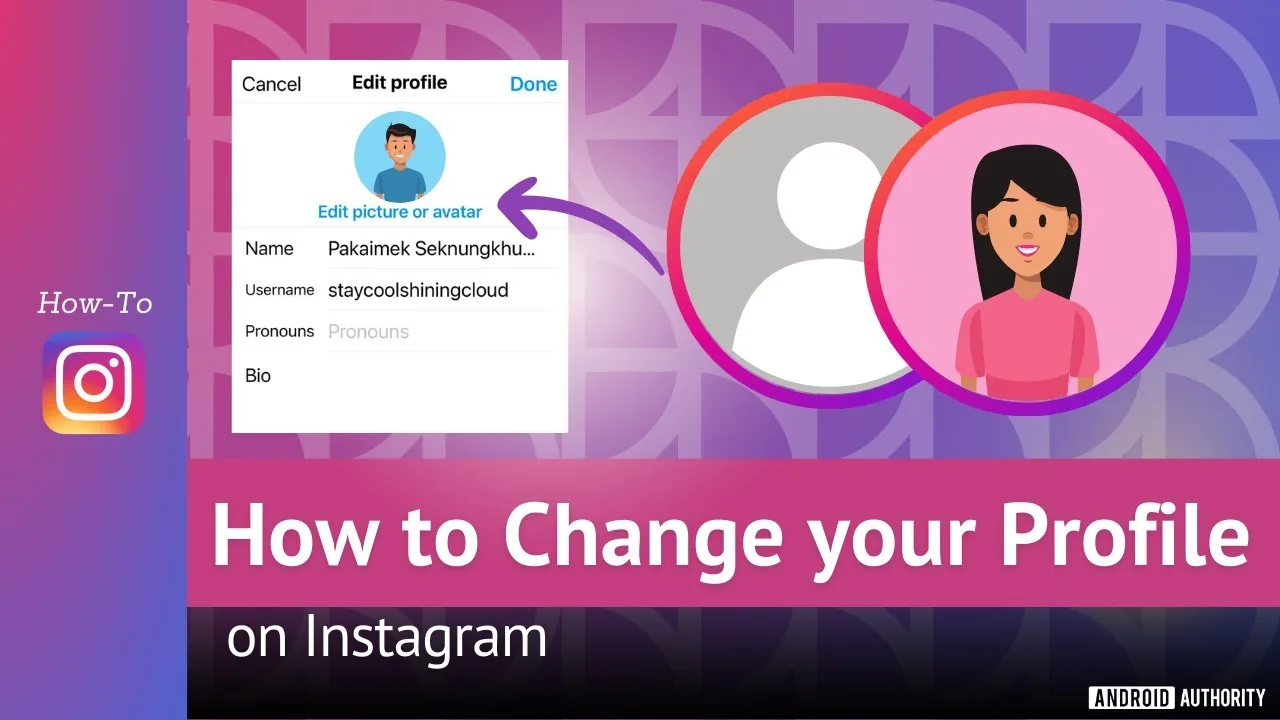
Tap your profile picture, choose Edit profile, then Edit picture, and pick a new photo, take one on the spot, or import your connected Facebook photo - keep the subject centered since Instagram displays it in a circular frame.
 Profile & Bio
How to Change Your Age on Instagram Safely in 2026
How to change age on instagram: Change your birthday through Accounts Center, Personal details, Birthday; Instagram may require age verification, and you should...
About Profile & Bio on IG Stories Pro
Your profile is the single page every new visitor evaluates before deciding whether to follow, and most accounts underinvest in it relative to how much traffic actually passes through it. Every piece of content you post — a Reel that goes semi-viral, a comment that gets noticed, a hashtag that surfaces your post — eventually funnels a stranger to your profile, and what they see in those first few seconds determines whether the growth work upstream actually converts into a follow.
How to Optimize Your Instagram Bio for More Followers covers the structural elements: what to put in the name field versus the username, how to write a bio that communicates value in the two seconds someone actually reads it, and why a generic bio ("photographer | traveler | dog lover") does almost nothing to convert visitors compared to one that states clearly what someone gets by following. If you're not sure your bio is pulling its weight, this is the place to start.
For people who want a more structured approach, How to Write a Good Instagram Bio (Formula + Examples) breaks the bio down into a repeatable formula rather than leaving it to trial and error — who you are, what you help with, and a clear next action (follow, visit a link, DM a keyword). We include real examples across different niches because a formula without examples tends to produce bios that all sound the same.
Profile optimization isn't just the bio text. Profile photo choice, highlight covers, the grid's first nine posts, and even your username all contribute to the same first impression. An inconsistent or dated grid undermines a well-written bio just as much as a bad bio undermines strong content — visitors piece together signals from the whole profile, not just one element in isolation. We treat this holistically rather than as a single bio-copy exercise.
This category connects directly to growth: every growth tactic that gets a stranger to look at your profile is wasted if the profile itself doesn't close the loop into a follow. It's common to see accounts pour effort into content and reach while leaving a profile that hasn't been updated in a year, and that mismatch is one of the most fixable growth leaks we see. A ten-minute bio rewrite can move the needle on follow conversion more than another week of posting the same content with the same weak profile behind it.
If you're auditing your profile for the first time, read the bio formula guide first, apply it, then come back to the optimization guide for the surrounding details — photo, highlights, link placement — that round out the full picture. Small, deliberate changes here tend to compound, since a better-converting profile makes every future piece of content slightly more effective at growing the account.