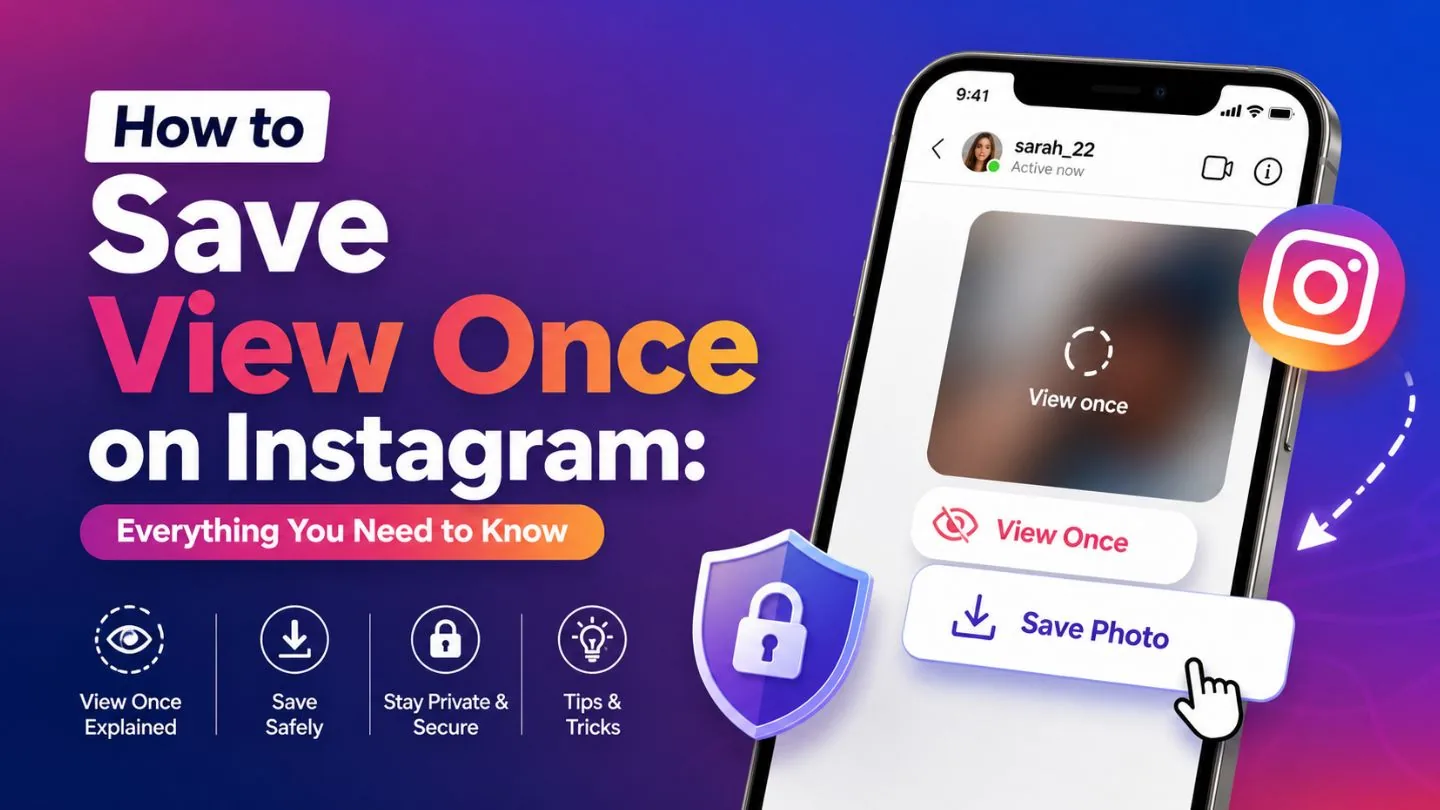
How Can You Save Pics from Instagram?
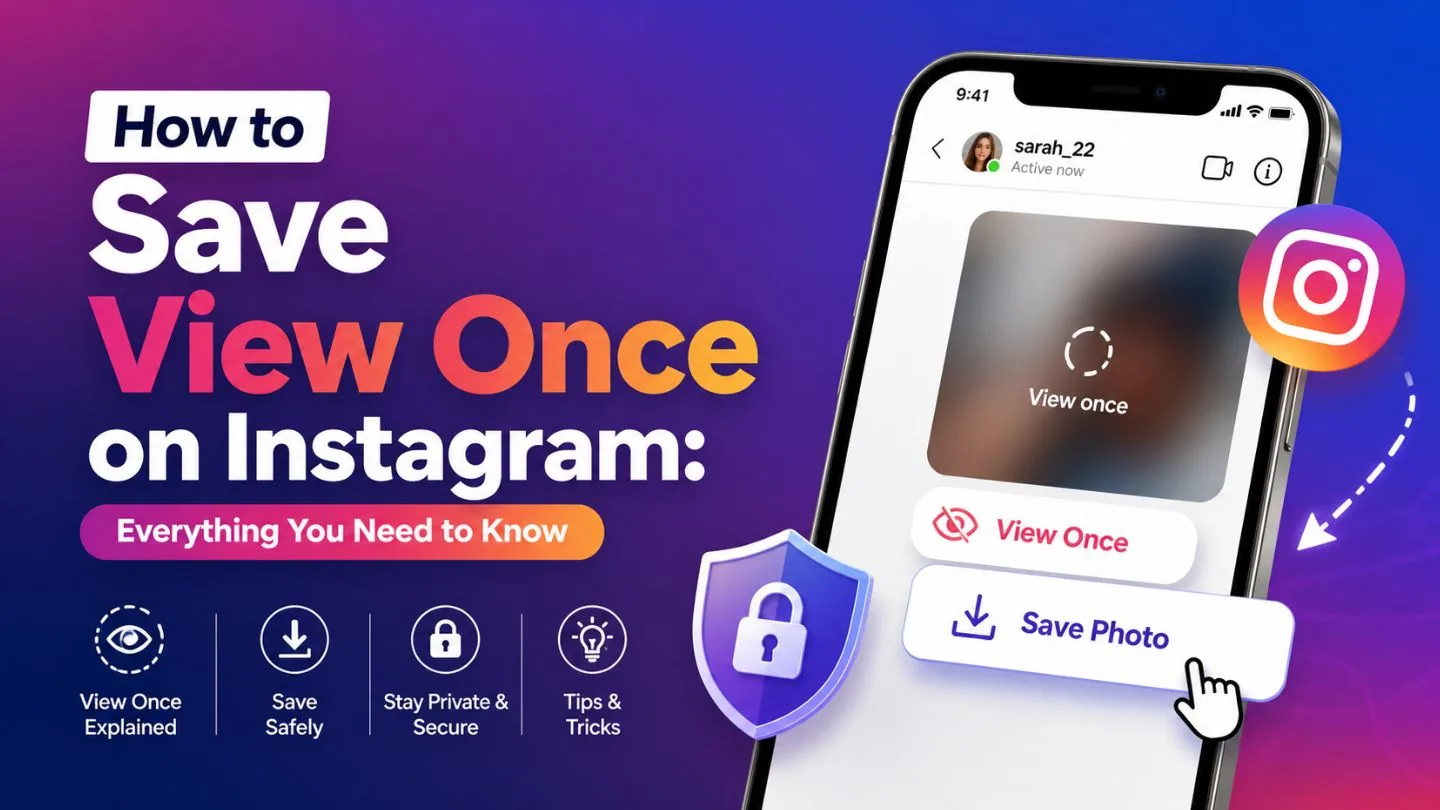
For your own posts, use the ... menu and choose Save Photo to download it to your phone. For someone else's photo, Instagram has no built-in download button - only the in-app bookmark, which keeps it inside Instagram rather than your camera roll.
Short answer
For your own posts, use the ... menu and choose Save Photo to download it to your phone. For someone else's photo, Instagram has no built-in download button - only the in-app bookmark, which keeps it inside Instagram rather than your camera roll.
Quick answer
Whether you can get a picture out of Instagram and onto your phone depends on whose photo it is:
- Your own photo: open the post, tap the ••• menu, and choose Save Photo (or Download) to export it directly to your camera roll.
- Someone else's photo: there's no equivalent official download button. You can bookmark it into your in-app Saved Collections for easy browsing, but that doesn't create a file on your device.
Key takeaways
- The ••• download option only appears on posts you published yourself
- Bookmarking (the ribbon icon) works on anyone's public photo but never leaves Instagram's app
- Screenshotting is the most common workaround for other people's pics, though it can crop, compress, or include UI elements depending on your device
- Downloader websites can pull other people's images as files, but come with copyright and account-safety tradeoffs
Downloading a photo you posted
- Open your own post
- Tap the ••• menu in the top-right corner
- Choose Save Photo
- Find it afterward in your device's photo gallery or downloads folder
Bookmarking someone else's photo
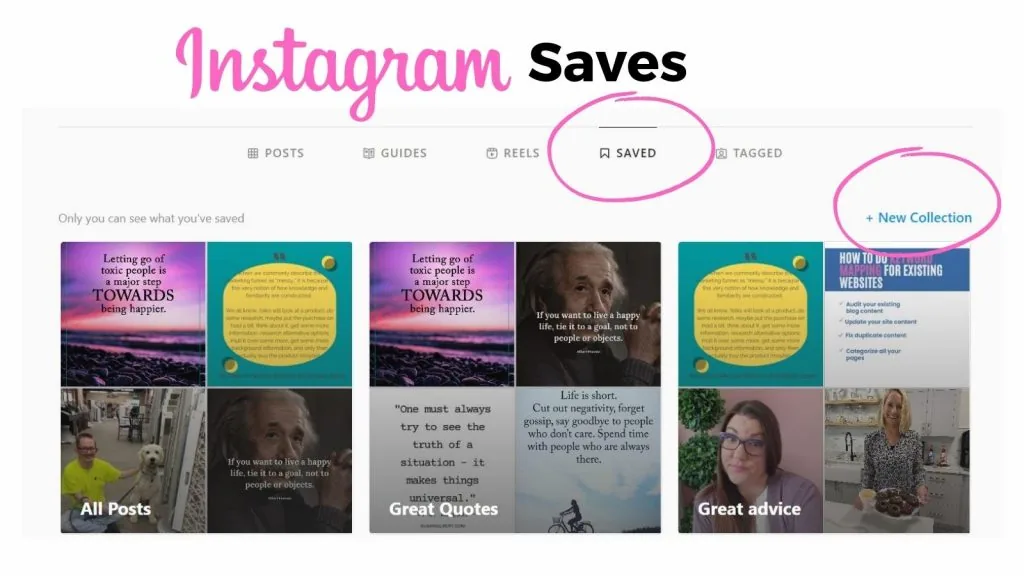
- Tap the bookmark/ribbon icon under the photo
- Optionally file it into a named Collection by pressing and holding the icon
- Revisit it anytime from your profile > Saved - but remember, it's still only viewable through Instagram
If you need the actual file for someone else's photo
Realistic options, in order of reliability and respect for the creator: ask them to send you the image directly, take a clean screenshot (crop out the UI, and credit/ask before reposting), or use a reputable Instagram photo downloader site - understanding these tools don't grant you any rights to reuse the image, and ones that ask for your Instagram login should be avoided entirely.
Common mistakes
- Expecting the bookmark icon to save a file to your phone - it only saves the reference inside Instagram
- Reposting a downloaded or screenshotted photo without permission or credit
- Trusting a downloader site enough to log into your Instagram account through it
Frequently asked questions
If it's your own post, use the ••• menu and choose Save Photo. For someone else's photo, there's no built-in download button - only the in-app bookmark, which doesn't export a file.
Sources
Keep reading
More guides to grow your account.