Instagram Monetization guides
Turn an audience into brand deals, products, and income.
 Monetization
How Do You Unblock People on Instagram?
Go to Settings and privacy > Blocked accounts, find the person in the list, tap Unblock, and confirm — this restores their ability to find and view your profile, but any follow relationship you had before blocking them is not automatically restored and would need to be re-established.
 Monetization
How Can I Earn Money from Instagram?
There is no single "turn on monetization" switch — creators earn on Instagram by combining brand partnerships, affiliate and shop sales, paid Subscriptions, and (where available) Bonus programs, and nearly all of these require a Professional (Creator or Business) account first.
 Monetization
How Can I Use Instagram? A Beginner's Guide
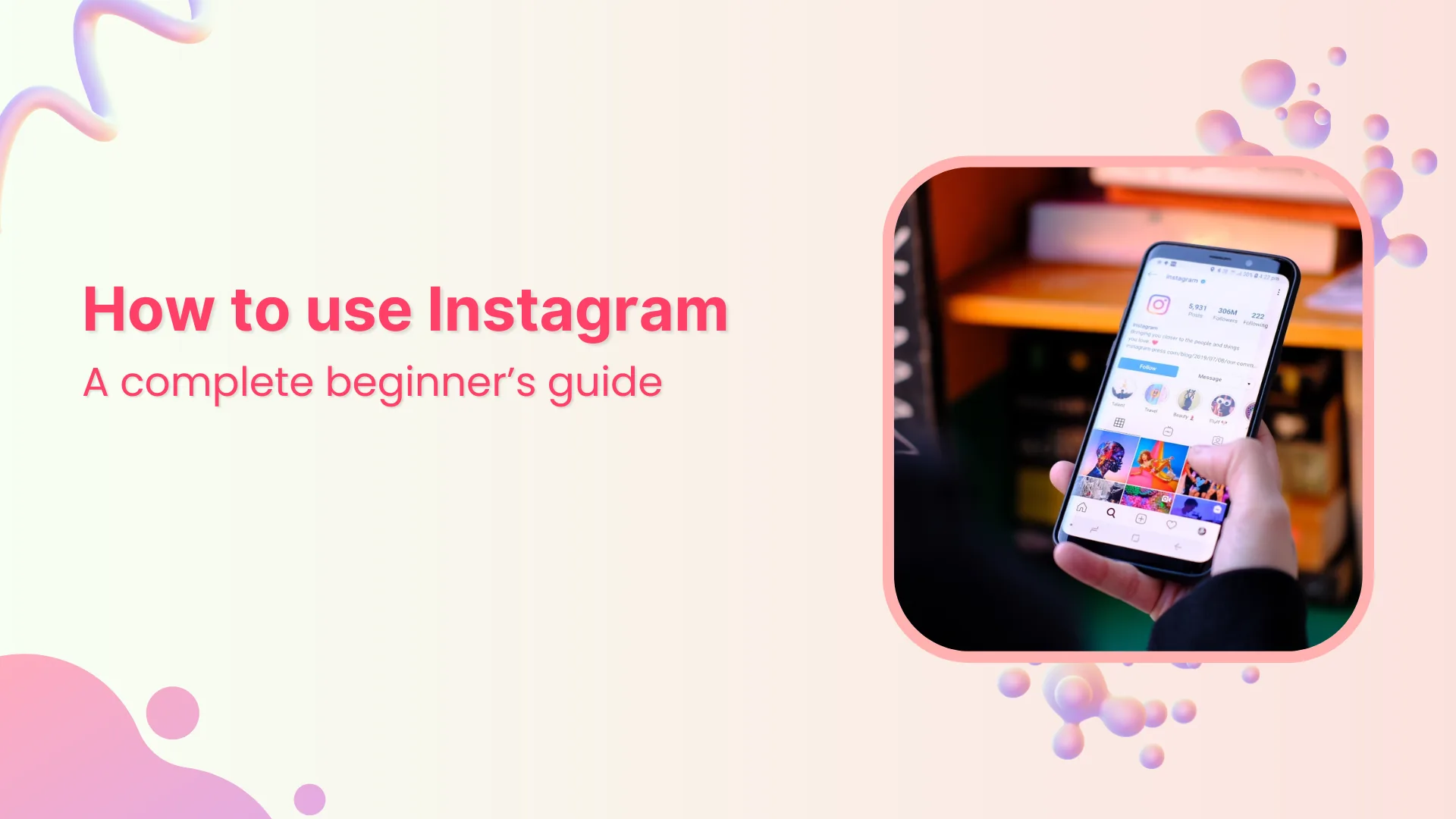
Instagram centers on five tabs — Home feed, Search/Explore, Reels, notifications, and your profile — plus three content types (permanent posts, 24-hour Stories, and short-form Reels), tied together by following other accounts and messaging through DMs.
 Monetization
How to Monetize Instagram in 2026: 6 Real Ways to Earn
From Reels bonuses to subscriptions and brand deals, here's how creators actually monetize Instagram in 2026 and which options fit your audience size.
 Monetization
Can You Make Money on Instagram? 2026 Monetization Guide
Yes — Instagram pays creators through Bonuses, Subscriptions, Live Badges, and brand deals. Here's how each option actually works.
 Monetization
How Can I Share an Instagram Post?
Tap the paper-airplane share icon under any post to send it as a DM or add it to your Story, or tap the three-dot menu and choose Copy Link or Share to... to send it outside Instagram entirely.
 Monetization
How to See if a Specific Person Blocked You on Instagram
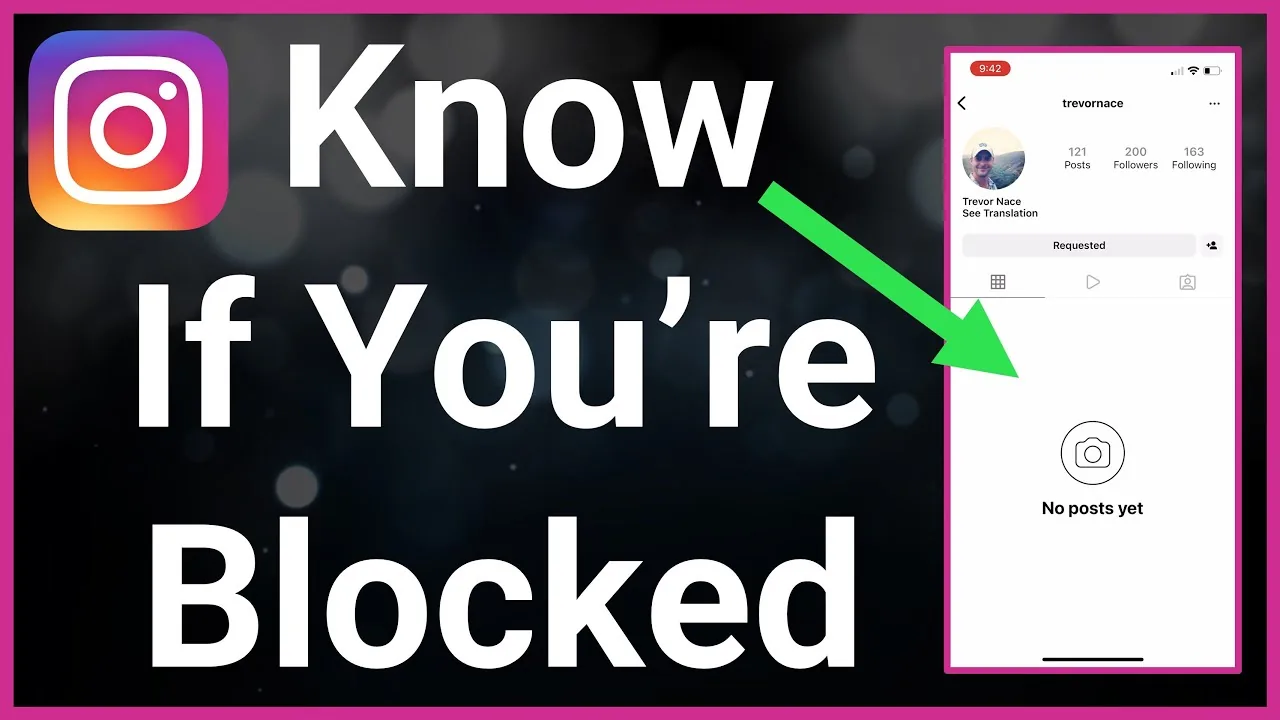
Search their exact username from another account, check for a grayed-out DM thread, and look for missing posts to confirm one person blocked you.
 Monetization
Can Instagram See Screenshots?
Instagram's app can technically detect a screenshot event on your phone, but it only turns that into a notification for one feature: disappearing photos and videos in DMs. Feed posts, profiles, and regular Stories are never flagged.
 Monetization
Can You See Blocked People's Messages in a Group Chat?
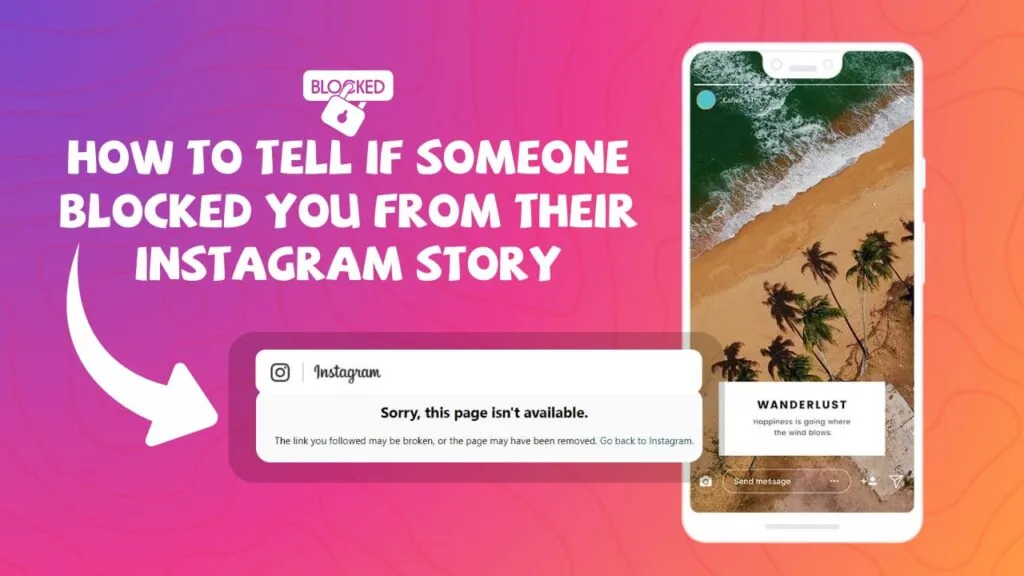
Blocking hides a person's messages from you even inside a shared Instagram group chat, though they stay listed as a member unless removed.
 Monetization
How to Opt Out of Instagram Direct Messages Data Sharing?
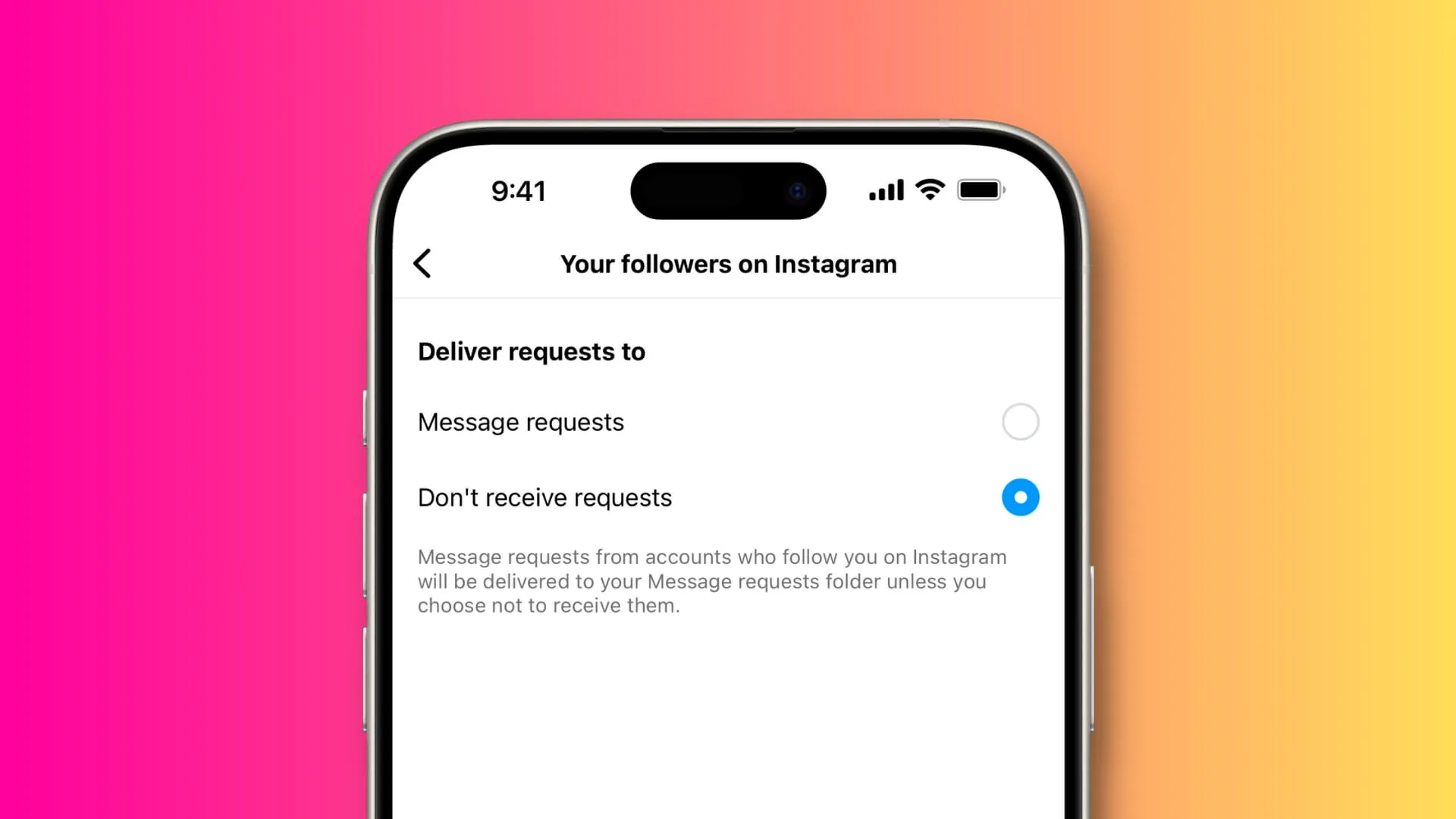
To opt out of instagram direct messages data sharing on Instagram, open the app, go to the relevant menu or settings screen, and follow the guided on-screen steps — no third-party tools required.
 Monetization
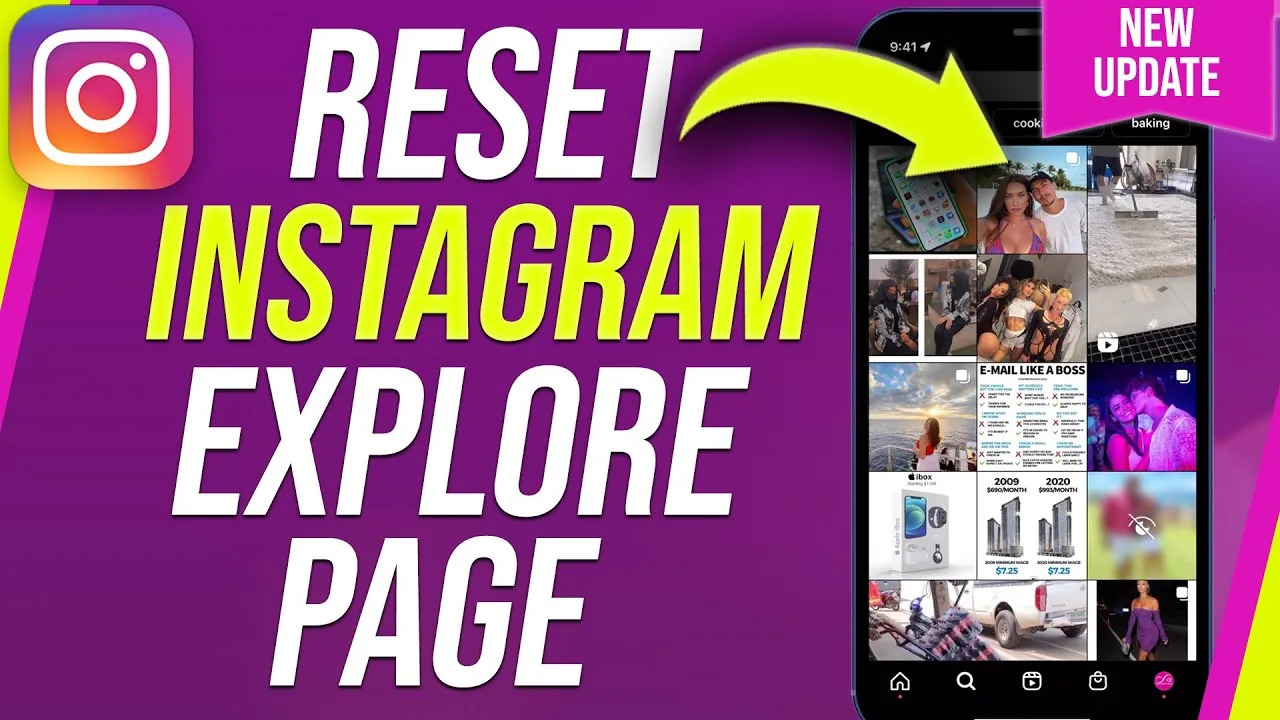
How to Reset the Instagram Explore Page (2026 Guide)
Instagram now has an official reset button for Explore, plus manual tricks like Not Interested and clearing search history to fix bad recommendations.
 Monetization
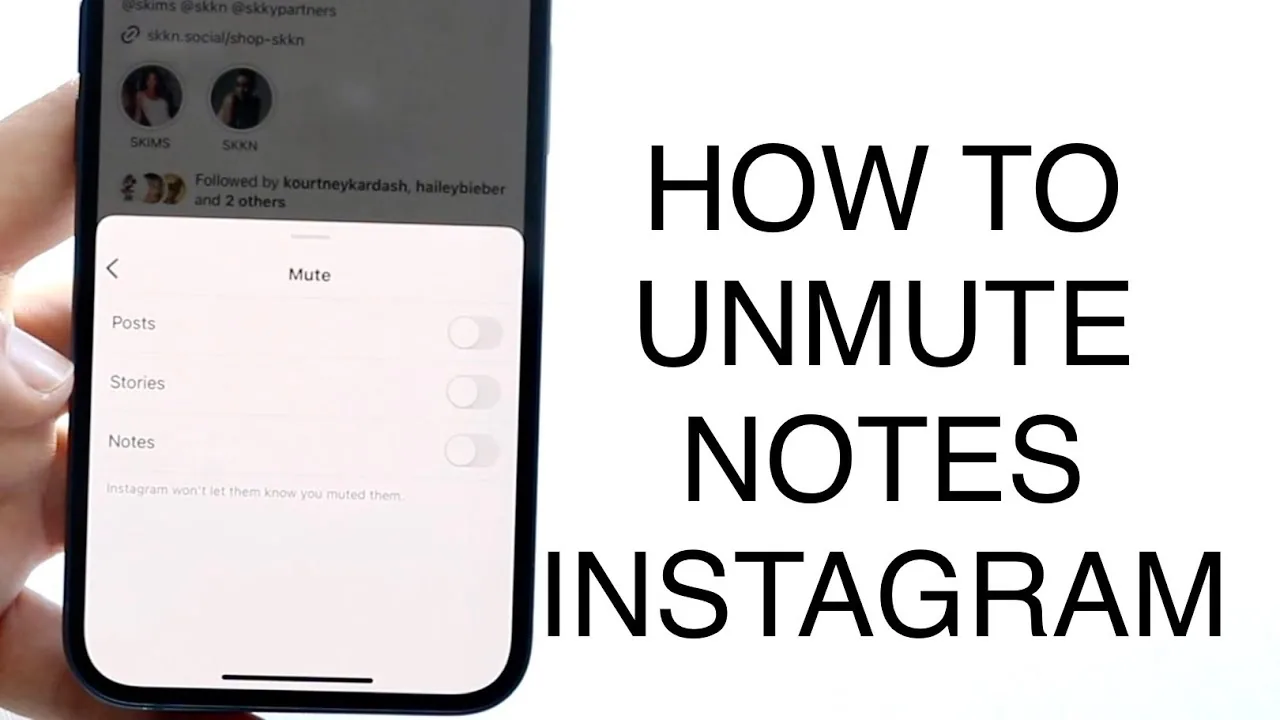
How to Unmute Notes on Instagram (Android and iPhone)
Unmute someone's Notes on Instagram from Muted Accounts in Settings or directly from their profile — here's exactly where each toggle lives.
 Monetization
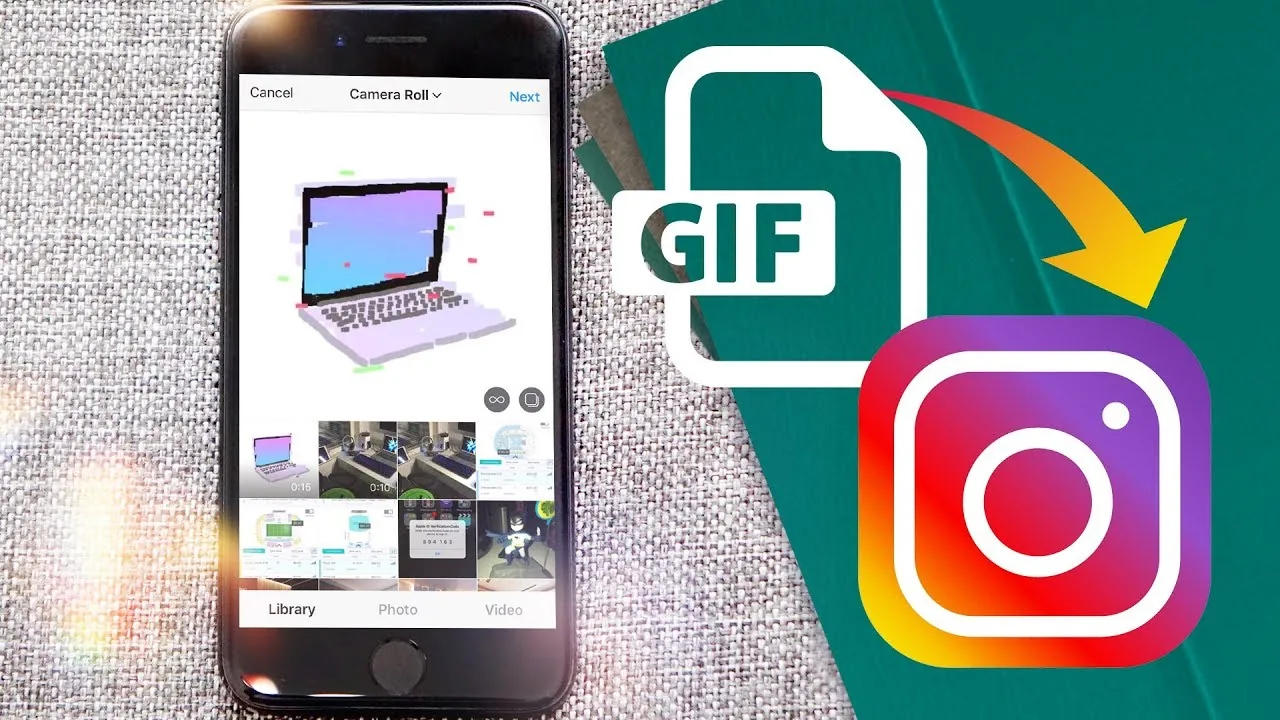
How Do You Upload Gifs on Instagram?
To make your own custom GIF searchable as an Instagram Story sticker, you upload it to GIPHY (not Instagram directly) with tags and a channel, wait for GIPHY's approval, and once live, anyone on Instagram can find and use it through the Story GIF sticker search.
 Monetization
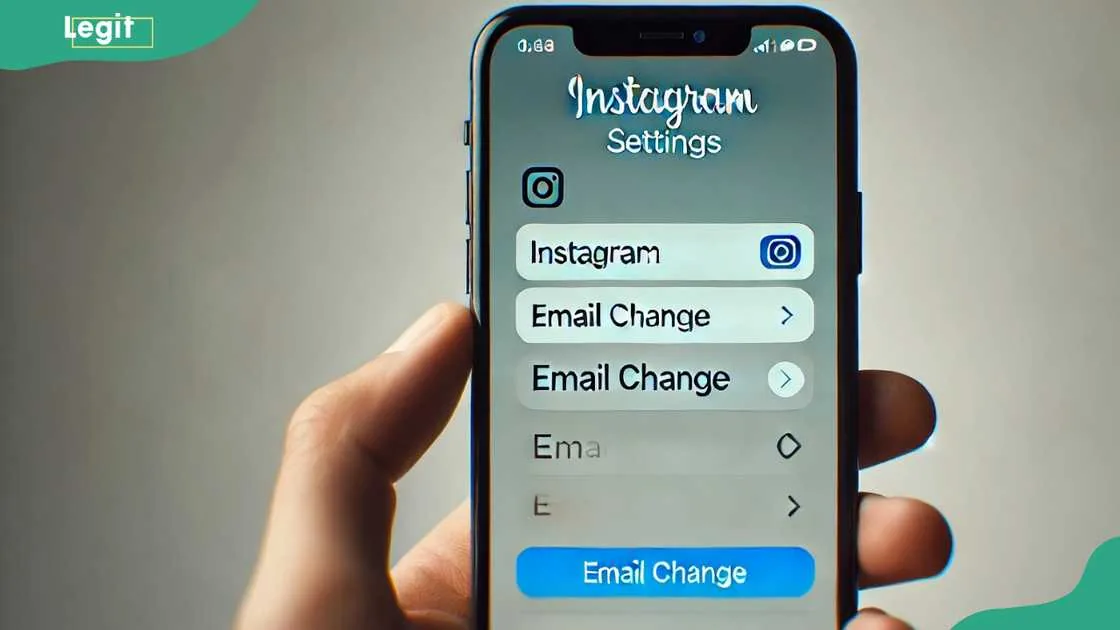
How to Change the Email on Your Instagram Account
Update your Instagram email through Accounts Center in a few steps — here's the exact 2026 flow, what happens to your old email, and how to fix common errors.
 Monetization
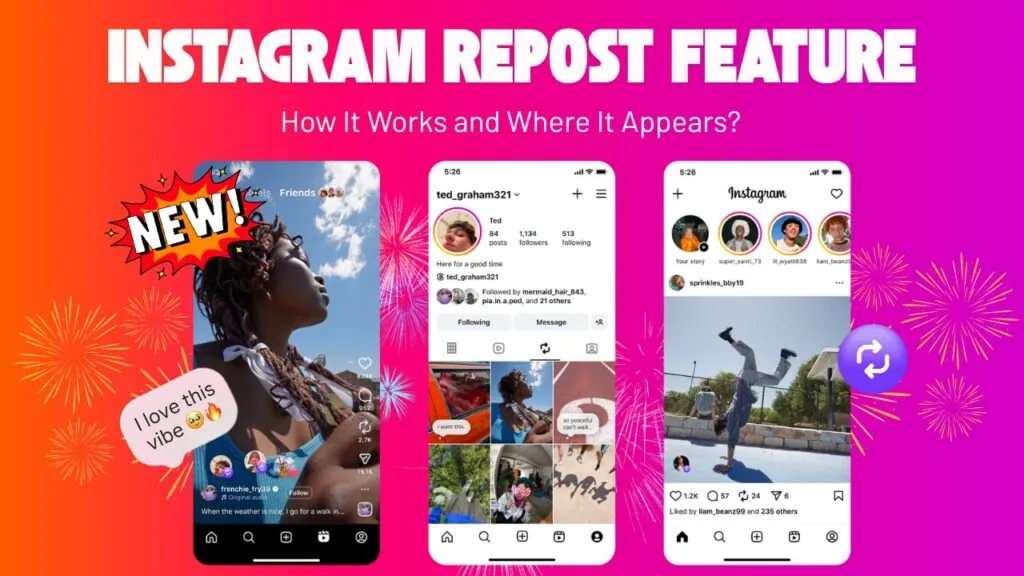
How to Repost an Instagram Post Using the Repost Button
Instagram's native Repost button lets you share public posts and Reels straight to your feed with credit intact — here's exactly how it works.
 Monetization
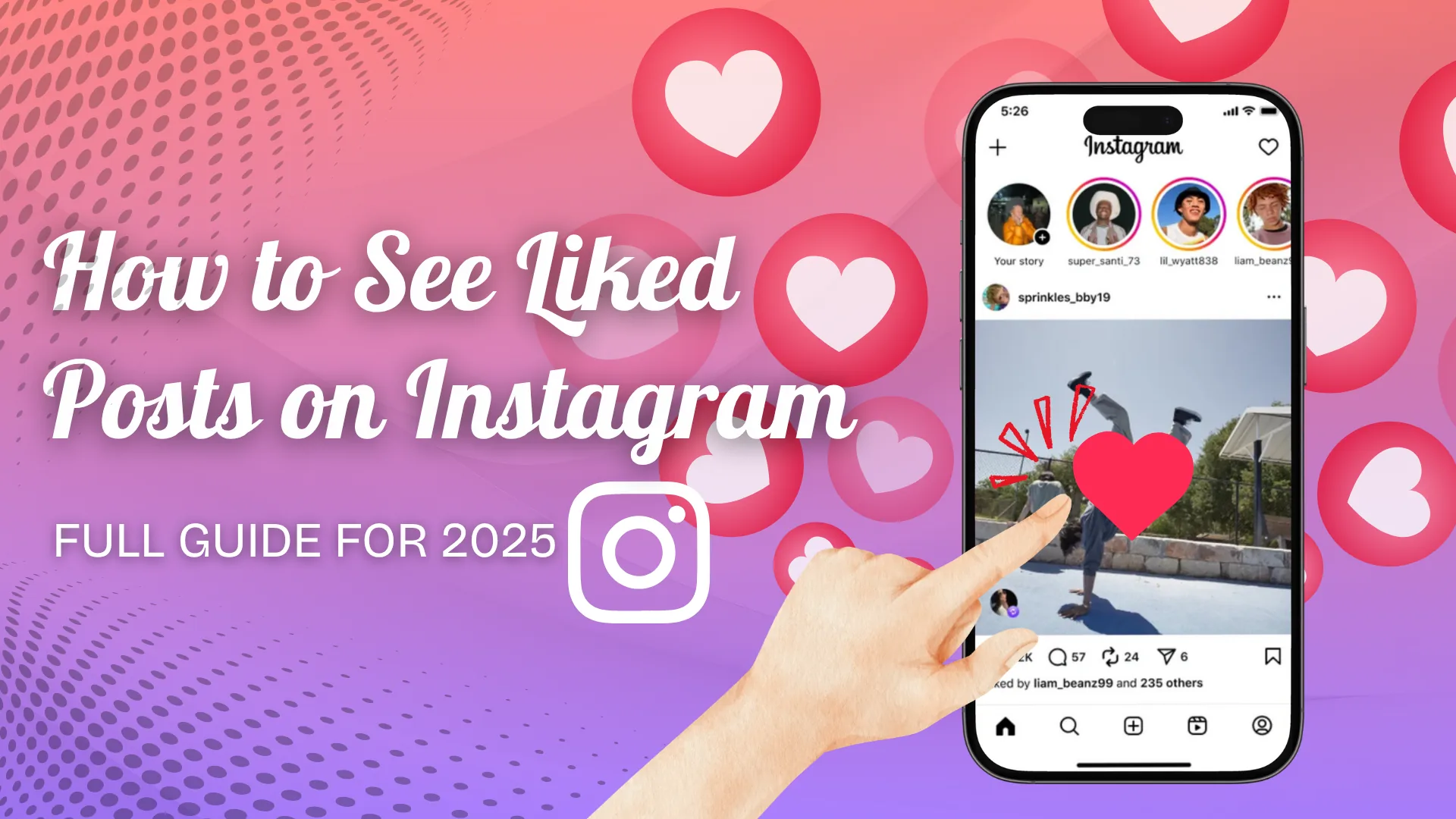
How to See Your Liked Posts on Instagram (2026 Guide)
Instagram moved liked posts out of Settings. Here's exactly where to find them today through Your Activity, plus how to filter and sort the list.
 Monetization
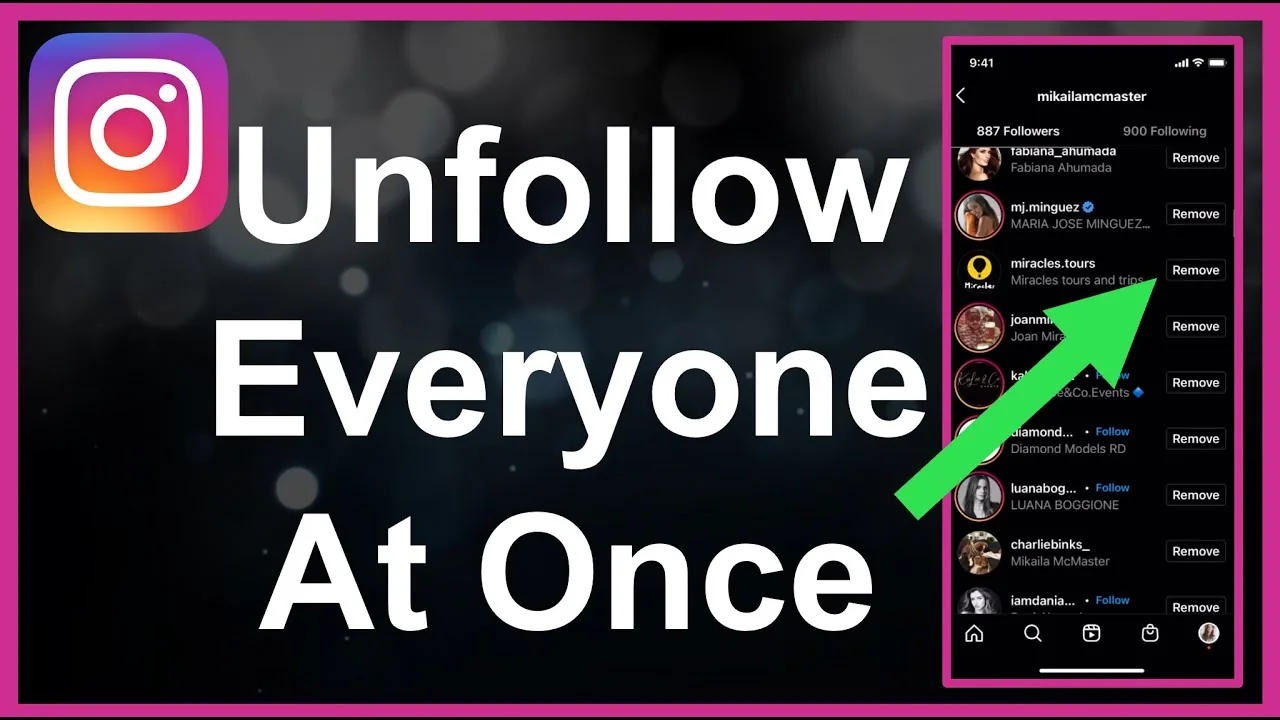
How to Unfollow Everyone on Instagram Safely
Instagram has no bulk unfollow button, so clearing your following list means unfollowing manually in batches or using a read-only tool to plan it.
 Monetization
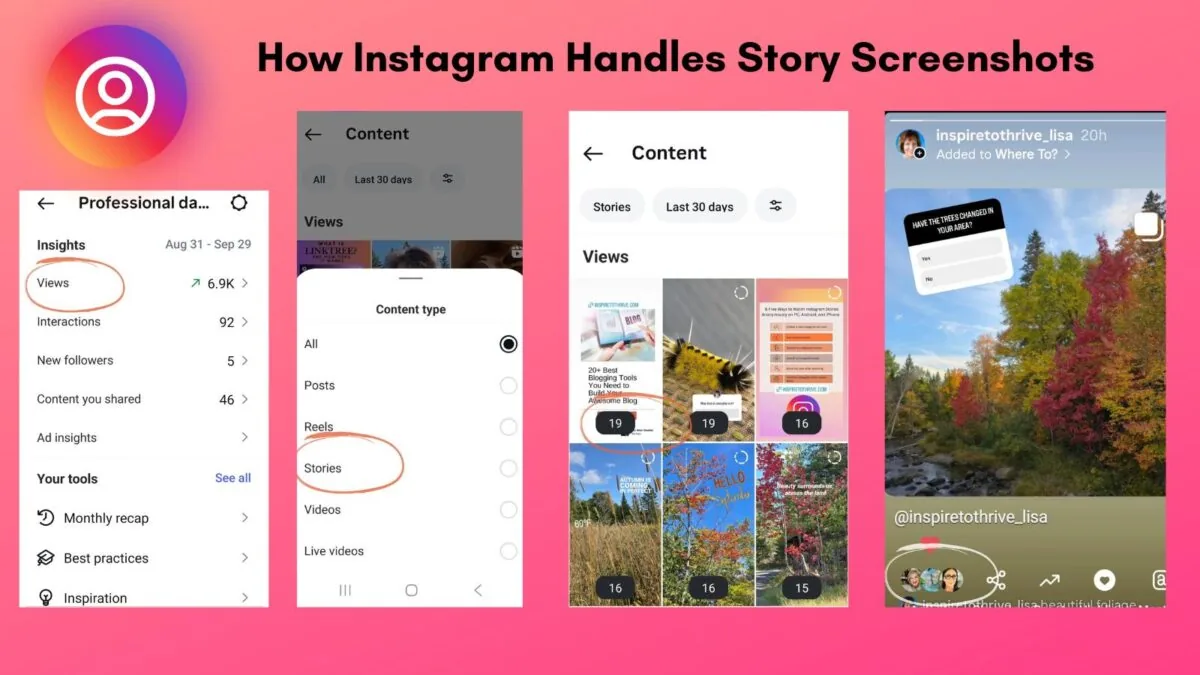
Does Instagram Show Screenshots?
It depends on where the screenshot happens: Instagram never notifies anyone for screenshots of the feed, posts, Reels, or profiles, and currently does not notify for regular Story screenshots either. The one exception is disappearing view-once photos and videos in DMs, where the sender is alerted.
 Monetization
How Can I Recover Deleted Messages in Instagram?
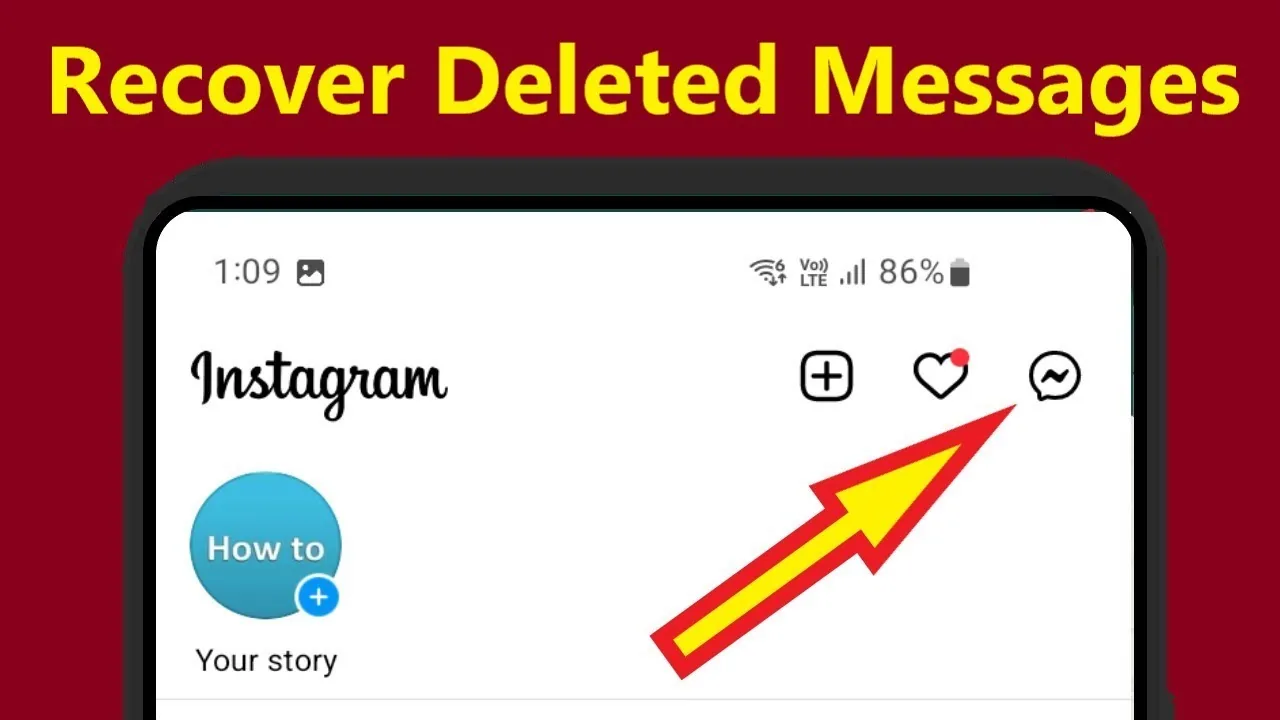
There's no native way to undo a deleted Instagram DM once it's gone from a chat — Instagram doesn't offer message recovery, and even the Download Your Information tool won't restore deleted messages into the live conversation.
 Monetization
How Can You Hide Your Likes on Instagram?
Yes — go to Settings and privacy > Posts (or the ••• menu on any post) and toggle "Hide like and view counts," which hides the public number from other viewers while you can still see it yourself.
 Monetization
How Do I Close My Instagram Account?
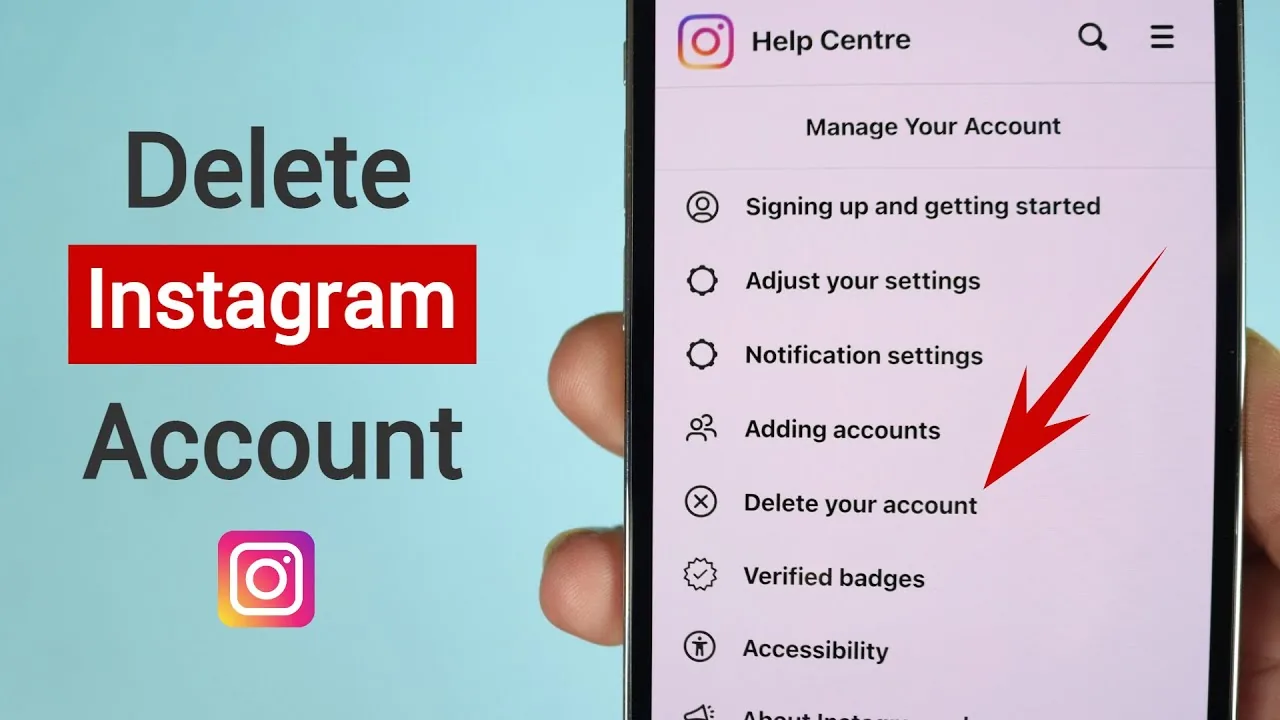
You can close an Instagram account two ways: temporarily deactivate it (only possible through a mobile or desktop browser, not the app) to hide everything until you log back in, or permanently delete it in-app, which gives you a 30-day window to change your mind before it's gone for good.
 Monetization
How Do I Make a New Instagram?
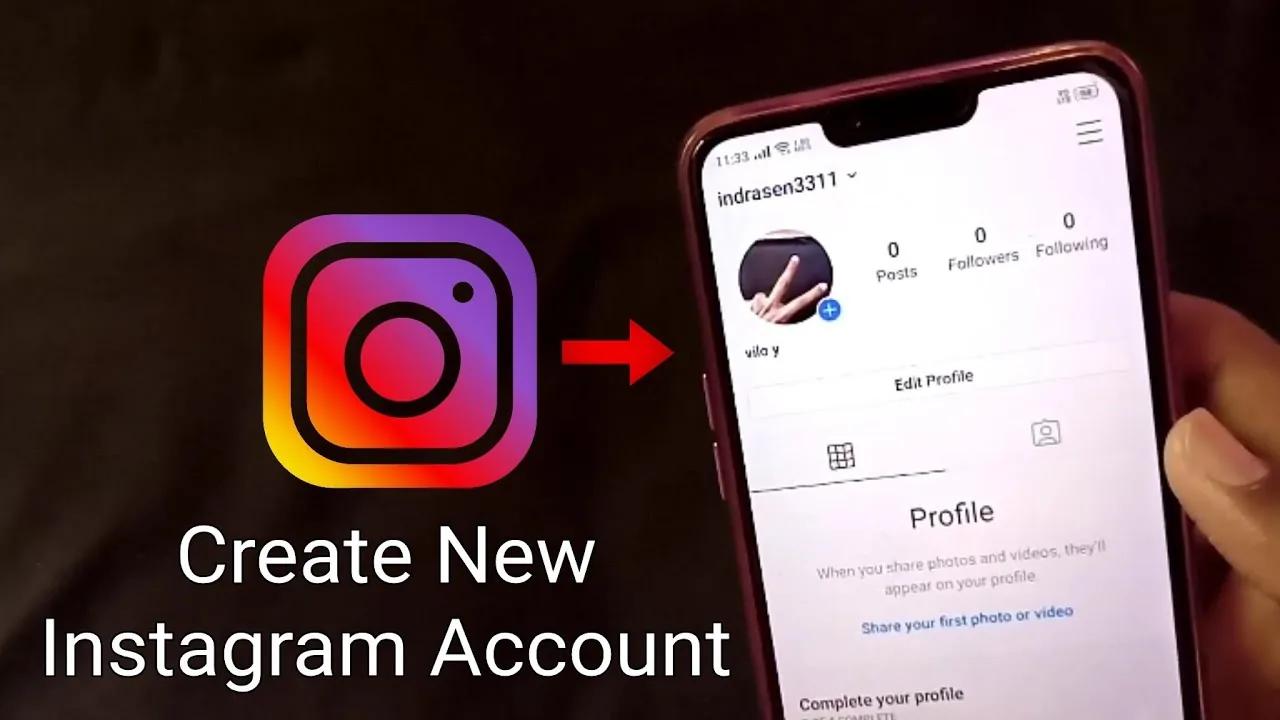
You can create a brand-new Instagram account either from scratch (a different email or phone number, no link to your existing profile) or as an added account under your current login — tap your profile icon, open the account switcher, and choose Add account to do it without logging out first.
 Monetization
How to Add Photos to Instagram: Feed, Carousel & Story Guide
Post single photos, 20-image carousels, and Story photos on Instagram in 2026, plus what you can and cannot edit after publishing.
 Monetization
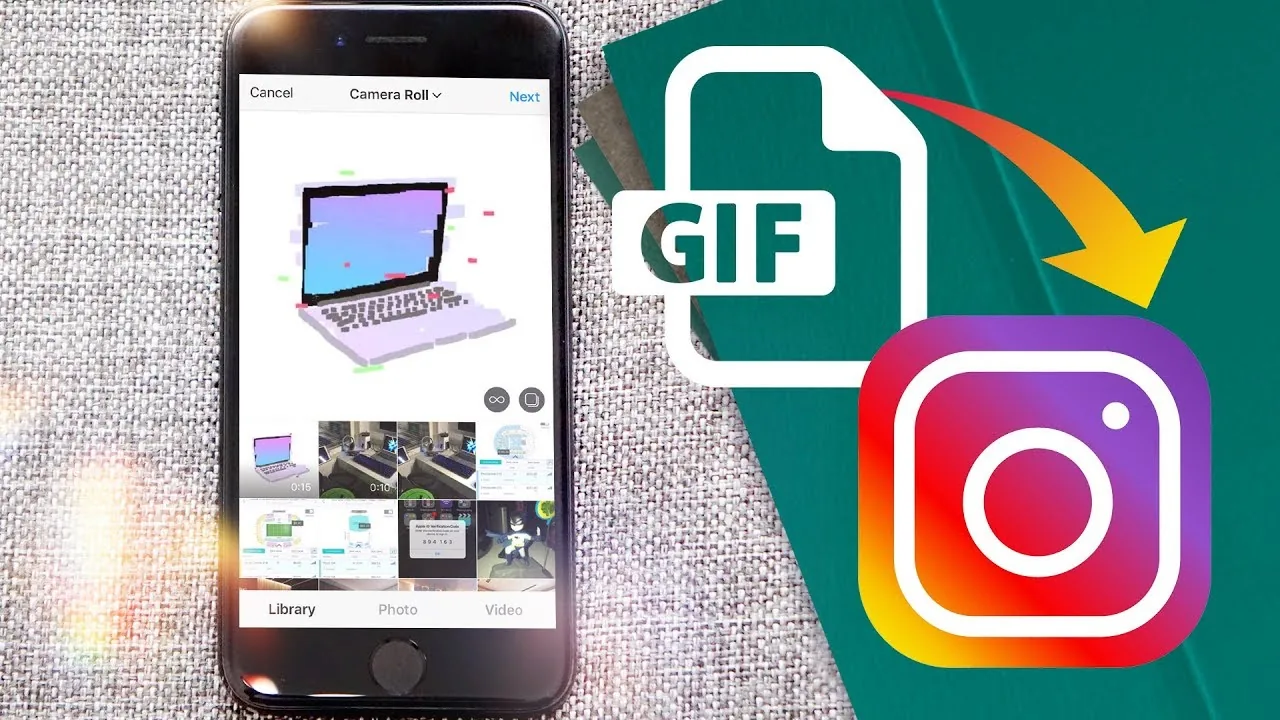
How to Post Animated GIFs on Instagram (Stories & Feed)
Instagram Stories has built-in GIPHY stickers, but Feed posts don't accept raw .gif files — here's the workaround for both.
About Monetization on IG Stories Pro
Monetizing an Instagram account is where a lot of advice online gets either vague or unrealistic — vague "diversify your income streams" platitudes, or promises that any account with a few thousand followers can quit their job. We try to be specific instead. How to Make Money on Instagram in 2026: 7 Real Ways breaks down the actual paths — brand partnerships, affiliate links, digital products, Instagram's own creator monetization tools, and services sold through DMs — along with realistic expectations for what each one requires in audience size and engagement before it becomes viable.
Brand deals are usually the first monetization path people think of, and also the one with the most confusion around timing and approach. How to Get Your First Instagram Brand Deal in 2026 is written specifically for small accounts, because most brand deal advice assumes you already have 50,000+ followers and a media kit. The reality is that micro-influencer partnerships (often under 10,000 followers) are a real and growing category, and the pitch process for that tier looks completely different from what a large agency-repped creator does.
If you're the one paying for reach rather than earning it, How to Advertise on Instagram: Complete 2026 Starter Guide covers the business side — campaign setup, targeting, budget expectations, and the difference between boosting a post and running a proper Ads Manager campaign. This matters for creators too, not just brands: understanding how advertisers target audiences tells you a lot about what makes an account attractive to sponsor in the first place.
A theme we come back to across this category: monetization works best when it's built on top of an account that already has a clear profile and bio and consistent content strategy, not bolted onto an account that's still figuring out its niche. Brands and platforms both reward consistency and clarity — an account that's obviously about one specific thing monetizes more easily than one that posts everything with no throughline, even at the same follower count.
We're also direct about the monetization paths that sound appealing but usually underperform expectations: selling shoutouts, generic "link in bio" affiliate stacking without curation, and chasing every available brand deal regardless of fit. These tactics can generate some income, but they tend to plateau quickly and can damage the trust that makes an audience valuable to advertisers in the first place. Better to monetize slower with fewer, better-fit partnerships than to maximize short-term revenue at the cost of the audience relationship that makes monetization possible at all.
If you're early in this process, start with the overview guide to understand which path fits your account's size and niche, then go deeper into brand deals or advertising depending on which side of the transaction you're on.