Instagram How-To guides
Step-by-step answers to the most common Instagram questions.
 How-To
Can You Hide Posts From Specific People on Instagram?
Instagram doesn't let you hide feed posts from one specific person without blocking. Here's what Close Friends, muting, and privacy settings can do instead.
 How-To
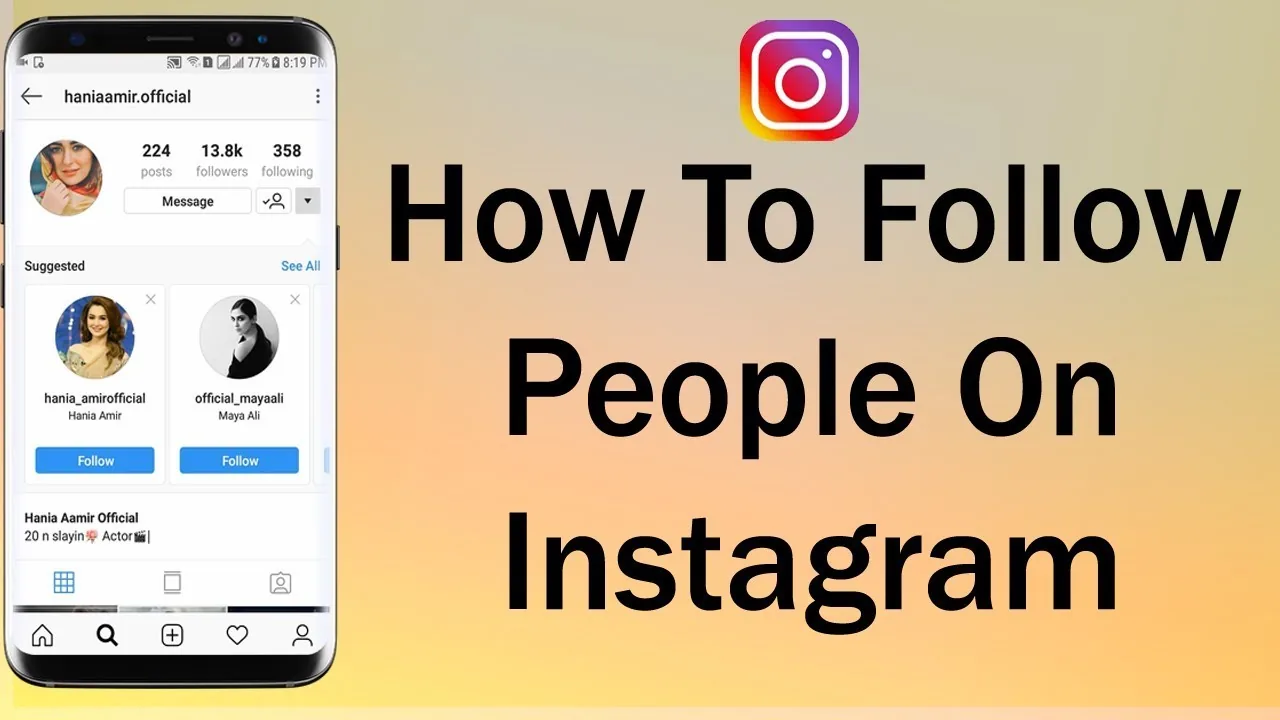
How Can I Follow People on Instagram?
Search their name or username in the app and tap Follow on their profile — or follow directly from a Suggested for You card, a post's likes list, or a Story — and Instagram caps how many follow actions you can take in a short period to deter spam.
 How-To
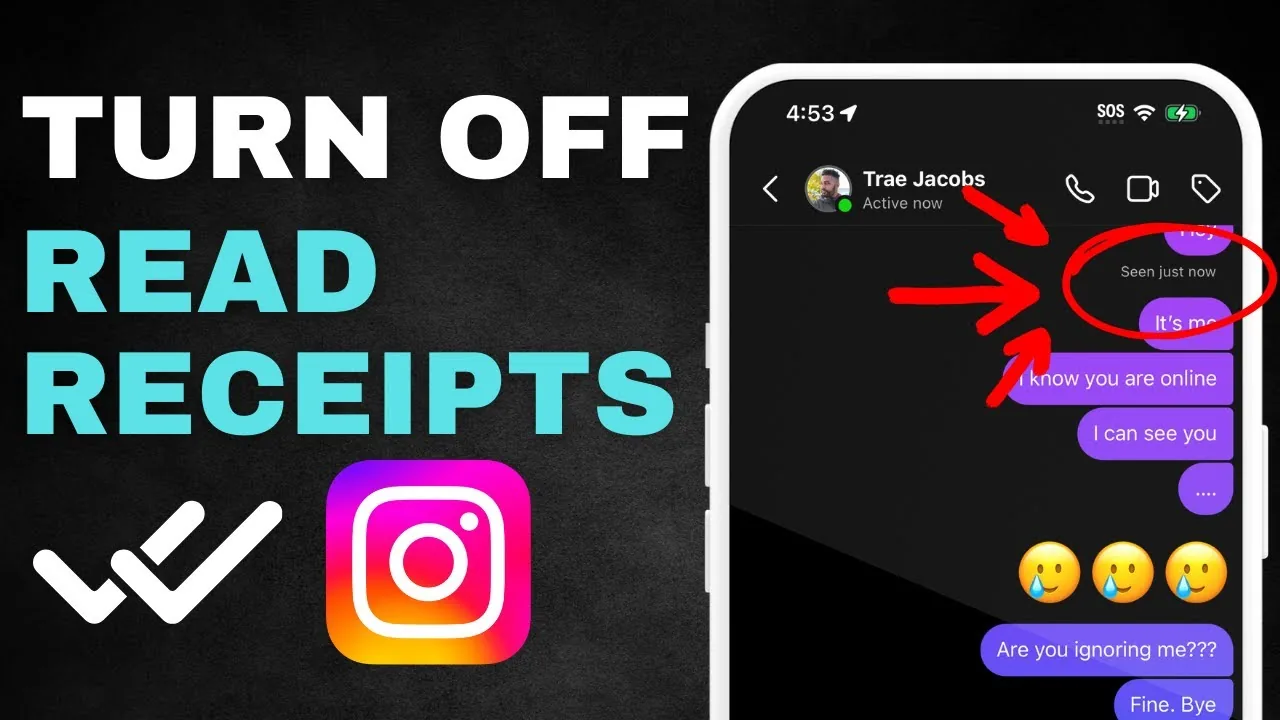
How to Turn Off Read Receipts on Instagram in 2026
Learn how to turn off read receipts on Instagram for every DM or one chat, what the setting hides, and which activity signals remain visible in 2026.
 How-To
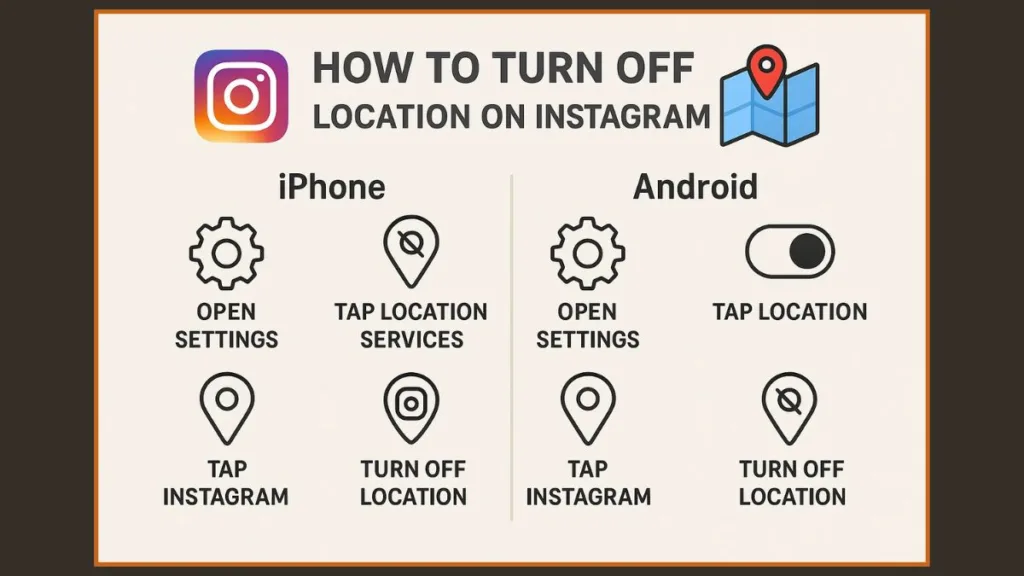
How to Turn Off Location on Instagram: Full 2026 Guide
Learn how to turn off location on Instagram, disable Map sharing, block iPhone or Android location access, and remove geotags from existing posts.
 How-To
How to Reshare on Instagram in 2026 (Every Method)
How to reshare on Instagram in 2026: use the native Repost button, add posts and Reels to your Story, or send them in DMs, all with automatic credit.
 How-To
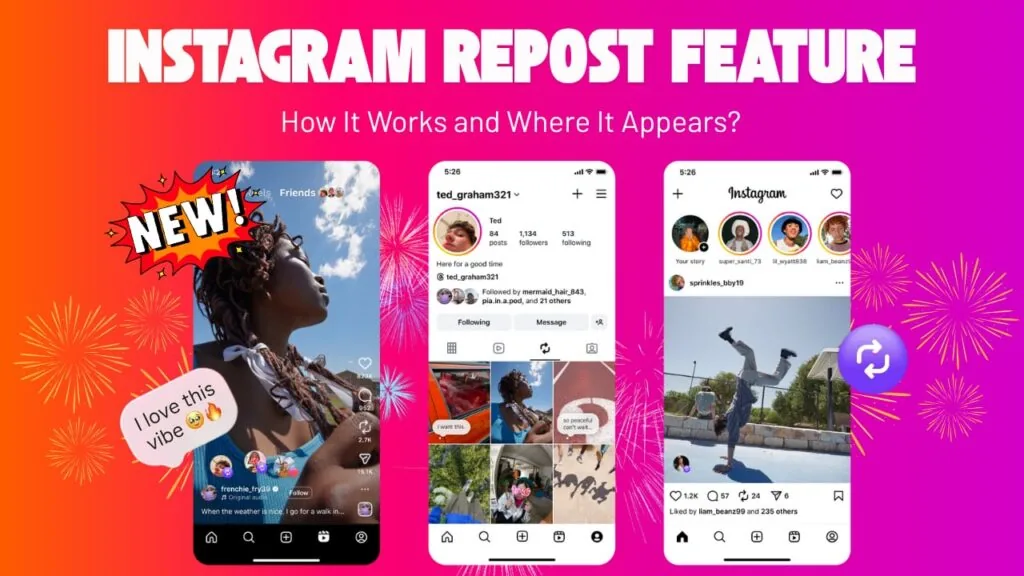
How to Repost on Instagram: Every Method for 2026
How to repost on Instagram in 2026: use the native Repost button for public feed posts and Reels, plus Stories, DMs, and manual reshares with credit.
 How-To
How to Mute Someone on Instagram (2026 Step-by-Step)
Learn how to mute someone on Instagram in 2026 - posts, stories, and notes - without unfollowing or blocking. No notification is ever sent.
 How-To
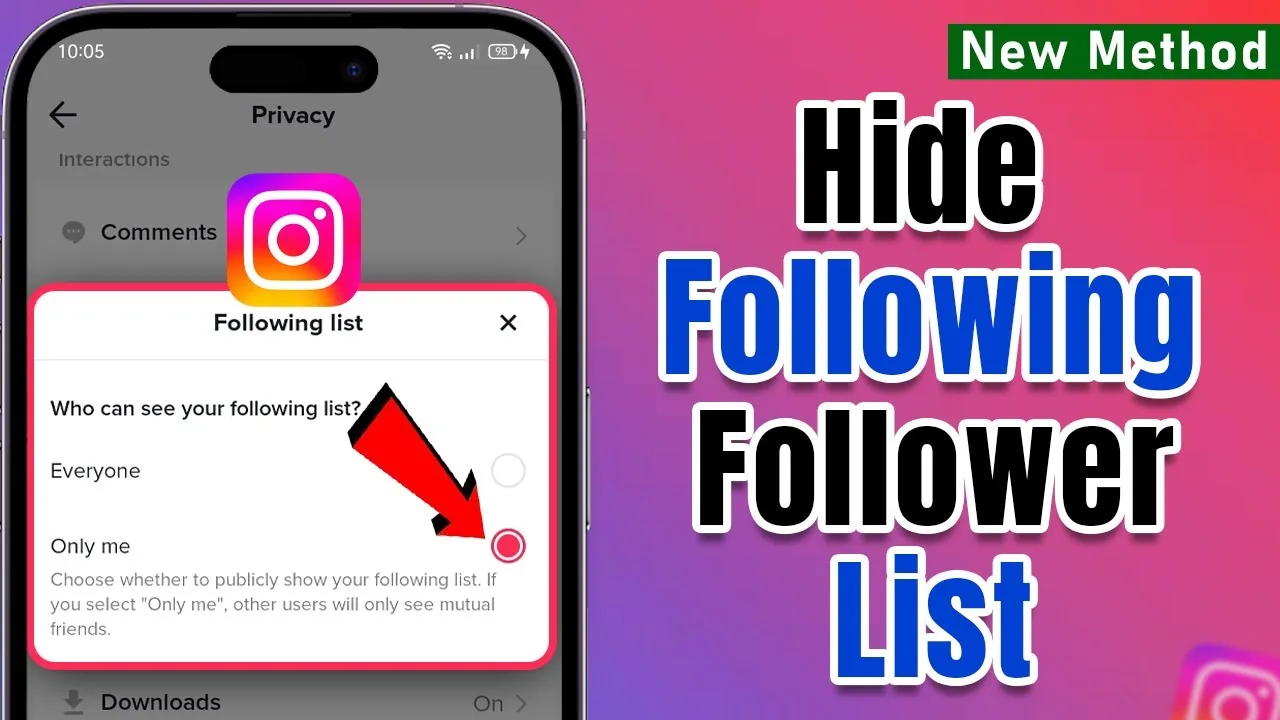
How to Hide Your Following List on Instagram in 2026
You cannot fully hide your following list on Instagram from approved followers. Learn what a private account, removal, and blocking actually hide.
 How-To
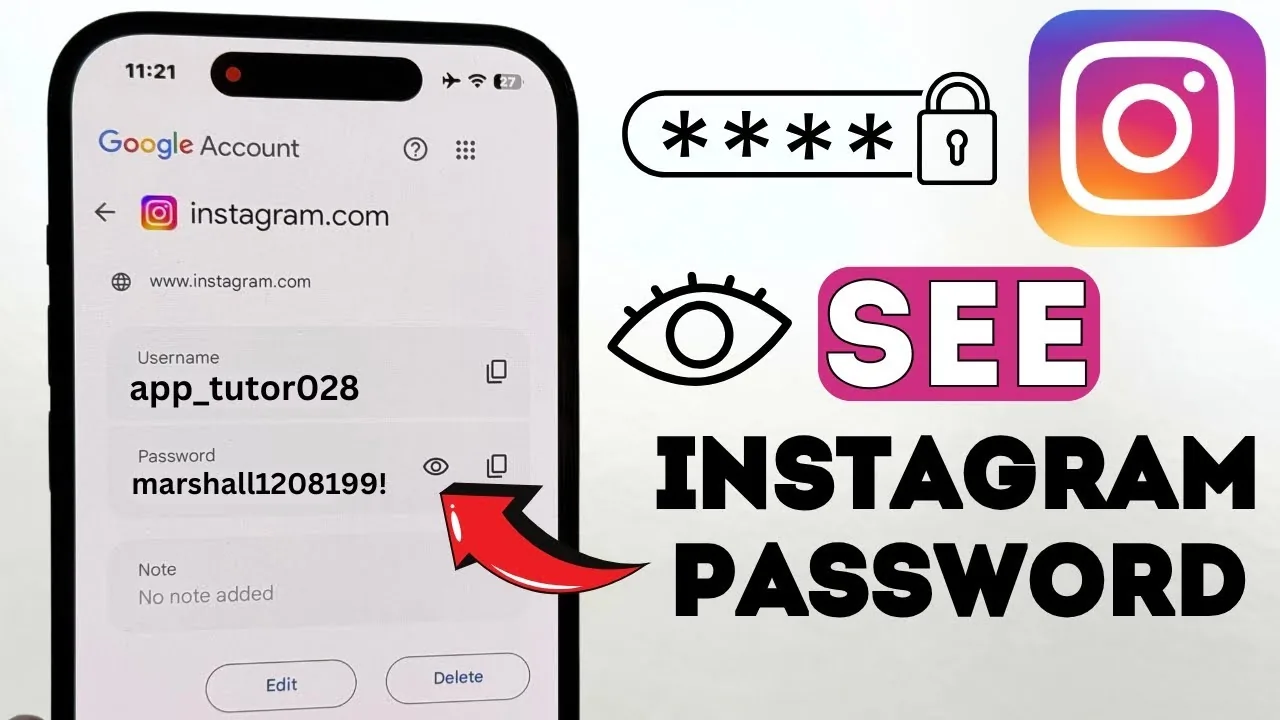
How Do I Find My Instagram Password?
Instagram never lets you view your existing password in plain text, even in your own account settings — if you've forgotten it, your only real option is to reset it via email, SMS, or your linked Facebook account.
 How-To
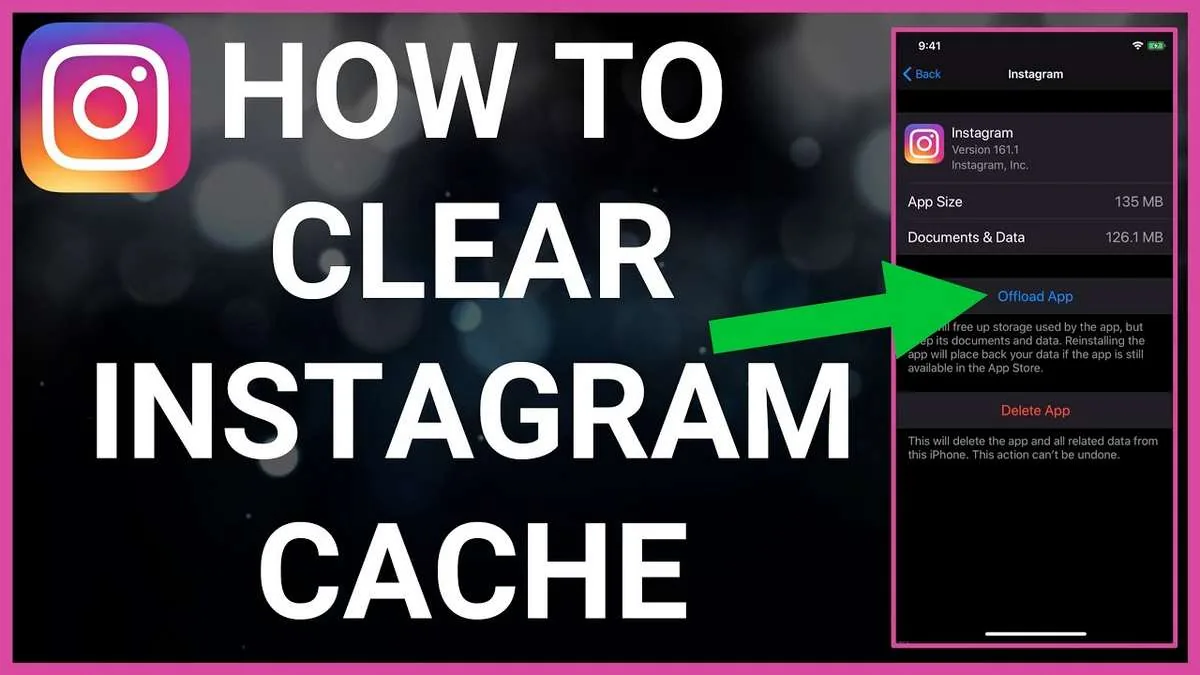
How Do I Erase Instagram? Account, Data, and Cache
How do I erase Instagram? Delete the account for permanent removal, or clear searches, cache, posts, and local app data separately.
 How-To
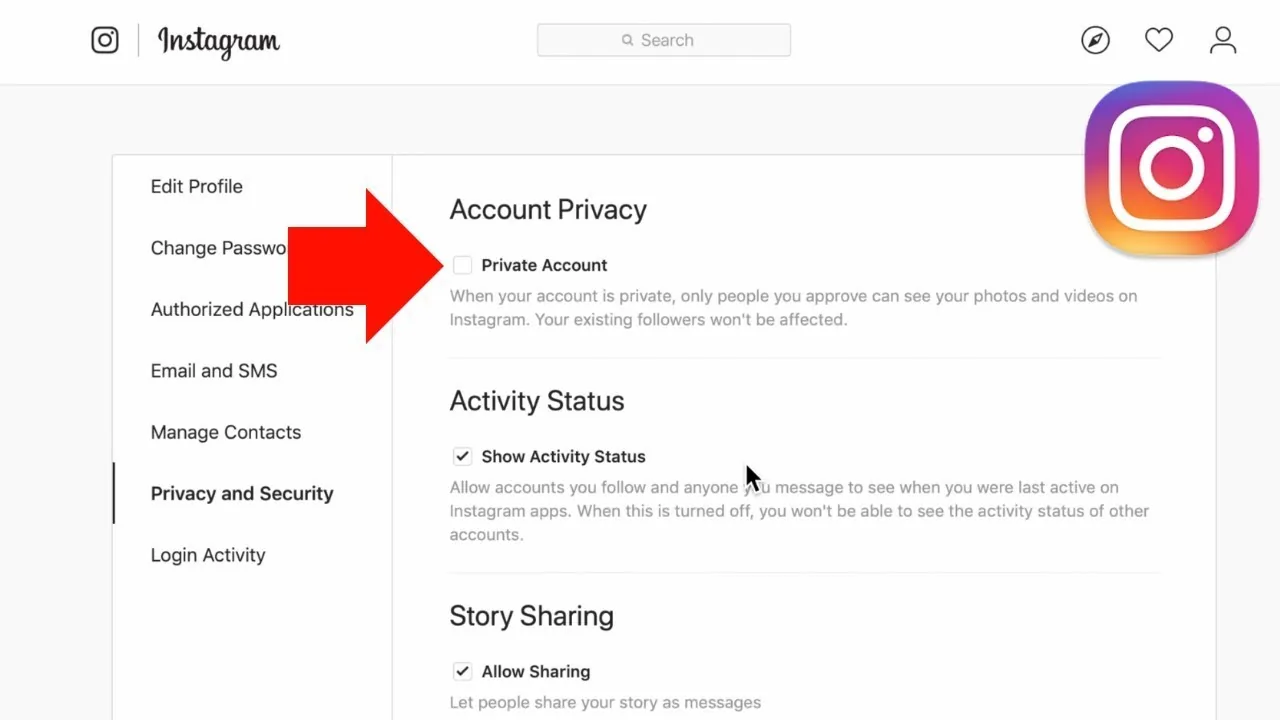
How to Make Instagram Private in 2026: Steps and Limits
Learn how to make Instagram private on phone or desktop, what approved followers can see, and which profile details always remain public.
 How-To
How to Disable Instagram (Deactivate Temporarily) in 2026
How to disable Instagram in 2026: deactivate your account temporarily to hide your profile without losing followers or data, and how it differs from deleting.
 How-To
How to Know If Someone Blocked You on Instagram (2026)
Not sure how to know if someone blocked you on Instagram? Here are the tell-tale signs in search, profiles, and DMs, plus how to confirm it in 2026.
 How-To
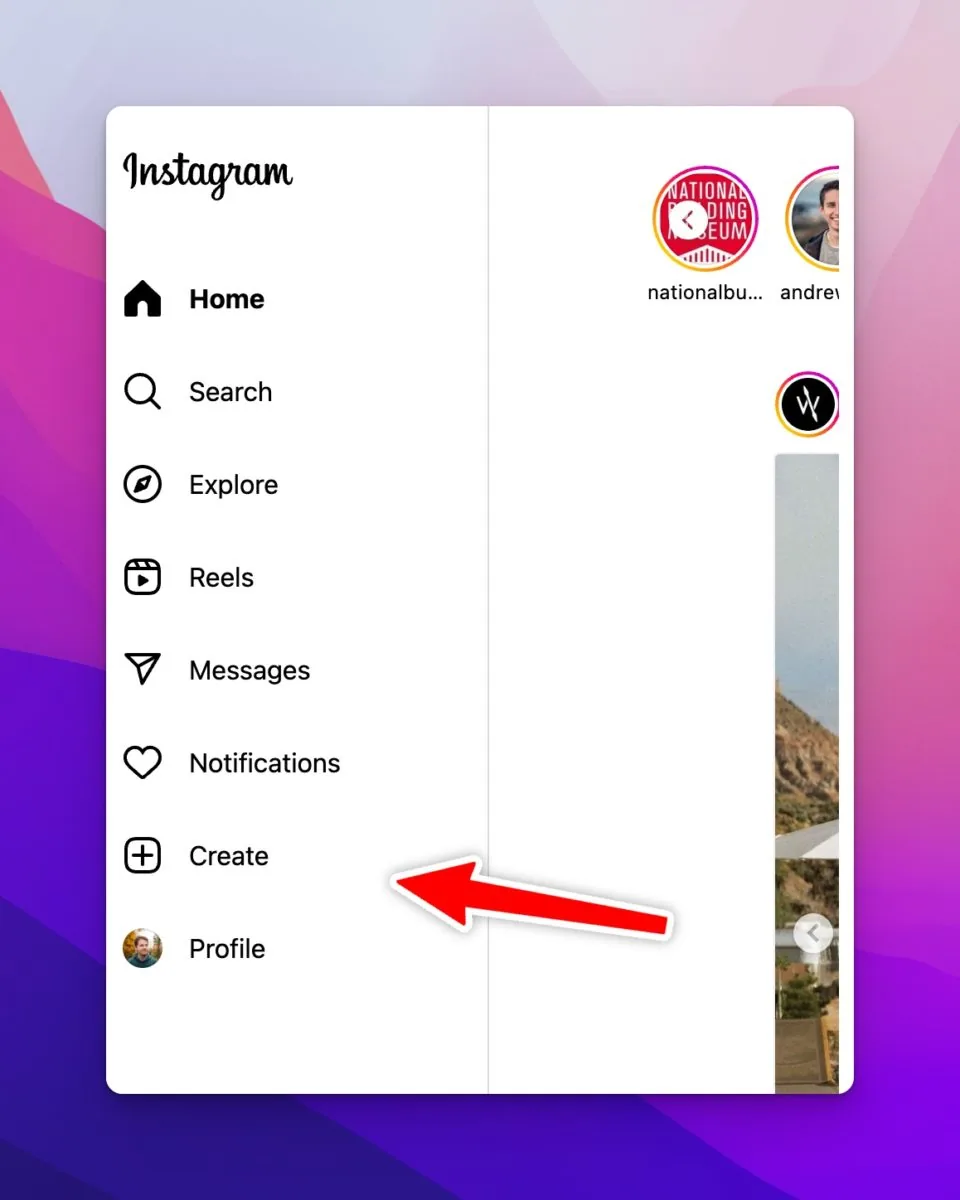
How to Post on Instagram: Step-by-Step Guide (2026)
How do you post on Instagram in 2026? Tap the plus (+), pick a photo, edit, add a caption, then Share. Steps for posts, carousels, Reels, and Stories.
 How-To
How to Upload a GIF to Instagram in 2026
You cannot upload an animated GIF as a normal feed image. Convert it to video, use a Story GIF sticker, or send it in an Instagram chat.
 How-To
How to Change Your Instagram Profile Picture (2026)
Change your Instagram profile picture from Edit Profile or Accounts Center, crop it for the circular frame, and know what remains publicly visible.
 How-To
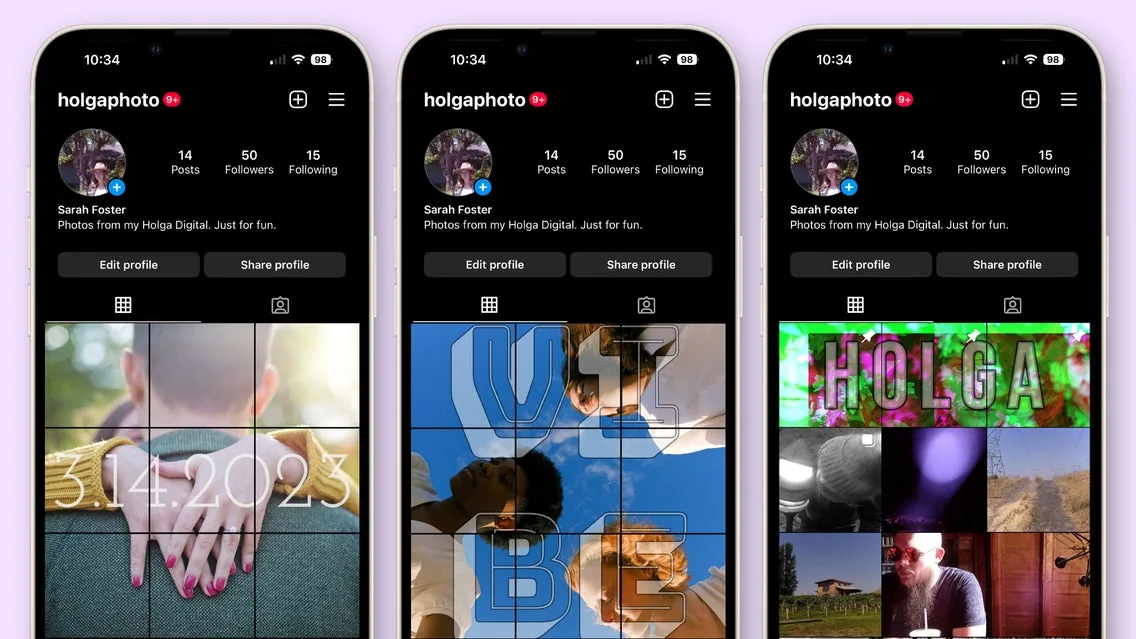
Using Instagram Again After a Breakup: A Calm Plan
How do i act after reinstalling instagram after a breakup: After a breakup, use Instagram in a way that protects your attention: mute or unfollow triggering...
 How-To
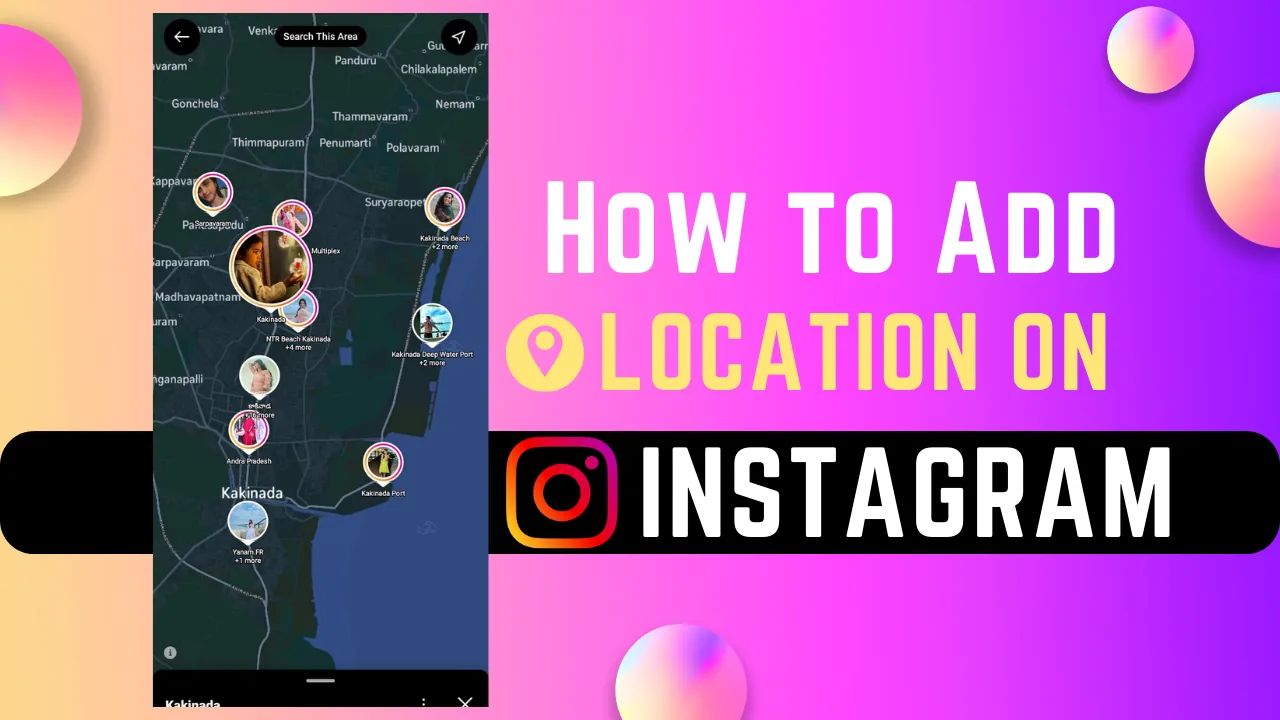
How to Add a Location to Instagram Posts and Stories
How do i add a location to instagram: Add a location on the caption screen for a Post or Reel, or use the Location sticker in a Story; choose the correct place...
 How-To
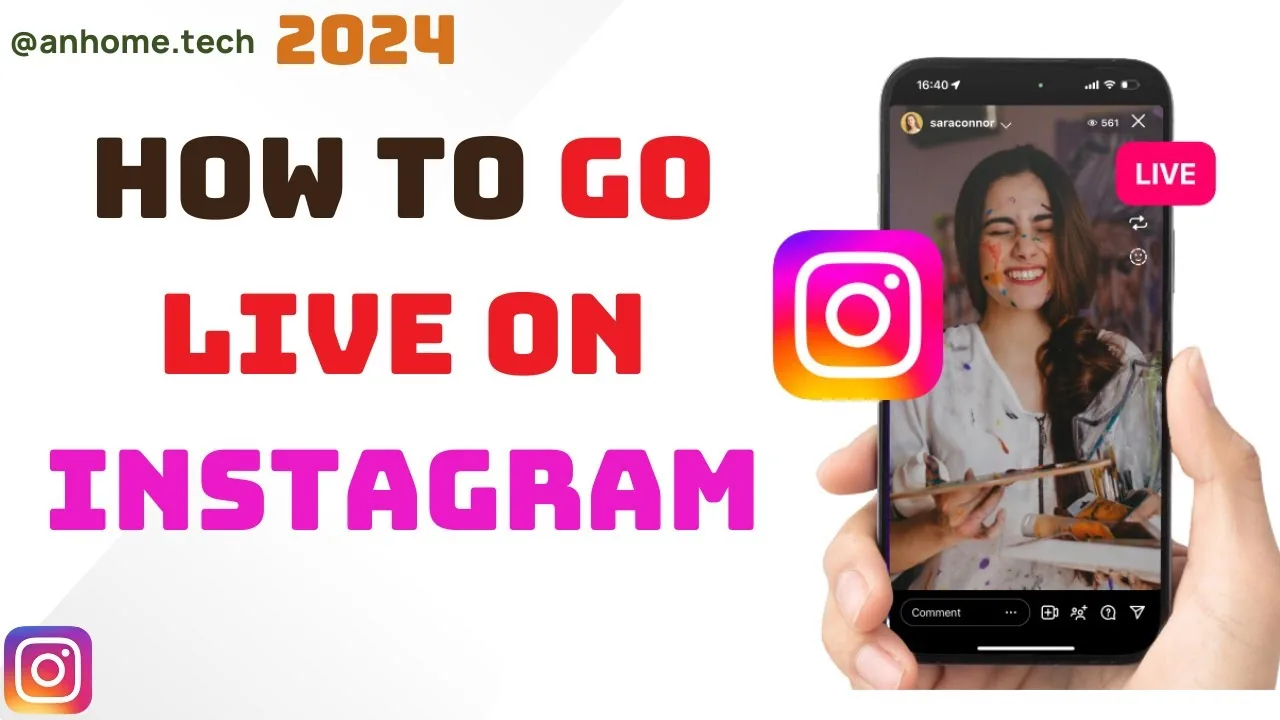
How Do I Watch Live Videos on Instagram? 2026 Guide
How do i watch live videos on instagram: Watch Instagram Live by tapping a profile picture labeled Live at the top of Feed or opening the broadcaster’s profile;...
 How-To
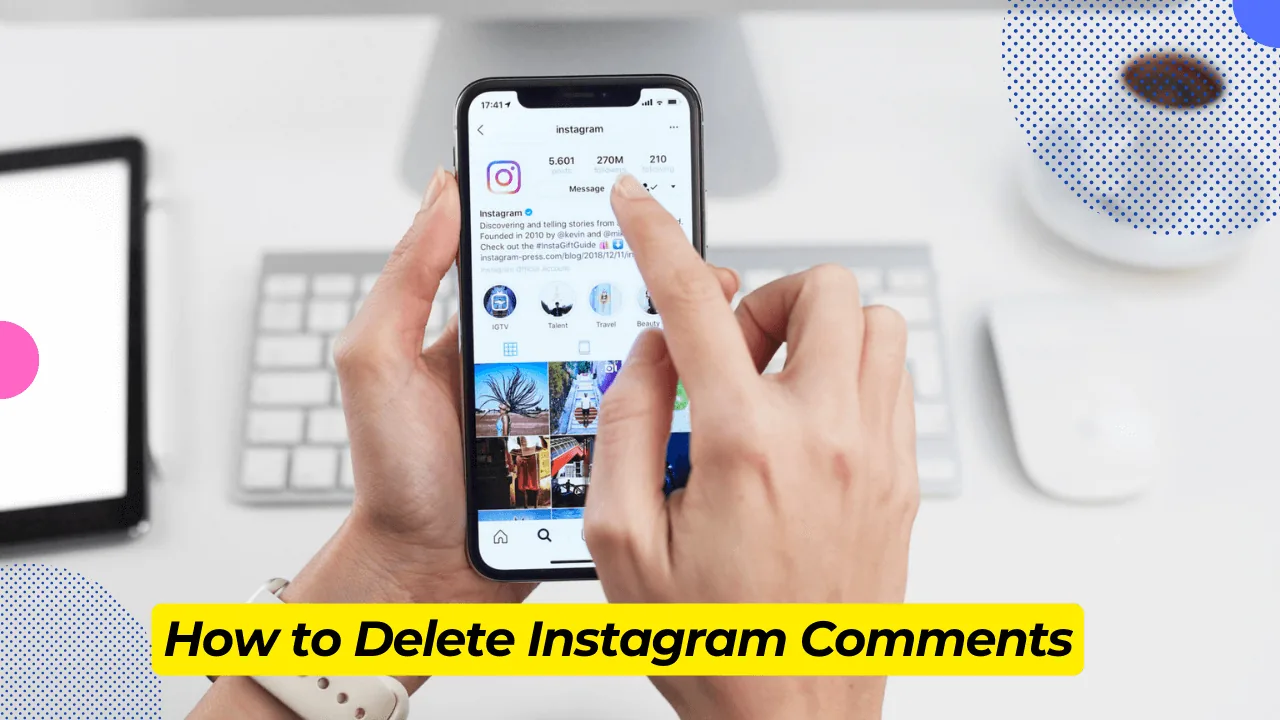
How Do You Delete a Comment From Instagram? 2026 Guide
How do you delete a comment from instagram: Delete your comment by opening the post, selecting the comment, and tapping Delete; on your own post, you can also...
 How-To
How to Delete Instagram Photos and Posts (2026)
Delete one Instagram photo, Reel or video, remove multiple posts through Your activity, and understand Recently Deleted versus Archive.
 How-To
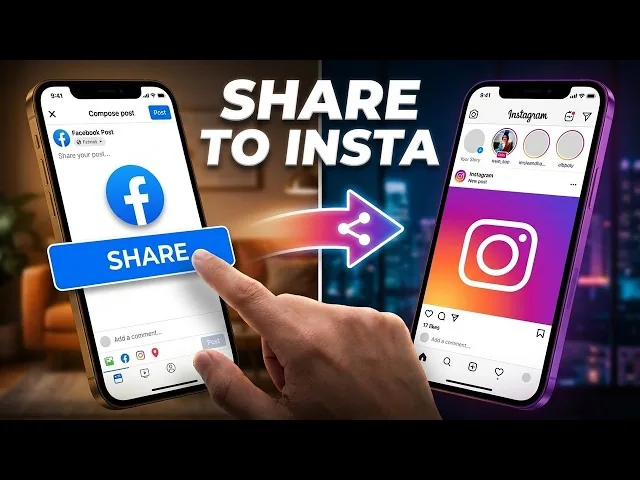
How to Share Facebook Posts to Instagram (2026)
Connect Facebook and Instagram in Accounts Center, enable cross-posting, understand unsupported post types and prevent sharing to the wrong profile.
 How-To
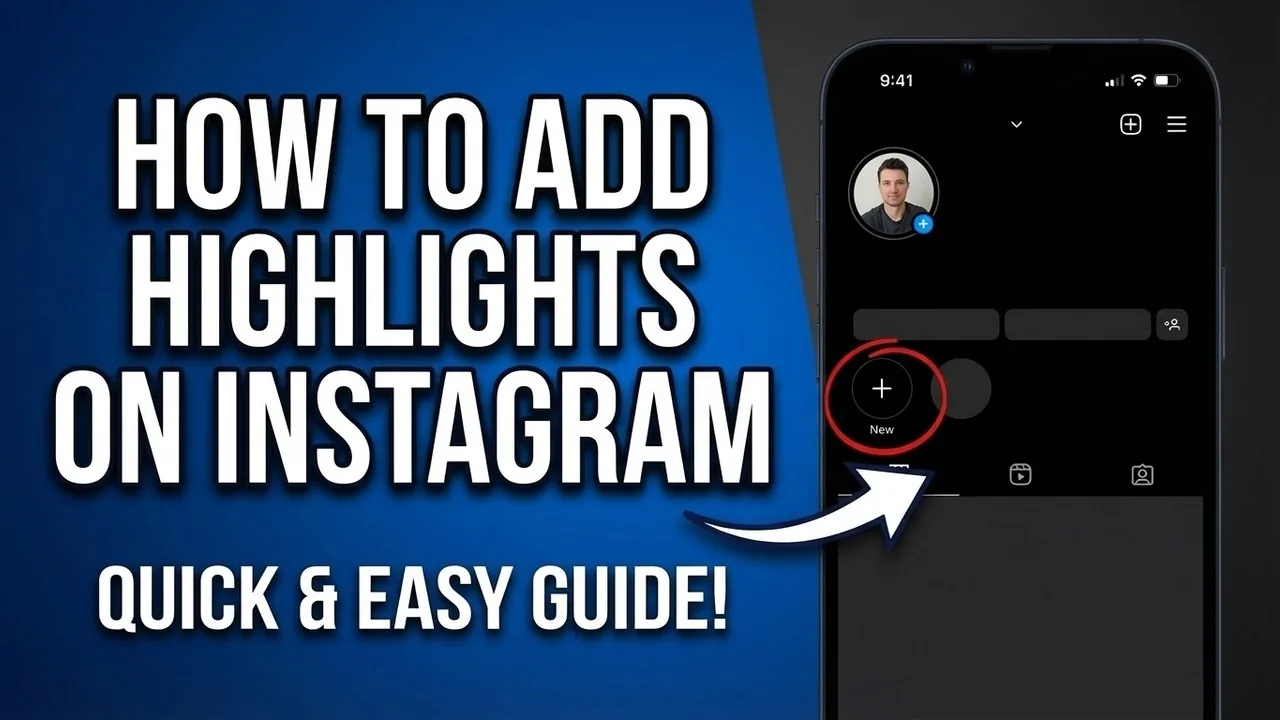
How to Add Highlights on Instagram in 2026
Create Instagram Highlights from current or archived Stories, choose a cover, control visibility and fix a missing Highlight or Story archive.
 How-To
How to Add a Link to an Instagram Story: 2026 Guide
How to add link to instagram story: Add a link with the Link sticker: create a Story, open Stickers, choose Link, paste the full destination URL, customize the...