How to Save Instagram Videos to Your Camera Roll
The exact steps to save your own Reels, Stories, and Live videos to your phone — plus what to do about other people's content.
Short answer
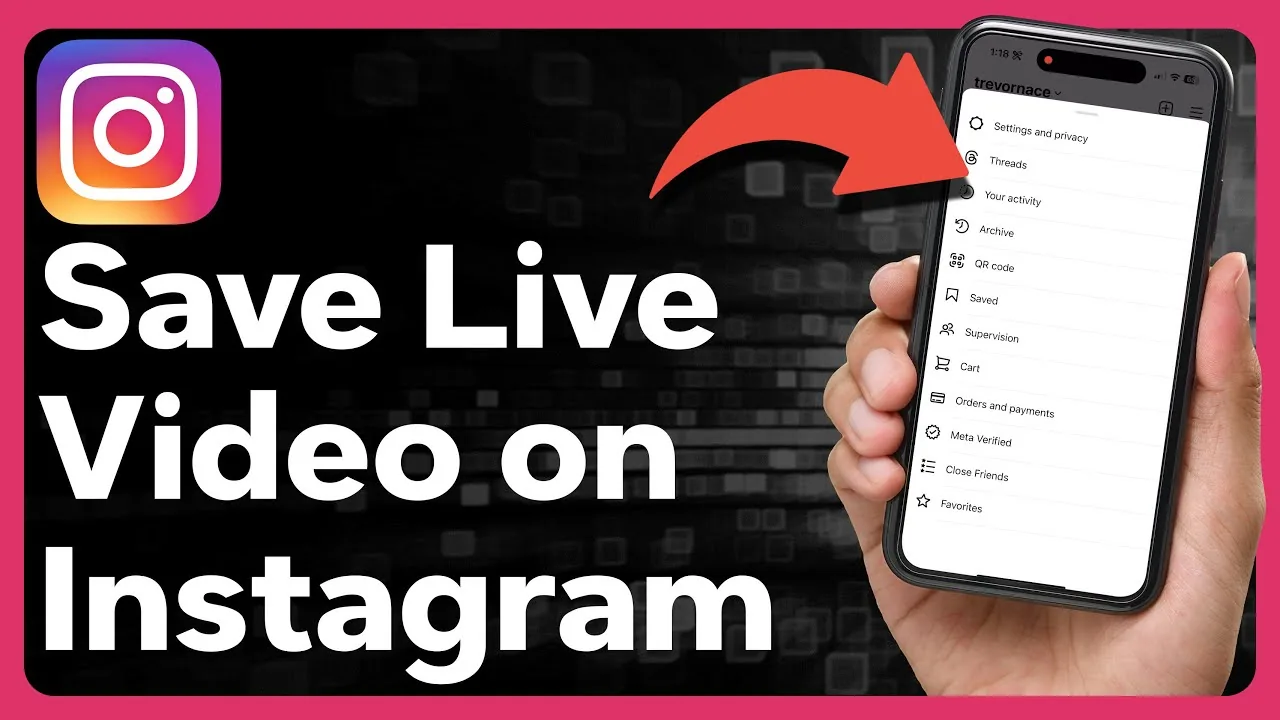
Instagram lets you save your own Reels, Stories, and Live videos directly to your camera roll through the three-dot menu, but there is no built-in download button for other people's posts.
Key takeaways
- Your own Reels save via the three-dot menu on the Reel, or the download arrow before publishing
- Stories save through the three-dot menu, with options for the whole Story or just one video
- Live videos can auto-save to your camera roll if you turn on that setting beforehand
- Instagram has no built-in download button for other people's posts, Reels, or Stories
- Screen recording is the simplest workaround for saving someone else's content, but always respect copyright
How do I save my own Reel to my camera roll?
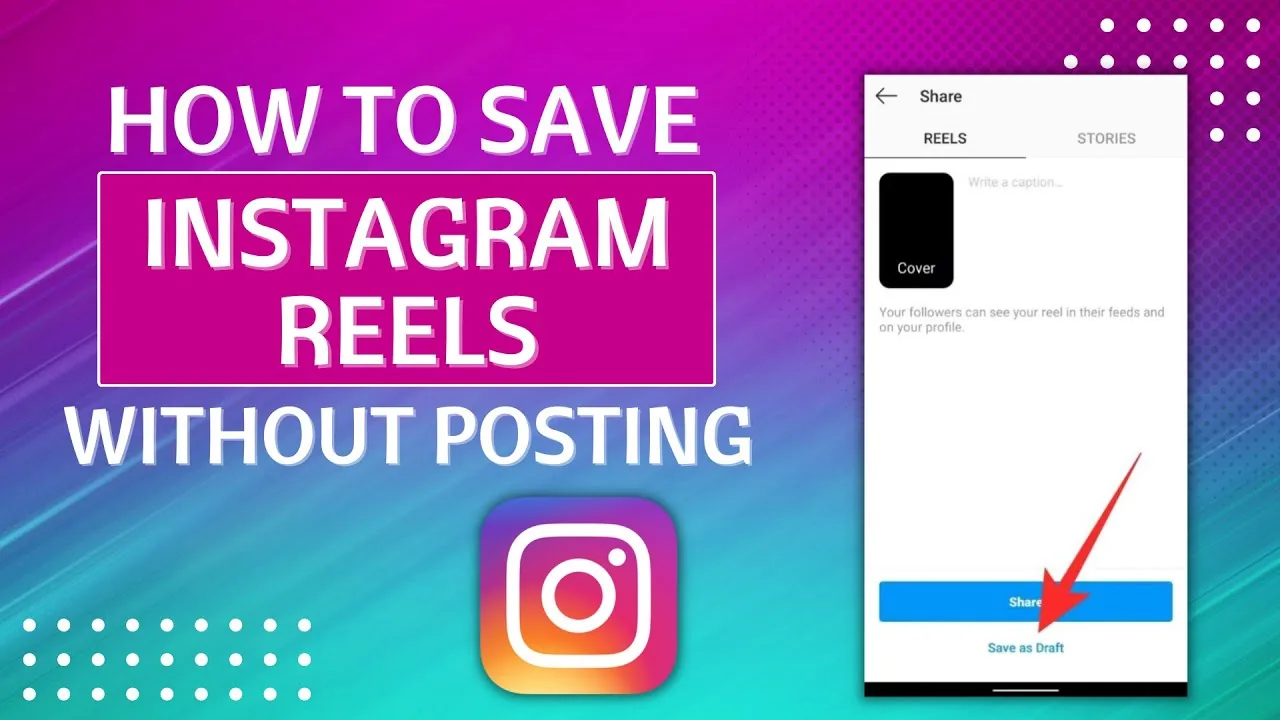
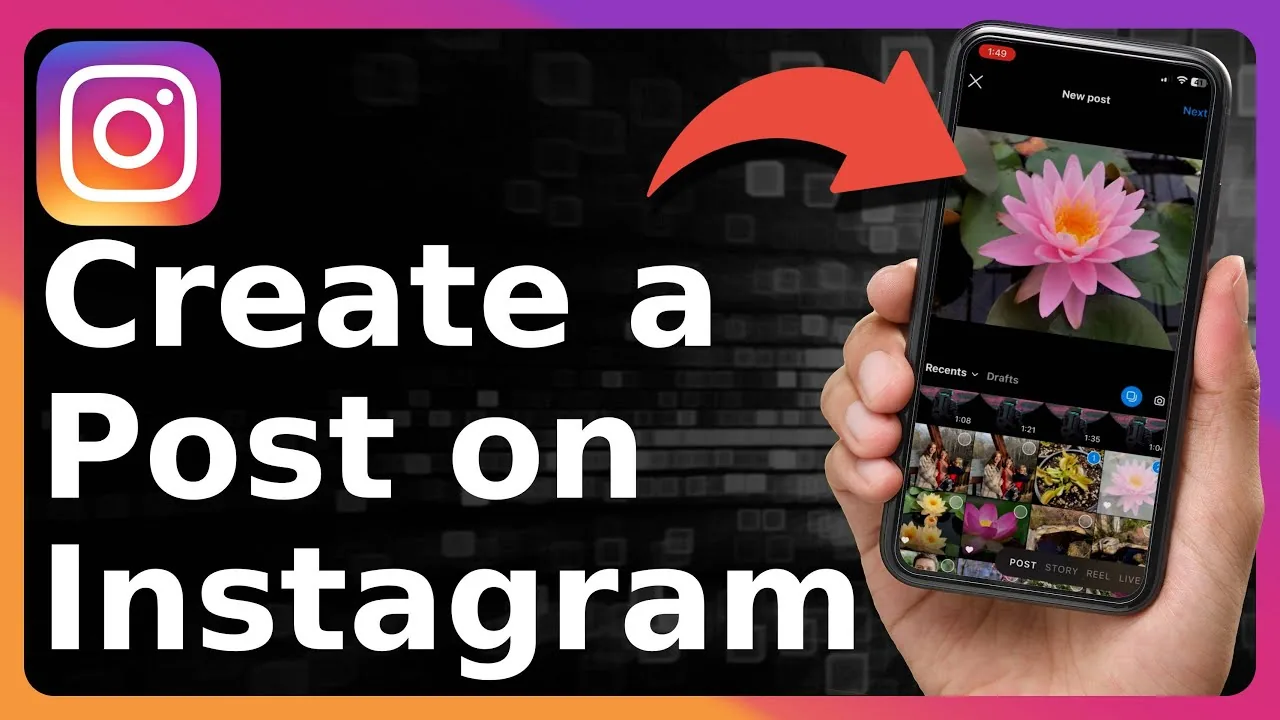
Go to your profile, open the Reel, tap the three dots in the bottom right, and choose Save to camera roll. If you're still in the editing stage before publishing, you can also tap the download arrow icon on the preview screen to save the finished version — including any music, text, or effects — straight to your phone. This is the fastest way to back up a clip before you post a reel on Instagram.
How do I save an Instagram Story to my phone?
Open your Story, tap the three dots in the bottom-right corner, and choose Save. You'll get two options: Save Story, which saves the whole sequence as one video, or Save Video, which saves just the individual clip you're viewing. This only works for your own Stories — there's no native option for saving someone else's.
Can Instagram auto-save my Live videos?
Yes — go to Settings, then Live, and turn on Save Live Video to Camera Roll before you go live. With that toggle on, every broadcast downloads to your device automatically the moment it ends, so you never have to remember to save it manually afterward.
Can I download videos other people post on Instagram?
Instagram doesn't offer a built-in save button for other users' Reels, Stories, or feed videos. The most reliable workaround is screen recording the content as it plays, though quality depends on your device's screen resolution and some third-party download sites exist for this too. Always get permission or credit the original creator before reusing someone else's footage, and never enter your Instagram login on a third-party downloader site.
Why can't I find the save option on some videos?
Account privacy settings and content type both affect what save options appear — a private account's owner may have disabled resharing, and some sponsored or music-linked videos restrict saving for licensing reasons. If a save icon is missing entirely, it usually means the poster has turned off that permission rather than it being a bug, similar to how creators can restrict who sees liked videos on their own account.
| Content type | Native save option | Where to find it |
|---|---|---|
| Your own Reel | Yes | Three-dot menu or download arrow |
| Your own Story | Yes | Three-dot menu → Save |
| Your own Live video | Yes, if enabled | Settings → Live → auto-save toggle |
| Someone else's post | No | Screen recording only |
Is it safe to use third-party Instagram video downloader sites?
Stick to sites that don't ask for your Instagram username or password — legitimate downloader tools only need the public post link. If a site requests your login credentials, treat that as a major red flag and close it immediately, since that's the same trick used by Instagram phishing scams.
Does saving a video affect my Instagram algorithm or visibility?
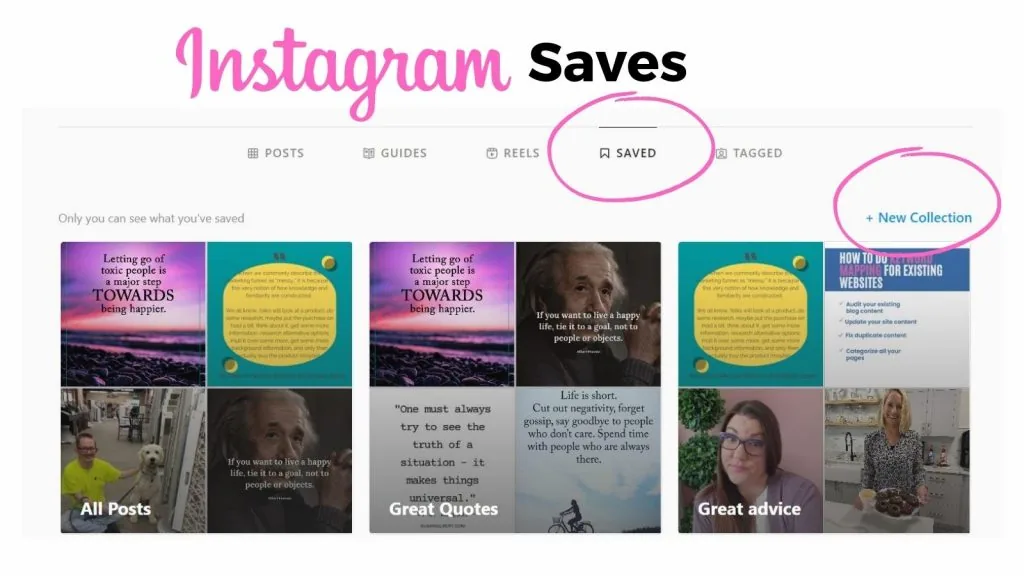
No — saving content to your own camera roll is a local action on your device and has no bearing on how the Instagram algorithm ranks your account or anyone else's. It's separate from the in-app Saved collections feature, which bookmarks posts inside Instagram without downloading them anywhere.
What if I just want to repost someone's Reel instead of downloading it?
Use Instagram's native Repost or Share-to-Story feature rather than downloading and re-uploading the file, since that keeps proper attribution and avoids quality loss from a screen recording. If you're building out a content calendar that mixes original and curated clips, reposting through the app is both faster and more respectful of the original creator's credit.
Frequently asked questions
Open the Reel on your profile, tap the three dots, and choose Save to camera roll. You can also tap the download arrow on the preview screen right before you publish it.
Sources
Keep reading
More guides to grow your account.