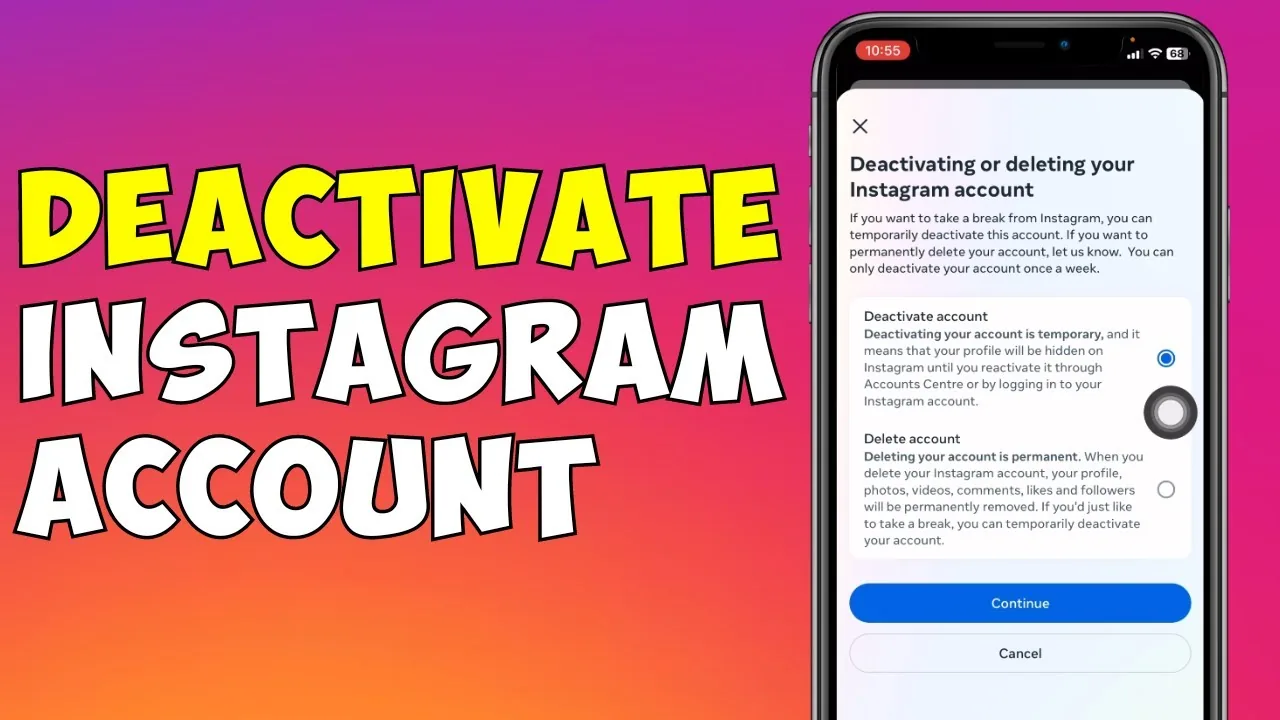
How to Temporarily Disable Your Instagram Account (2026)
Deactivate Instagram through a browser to hide your profile instantly and reversibly, without losing any posts, followers, or messages.
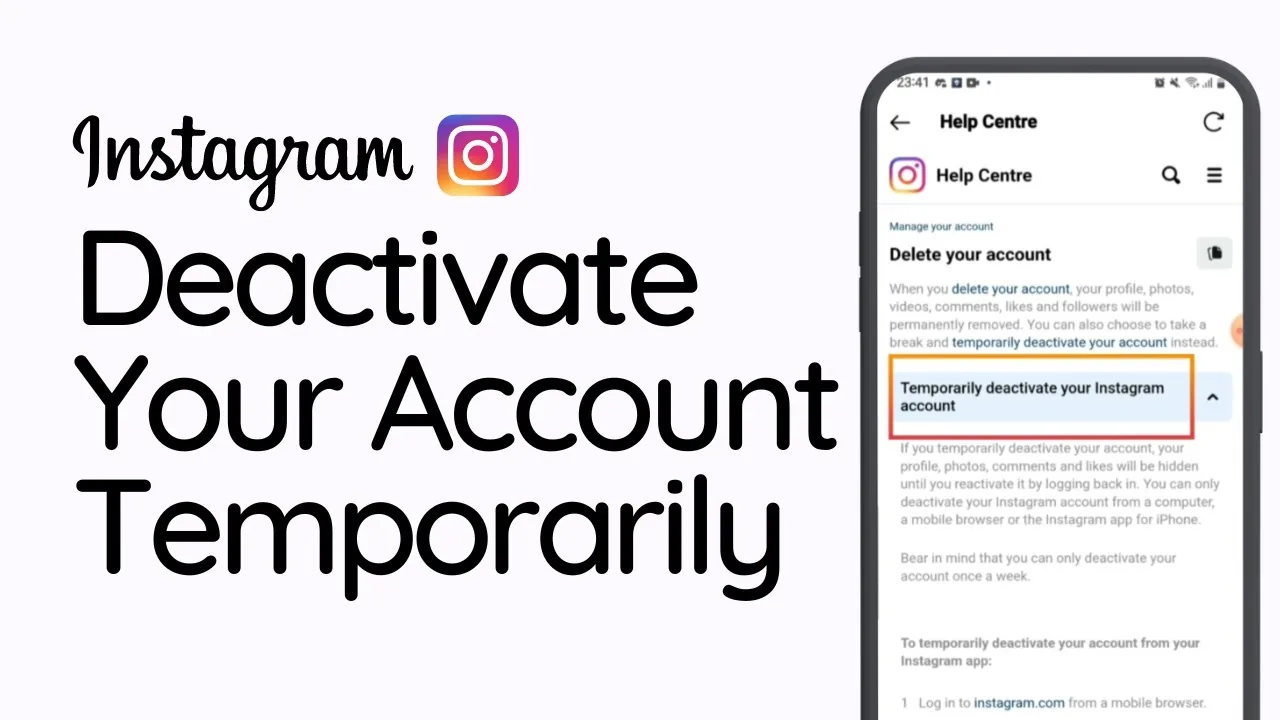
Short answer
Log into Instagram through a web browser, open Edit Profile, and select Temporarily Disable My Account. This hides your entire profile, posts, and DMs instantly, and logging back in restores everything with no waiting period.
Key takeaways
- Deactivating hides your entire profile, posts, and DMs instantly, but everything comes back the moment you log back in
- Instagram doesn't delete any data during deactivation; it just flags your account as hidden
- You can only deactivate through a browser, not the mobile app, and only once every 7 days
- Reactivation is instant with no waiting period, unlike full account deletion which takes 30 days
- Deactivating is the right move for a short break; deleting is for a permanent exit
- Your username stays reserved while deactivated, so nobody else can claim it in the meantime
How do you temporarily disable your Instagram account?
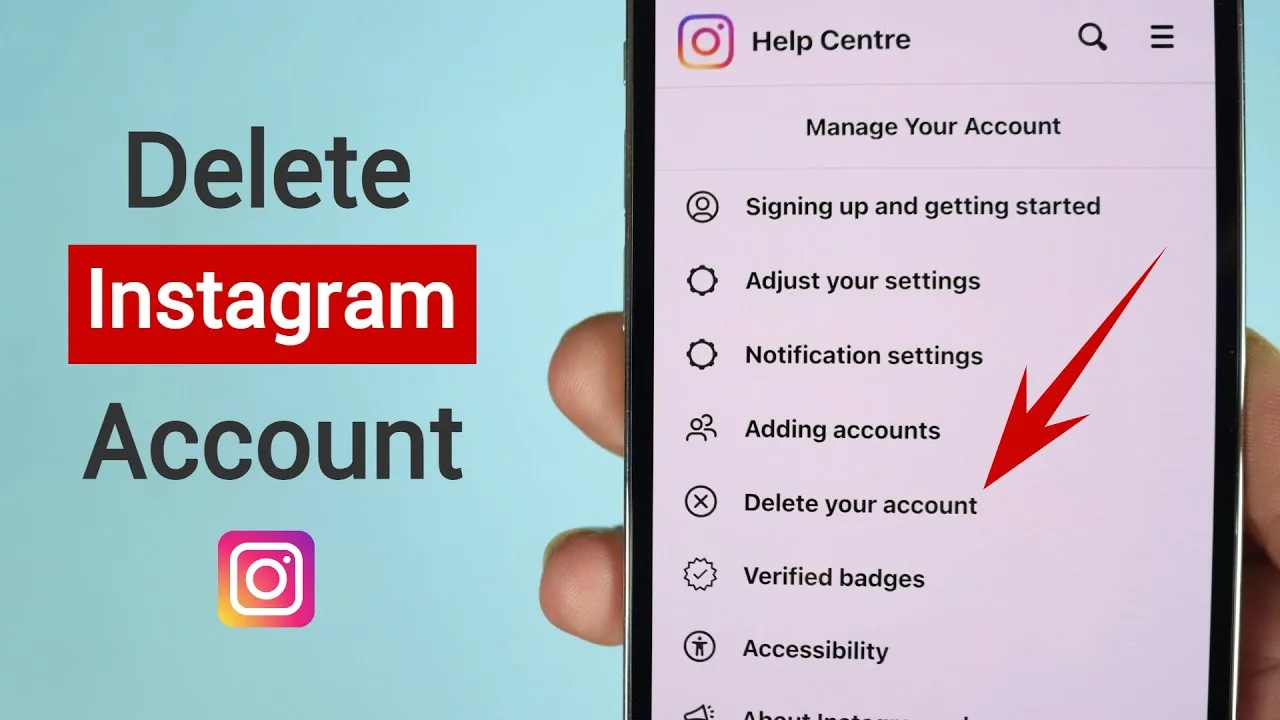
Log into Instagram through a web browser, not the app, since this option isn't available on mobile. Go to your profile, click Edit Profile, scroll down, and select Temporarily Disable My Account, then choose a reason and confirm with your password. This is the same core process outlined in how can i deactivate my instagram temporarily at /how-to/how-can-i-deactivate-my-instagram-temporarily, and it takes effect immediately once confirmed.
What actually happens to your account while it's deactivated?
Your profile, posts, comments, and likes all disappear from public view, and your DMs stop showing as active to others. Instagram doesn't erase any of this data; it simply hides it behind a flag until you log back in. Your username also stays reserved the entire time, so nobody can register it while you're away, unlike what happens with how to delete instagram account permanently at /how-to/how-to-delete-instagram-account-permanently, which frees up the username after the deletion process completes.
How is deactivating different from deleting your account?
Deactivating is fully reversible and keeps your data intact behind the scenes, while deleting starts a 30-day countdown before permanently erasing everything, including followers, posts, and messages. If you're unsure which you want, deactivating is the safer first move since you can always delete later, but you can't undo a completed deletion. The full breakdown of that permanent path is covered in how to permanently delete instagram at /content/how-to-permanently-delete-instagram.
How do you reactivate a deactivated account?
Simply log back in with your username and password, either through the app or browser, and your entire profile, posts, followers, and DMs return instantly. There's no waiting period, no form to fill out, and no restrictions once you're back in. This instant reversal is one of the biggest practical differences from account deletion, and it's why deactivating suits situations like a short digital detox better than deleting outright.
Are there limits on how often you can deactivate your account?
Yes, Instagram only allows you to deactivate your account once every 7 days, so if you reactivate and then decide you want another break, you'll need to wait out that window before disabling it again. This limit exists to prevent people from using deactivation as a way to hide their profile selectively or evade moderation.
| Action | Deactivate | Delete |
|---|---|---|
| Reversible | Yes, instantly on login | No, permanent after 30 days |
| Data retained | Everything, just hidden | Erased after the grace period |
| Where to do it | Browser only | Browser or app, depending on flow |
| Frequency limit | Once every 7 days | No limit, but irreversible |
| Username reserved | Yes | Released after deletion completes |
If a full break feels like too much and you'd rather just quiet things down, options like how to turn off active status on instagram at /how-to/how-to-turn-off-active-status-on-instagram or how to appear offline on instagram at /tools/how-to-appear-offline-on-instagram let you stay logged in without broadcasting activity. And if you eventually decide a temporary break isn't enough, how to reactivate instagram at /how-to/how-to-reactivate-instagram covers what happens if you change your mind partway through.
Frequently asked questions
No, this option is only available through a web browser; go to Edit Profile on instagram.com and select Temporarily Disable My Account.
Sources
Keep reading
More guides to grow your account.