How Can You Save Videos on Instagram?
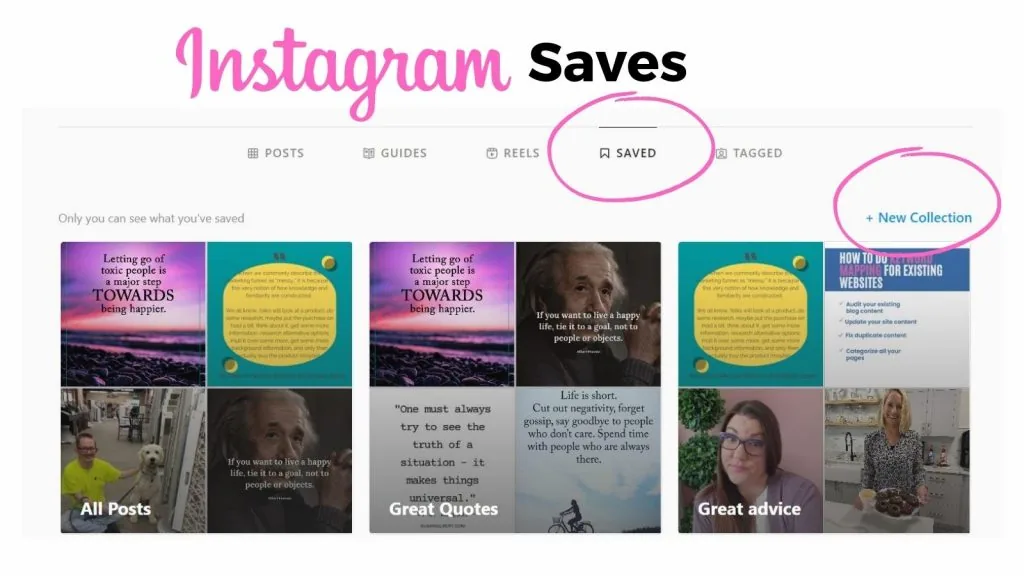
Bookmark any video or Reel to file it into your Saved tab, and use the dedicated Favorites Collection to build a quick-access list of your top clips - all without ever downloading anything to your device.
Short answer
Bookmark any video or Reel to file it into your Saved tab, and use the dedicated Favorites Collection to build a quick-access list of your top clips - all without ever downloading anything to your device.
Quick answer
Tap the bookmark/ribbon icon on any video or Reel to save it inside Instagram's Saved tab. Beyond the default Saved list, Instagram also has a special Favorites Collection built specifically for quickly re-finding your top-tier saved content without scrolling through everything else.
Key takeaways
- The bookmark icon on Reels sits in the right-side toolbar; on feed video posts it's in the bottom action row
- Favorites is a separate, always-available Collection distinct from any custom Collection you create yourself
- Saved videos require an internet connection to reopen, since nothing is actually downloaded
- You can remove a video from Saved at any time by tapping the (now-filled) bookmark icon again
Saving a video or Reel
- While watching a Reel, tap the bookmark icon in the right-side toolbar; on a feed video, tap it in the row below the post
- Long-press the icon to choose a specific Collection, or add it straight to Favorites
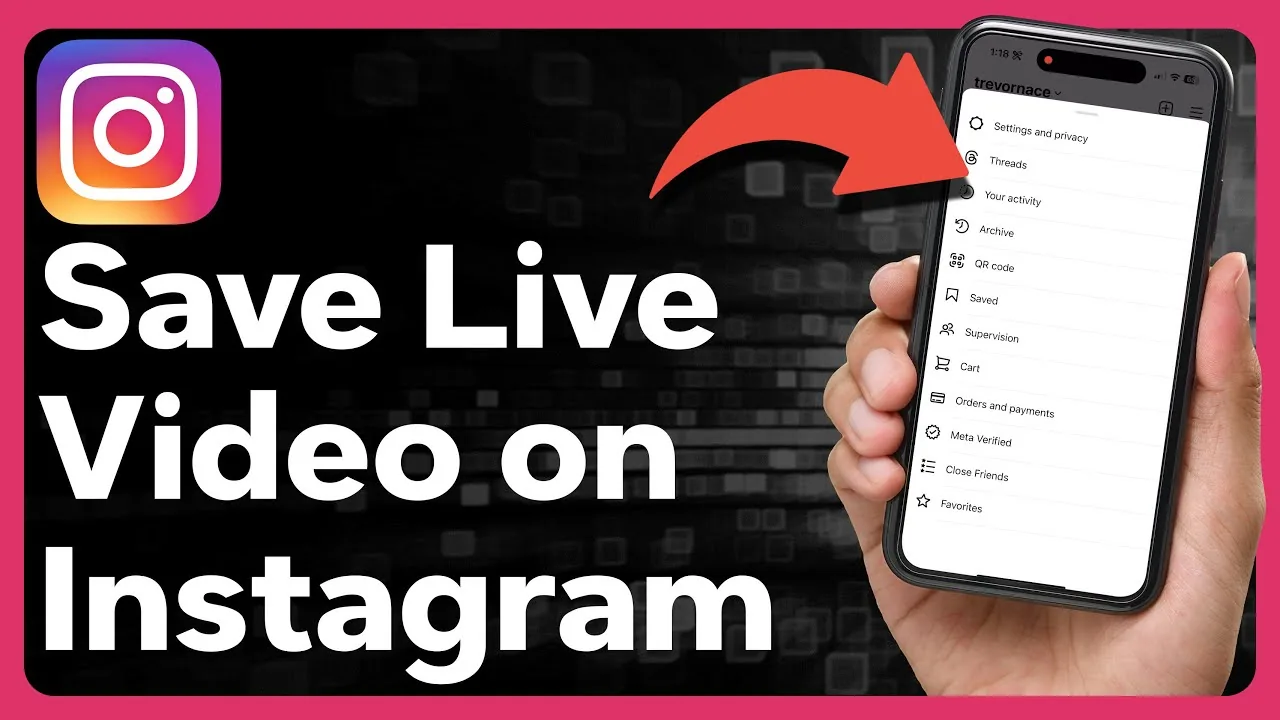
- Browse everything later from your profile > menu icon > Saved
Using Favorites for quick access
- Open your Saved tab
- Tap into the Favorites Collection (created automatically by Instagram)
- Add any saved video to Favorites by long-pressing its bookmark icon and selecting Favorites
- Use this list as a shortlist instead of digging through every saved video you've ever bookmarked
Removing a saved video
- Go to your Saved tab and find the video
- Tap the filled bookmark icon on it again to remove it, or
- Open the original post and tap its bookmark icon to un-save it directly
Common mistakes
- Expecting saved videos to be available fully offline - they still stream from Instagram's servers when reopened
- Not using Favorites or custom Collections, which makes a large Saved library hard to navigate later
- Confusing "saving" with downloading a file to your camera roll, which is a separate, more limited feature only available for your own posts
Frequently asked questions
Tap the bookmark icon on any video or Reel to add it to your Saved tab, and optionally file it into Favorites or a custom Collection.
Sources
Keep reading
More guides to grow your account.