How to Save Instagram Reels to Your Phone or App
Save Reels inside Instagram's Saved collections, or download your own Reel to your camera roll before or after posting — here's exactly how.
Short answer
You can save any Reel into your in-app Saved collections by tapping the bookmark icon, or download your own Reel to your camera roll from the editor before posting or from the three-dot menu after. Downloading someone else's Reel to your gallery only works if that creator's account is public and they've enabled downloads.
Key takeaways
- Tap the bookmark icon on any Reel to file it into your in-app Saved collections, organized however you like
- Download your own Reel to your camera roll from the final editing screen before you post, using the download icon
- After posting, open your Reel, tap the three-dot menu, and choose Save to camera roll
- Downloading other people's Reels to your device only works if the creator has a public account with downloads enabled
- Downloaded Reels from other accounts carry a watermark showing the original creator's username
- Screen recording is a fallback for saving any Reel, but it captures without editing controls and any sound playing
How do I save a Reel inside the Instagram app?
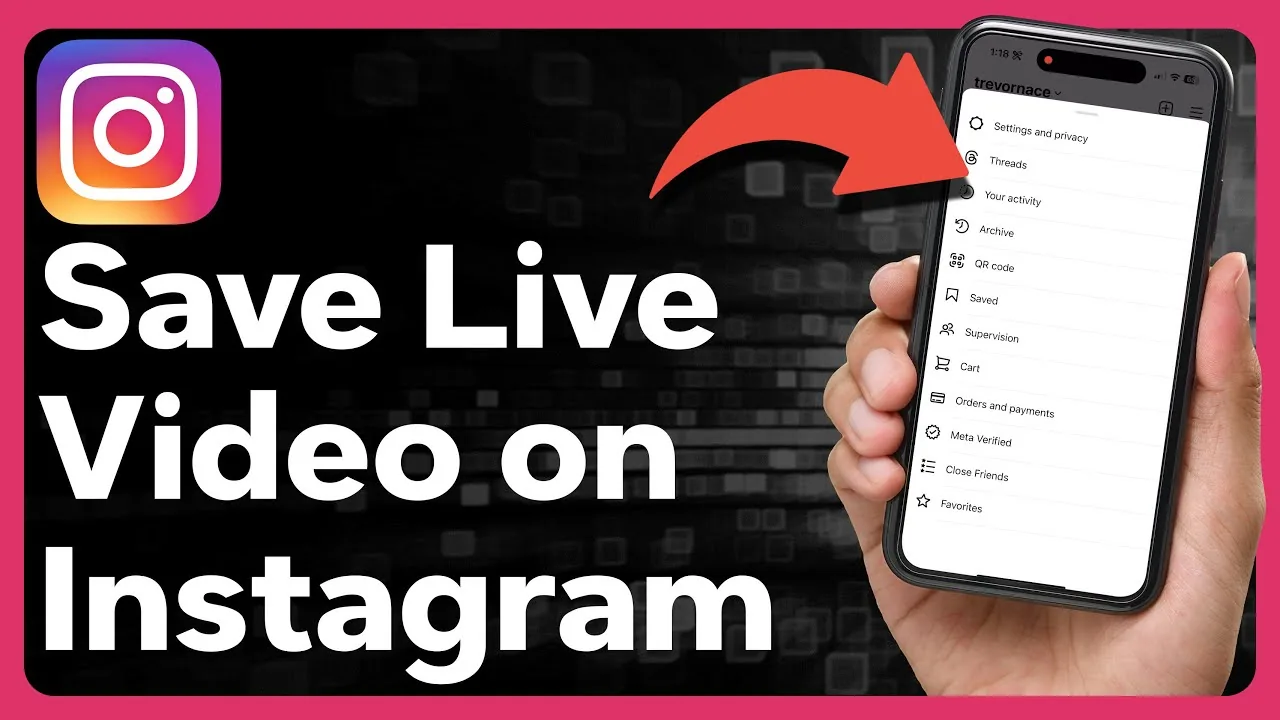
Tap the bookmark icon at the bottom right of any Reel to add it to your Saved collections without leaving the feed. From your profile, open the menu icon, choose Saved, then pick All Posts or a specific collection to revisit anything you've bookmarked — the same place you'd go after learning how to see liked reels on instagram for content you've engaged with.
How do I download my own Reel to my camera roll?
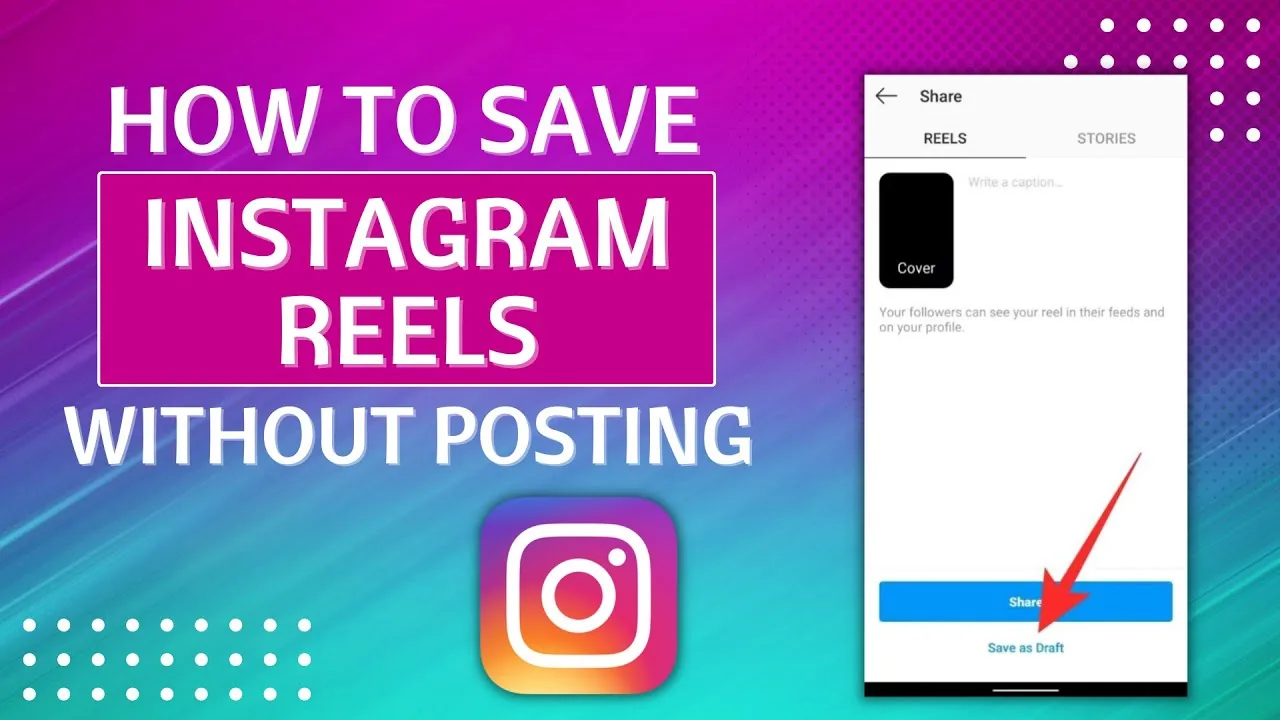
Before hitting Share, look for a download icon on the final editing screen — tapping it saves the finished video straight to your camera roll with no watermark. If you've already posted, open the Reel from your profile, tap the three dots in the bottom right, and select Save to camera roll to pull a local copy anytime.
Can I download someone else's Reel to my phone?
Only if the creator has a public account and has specifically enabled downloads in their settings — tap the Share icon under their Reel and look for a Download option at the bottom of the menu. When it works, the saved file includes a visible watermark crediting the original creator's username, so it's not an anonymous download.
What if a Reel isn't downloadable?
Screen recording is the standard workaround: enable Screen Recording in your phone's Control Center, play the Reel, and stop recording once it finishes — the clip lands in your camera roll like any other recording. Just know this captures whatever else is on screen too, including notifications, so it's less clean than a native save, which matters if you're building out what is a reel on instagram style content for repurposing elsewhere.
Where do all my saved Reels live long-term?
Everything you bookmark stays inside Saved on your profile until you manually remove it, organized into whatever collections you set up. This is separate from your drafts, so if you're also trying to track down unfinished projects, that's covered by how to find drafts on instagram instead, and separate again from checking how to archive instagram post content you've hidden from your grid.
Does saving or downloading notify the original creator?
No — bookmarking a Reel into your Saved collections is completely private, and even downloading a Reel to your camera roll (when the option is enabled) doesn't send the creator a notification. The only visible signal creators get is aggregate view and engagement counts in their Insights, not individual save or download alerts.
| Method | Where it saves | Watermark | Works on any account |
|---|---|---|---|
| Bookmark to Saved | Inside the Instagram app | No | Yes |
| Download before posting (your own Reel) | Camera roll | No | Yes (your content) |
| Save to camera roll (your own Reel, after posting) | Camera roll | No | Yes (your content) |
| Download button on others' Reels | Camera roll | Yes | Only if creator enabled it |
| Screen recording | Camera roll | No | Yes, but lower quality |
For creators actively growing an audience, revisiting viral reels hook formula alongside your saved inspiration folder is a practical way to turn bookmarked ideas into your own content, and cross-checking how long can instagram reels be helps you judge whether a saved clip's pacing fits your own content plans.
Frequently asked questions
Tap the bookmark icon at the bottom right of the Reel to add it to your Saved collections, which you can revisit anytime from your profile menu.
Sources
Keep reading
More guides to grow your account.