How Do You Get Your Instagram Back? Every Scenario (2026)
Locked out, hacked, disabled, or just deactivated? Here's the exact Instagram recovery path for each scenario, including video selfie verification.
Short answer
How you get your Instagram back depends on why you lost access: forgotten passwords use the in-app reset link, hacked accounts go through Instagram's identity verification (including a video selfie), and disabled or suspended accounts require filing an official appeal. Deactivated accounts are the easiest -- just log back in.
Key takeaways
- Instagram routes recovery differently depending on the cause: forgotten password, hacked account, disabled/suspended account, or a self-initiated deactivation.
- A temporarily deactivated account comes back the instant you log in again with your username and password -- no appeal needed.
- Hacked accounts almost always require identity verification, which can include a video selfie where you turn your head so Instagram's systems confirm you're a real person.
- Disabled or suspended accounts need an in-app appeal (look for a Disagree with Decision or Appeal button) or the online help form at help.instagram.com.
- ID verification, when Instagram offers it, tends to speed up disabled-account appeals compared with submitting anonymously.
- If your account was fully deleted rather than deactivated or disabled, there is no way to restore it -- Instagram treats deletion as permanent after the 30-day grace window.
What's the difference between deactivated, disabled, and hacked?
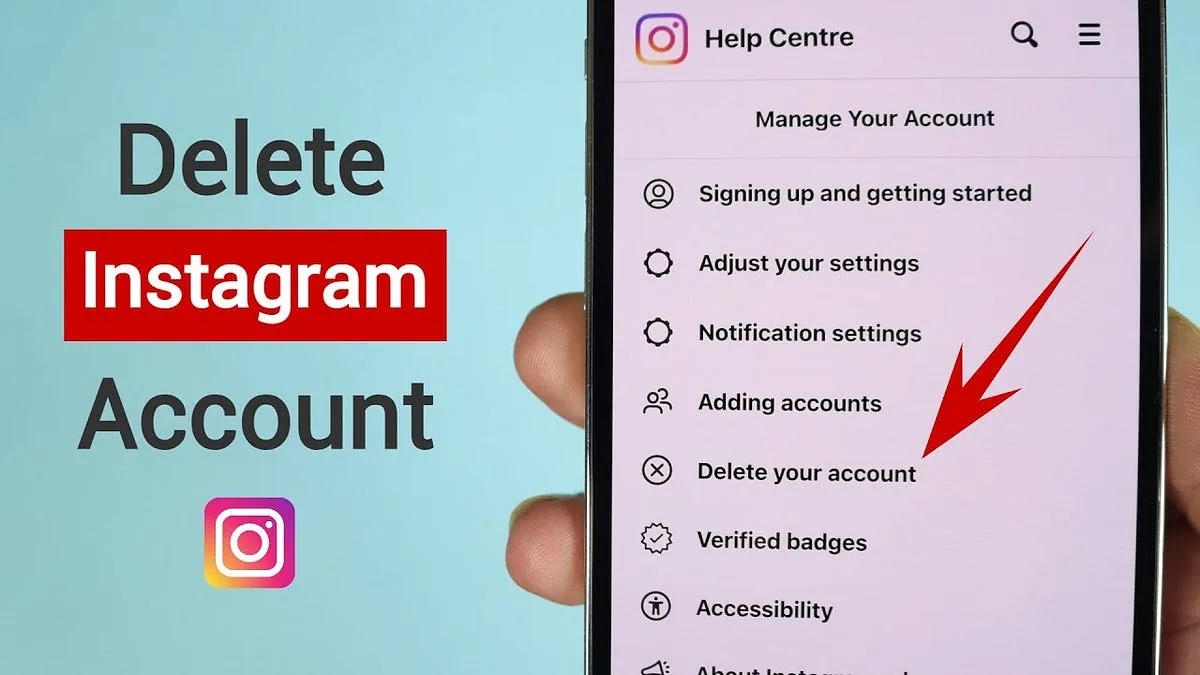
These three situations look similar from the outside but need different fixes. A deactivated account is one you paused yourself, and it's fully reversible by logging back in -- the same toggle covered in how to temporarily disable your Instagram account. A disabled or suspended account means Instagram's moderation systems flagged it for a suspected policy violation, and getting it back means filing an appeal, similar to the process described in how to recover an Instagram account. A hacked account means someone else has control, usually after changing your password or connected email, and recovery runs through identity verification rather than a simple appeal.
How do you recover a forgotten password?
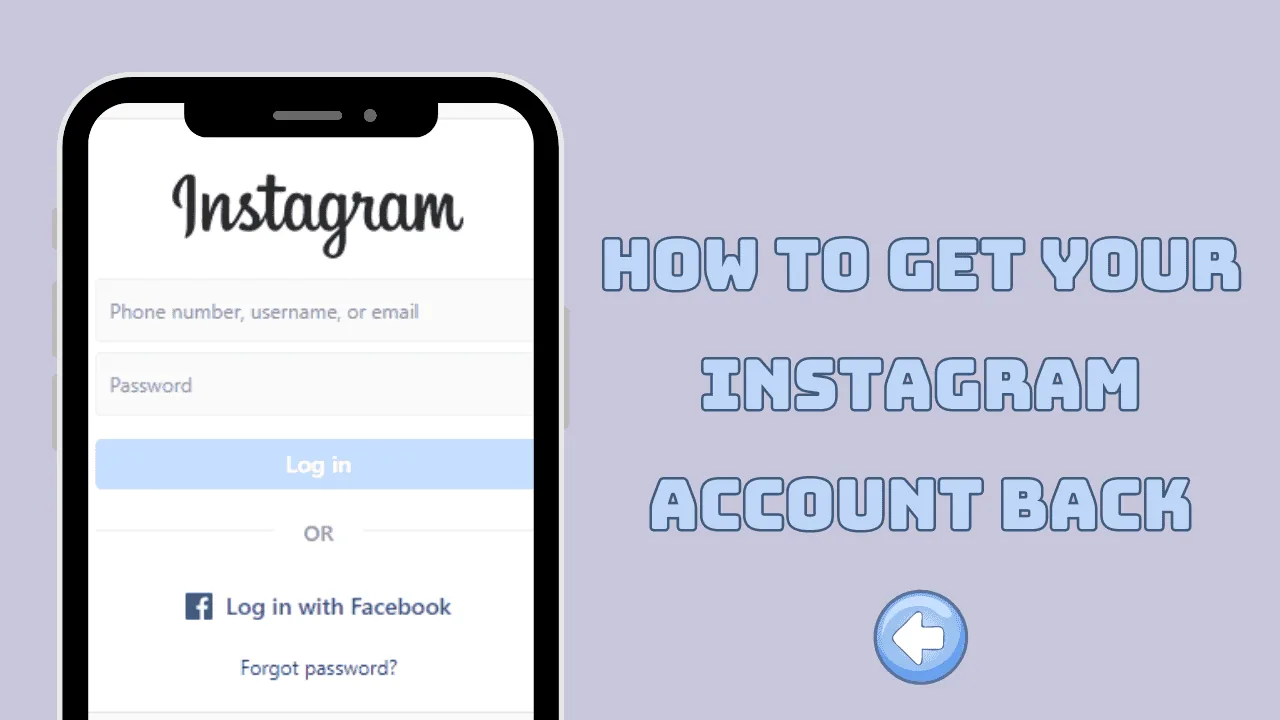
Open the Instagram app or go to instagram.com and tap Get Help Logging In (or Forgot Password on the login screen), then enter the username, email, or phone number tied to the account. Instagram sends a reset link or a one-time login code to that contact method, and tapping it lets you set a new password immediately. If you no longer have access to the linked email or phone, Instagram has a separate flow for that, similar in spirit to what's outlined in how do I find my Instagram password; you'll need to submit whatever alternate contact info or ID Instagram requests. This path also works if you're simply trying to change your Instagram password safely after a scare, even if no one has actually broken in yet.
What do you do if your account was hacked?
If someone else logged in, changed your password, or swapped your linked email, go straight to instagram.com/hacked on a desktop or mobile browser rather than the normal login screen. Instagram walks you through securing the account, and if the attacker changed your contact details, you'll be asked to verify your identity -- sometimes with a video selfie where you hold the phone at arm's length and slowly turn your head left, right, and up. Instagram uses that clip only to confirm you're a real, matching person; it's never posted publicly and is deleted within 30 days, and review typically takes up to two business days. It's worth distinguishing this threat model from casual snooping, covered in how Instagram accounts get hacked and how to stay safe, if you want to understand how attackers usually get in.
How do you appeal a disabled or suspended account?
When Instagram disables an account for a suspected Community Guidelines violation, the login screen shows a notice explaining the suspension along with an Appeal or Disagree with Decision button -- tap it and Instagram opens an in-app review request, the fastest route since it's already tied to your device and login history. If that button doesn't appear, use the Help Center's Request Support form for My account was disabled, fill in your full name, username, and the email on the account, and choose ID verification if it's offered, since verified appeals are generally reviewed faster than anonymous ones. Avoid resubmitting the form multiple times in one day, since repeated submissions can get flagged as spam and slow the review further.
How long does Instagram account recovery take?
| Scenario | Recovery method | Typical timeframe |
|---|---|---|
| Forgotten password | Email/SMS reset link via Get Help Logging In | Minutes |
| Lost access to linked email/phone | Alternate contact or ID verification form | 1-3 days |
| Hacked account | instagram.com/hacked identity verification, sometimes video selfie | Up to 2 business days after submission |
| Temporarily deactivated | Log back in with username and password | Instant |
| Disabled for policy violation | In-app appeal or Help Center disabled-account form | 24 hours to several days |
| Permanently deleted | No recovery -- data removed after the 30-day window | Not recoverable |
Can you get back a deactivated Instagram account?
Yes, and it's the easiest case here. Deactivating is meant to be temporary: your profile, photos, likes, and followers are hidden from everyone else but nothing is deleted, and logging back in with your normal username and password restores everything exactly as it was, including your follower count. If you're unsure whether you deactivated or someone disabled the account for you, it helps to first read what happens when you deactivate your Instagram account so you know what to expect, and if you deliberately want to reverse a deactivation, the full walkthrough is in how to reactivate Instagram after deactivation.
What if you never got the password reset email?
Check spam and promotions folders first, then confirm your email provider isn't blocking mail from the instagram.com domain. If nothing arrives after several minutes, try requesting the reset via SMS instead of email, or attempt login through a linked Facebook account if you connected one previously. Persistent failures usually mean the email on file is outdated, in which case you'll need Instagram's identity-verification path rather than the standard reset link, since you can no longer prove ownership through that inbox.
Does Instagram require ID to get an account back?
Not always, but it becomes far more likely once a hack or a disabled-account appeal is involved, since a password reset alone usually only needs proof of the linked email or phone. For appeals tied to suspected violations or impersonation, Instagram may request a government-issued ID or ask you to confirm details only the real owner would know. Offering ID verification voluntarily during a disabled-account appeal, when the option appears, tends to shorten the review compared with appealing anonymously.
What should you do while waiting for Instagram support?
Avoid creating a duplicate account under the same name while your original is under review, since Instagram can treat that as evidence against the appeal. Keep checking the email linked to the disputed account, since that's where Instagram sends outcome notifications and any follow-up ID requests. This is also a good moment to review how to contact Instagram support for the current list of official channels, since scam recovery services asking for your password outside Instagram's own domains are never legitimate and will make the situation worse.
What if the account is gone for good?
If Instagram confirms the account was permanently deleted rather than deactivated or disabled, there's no recovery path -- deletion is designed to be irreversible once the 30-day grace period lapses, and even Instagram support cannot restore it after that. Your best move at that point is rebuilding, following the same safe setup steps as how to create a new Instagram account safely in 2026.
Getting your Instagram back almost always comes down to matching the right tool to the right cause: a reset link for a forgotten password, identity verification for a hack, and a formal appeal for a disabled or suspended account. Deactivation is the one case where you don't need Instagram's help at all -- just log back in.
Frequently asked questions
Tap Get Help Logging In on the login screen and enter your username, email, or phone number. Instagram sends a reset link or code to that contact method, and clicking it lets you set a new password within minutes.
Sources
Keep reading
More guides to grow your account.