How Do I Delete My Instagram Account Permanently?
Delete your Instagram account via Accounts Center on web or mobile. You get a 30-day grace period before deletion becomes permanent.
Short answer
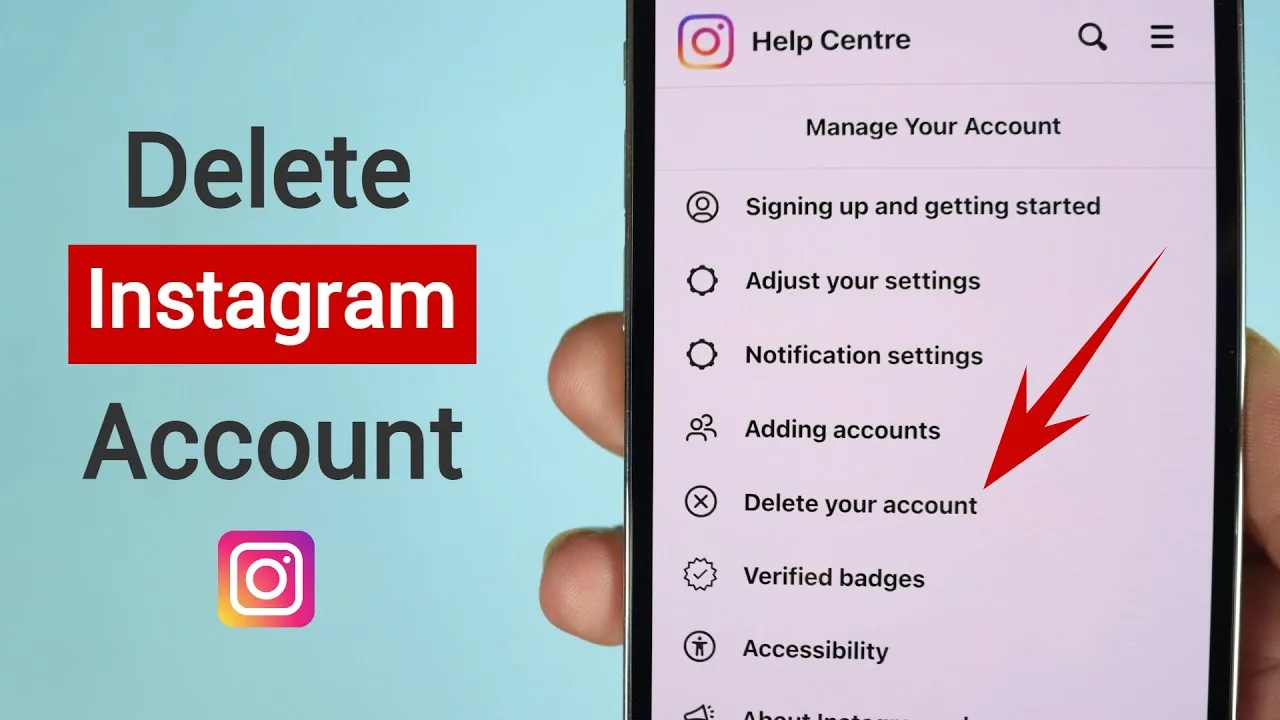
To delete your Instagram account, go to Settings, then Accounts Center, then Personal details, then Account ownership and control, and choose Delete account. Instagram gives you a 30-day grace period to log back in and cancel before deletion becomes permanent.
Key takeaways
- Deleting your Instagram account is done through Accounts Center, not a simple account setting
- You get a 30-day grace period after confirming deletion, during which logging back in cancels it
- Full deletion of posts, comments, and messages can take up to 90 days after that grace period ends
- Deactivating is different from deleting: deactivation just hides your profile temporarily and is reversible any time
- Download your data first if you want to keep your photos, videos, and messages
How do you actually delete an Instagram account?
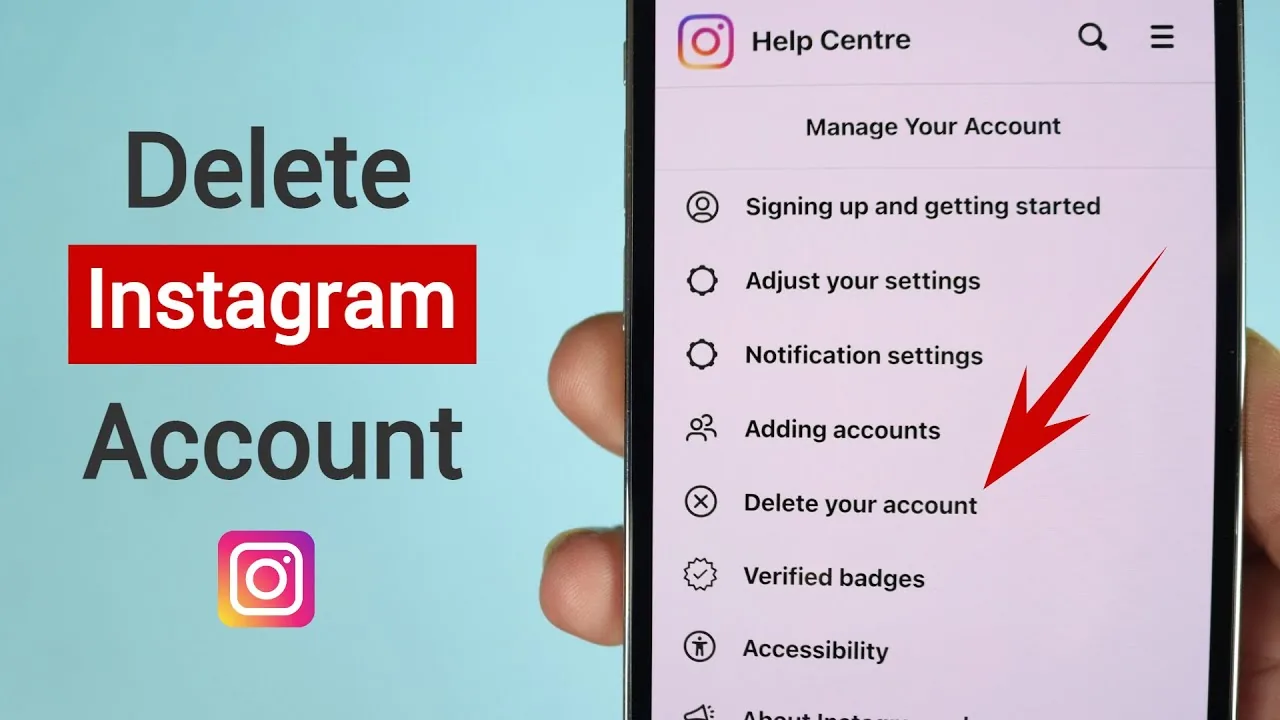
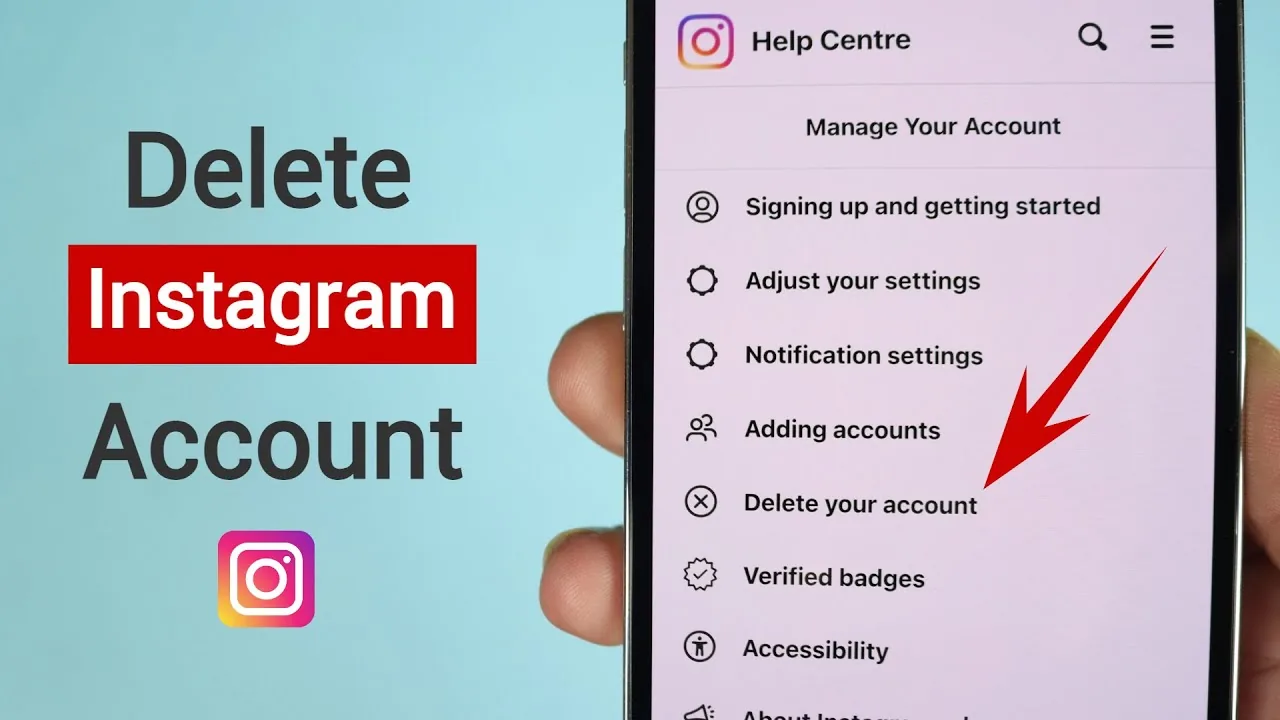
On the Instagram app or instagram.com, go to your profile, open Settings, then tap Accounts Center. From there select Personal details, then Account ownership and control, then Deactivation or deletion, choose your profile, and pick Delete account. You'll need to select a reason from a dropdown and re-enter your password before Instagram confirms the request. If you're unsure whether you want to delete or just step away for a while, it's worth comparing this against how to deactivate Instagram temporarily first, since deactivation is instantly reversible and deletion is not.
What happens during the 30-day grace period?
Instagram holds your account in a pending-deletion state for 30 days, and simply logging back in during that window automatically cancels the deletion. Your profile, posts, and messages stay invisible to others during this time even though the account technically still exists. This grace period exists specifically to prevent accidental or impulsive deletions, so don't expect the account to vanish the moment you confirm the request.
Should you download your data before deleting?
Yes, because once the 30-day window closes and deletion proceeds, your photos, videos, comments, and direct messages are gone for good. Go to Accounts Center, then Your information and permissions, then Download your information, and request a full copy before you start the deletion process. This matters even more if you've spent time building things like saved highlights or a curated grid you might want to reference later.
How is deleting different from deactivating your account?
Deactivating hides your profile, posts, and comments without erasing anything, and you can reactivate instantly just by logging back in, no waiting period involved. Deleting is the permanent option: after the grace period, Instagram begins wiping your data and the process can take up to 90 days to fully complete. If you're on the fence, deactivating first is the lower-risk move, especially if you're also weighing how to delete an Instagram account permanently versus just taking a break.
Can you recover an Instagram account after deleting it?
Only within the 30-day grace period, by logging back in with your original username and password, which automatically cancels the pending deletion. After that window closes, recovery is not possible, and Instagram cannot restore a fully deleted account even if you contact support. This is different from getting locked out or hacked, where you'd instead look into how to recover an Instagram account that was compromised rather than deleted.
What should you do before you delete your Instagram account?
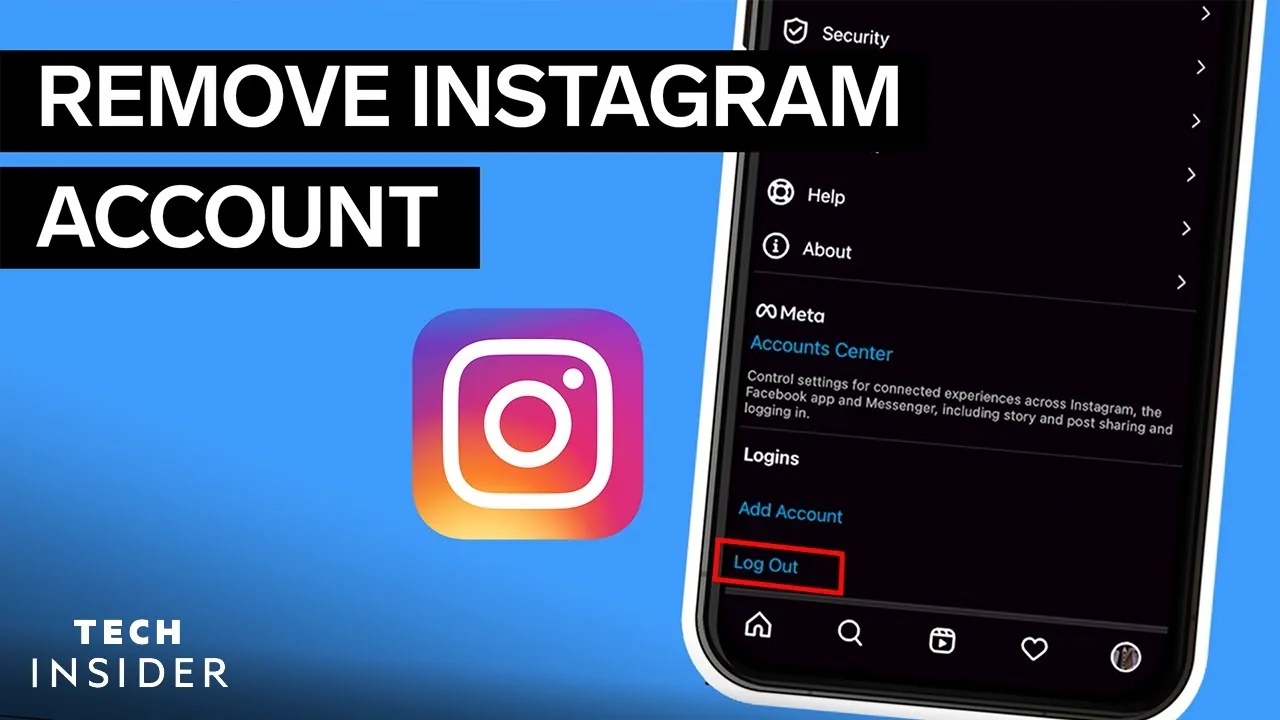
Beyond downloading your data, unlink any connected apps and disconnect Instagram from Facebook if the two are tied together, since deletion doesn't automatically sever those connections cleanly. It's also worth logging out of every device where you're signed in, similar to how you'd log out of Instagram on a shared or public computer, so no one can access the account during the grace period. If you've built an audience you're not ready to fully give up, revisit whether deactivating is really the better call before you commit to the 30-day countdown.
| Action | Reversible? | Timeframe |
|---|---|---|
| Deactivate | Yes, instantly | Anytime you log back in |
| Delete (pending) | Yes, within grace period | 30 days |
| Delete (final) | No | Up to 90 days to fully complete |
Deleting your Instagram account permanently just takes a few taps through Accounts Center, but the real decision is whether you want a clean break or a temporary pause, since deactivation covers the second option without any risk of losing your content.
Frequently asked questions
Go to Settings, then Accounts Center, then Personal details, then Account ownership and control, then Deactivation or deletion, and choose Delete account. Select a reason, confirm your password, and Instagram starts the 30-day pending deletion process.
Sources
Keep reading
More guides to grow your account.