How Do I Contact Instagram?
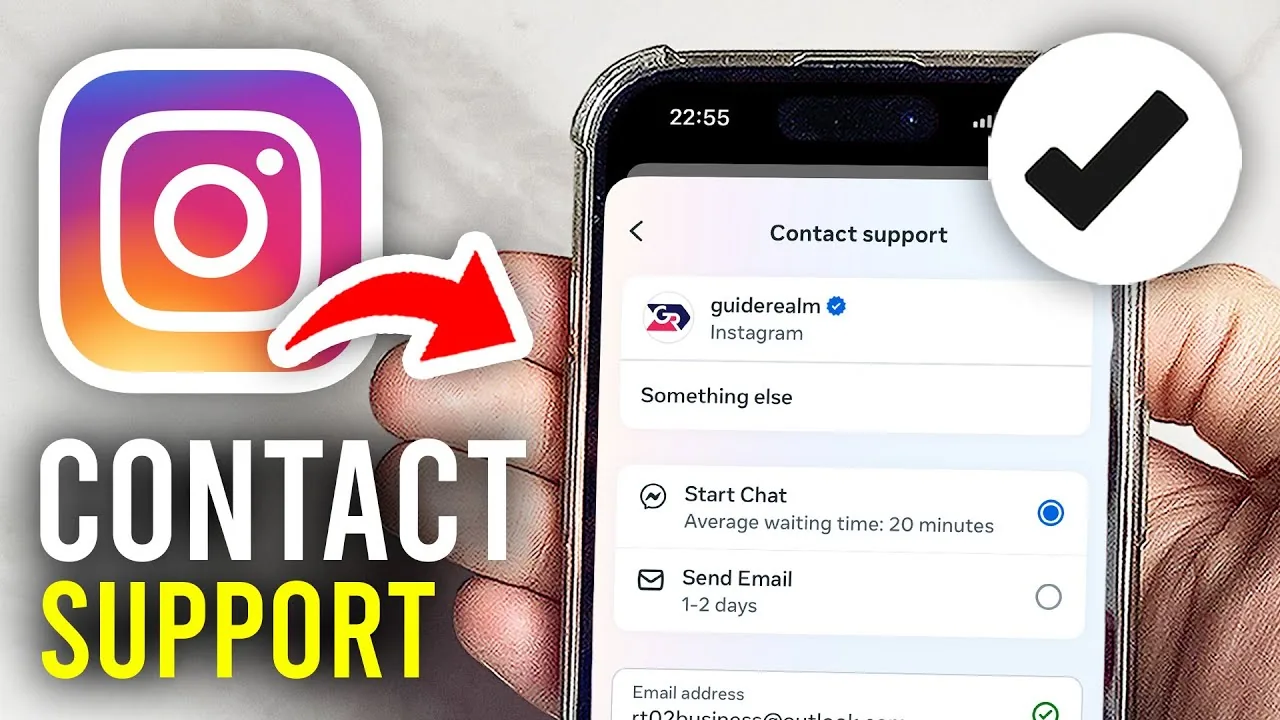
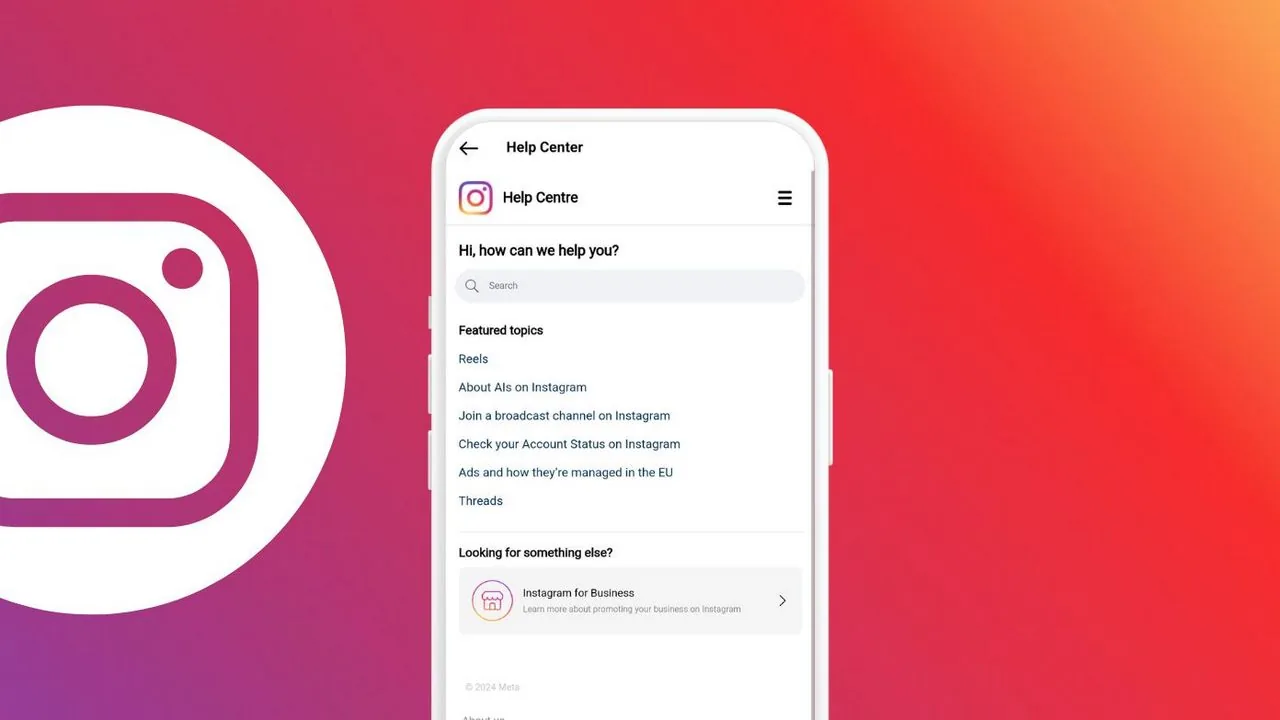
Instagram has no public phone number or direct support email — the real contact channels are the in-app "Report a Problem" tool, the Help Center's topic-specific forms, and the Meta Business Help Center for advertisers and verified/business accounts.
Short answer
There's no general Instagram customer service phone line or email inbox. Real contact happens through the in-app Report a Problem feature, specific Help Center forms for things like hacked or disabled accounts, and the Meta Business Help Center for advertising and verification issues.
Quick answer
Instagram doesn't offer a general customer service phone number or a public support email address for everyday users. Instead, contact happens through specific channels built into the app and website: Report a Problem for bugs and feedback, targeted Help Center forms for account issues like hacking or disabling, and the separate Meta Business Help Center for advertisers, business accounts, and verification appeals.
Key takeaways
- There is no direct phone line or general email inbox for individual Instagram users — this is a common source of scam sites that impersonate "Instagram support."
- The fastest path for most account problems is Settings and privacy > Help > Report a Problem, accessible from inside the app.
- Specific situations (hacked account, disabled account, impersonation, intellectual property) each have their own dedicated form in the Help Center rather than one universal contact form.
- Business, Creator, and advertiser accounts get an additional support layer through the Meta Business Help Center, including live chat for some ad account issues.
- Responses are not guaranteed or instant — Instagram handles reports at scale through automated systems and human review queues, so expect delays, especially for account recovery.
How to report a problem or send feedback in-app
- Open Instagram and go to your profile.
- Tap the menu icon, then Settings and privacy.
- Scroll to Help, then tap Report a problem.
- Choose Something isn't working for bugs, or Report other problem to describe a broader issue.
- Write a clear description — Instagram lets you attach a screenshot, which genuinely helps triage bug reports faster.
This channel is best for app bugs, glitches, and general feedback rather than urgent account access problems, which have their own dedicated recovery flows.
Getting help with a hacked or disabled account
If you've lost access to your account or it's been disabled, the in-app "Report a problem" form isn't the right tool — use these instead:
- Hacked account: Go to the login screen, tap Get help logging in, and follow the identity verification steps (email, phone, or a video selfie in some cases).
- Disabled account you believe was a mistake: Instagram provides an in-app appeal option when you try to log in to a disabled account; follow that prompt to submit an appeal with ID verification if requested.
- Impersonation or a fake account using your name/photos: Use the Help Center's dedicated impersonation report form, which is separate from the general bug-report tool.
Our guide on how to reactivate Instagram after deactivation walks through the appeal process and realistic response-time expectations in more detail.
Contacting Instagram for business, ads, or verification
If you run ads, manage a Business or Creator account, or are appealing a rejected verification application, go through the Meta Business Help Center (business.facebook.com/business/help) rather than the consumer Help Center. Depending on your ad spend and account status, this can include a live chat option with a real support agent — something not available to standard personal accounts.
Common mistakes to avoid
- Searching for "Instagram customer service phone number" and calling a number from a random website — these are frequently scams that ask for your password or payment to "restore" your account.
- Sending the same generic bug report for account recovery issues — use the specific hacked-account or disabled-account flow instead, since it routes to a different review process.
- Expecting an email reply — most Instagram support interactions happen entirely within the app or Help Center, not through back-and-forth email.
- Paying any third party that claims it can get Instagram to respond faster or reverse a decision — Instagram does not use paid intermediaries for support.
Tips
- Keep a record of your report (screenshot the confirmation screen) in case you need to follow up or reference it later.
- If you're a creator or business, check whether your account qualifies for the Meta Verified subscription, which includes access to real-person account support as one of its benefits.
- Be specific in reports — "my Reels views dropped" gets a different (and faster) response path than a vague "Instagram is broken."
Frequently asked questions
No. Instagram does not publish a general customer support phone number for individual users. Any website or ad claiming to offer one is very likely a scam attempting to collect your login details or payment information.
Sources
Keep reading
More guides to grow your account.