How to See Your Liked Reels on Instagram (2026)
Find every Reel you've liked on Instagram using Your Activity, filter by content type, and see why the list isn't visible to anyone else.
Short answer
Open your profile, tap the menu icon, go to Your Activity, then Likes, and filter the results to Reels only. Instagram shows your 300 most recently liked posts and reels, and the list is private to you.
Key takeaways
- Your liked Reels live inside Your Activity, not in Settings — the old "Posts You've Liked" menu item is gone
- Use the content-type filter to show only Reels instead of scrolling through liked posts and Threads too
- Instagram only keeps the 300 most recently liked items in this list, so older likes eventually drop off
- Nobody else can see which Reels you've liked, whether you use a personal, business, or creator account
- The web version at instagram.com shows the same activity log but with fewer filter options than mobile
- If a Reel disappears from your liked list, the creator likely deleted it or made their account private
Where do I find liked Reels on Instagram?
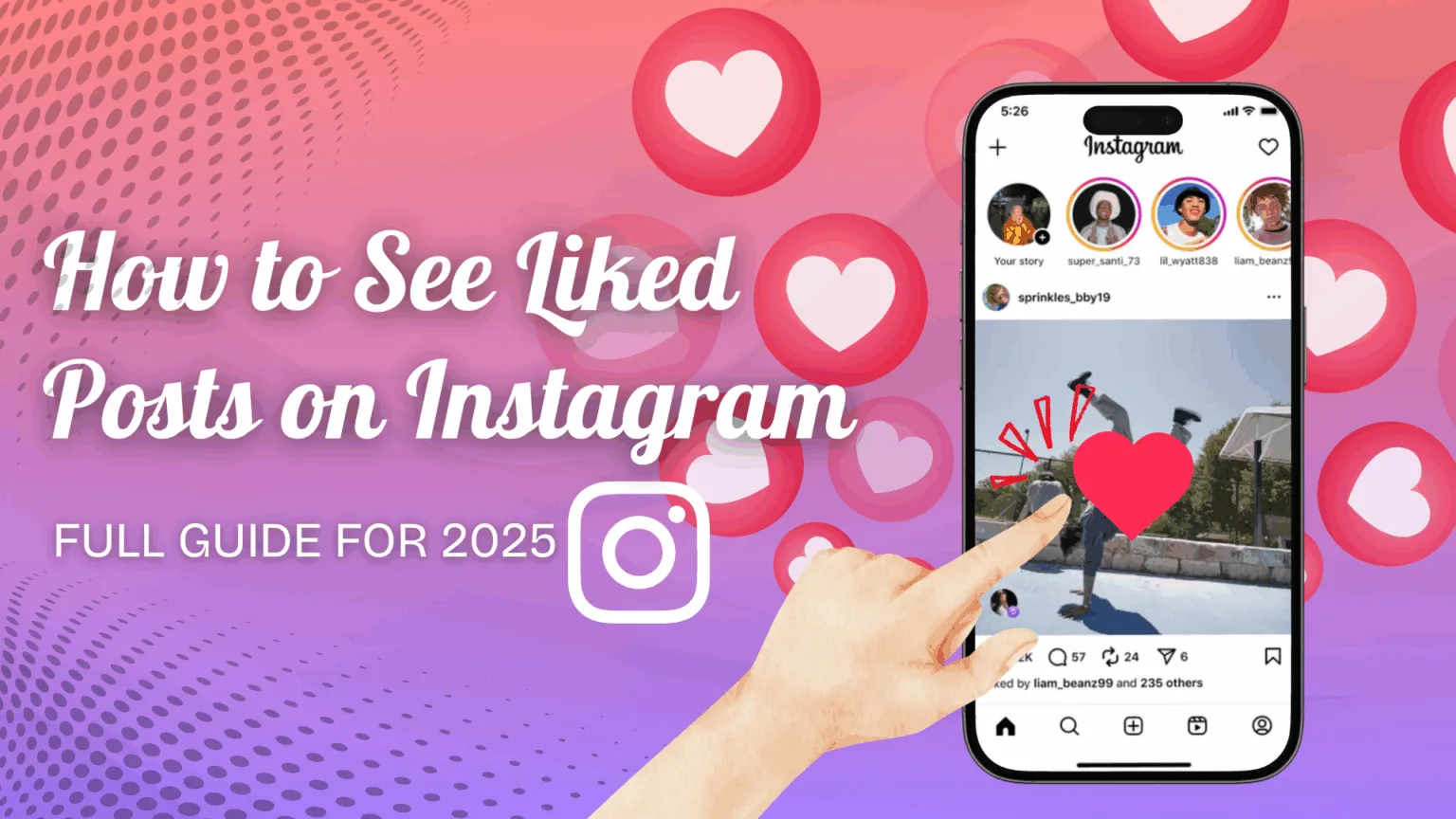
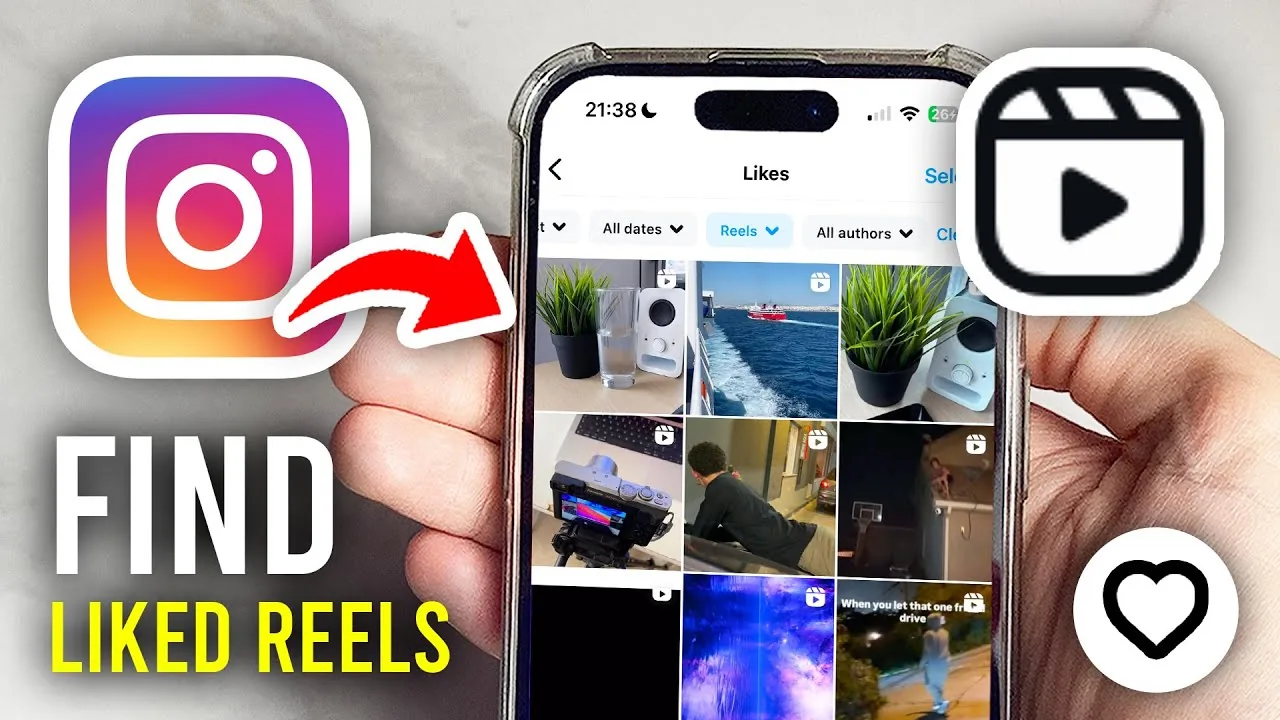
Tap your profile picture in the bottom-right corner, tap the three-line menu in the top-right, then choose Your Activity and select Likes. This opens a feed of everything you've liked, most recent first, and it's the only place this data lives now that Instagram removed the old liked-posts shortcut from Settings.
Once you're on the Likes screen, tap the filter icon near the top — it may read "All Content Types" — and deselect Posts and Threads so only Reels remain. Tap Apply, and the list narrows to just the Reels you've liked, sorted newest to oldest. This is faster than eyeballing a mixed feed, especially if you like content on Instagram often, or if you're trying to revisit a clip before you post your own reel.
Can I see liked Reels on the desktop site?
Yes, but the filtering is more limited. Click the More icon in the bottom-left of instagram.com, choose Your Activity, and you'll see a combined list of liked posts and Reels. You can sort by date or pick a custom date range, but there isn't a dedicated Reels-only toggle like the mobile app has, so you may need to scan visually for video content, similar to how you'd browse when you download a Reel you liked for offline viewing.
Why can't I find an old Reel I liked?
Instagram's activity log only retains your 300 most recent likes, so anything older simply ages out of the list. It's also possible the creator deleted the Reel, switched their account to private, or you unliked it during a previous session without realizing it — the same reasons a Reel might vanish if you're checking how long Reels can be and the original gets trimmed or replaced.
Does anyone get notified when I check my liked Reels?
No. Viewing Your Activity is completely private — the creator of the Reel is not notified, and it doesn't appear anywhere on your public profile. This is different from actions like commenting or sharing, which are visible to others, or from going live, where viewers can see who's watching in real time.
Is there a way to save Reels instead of just liking them?
Yes — tapping the bookmark icon on a Reel saves it to a separate Saved collection, which is more permanent and organized than the Likes log. If you frequently lose track of Reels you enjoyed, switching to saving instead of just liking is a more reliable habit, since saved content isn't capped at 300 items the same way, and it pairs well with learning to make your own Reels inspired by what you've saved.
Quick reference
| Task | Where to go | Notes |
|---|---|---|
| View all liked content | Profile > Menu > Your Activity > Likes | Shows up to 300 recent likes |
| Filter to Reels only | Filter icon > deselect Posts/Threads | Mobile app only |
| Sort by date | Your Activity > filter > date range | Available on mobile and web |
| Save a Reel permanently | Bookmark icon on the Reel | Separate from Likes, no cap |
| Check on desktop | instagram.com > More > Your Activity | No Reels-only filter |
Keeping your app updated helps too, since Instagram periodically moves settings around, and an outdated version may still point you to the retired liked-posts menu.
Frequently asked questions
Go to your profile, tap the menu icon, select Your Activity, then Likes. Use the content-type filter to show only Reels instead of the full mixed list of posts and Threads.
Sources
Keep reading
More guides to grow your account.