How Do You Add Videos to Instagram?
Instagram gives you three distinct places to add a video — feed post, Reel, or Story — each with different length limits and algorithm treatment, so choosing the right one for your specific clip matters more than the upload steps themselves, which are nearly identical across all three.
Short answer
Choose between a feed post, Reel, or Story before uploading your video, since each has different length limits and gets treated differently by Instagram's algorithm — Reels get the most non-follower reach, feed posts stay permanently on your grid, and Stories disappear after 24 hours.
Quick answer
Instagram has three separate places you can add a video, and picking the right one matters more than the upload mechanics, which are nearly identical across all three: feed post (tap + > Post, permanent, appears on your grid), Reel (tap + > Reel, short vertical video with the widest organic reach), and Story (swipe right, disappears after 24 hours). Each format has its own length limits and how the algorithm distributes it to non-followers.
Key takeaways
- Reels get the most reach to people who don't already follow you, since Instagram actively promotes short-form video to compete with TikTok.
- Feed post videos are permanent additions to your profile grid, unlike Stories, which vanish after 24 hours unless saved to Highlights.
- Each format has different maximum video lengths, so a longer video may need trimming to fit a Reel versus a feed post.
- The actual upload steps — select or shoot, trim/edit, add caption or text, share — are nearly identical regardless of which format you choose.
- You can post the same video to multiple formats (for example, both a Reel and later a feed post) if you want to maximize its reach across different parts of the app.
Adding a video to your feed
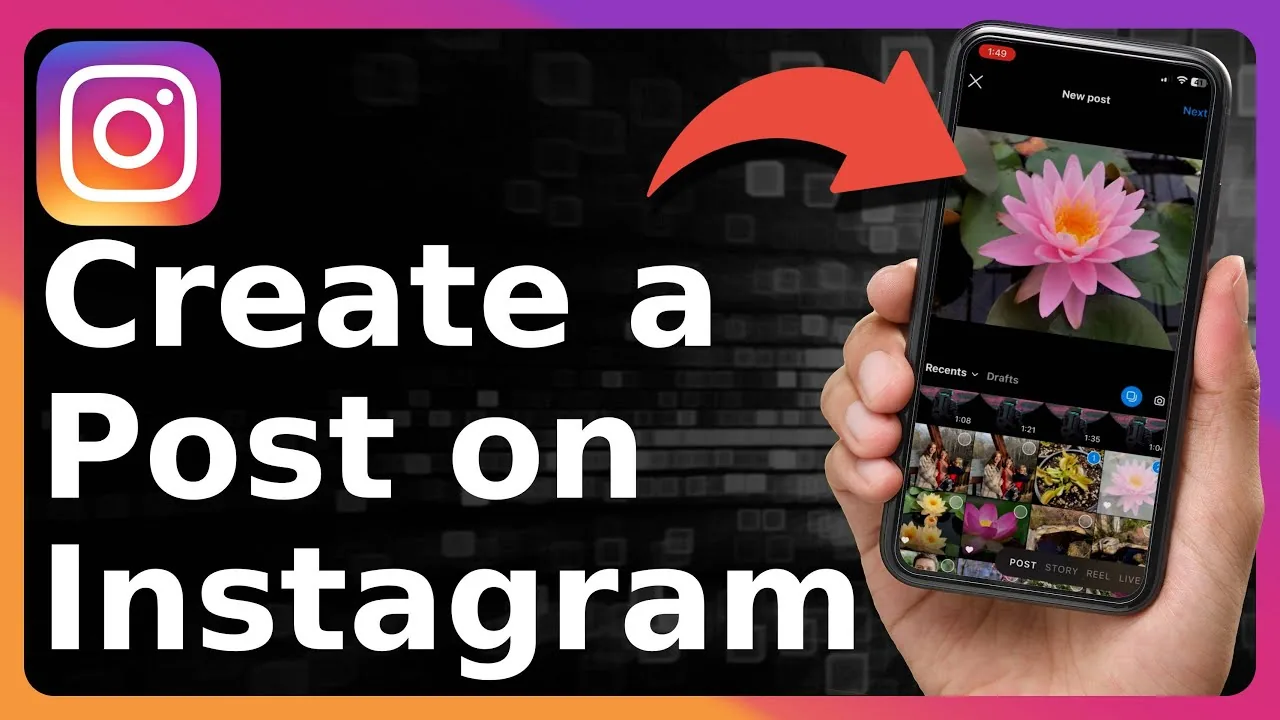
- Tap the + icon at the top of your feed and select Post.
- Choose a video from your camera roll or record a new one.
- Trim the clip if needed, then tap Next.
- Apply filters or edits, tap Next again.
- Write your caption, add tags and location, then tap Share.
Adding a video as a Reel
- Tap the + icon and select Reel, or tap the Reels icon and use the camera button there.
- Record directly in-app or upload an existing video from your camera roll.
- Use Reels-specific editing tools: trim, add music, text, effects, or align multiple clips.
- Tap Next, write a caption, and tap Share.
Adding a video to your Story
- Swipe right from your feed or tap + > Story.
- Record a new video or select one from your camera roll using the gallery icon.
- Add stickers, text, or drawing if you want.
- Tap Your Story to publish for 24 hours, or Close Friends to limit the audience.
Choosing the right format for your video
If your goal is maximum reach to people who don't follow you yet, Reels are the strongest option since Instagram's algorithm pushes them into a dedicated discovery feed. If the video is meant to be a lasting part of your profile's content history, a feed post is the better fit since it stays visible on your grid indefinitely. If it's a quick, casual, in-the-moment update that doesn't need to stick around, Stories are built exactly for that.
Common mistakes to avoid
- Uploading a long, unedited video to a Reel without trimming it to fit Reels' shorter format expectations, resulting in a clip that gets cut off or feels mismatched to the format.
- Assuming a Story upload is permanent — without saving it to Highlights, it disappears after 24 hours regardless of how much effort went into it.
- Forgetting that feed post videos, once shared, become a lasting part of your profile grid — reconsider whether a Story or Reel might be more appropriate for time-sensitive or lower-stakes content.
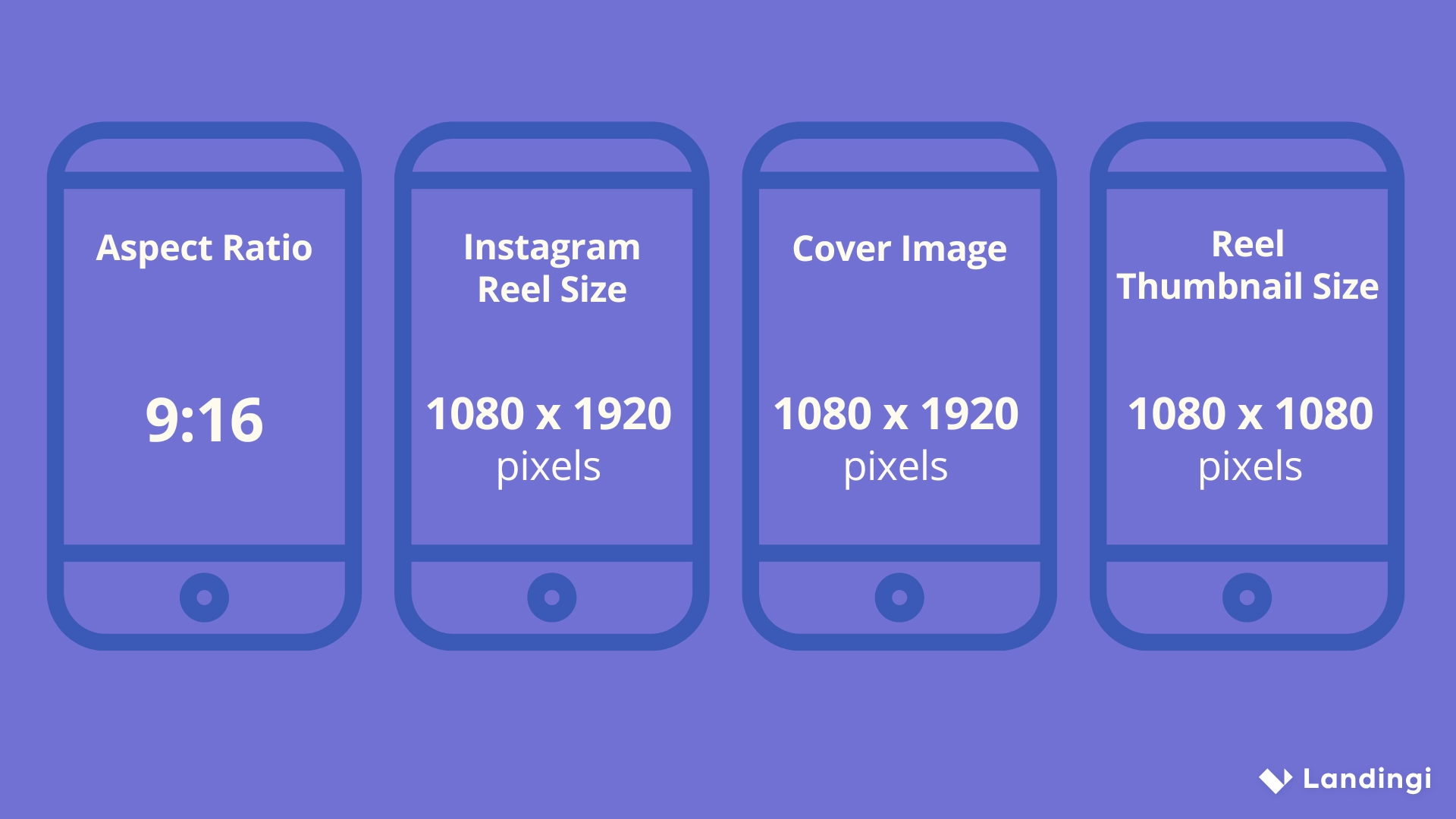
- Using the same aspect ratio and edit across all three formats without adjusting — each is optimized for a slightly different viewing experience (grid thumbnail vs. full-screen vertical).
Tips
- If you're unsure which format fits best, consider posting significant content as a Reel first (for reach), then decide whether it's also worth a permanent feed post afterward.
- For content you want people to always be able to find on your profile, feed posts remain the most durable option, since Reels can get buried over time in the separate Reels tab.
- Batch-edit your videos into the different aspect ratios each format prefers ahead of time, rather than relying entirely on Instagram's in-app cropping tools.
Frequently asked questions
Feed post videos become a permanent part of your profile grid and reach mostly your existing followers, while Reels get much wider reach to non-followers through Instagram's dedicated Reels discovery feed, though they can be harder to find later since they live in a separate tab from your regular grid.
Sources
Keep reading
More guides to grow your account.