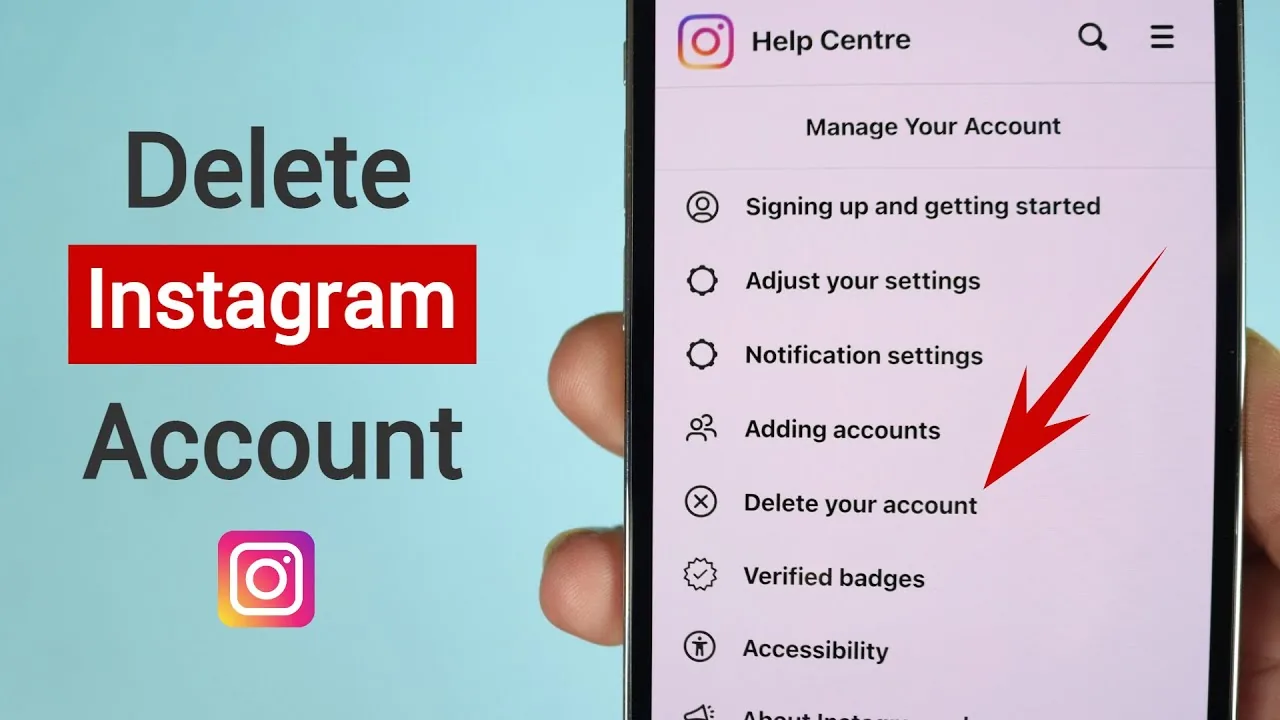
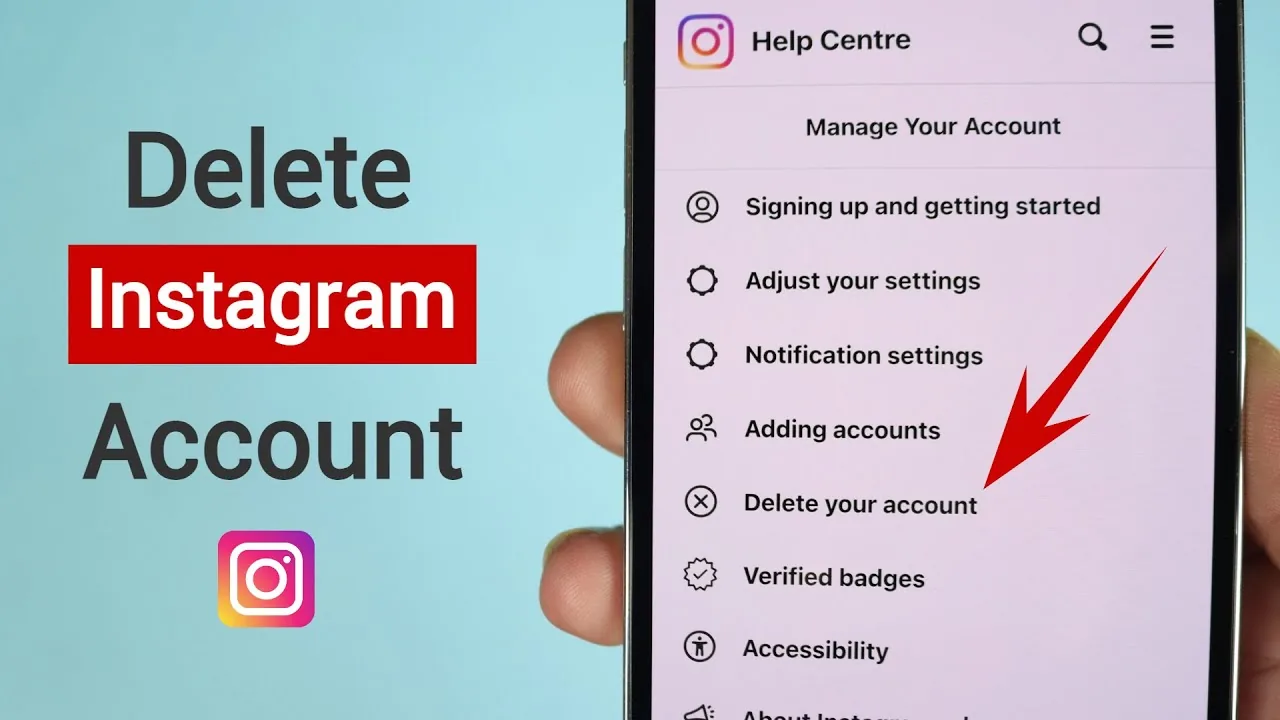
How to Permanently Delete Your Instagram Account (2026)
Permanently deleting Instagram takes a 30-day grace period before your data is truly gone. Here's the exact process, step by step.
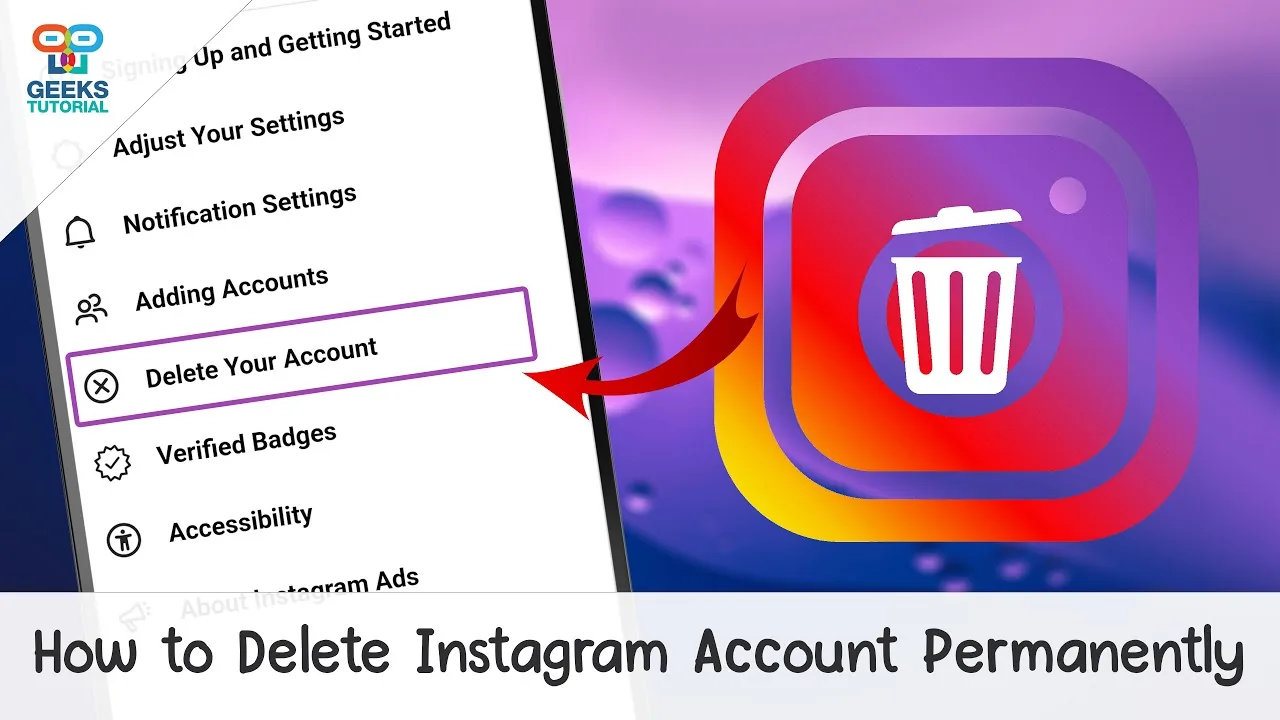
Short answer
Permanently deleting Instagram requires going through Accounts Center, confirming your password, and waiting out a mandatory 30-day grace period during which the deletion can still be canceled. After 30 days, your posts, messages, followers, and profile are erased from Instagram's servers for good.
Key takeaways
- Permanent deletion is done through Settings, Accounts Center, Account ownership and control.
- A mandatory 30-day grace period applies before deletion is final.
- Logging back in during those 30 days cancels the deletion automatically.
- Download your data first, since nothing is recoverable after the grace period ends.
- Deletion removes photos, videos, comments, likes, followers, and your username permanently.
How do I start permanently deleting my Instagram account?
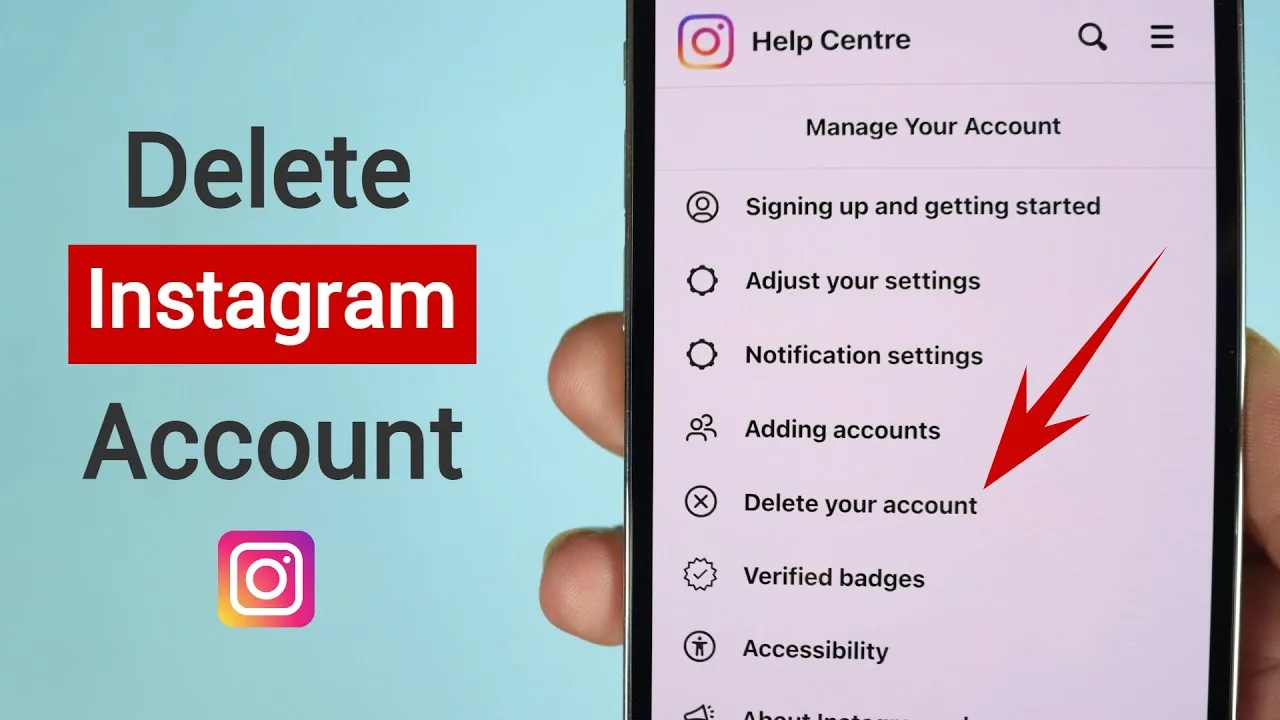
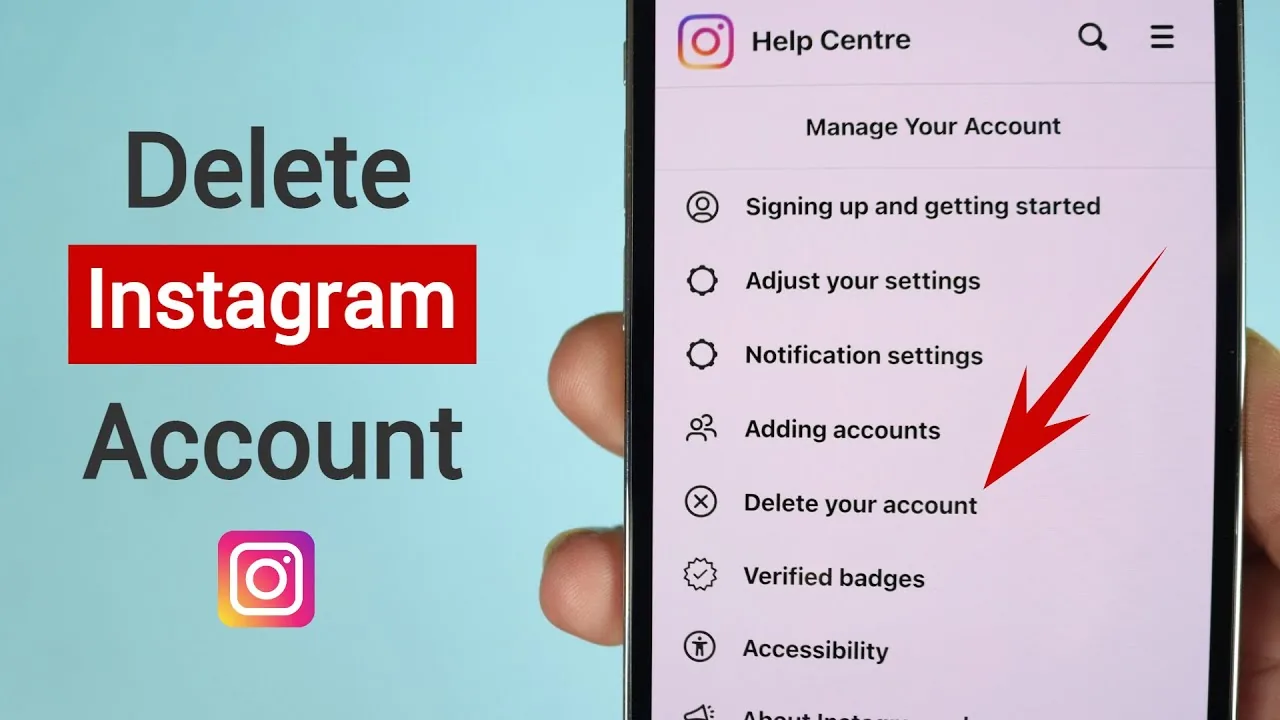
Open Settings from your profile, tap Accounts Center, then Personal details, then Account ownership and control, then Deactivation or deletion, and choose Delete account. Instagram asks why you're leaving, picks up a reason from a dropdown, and then requires your password before it confirms, which prevents someone else from deleting your account without access to your login. If you can't remember your credentials, sort out how do i find my instagram password first so the process doesn't stall.
What happens during the 30-day grace period?
Your profile becomes hidden from other users immediately, but nothing is actually erased from Instagram's servers until the full 30 days pass. This buffer exists specifically so people who change their mind can recover the account, and it applies to every account regardless of how long you've had it or how many how many instagram accounts can i have you're managing at once.
Can I cancel the deletion once it's started?
Yes, simply log back into the account with your username and password any time within the 30-day window, and the deletion process cancels automatically. Everything, including your posts, followers, and messages, returns exactly as it was, with no need to contact support or fill out any additional forms, and features like how to add highlights on instagram reappear untouched.
What data should I back up before deleting for good?
Go to Settings, Accounts Center, Your information and permissions, and request Download your information to export your photos, videos, direct messages, comments, and profile data as a downloadable file. Do this before you start the deletion process, since once the 30-day grace period ends there is no way to retrieve anything, including content you might want for a portfolio or personal archive.
What exactly gets erased after the 30 days are up?
Everything tied to the account is wiped, including your profile, photos, videos, Stories archive, Reels, comments, likes, direct messages, and your list of followers and following. Your username also becomes available for anyone else to register once deletion completes, so if you're only trying to pause activity rather than erase it, how to get rid of instagram account walks through deactivating instead, which keeps that handle reserved.
What if I'm deleting Instagram because of privacy, not because I want to leave?
If privacy is the real concern, it's worth trying narrower fixes first, like how to make instagram private, turning off read receipts, or reviewing is instagram safe settings around who can contact you, since these solve most privacy complaints without losing your content or how to see who liked your post on instagram history. Permanent deletion is the right call only when you genuinely want the account and everything in it gone.
| Step | Where | Reversible |
|---|---|---|
| Request deletion | Accounts Center | Yes, within 30 days |
| 30-day grace period | Automatic | Log in to cancel |
| Final deletion | Automatic after 30 days | No, permanent |
Take the time to think it through before you start, since a rushed deletion during a bad week is one of the most common regrets people report afterward, and there's no support ticket that reverses it once day 30 has passed.
Frequently asked questions
There's a mandatory 30-day grace period after you request deletion before it becomes permanent. Your profile is hidden during that window but the data still exists until day 30 passes.
Sources
Keep reading
More guides to grow your account.