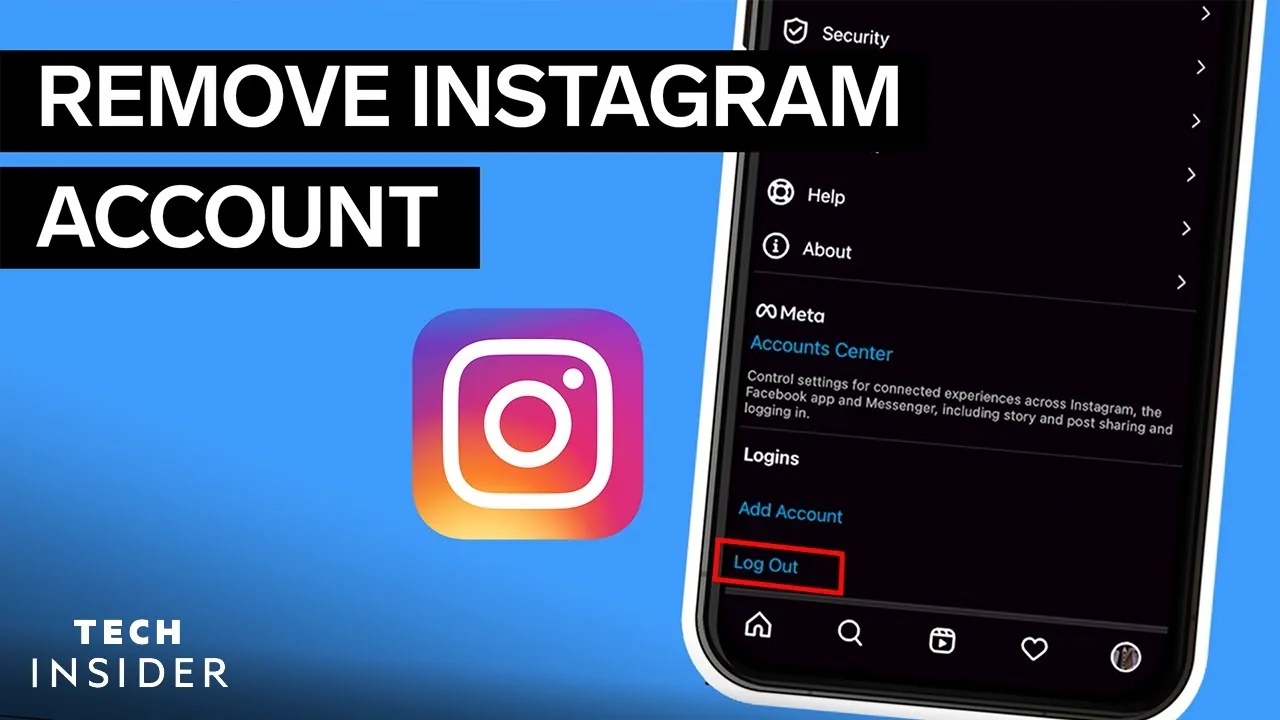
How Can I Remove My Instagram Account?
To permanently remove your Instagram account, go to Settings and privacy > Account Center > Personal details > Account ownership and control > Deactivation or deletion > Delete account, pick a reason, and confirm your password — deletion has roughly a 30-day grace period before it's final.
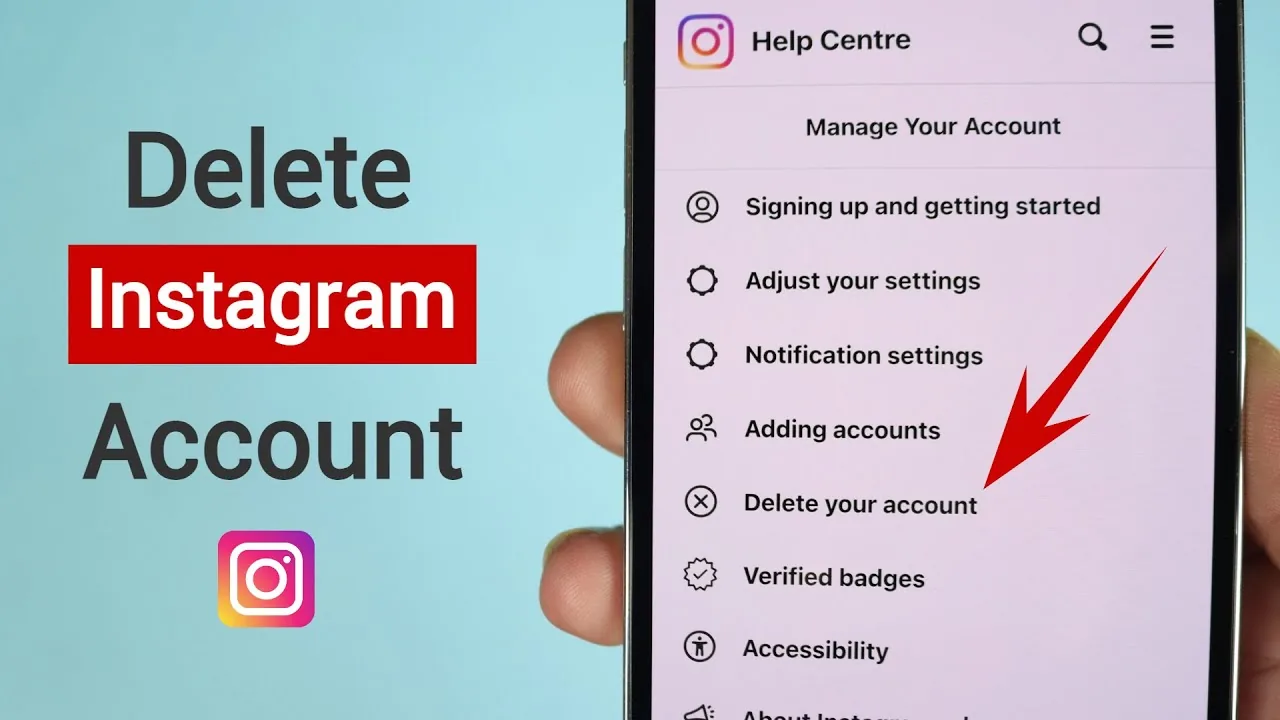
Short answer
To permanently remove your Instagram account, go to Settings and privacy > Account Center > Personal details > Account ownership and control > Deactivation or deletion > Delete account, pick a reason, and confirm your password — deletion has roughly a 30-day grace period before it's final.
Quick answer
Permanently removing an Instagram account means using the deletion option, not deactivation. Go to Settings and privacy > Account Center > Personal details > Account ownership and control > Deactivation or deletion, choose Delete account instead of Deactivate account, select a reason from the dropdown, and re-enter your password to confirm. Instagram gives you a grace period of about 30 days where logging back in cancels the deletion; after that window your account, posts, comments, and followers are permanently removed, and Instagram notes that residual data can take up to 90 days to fully clear from backup systems.
Key takeaways
- "Remove" usually means one of two very different things: deactivate (temporary, reversible) or delete (permanent, one-way)
- Deletion requires you to be logged in and enter your current password — you can't delete someone else's account or your own from a logged-out state
- There's a grace period (Instagram states around 30 days) during which logging back in cancels the deletion request
- Once the grace period passes, the account, posts, comments, likes, and DMs are gone and cannot be restored
- If you just want a break without losing your content, deactivation — not deletion — is almost always the better choice
Deactivate or delete: which one do you actually want?
Most people who search for how to "remove" their Instagram account actually mean one of two different actions, and it matters a lot which one you pick.
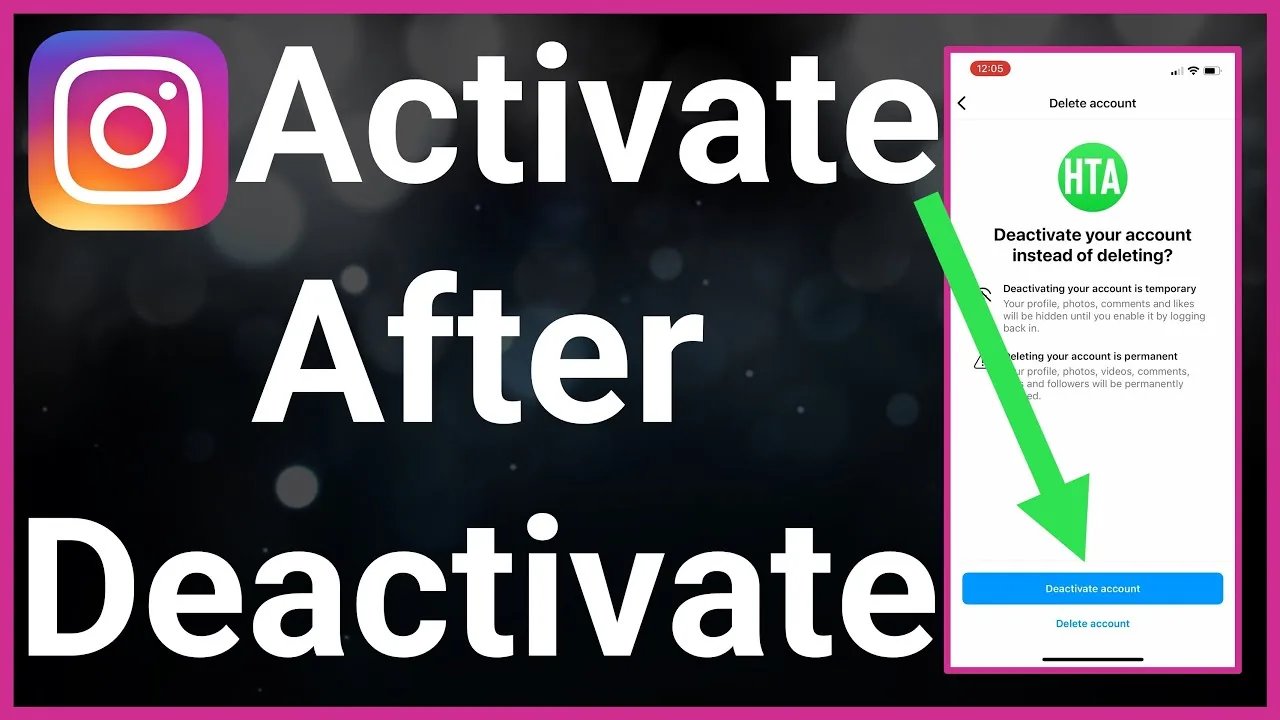
Deactivation hides your profile, posts, and comments from other users temporarily. Nothing is deleted — you can log back in at any time with your existing username and password and everything reappears instantly. This lives in Settings and privacy > Account Center > Personal details > Account ownership and control > Deactivation or deletion > Deactivate account.
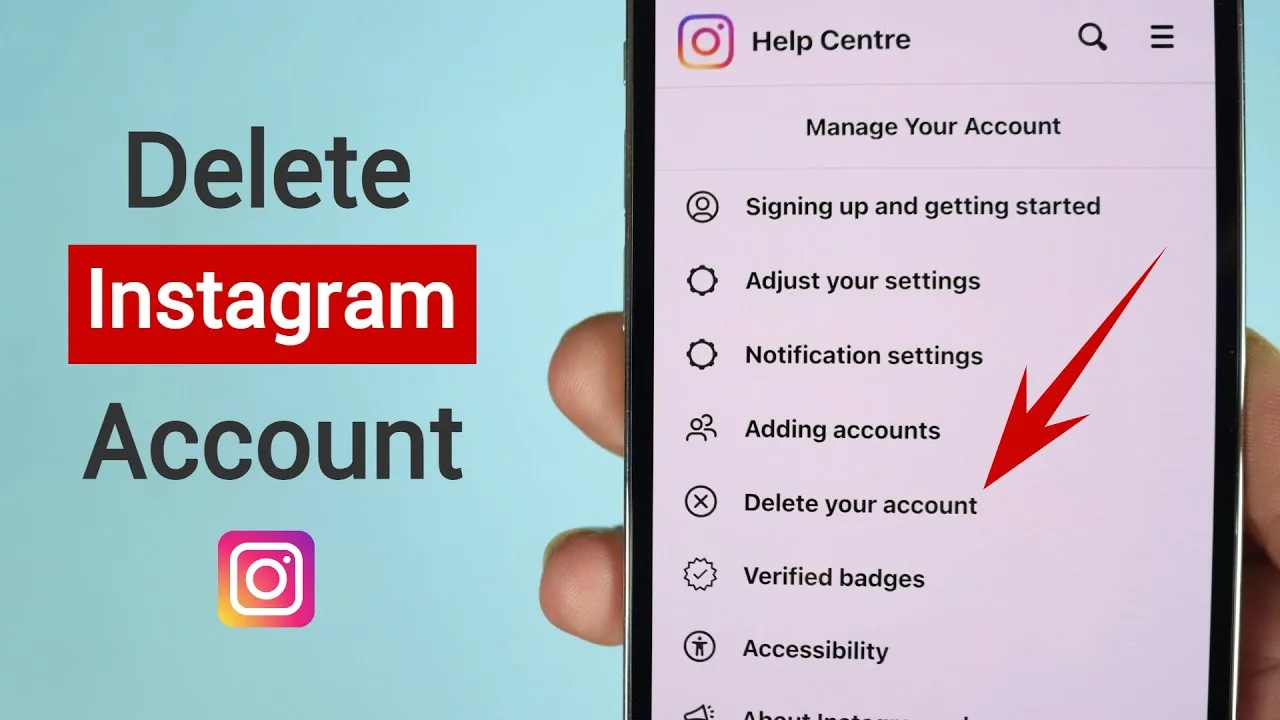
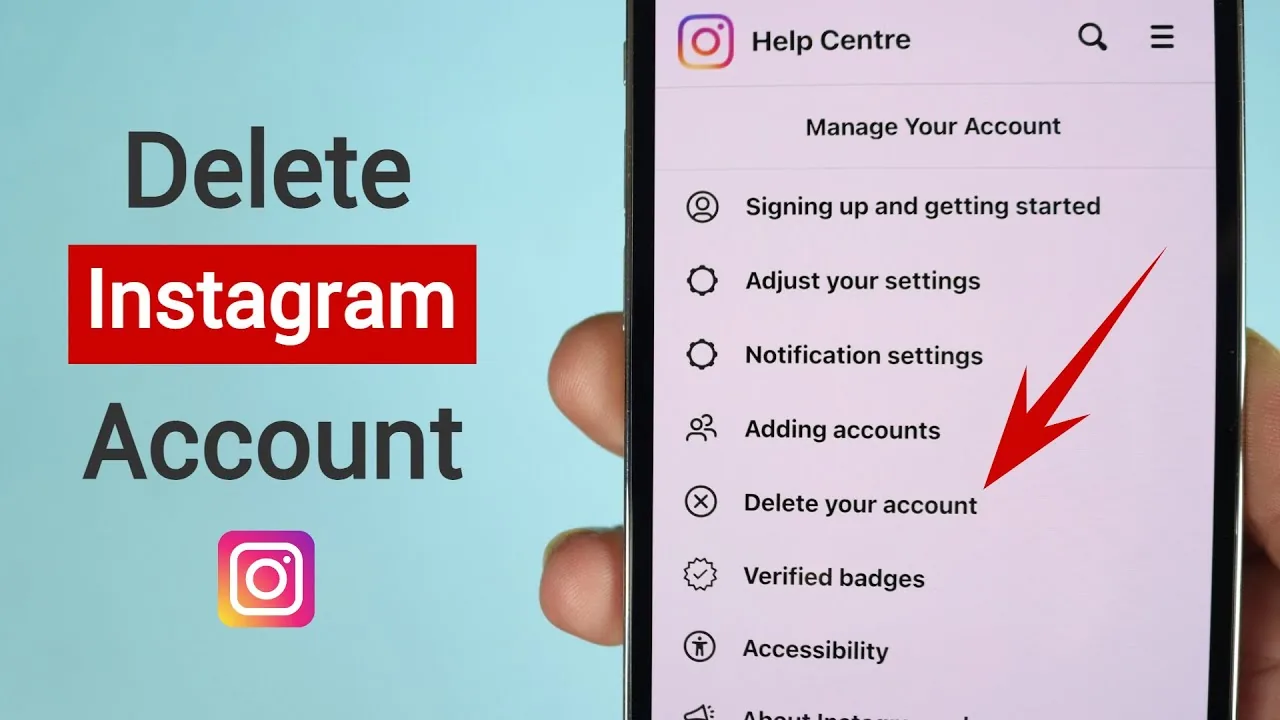
Deletion is permanent. From that same Deactivation or deletion screen, choosing Delete account instead starts the actual removal process. Instagram will ask why you're leaving (options like privacy concerns, too much time spent, or a duplicate account), then require your password again as a confirmation step. After that, the account enters a grace period — generally cited as roughly 30 days — during which simply logging in again cancels the deletion and restores full access. Once that window closes, deletion proceeds and Instagram's own guidance notes that some data may persist in backup systems for up to about 90 days before being fully purged, even though the account and its visible content are gone from the app well before that.
If you're unsure which you want, default to deactivation first. You can always come back and delete later, but you can't undo a completed deletion.
Step-by-step
- Open Instagram and go to your profile
- Tap the three-line menu (☰) in the top right, then tap Settings and privacy
- Tap Account Center, then Personal details
- Tap Account ownership and control, then Deactivation or deletion
- Select the account you want to remove, then choose Delete account (or Deactivate account if you just want a temporary break)
- Choose a reason for leaving from the list Instagram provides
- Enter your password when prompted to confirm the request
- Review the final confirmation screen, which explains the grace period, then confirm
- Avoid logging back in during the grace period if you want the deletion to actually complete
Common mistakes to avoid
- Deactivating when you meant to delete, then being confused why the profile is still recoverable
- Logging back in "just to check something" during the grace period, which cancels the deletion you requested
- Forgetting that connected services (Facebook cross-posting, linked business tools, third-party app logins via Instagram) may break or need reconnecting if you delete the account
- Trying to delete an account without knowing the password — you'll need to reset it first via Settings and privacy > Account Center > Password and security if you're locked out
- Assuming deletion removes your presence from other people's posts and tags — comments and tags you've made on other people's content may still show as from a deleted/former user in some cases, depending on Instagram's handling
Tips for success
- Download your data first: Settings and privacy > Account Center > Your information and permissions > Download your information, so you keep a copy of your photos, videos, and messages before they're gone
- Note down your username and any business/creator settings if you might want to recreate a similar presence later — deletion doesn't reserve your old username
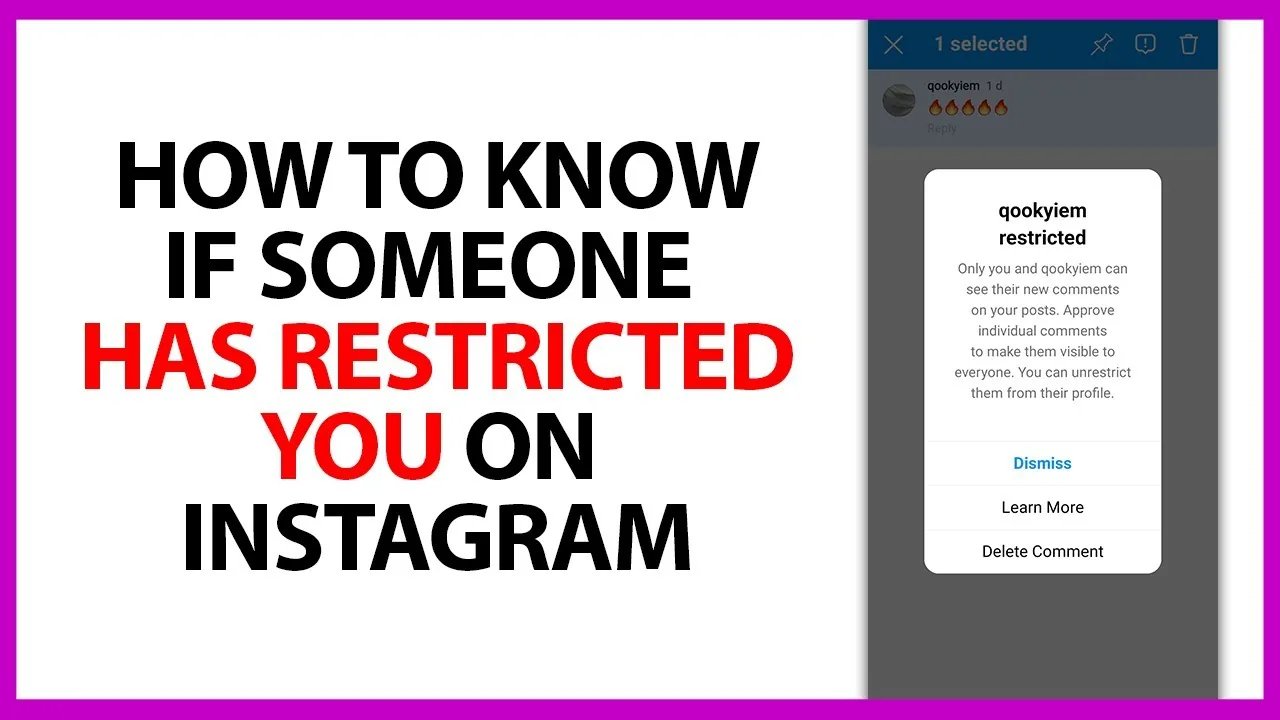
- If you're deleting due to harassment or safety concerns, consider using Instagram's blocking, restricting, and reporting tools first, since those may solve the problem without losing your account
- Double check you're deleting the correct account if you manage multiple profiles from one Account Center
Conclusion
Removing an Instagram account "for good" means going through the deletion flow, not deactivation, and understanding that the grace period is your last chance to change your mind. If there's any doubt about whether you'll want the account back, deactivate first and only delete once you're certain.
Frequently asked questions
Deactivating hides your profile temporarily and is fully reversible just by logging back in. Deleting is permanent — after a grace period of roughly 30 days, your account, posts, and messages are removed for good.
Sources
Keep reading
More guides to grow your account.