How to Schedule an Instagram Post: Full 2026 Guide
Instagram now lets any public account schedule posts, Reels, and carousels natively up to 75 days ahead. Here's exactly how to set it up.
Short answer
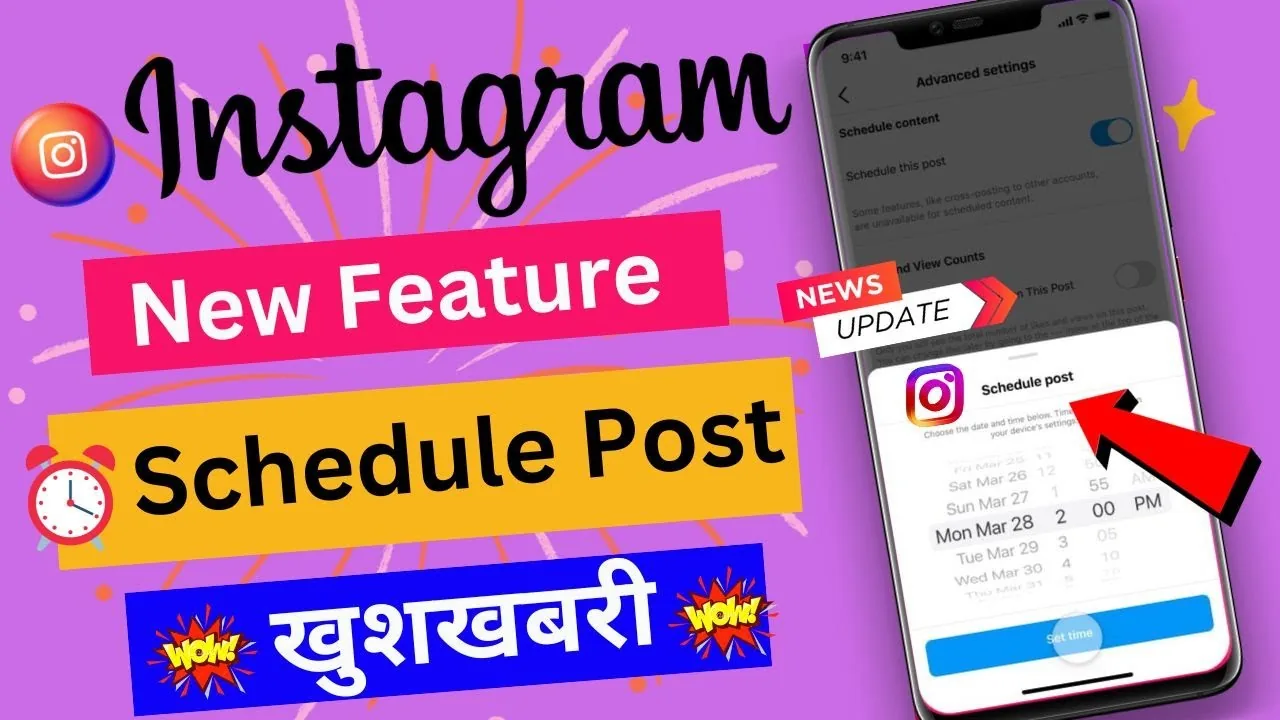
As of a March 2026 update, any public Instagram account can schedule feed posts, carousels, and Reels directly in the app by toggling Schedule this post before sharing. Stories still require Meta Business Suite or a third-party tool, and native scheduling caps out at 25 posts per day and 75 days in advance.
Key takeaways
- Native in-app scheduling launched for all public accounts in March 2026, no business account required.
- You can schedule up to 25 posts per day and up to 75 days in advance.
- Native scheduling covers feed posts, carousels, and Reels, but not Stories.
- Private accounts still cannot use native scheduling and need Meta Business Suite or a third-party tool.
- Getting your optimal instagram posting time right matters more than the scheduling method itself.
How do you schedule a post from the Instagram app?
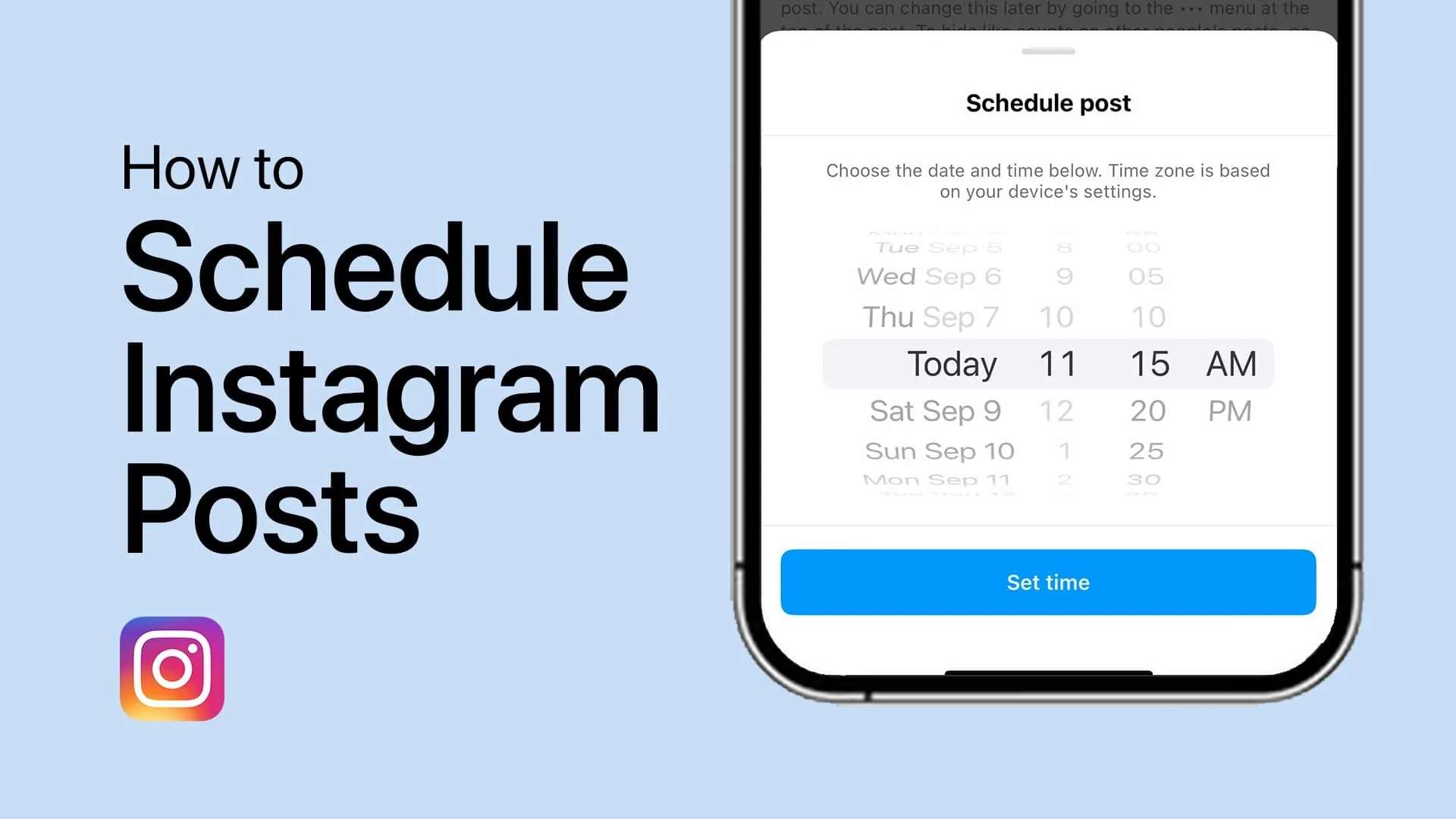
Open the app, tap the plus icon, and build your post as usual, then turn on the schedule toggle before you tap Share. Choose your photo, video, or carousel, edit it, write your caption, add hashtags and location, and instead of tapping Share immediately, tap Advanced settings on iPhone or More options on Android. Flip on Schedule this post, then pick your date and time. The post sits in a scheduled queue and publishes automatically at the chosen moment, the same way it would if you tapped Share yourself.
This works for single photos, how to post more than 10 photos on instagram carousels, and Reels alike, which makes batching a week of content in one sitting much faster than logging in daily.
Why can't I schedule Instagram Stories in the app?
Instagram's native scheduler intentionally excludes Stories because they're built around real-time, 24-hour ephemeral content rather than planned publishing. If you want Stories queued in advance, you need Meta Business Suite on desktop, which supports Story scheduling for connected Facebook Pages and Instagram professional accounts, or a third-party scheduler with API access.
What's the difference between native scheduling and Meta Business Suite?
Native in-app scheduling is faster for single posts and doesn't require a separate login, while Meta Business Suite gives you a full content calendar, Story support, and cross-posting to Facebook in one dashboard. If you manage more than one account or need a bird's-eye view of your content calendar batch week, Business Suite is worth the extra setup even though the in-app toggle is quicker for one-off posts.
Is there a limit to how many posts I can schedule?
Yes, native scheduling allows up to 25 scheduled posts per day per account and a maximum lead time of 75 days. That's generous enough for most creators, but agencies managing dozens of client accounts still lean on third-party platforms that queue further out and across more accounts at once.
Does scheduling hurt reach compared to posting live?
No, Instagram treats scheduled posts the same as manually published ones once they go live, so there's no algorithmic penalty for using the scheduler. What actually affects reach is posting consistency and timing relative to when your audience is online, which is exactly why batching with a scheduler tends to outperform sporadic manual posting over time, as explained in how the instagram algorithm explained works.
Can I edit or cancel a scheduled post?
Yes, scheduled posts sit in a queue you can open, edit, reschedule, or delete before the publish time arrives. If you spot a typo in the caption or want to swap the cover image, open the scheduled post from your activity or content queue and make the change before it goes live.
| Method | Story support | Max lead time | Best for |
|---|---|---|---|
| Native in-app toggle | No | 75 days | Solo creators, quick posts |
| Meta Business Suite | Yes | 75 days | Multi-platform, Story scheduling |
| Third-party schedulers | Varies | Often 30+ days, some longer | Agencies, teams |
Scheduling works best paired with a real plan, so lean on a viral reels hook formula when queuing Reels so the content itself is pulling its weight too, and write solid captions for instagram ahead of time rather than rushing them at publish.
A good workflow is to batch-create a week or month of content, drop it into the scheduler in one sitting, and then check in daily just to reply to comments and DMs rather than scrambling to post live every day.
Frequently asked questions
Since the March 2026 rollout, any public Instagram account can use native scheduling, not just business or creator profiles. Private accounts are still excluded and need Meta Business Suite or a third-party tool instead.
Sources
Keep reading
More guides to grow your account.