Can I Schedule a Post on Instagram?
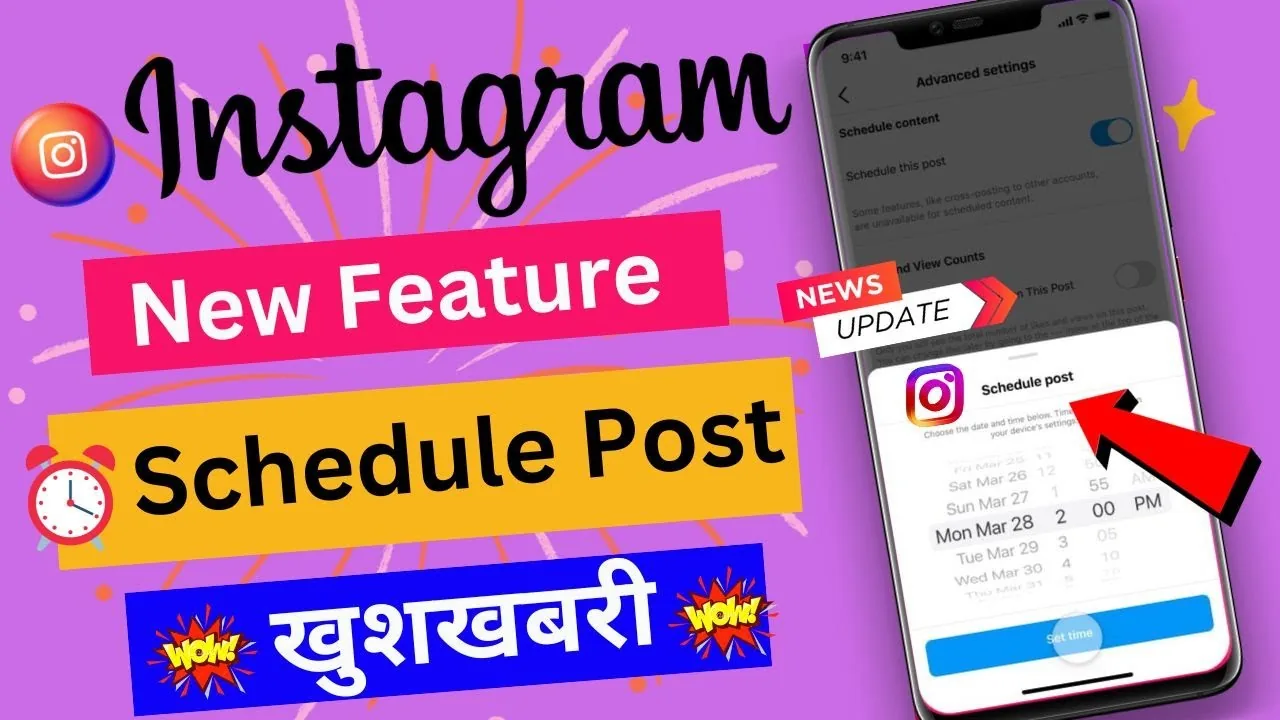
Yes — feed posts and Reels can be scheduled natively up to 75 days ahead through Meta Business Suite or Creator Studio, though Stories still have limited native scheduling support, which is why many creators use third-party tools like Later, Buffer, or Hootsuite.
Short answer
Instagram supports native scheduling for feed posts and Reels through Meta Business Suite, up to 75 days in advance, but Stories scheduling remains limited natively, which pushes many creators toward third-party schedulers.
Quick answer
Yes. Instagram supports scheduling feed posts and Reels natively through Meta Business Suite (the successor to Creator Studio for most accounts), letting you queue content up to 75 days in advance. Stories are the exception — native scheduling for Stories is more limited and less reliable, so a lot of creators still lean on third-party tools like Later, Buffer, or Hootsuite to cover that gap.
Key takeaways
- Native scheduling requires a Business or Creator account linked to a Facebook Page — personal accounts can't schedule directly.
- Meta Business Suite (business.facebook.com or the Business Suite app) is the primary native tool; Creator Studio has been phased down in favor of it but some of its scheduling functions persist for certain accounts.
- Feed posts and Reels can be scheduled up to roughly 75 days ahead through Business Suite.
- Stories do not have the same robust native scheduling — you can draft them in Business Suite, but reliable auto-publish for Stories at a set future time is inconsistent, which is the main reason third-party apps remain popular for that format.
- Third-party schedulers (Later, Buffer, Hootsuite, Sprout Social, and others) connect through Instagram's official API and can offer more consistent Stories scheduling, visual content calendars, and cross-platform posting, usually for a subscription fee.
How to schedule a post natively with Meta Business Suite
- Make sure your Instagram account is set to Business or Creator and connected to a Facebook Page (Settings and privacy > Account type and tools).
- Go to business.facebook.com (or open the Meta Business Suite app) and log in.
- Select Create post from the Business Suite dashboard.
- Write your caption, upload your photo, carousel, or Reel, and add any tags, location, or alt text.
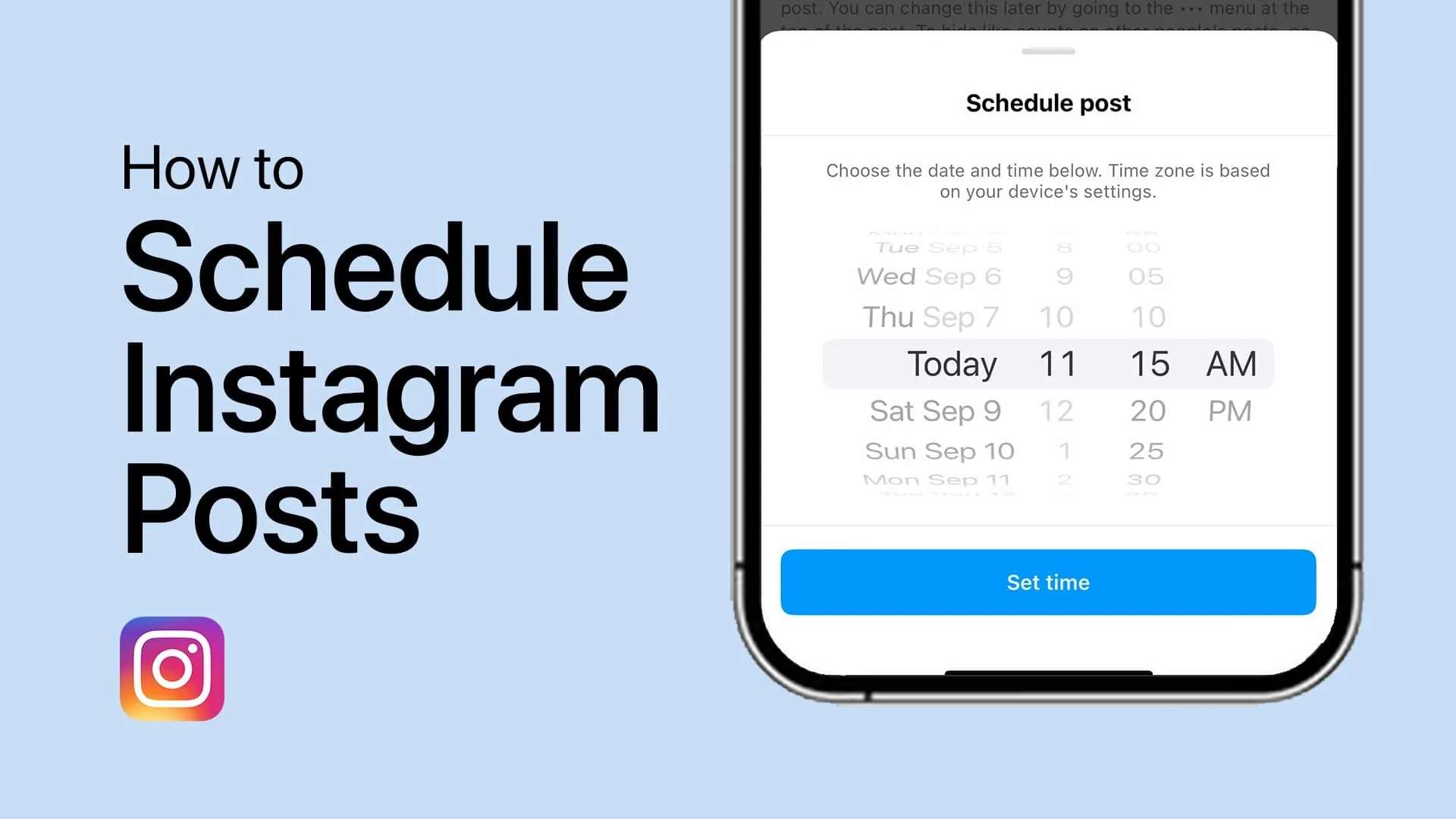
- Instead of posting immediately, choose Schedule and pick your future date and time.
- Review the preview and confirm — the post publishes automatically at the scheduled moment without you needing to open the app.
You can schedule up to about 75 days out, which is enough runway for most content calendars, launches, or campaigns planned a season in advance.
Why Stories are different
Stories are designed around 24-hour ephemerality and real-time posting, and Meta's native tools haven't extended the same dependable auto-publish scheduling to them that feed posts and Reels get. You can prepare Stories content ahead of time in Business Suite as a draft, but for guaranteed scheduled auto-publishing of Stories at an exact time, most creators fall back on a third-party scheduler that either auto-posts through the API or sends a push reminder to post manually at the right moment.
Third-party scheduling tools
Apps like Later, Buffer, Hootsuite, and Sprout Social connect to Instagram through its official Graph API (the same sanctioned integration path Meta provides to approved partners) and typically offer:
- A visual drag-and-drop content calendar across multiple platforms, not just Instagram
- More consistent Stories scheduling and auto-publish support
- Bulk upload and queueing for weeks of content at once
- Team collaboration and approval workflows for agencies or larger accounts
These tools usually require a paid subscription beyond a limited free tier, whereas Meta Business Suite is free but only covers feed posts and Reels reliably.
Common mistakes to avoid
- Trying to schedule from a personal account — you need Business or Creator mode connected to a Facebook Page first.
- Assuming Stories will auto-publish reliably from Business Suite the same way feed posts do — verify Stories manually until you've confirmed the schedule fired correctly.
- Connecting a third-party app with your actual Instagram password instead of the official API login flow — legitimate schedulers authenticate through Instagram/Facebook's login screen, never by asking you to type your password into their own form.
- Scheduling months of content without periodically checking the queue — trends, current events, or algorithm changes can make older scheduled captions feel out of date by the time they post.
Frequently asked questions
Frequently asked questions
Yes. Meta Business Suite is free and lets you schedule feed posts and Reels natively, as long as your account is set to Business or Creator and connected to a Facebook Page.
Sources
Keep reading
More guides to grow your account.