How to Block a Person from Instagram?
To block someone, open their profile, tap the three-dot menu, select Block, and confirm — they'll immediately lose the ability to find your profile, see your posts and Stories, or message you, and Instagram doesn't notify them that you did it.
Short answer
Open the person's profile, tap the three-dot menu in the top right, select Block, and confirm — Instagram immediately hides your profile, posts, and Stories from them and prevents new messages, without sending them a notification that you blocked them.
Quick answer
To block someone on Instagram, go to their profile, tap the three-dot menu icon in the top right corner, select Block, and confirm. This is instant and Instagram doesn't notify the other person that you've blocked them — they simply lose access to your profile, posts, Stories, and the ability to message you, and your two accounts stop appearing to each other in searches.
Key takeaways
- Blocking is one-directional — it stops them from seeing or contacting you, but you can still view their public profile unless you're also blocked or restricted separately by them.
- Instagram gives you the option to block just that one account, or block all of their other accounts on the same device at once, useful if someone creates new accounts to get around a block.
- The blocked person receives no notification; their view of your profile simply shows the same limited state as any account that's blocked them.
- Existing DM conversations with a blocked person become inaccessible to them, though your own copy of the conversation history typically remains on your end.
- You can unblock someone at any time from the same menu, which restores their ability to find and interact with your account as before.
Step-by-step: blocking someone
- Go to the profile of the account you want to block, either by searching their username or opening it from a comment, DM, or tagged post.
- Tap the three-dot menu icon in the top-right corner of their profile.
- Select Block.
- Instagram will ask if you also want to block any other accounts they may have linked to the same device — choose based on whether you suspect they'd create a new account to reach you.
- Confirm, and the block takes effect immediately.
What actually happens after you block someone
The blocked account can no longer find your profile through search, see any of your posts, Stories, or Reels, or send you new messages. Any comments they'd previously left on your posts also become hidden. If you follow each other, blocking automatically removes that follow relationship in both directions — if you unblock them later, they'll need to follow you again rather than the follow being automatically restored.
Common mistakes to avoid
- Assuming blocking also deletes existing DM history on your device — your own copy of past messages typically remains, even though the other person can no longer see or add to that conversation.
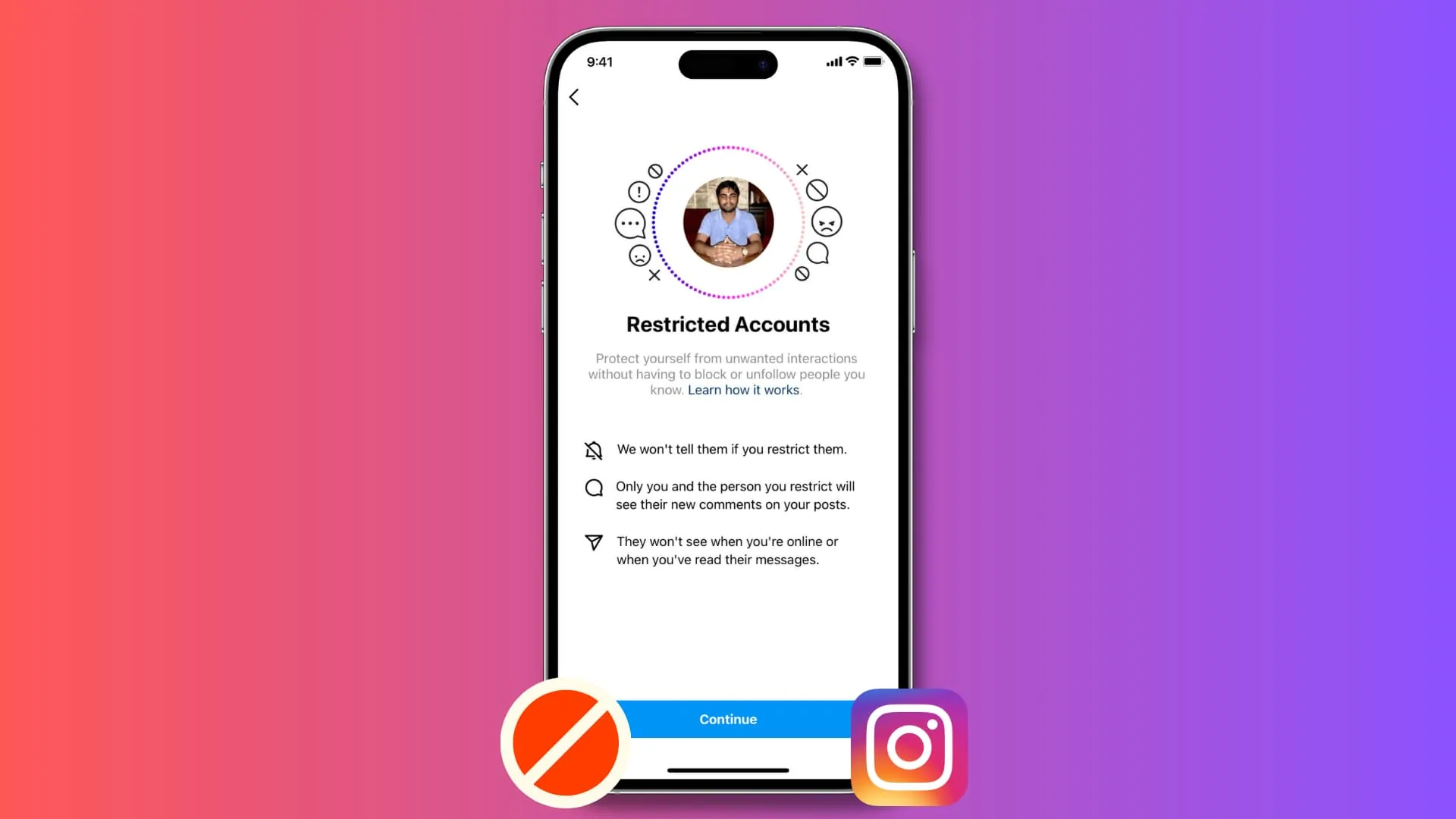
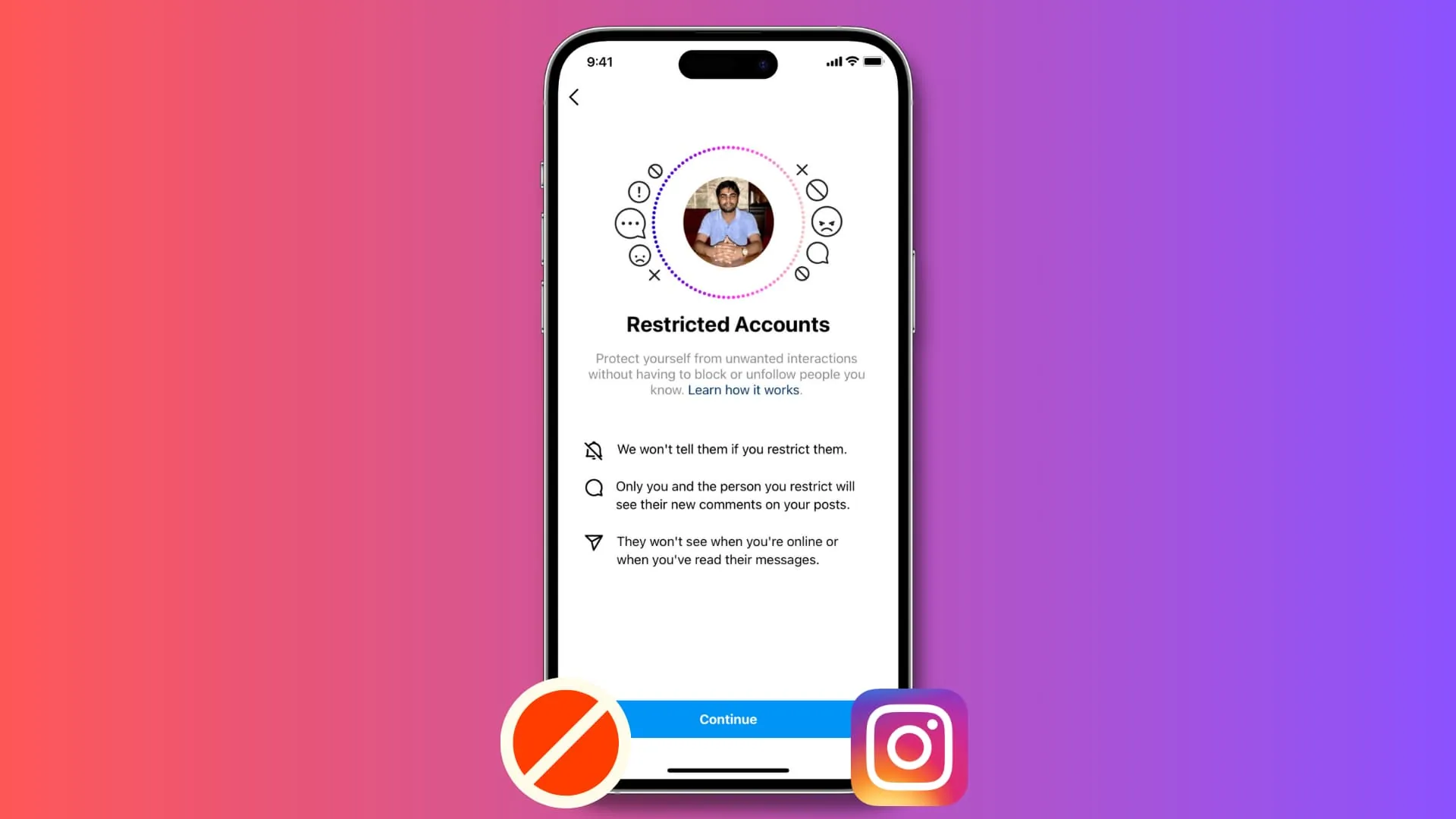
- Blocking when a lighter option (like Restrict or simply muting) would achieve what you actually want without cutting off all contact — Restrict, for instance, limits their visibility into your activity without a full block.
- Not realizing a determined person could try reaching you from an entirely different, unrelated account — blocking only covers the account (and linked accounts, if you chose that option) you specifically blocked.
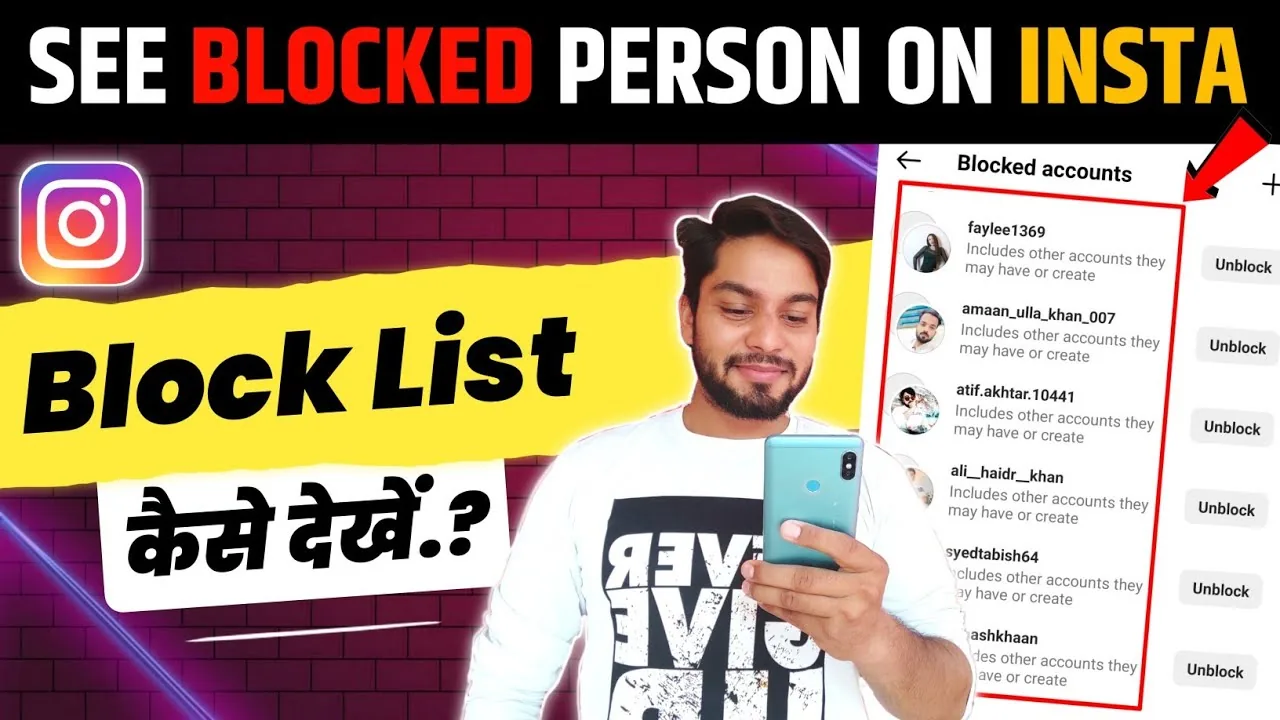
- Forgetting you blocked someone and being confused later why you can't find their account in search — check your Blocked Accounts list under Settings and privacy if you're unsure.
Tips
- If you're unsure whether to block or want a middle ground, see what restrict does on Instagram — it limits interaction without the other person knowing.
- Review your full list of blocked accounts periodically under Settings and privacy > Blocked accounts, especially if you want to unblock someone later.
- If the issue involves harassment or safety concerns beyond a simple block, use Instagram's in-app reporting tool on their profile or specific content in addition to blocking, since reports can trigger platform-level review.
Frequently asked questions
No. Instagram doesn't send any notification to the blocked account. They'll simply notice they can no longer find your profile, view your posts, or message you if they happen to check.
Sources
Keep reading
More guides to grow your account.