Can You Add Multiple Photos to One Instagram Post?
Yes, Instagram carousel posts let you add up to 20 photos or videos in a single post. Here's how to create one and pick the right number of slides.
Short answer
Yes — Instagram lets you add multiple photos and videos to a single post using the carousel format, with a maximum of 20 slides per post as of 2026, up from the previous 10-photo limit. Tap the multi-select icon when creating a post to choose several images at once.
Key takeaways
- Instagram carousel posts allow up to 20 photos or videos in a single post
- The limit was raised from 10 slides to 20 in a recent platform update
- You can mix photos and videos together within the same carousel
- Most high-performing carousels actually use far fewer slides, typically 5 to 8
- Tap the layered-squares icon during post creation to select multiple images at once
- Each slide can be individually edited, cropped, or filtered before posting
Can you really add more than one photo to an Instagram post?
Yes — this is called a carousel post, and it lets you combine multiple photos and videos that viewers swipe through within a single post. When creating a new post, tap the multi-select icon (it looks like overlapping squares) instead of picking just one image, then select as many photos as you want to include.
Carousels show up in the feed the same as a single-photo post, but include small dots beneath the image indicating how many slides are in the sequence. If you're not sure how this differs from other formats, see how do i upload pictures on instagram for the basic photo upload flow first.
What's the maximum number of photos allowed in one post?
Instagram currently allows up to 20 photos or videos per carousel post, which is double the previous limit of 10 slides. This expanded limit rolled out platform-wide, though some older accounts or account types have reported still seeing a 10-slide cap in certain cases.
If you've hit an unexpected ceiling while trying to add more slides, see how to post more than 10 photos on instagram for troubleshooting steps specific to that limit.
Should you use all 20 photo slots in a carousel?
Not usually — most carousels that perform well use somewhere between 5 and 8 slides rather than maxing out the full 20. Cramming in too many photos can dilute engagement, since fewer people swipe all the way through a lengthy carousel compared to a tighter, more focused sequence.
Treat the extra slots as available headroom for specific use cases like tutorials or lookbooks, not a target to hit on every post. Structuring a strong sequence matters more than slide count — see what aspect ratio is instagram to make sure every slide is sized consistently before you post.
Can you mix photos and videos in the same carousel?
Yes — the 20-slide limit applies across both photos and videos combined, so you can freely mix formats within a single post. This is useful for pairing a short video clip with supporting photos, such as a behind-the-scenes video followed by finished product shots.
Each slide keeps its own settings, so a video slide can have its own trim and cover frame independent of the photo slides around it. For more on formatting video specifically, check how to post a video on instagram before adding one into a carousel.
Can you edit individual photos within a carousel after selecting them?
Yes — after selecting your slides, tap through each one during the editing step to crop, apply filters, or adjust brightness and contrast individually. Instagram doesn't force uniform editing across the whole carousel, so each photo can be treated separately before you write a single caption for the entire post.
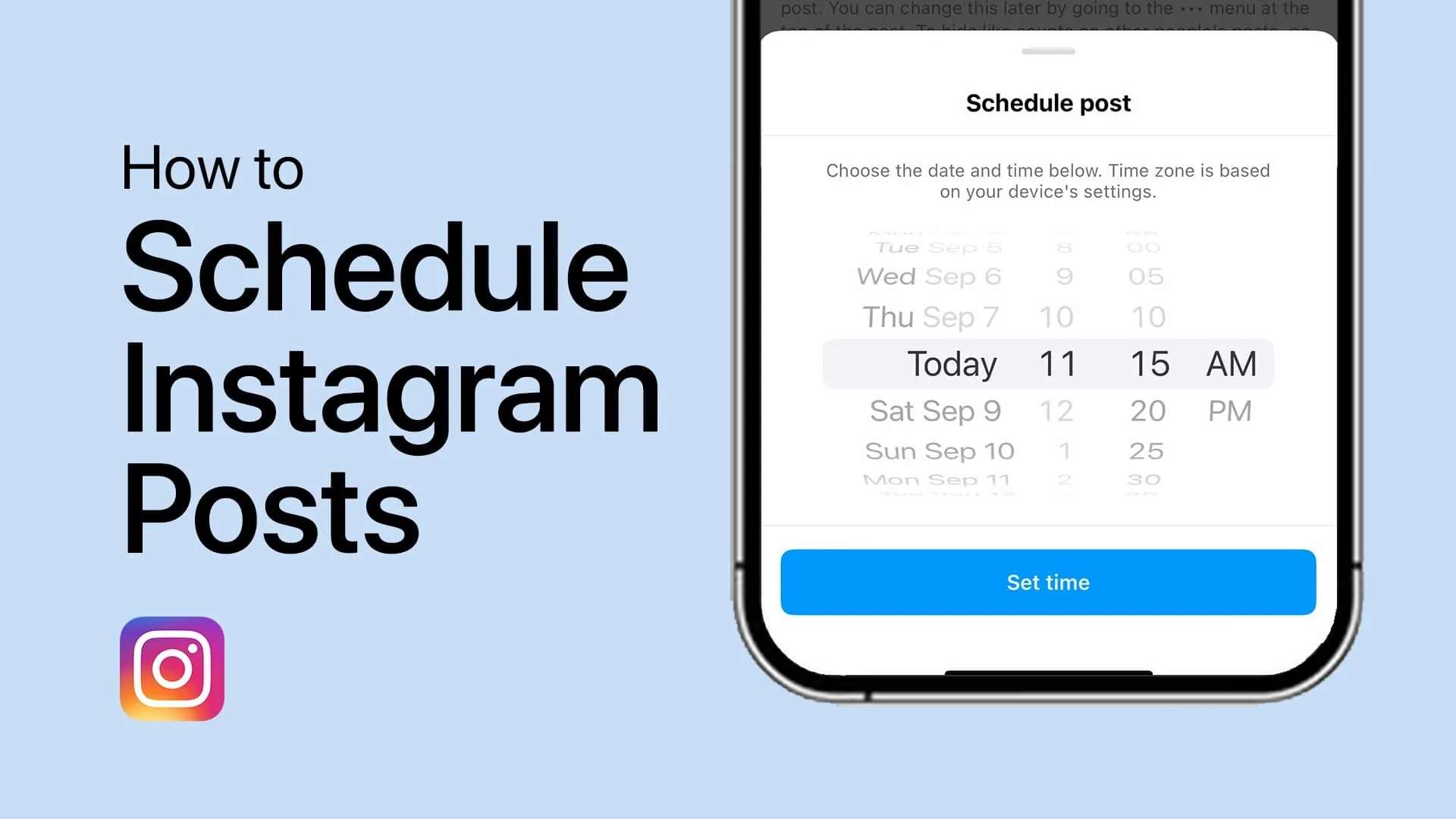
Getting captions and slide order right together tends to boost how far people scroll through your carousel; see captions for instagram for guidance on writing captions that pull people through multi-slide content. If you'd rather prepare a carousel in advance, can i schedule a post on instagram covers queuing multi-photo posts ahead of time.
Carousel post limits at a glance
| Detail | Current limit (2026) |
|---|---|
| Maximum slides per post | 20 photos or videos |
| Minimum slides required | 2 |
| Mixed media allowed | Yes, photos and videos together |
| Recommended slide count | 5 to 8 for best engagement |
| Individual slide editing | Yes, each slide edited separately |
Conclusion
Adding multiple photos to a single Instagram post is not only possible but built directly into the app through the carousel format, now supporting up to 20 slides. Use the multi-select tool when creating your post, but keep your slide count focused rather than maxing it out, since tighter carousels tend to hold attention better.
Frequently asked questions
Yes, this is done through the carousel post format. Tap the multi-select icon when creating a post to choose several photos or videos for a single swipeable post.
Sources
Keep reading
More guides to grow your account.