How to Make a New Instagram Account (2026 Guide)
Learn how to create a new Instagram account from scratch or add a second one alongside your existing profile, on mobile or desktop.
Short answer
You can make a new Instagram account through the app or instagram.com using an email or phone number, or add a second account from an existing profile without logging out. Instagram lets you switch between up to five accounts on one device.
Key takeaways
- New accounts can be created on the app or at instagram.com using either an email address or a phone number.
- Existing users can add a second account from their profile menu without signing out of the first one.
- Instagram supports switching between up to five accounts on a single device.
- Usernames must be unique and use only letters, numbers, underscores, and periods.
- A confirmation code sent by email or SMS is required before the account activates.
- If you plan to run a niche or business page, the setup steps are the same as any other how to create a new instagram account walkthrough.
How do you create a brand-new Instagram account?
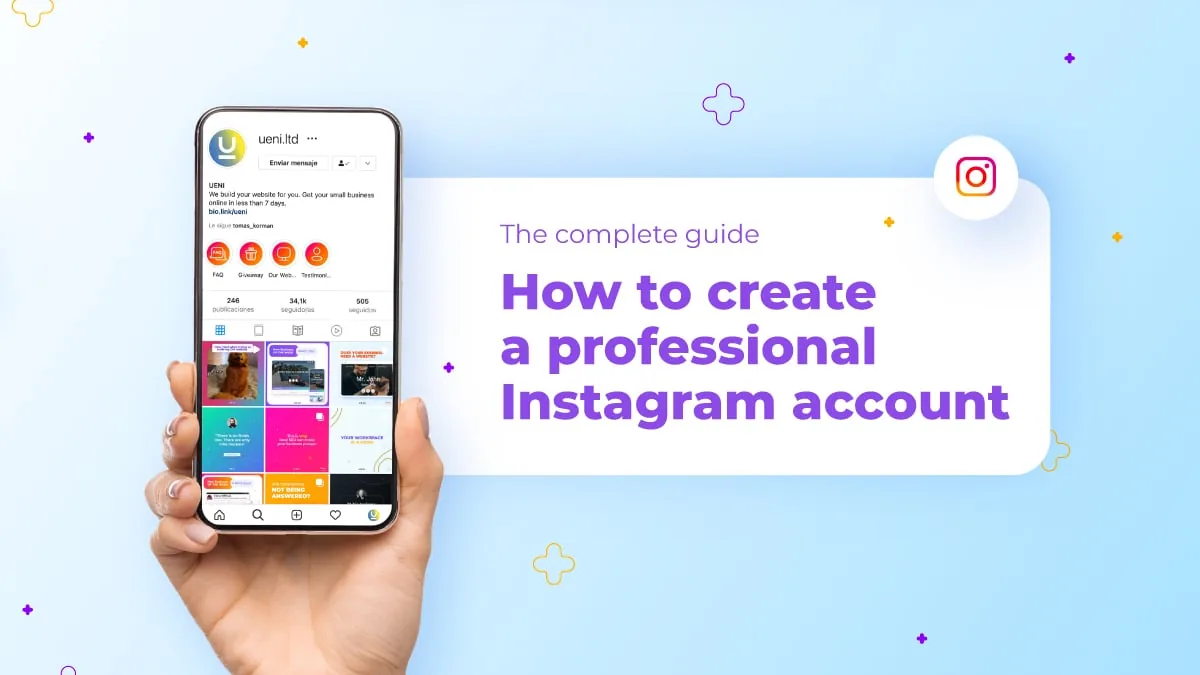
Open the Instagram app, tap Sign Up, and enter an email address or phone number, or go to instagram.com in a browser and click Sign Up under the login form. Next you will choose a full name and a unique username, set a password, and enter your date of birth. Instagram then sends a confirmation code to your email or phone that you must enter before the account goes live. Once verified, you land on profile setup, where you can add a profile photo and a short bio — this is a good moment to optimize instagram bio copy so new visitors know what your page is about right away.
How do you add a second account without losing your first one?
Tap your username at the top of your profile, choose Add Account, then Create New Account, and enter a different email or phone number than the one already in use. Instagram keeps both logins active and lets you switch between them with a single tap, so you never have to fully sign out of your main profile to run a second one. This is the same mechanism people use when they want to switch accounts on instagram for work versus personal use, and it supports up to five linked accounts at once.
What username rules should you know before signing up?
Usernames can only include letters, numbers, periods, and underscores, and must be unique across all of Instagram. If your ideal handle is taken, try adding a period, an underscore, or a short relevant word rather than random numbers, which look less professional and are harder for people to remember or search for later.
Do you need a phone number or is email enough?
Either works on its own — Instagram only requires one contact method to send the verification code during signup. Many people add both later for account recovery, since a linked phone number makes it much easier to regain access if you ever forget your password or get temporarily locked out.
Should a new account be personal, business, or creator?
Start as a personal account if you are unsure, since you can convert to a Business or Creator account later at no cost and without losing followers or posts. Business and Creator accounts unlock analytics, contact buttons, and ad tools, which matter more once you are actively posting and want to track growth or eventually explore how to make money on instagram.
How is creating a new account different from reactivating an old one?
Creating a new account always requires a fresh email or phone number, since Instagram will not let two accounts share the same contact detail. If you are actually trying to get back into an old profile rather than start over, that is a login or recovery issue, not account creation — see how to recover instagram account for that process before you accidentally end up with a duplicate profile you did not intend to keep.
| Method | Where to start | What you need |
|---|---|---|
| New account from scratch | App or instagram.com Sign Up | Email or phone, DOB, unique username |
| Add a second account | Profile menu > Add Account | A different email or phone than existing account |
| Switch between accounts | Tap username at top of profile | Already-added accounts on the device |
| Convert account type | Settings > Account type | An existing personal account |
Once your new account is live, spend a few minutes on setup basics: a clear profile photo, a bio with a link, and privacy settings that match your goals, whether that means learning how to make instagram private for a personal page or keeping a business account public for discovery.
Frequently asked questions
No, each Instagram account needs its own unique email address or phone number. If you want a second account, use a different email, a secondary personal address, or a phone number you have not linked to Instagram before.
Sources
Keep reading
More guides to grow your account.