How to Connect Your Facebook Account to Instagram in 2026
Link your Facebook Page and Instagram account through Meta's Accounts Center to cross-post content and manage messages from one place.
Short answer
Link Facebook and Instagram through Settings, Accounts Center, Add Accounts, or start from your Facebook Page's Linked Accounts setting. You need a Business or Creator Instagram account and Admin rights on the Page for the option to appear.
Key takeaways
- Facebook and Instagram now connect through Meta's shared Accounts Center rather than old-style page linking
- You need a Professional (Business or Creator) Instagram account to link to a Facebook Page; personal accounts can only link a personal Facebook profile
- Linking lets you cross-post feed posts, Reels, and Stories, and manage ads and messages from one place
- You must be an Admin on the Facebook Page for the connection option to even appear
- Auto-sharing toggles can be adjusted per content type, and you can still override sharing on individual posts
- Disconnecting later is just as easy as connecting, with no permanent loss of either account's data
How do you connect Facebook to Instagram in 2026?
Open Instagram, tap your profile, go to Settings and Activity, then Accounts Center, and choose Add Accounts to link your Facebook profile or Page. Alternatively, start from the Facebook Page's Settings, click Linked Accounts, select Instagram, and hit Connect Account. Either path routes through the same Accounts Center, which is Meta's shared hub for managing connected apps, similar to the setup described in how to link facebook to instagram at /growth/how-to-link-facebook-to-instagram.
What do you need before linking the accounts?
Your Instagram account needs to be a Business or Creator account, since personal accounts can't link to a Facebook Page, only to a personal Facebook profile for basic story sharing. You also need to be an Admin on the Facebook Page, since Meta hides the connection option from Editors, Moderators, and other limited roles for security reasons. If your accounts are still separate, converting to a professional account is the first step before anything else works.
What can you actually do once the accounts are connected?
Once linked, you can auto-share new posts, Reels, and Stories to both platforms at once, saving time compared to posting twice manually, which pairs well with a broader plan like the one in content calendar batch week at /content/content-calendar-batch-week. You also unlock cross-platform ad management and a unified inbox for Messenger and Instagram DMs inside Meta Business Suite.
Can you control what gets shared automatically?
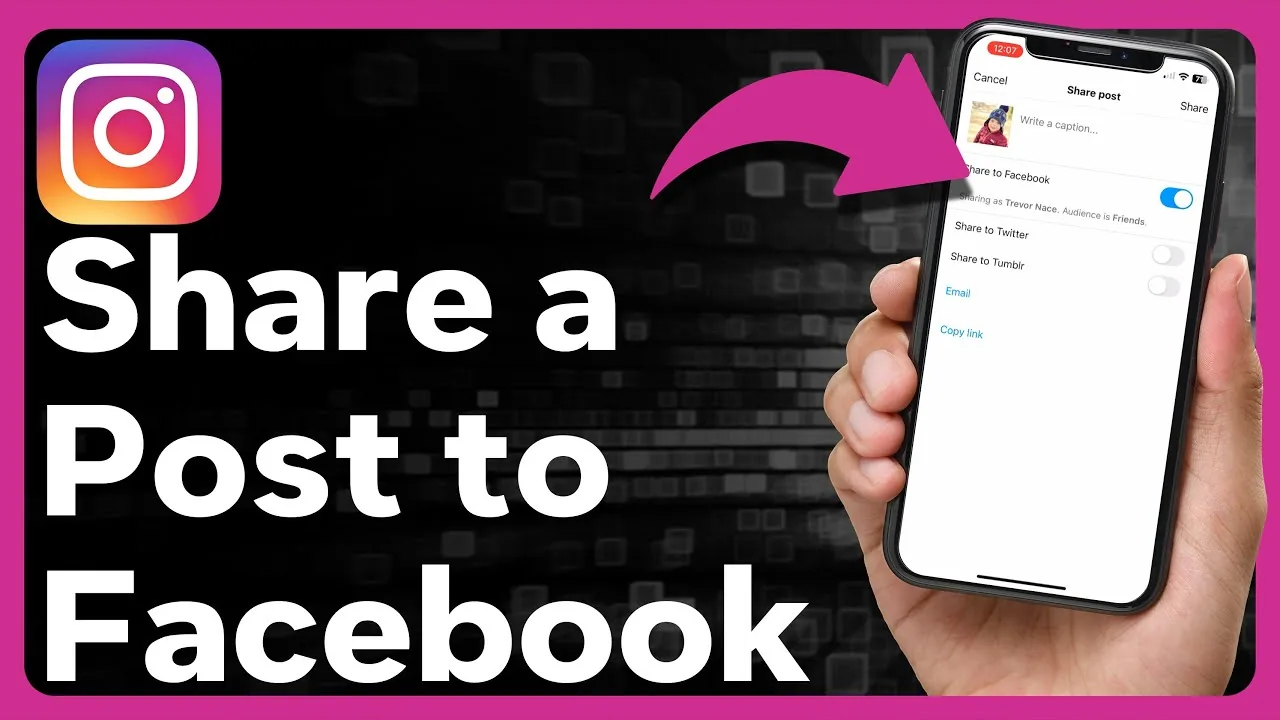
Yes, Accounts Center lets you toggle auto-sharing on or off separately for posts, Stories, and Reels, so you're not forced to mirror everything. Even with auto-sharing enabled, each time you create new content you can still uncheck the Facebook or Instagram toggle before publishing, giving you post-by-post control without changing the global setting.
How do you disconnect the accounts later?
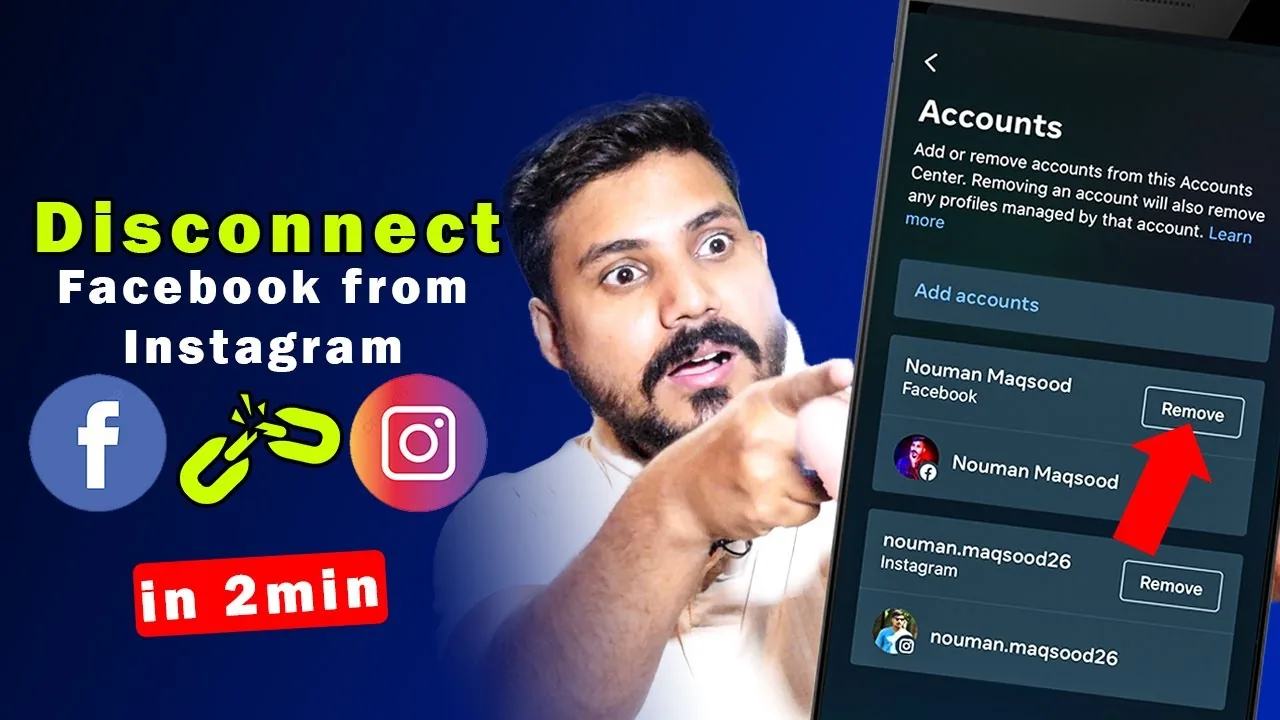
Go back into Accounts Center, select the connected profile or Page, and choose Remove to unlink it, which is covered step by step in how to disconnect your instagram from facebook at /content/how-to-disconnect-your-instagram-from-facebook. Disconnecting doesn't delete either account or its content; it just stops the cross-posting and shared inbox features.
| Task | Where to do it | Requirement |
|---|---|---|
| Link accounts | Instagram Settings, Accounts Center | Admin on the Facebook Page |
| Convert to professional account | Instagram Settings, Account type | Needed to link a Facebook Page |
| Toggle auto-sharing | Accounts Center, connected accounts | Linked accounts already set up |
| Unlink accounts | Accounts Center, Remove | Can be done any time |
If you decide the connection isn't for you and want to fully separate the platforms again, how to remove instagram from fb at /profile/how-to-remove-instagram-from-fb and how to unlink instagram accounts at /how-to/how-to-unlink-instagram-accounts both walk through the reverse process in more detail. And if you'd rather share a single Facebook post to Instagram without a full account link, see how do i share a facebook post to instagram at /growth/how-do-i-share-a-facebook-post-to-instagram.
Frequently asked questions
Yes, linking to a Facebook Page requires a Business or Creator Instagram account; personal accounts can only connect to a personal Facebook profile.
Sources
Keep reading
More guides to grow your account.