Does Instagram Notify of Screenshots?
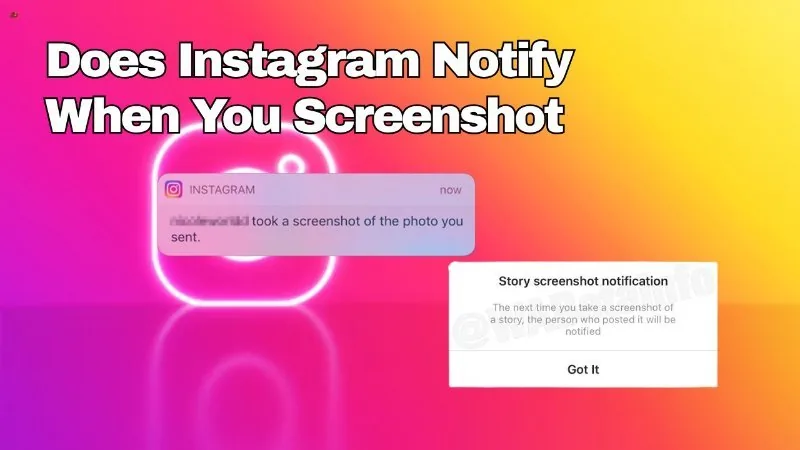
No — Instagram does not tell anyone when you screenshot their feed posts, Reels, or profile. The one exception is disappearing photos and videos sent in DMs, where the sender is alerted if you screenshot or screen record.
Short answer
Instagram has no general screenshot notification system for posts, Reels, or profiles — the only place it alerts someone is when you screenshot or screen-record a disappearing 'view once' photo or video in a direct message.
Quick answer
No, not for the vast majority of what you do on Instagram. You can screenshot someone's feed post, carousel, Reel, or profile as many times as you like and the person will never be told. The single exception is disappearing media — photos or videos sent in a DM with the "view once" or "allow replay" disappearing setting. If you screenshot or screen-record one of those, Instagram tells the sender.
Key takeaways
- Regular posts, Reels, carousels, and profile pages: no screenshot notification, full stop
- Standard Stories: no notification either, despite a persistent rumor that there is
- Disappearing DM photos/videos ("view once" or "allow replay"): screenshotting or screen recording DOES notify the sender
- Regular photos and text sent in a normal DM thread are not covered by any screenshot alert
- Third-party apps that claim to detect or block screenshots on your behalf are not affiliated with Instagram and should not be trusted with your login
Where the confusion comes from
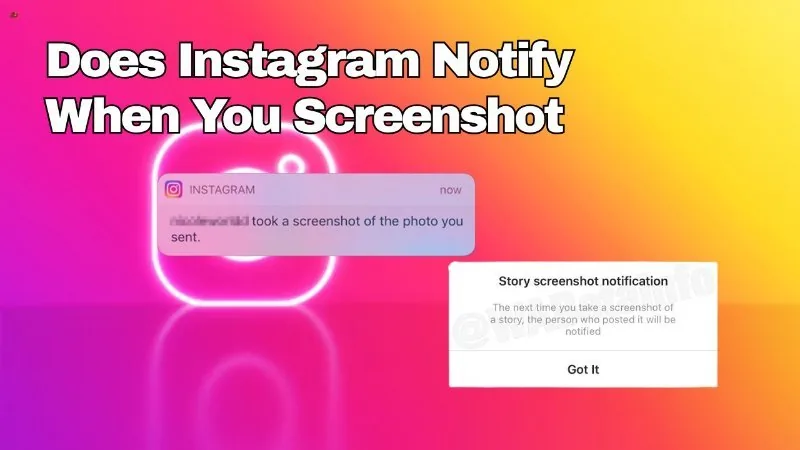
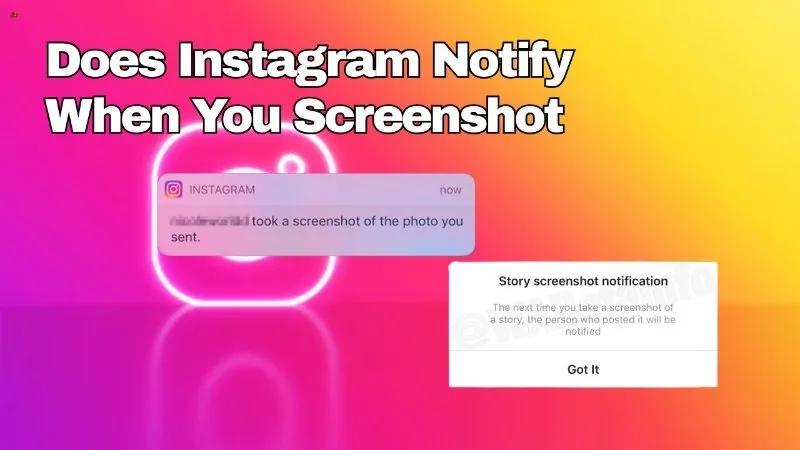
A lot of the confusion around this topic traces back to two things. First, Snapchat has trained an entire generation of users to expect that every app tells you when someone screenshots your content — Snapchat does this for snaps. Instagram was never built the same way. Second, Instagram genuinely tested a Stories-screenshot-notification feature briefly around 2018, and that test lived on in forum posts, old articles, and word of mouth long after it was dropped. It never became a permanent, universal feature.
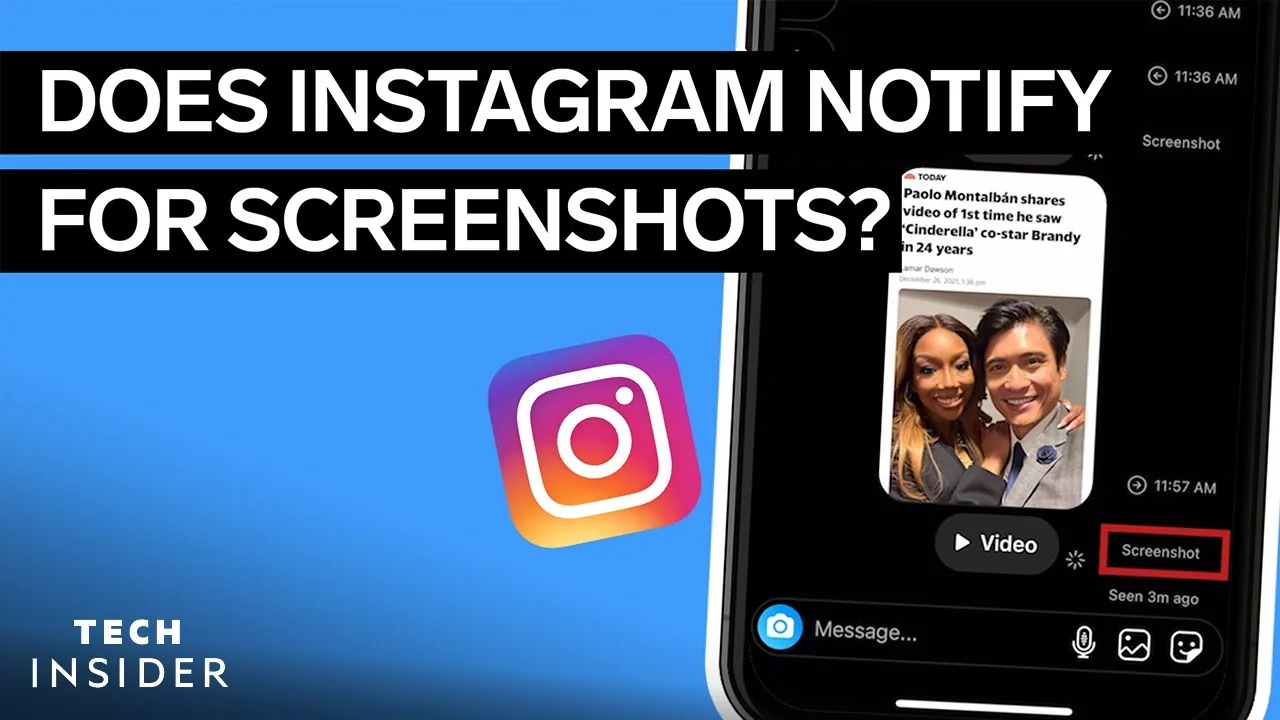
The one place Instagram does replicate Snapchat-style behavior is disappearing media inside direct messages — the photos and videos you send that are marked to vanish after being viewed once or after the chat closes. Because that content is meant to be ephemeral and private, Instagram added a screenshot/screen-recording alert there specifically, along with a small notice in the chat thread telling the sender what happened.
Common mistakes to avoid
- Assuming a screenshot of someone's grid post or Reel will trigger any kind of alert — it will not
- Confusing regular Stories with disappearing DM media; they behave completely differently
- Trusting third-party "screenshot detector" apps or browser extensions that ask for your Instagram password
- Assuming this behavior is identical on every app version — Meta does occasionally test features regionally, so always double-check current behavior in your own app if something seems off
Tips
- If you need to share something privately without any risk of it being screenshotted unnoticed, understand that no method is fully screenshot-proof — someone can always use a second device to photograph their screen
- Keep the Instagram app updated so you're seeing current, accurate in-app explanations of privacy features rather than relying on old articles
- If privacy matters for a specific conversation, use the disappearing-message option deliberately, since it's the one place a notification genuinely exists
Frequently asked questions
No. Profile screenshots, including bio, highlights covers, and grid previews, never trigger a notification to the account owner.
Sources
Keep reading
More guides to grow your account.