What Does Deactivated Account Mean on Instagram?
A deactivated Instagram account is temporarily hidden, not deleted — to anyone who searches for it, the profile appears to not exist at all (no "deactivated" label, just an absence), while the account owner's data, followers, and posts remain fully intact and reappear instantly the moment they log back in.
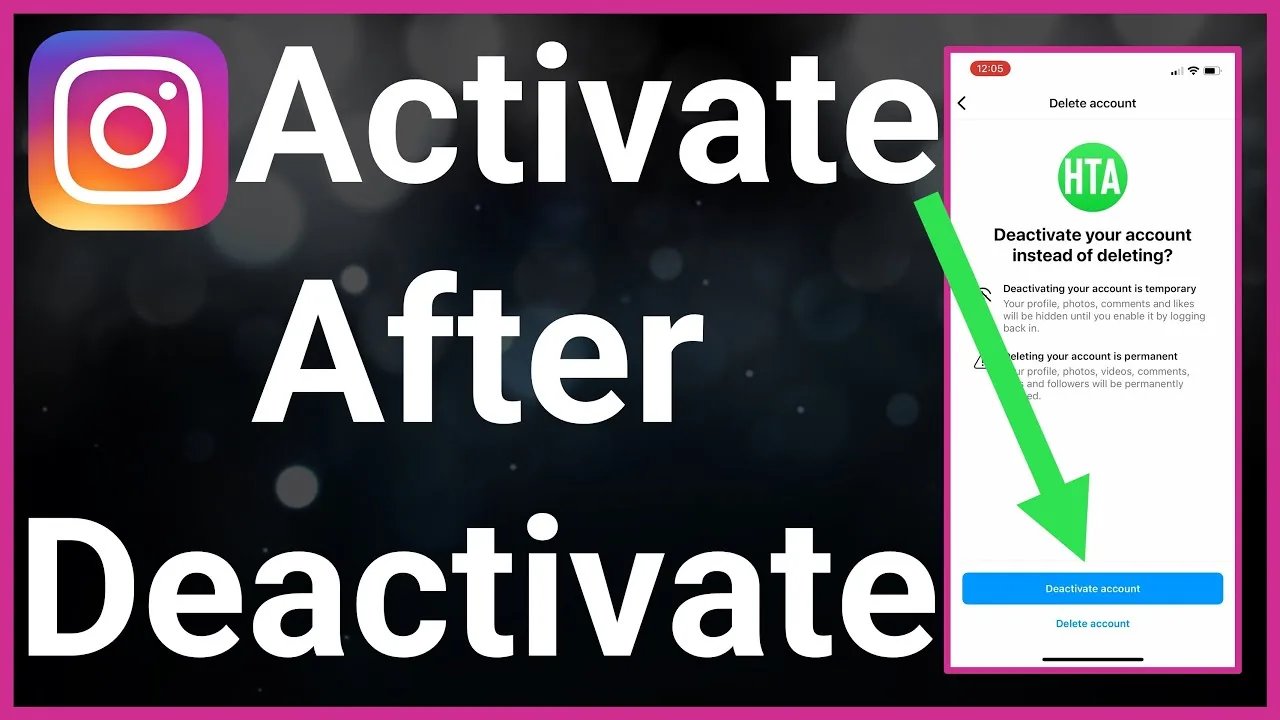
Short answer
A deactivated account is a temporary, fully reversible state — the profile becomes invisible to everyone (searching for it turns up nothing, not even a "this account is deactivated" message), while all posts, followers, and data stay intact behind the scenes until the owner logs back in.
Quick answer
A deactivated Instagram account means the owner has temporarily hidden their profile rather than deleted it. To anyone else, it looks like the account simply doesn't exist — searching the username returns no results, and old links to their profile lead nowhere. Behind the scenes, though, nothing is actually lost: posts, followers, messages, and settings all remain exactly as they were, and the moment the owner logs back in, everything reappears instantly.
Key takeaways
- Deactivation is fully reversible — there's no time limit, and logging back in restores the account exactly as it was, whether that's a day or years later.
- Instagram doesn't display any "this account is deactivated" message to visitors — a deactivated profile simply appears as if it never existed, which often gets mistaken for the person having blocked you specifically.
- Deactivation can only be started through a mobile browser or desktop site (not the Instagram app itself) — a well-known quirk in Instagram's design.
- The account's username remains reserved during deactivation — no one else can claim it while it's inactive.
- Direct messages the person sent before deactivating may still be visible in other people's inboxes, since deactivation doesn't reach into other users' conversation threads.
Why a deactivated profile looks identical to being blocked
This is the most common source of confusion: if you search for someone's username and see an empty-looking result, you can't immediately tell whether they've deactivated their account or specifically blocked you. The key difference is that a deactivated account looks the same empty way to everyone, while a block only affects the specific account(s) that were blocked. Checking through a mutual friend's account is the standard way to distinguish the two — if they can see a normal, active profile while you see nothing, it's likely a block, not deactivation.
What happens to content during deactivation
- Posts, Reels, and Stories: hidden from view but not deleted; they reappear exactly as they were upon reactivation.
- Followers and following lists: preserved in full; no one is removed during the deactivation period.
- Direct messages: the deactivated account's messages disappear from their own inbox view, but previously sent messages may remain visible in the recipient's inbox on their end.
- Comments on other people's posts: typically become invisible while deactivated, then reappear once the account is reactivated.
Common mistakes to avoid
- Assuming a deactivated account has been deleted — deactivation is temporary and fully reversible, unlike permanent account deletion, which has its own separate 30-day process.
- Confusing deactivation with being blocked — the giveaway is whether the empty profile appears the same to everyone (deactivation) or just to you specifically (block).
- Thinking a deactivated username becomes available for someone else to claim — it stays reserved to the original owner the entire time the account is inactive.
- Expecting a visible "deactivated" label anywhere on the empty profile — Instagram doesn't display one; the account simply appears not to exist.
Tips
- If you're trying to figure out whether someone deactivated or blocked you, ask a mutual friend to check the same profile from their own account — if they see it normally, it's a block rather than deactivation.
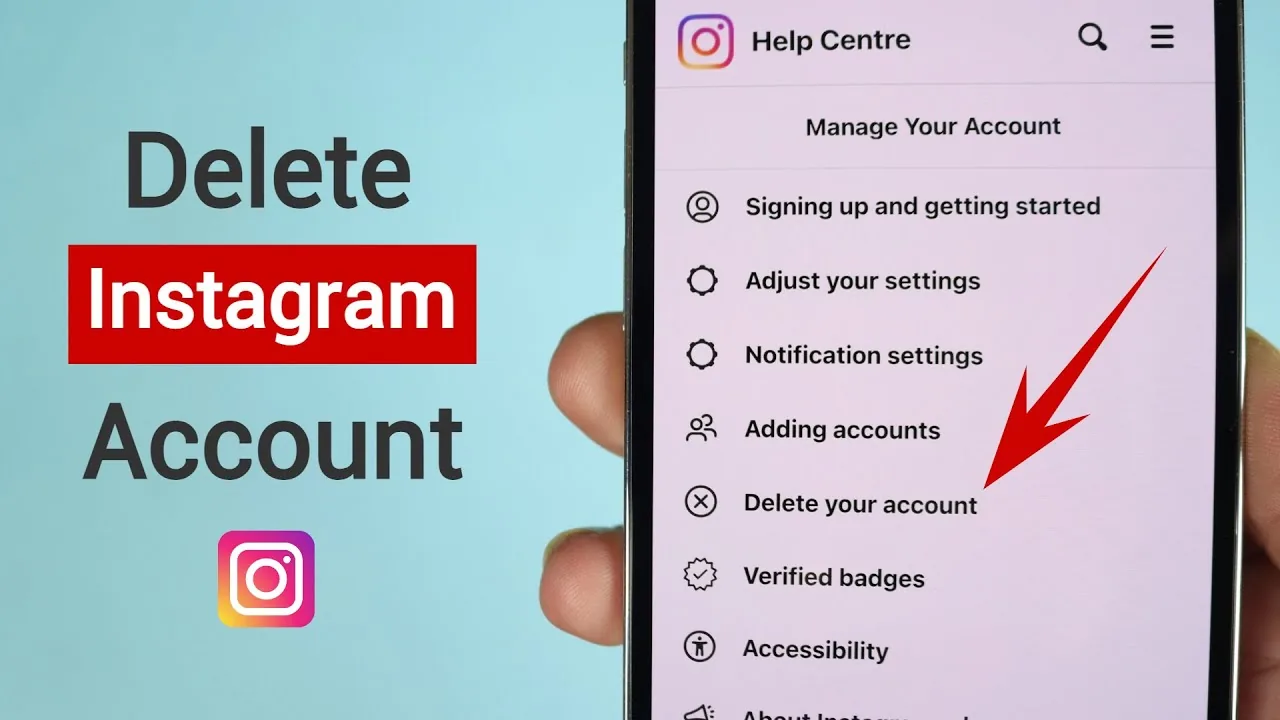
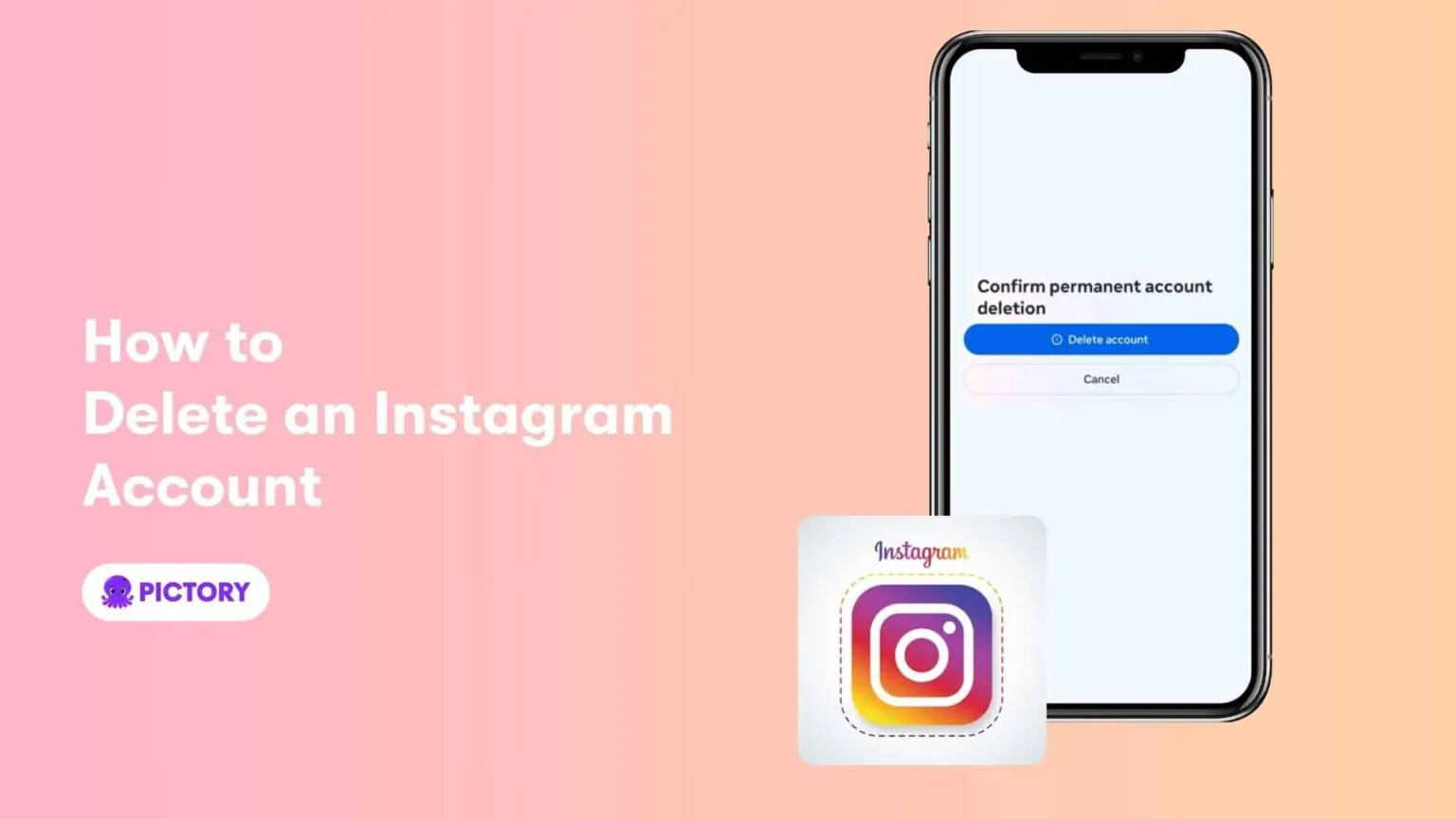
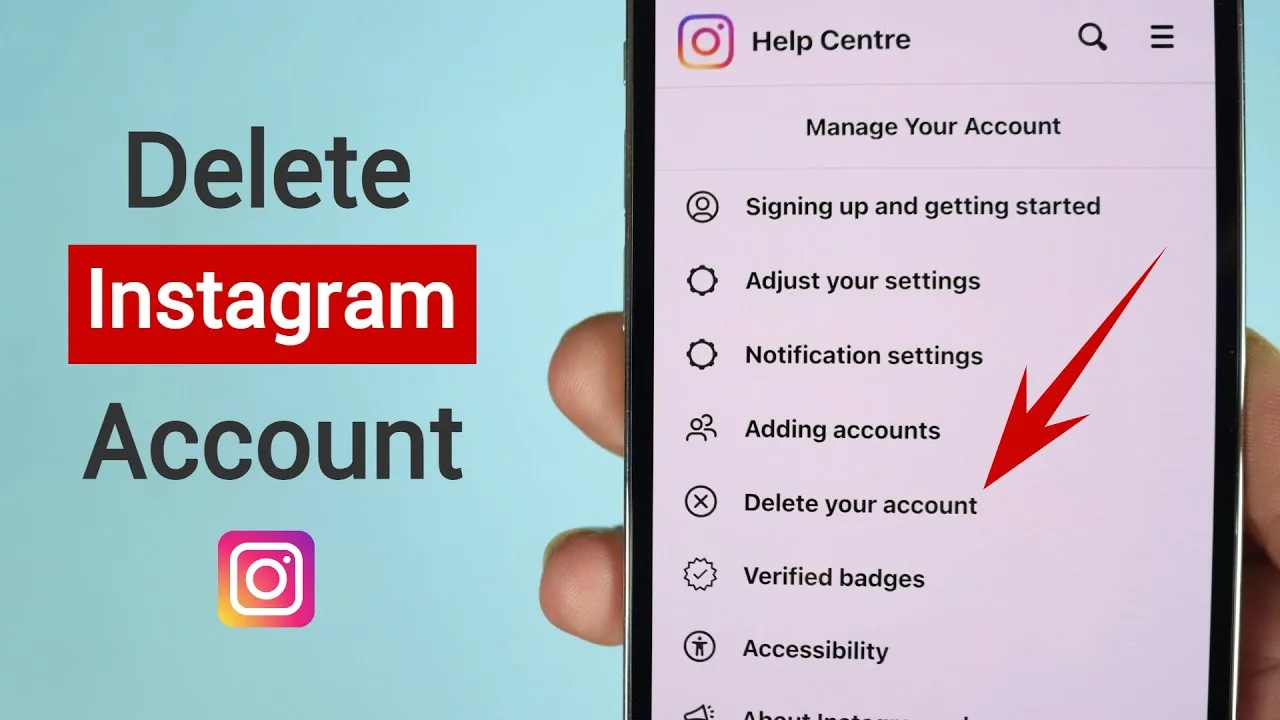
- If you're considering deactivating your own account, remember it must be started from a browser, not the Instagram app — see our full guide on closing your Instagram account for the exact steps and how it compares to permanent deletion.
- Deactivation is a good option if you want a break without losing anything — there's no downside to reactivating whenever you're ready, even after a long gap.
Frequently asked questions
No, Instagram doesn't display any label or message indicating deactivation. To anyone searching for the account, it simply appears as though the profile doesn't exist at all.
Sources
Keep reading
More guides to grow your account.