Instagram guides and how-tos
408 step-by-step Instagram how-tos. Filter by what you want to work on next.
 Monetization
Can You Make Money on Instagram? 2026 Monetization Guide
Yes — Instagram pays creators through Bonuses, Subscriptions, Live Badges, and brand deals. Here's how each option actually works.
 Tools & Privacy
How Can I Get Paid from Instagram?
Creators get paid through several separate channels — brand deal invoices, Instagram Subscriptions payouts, Shop affiliate commissions, and regional bonus programs — each requiring payout and tax info set up under the Professional Dashboard's Earnings section.
 Content Strategy
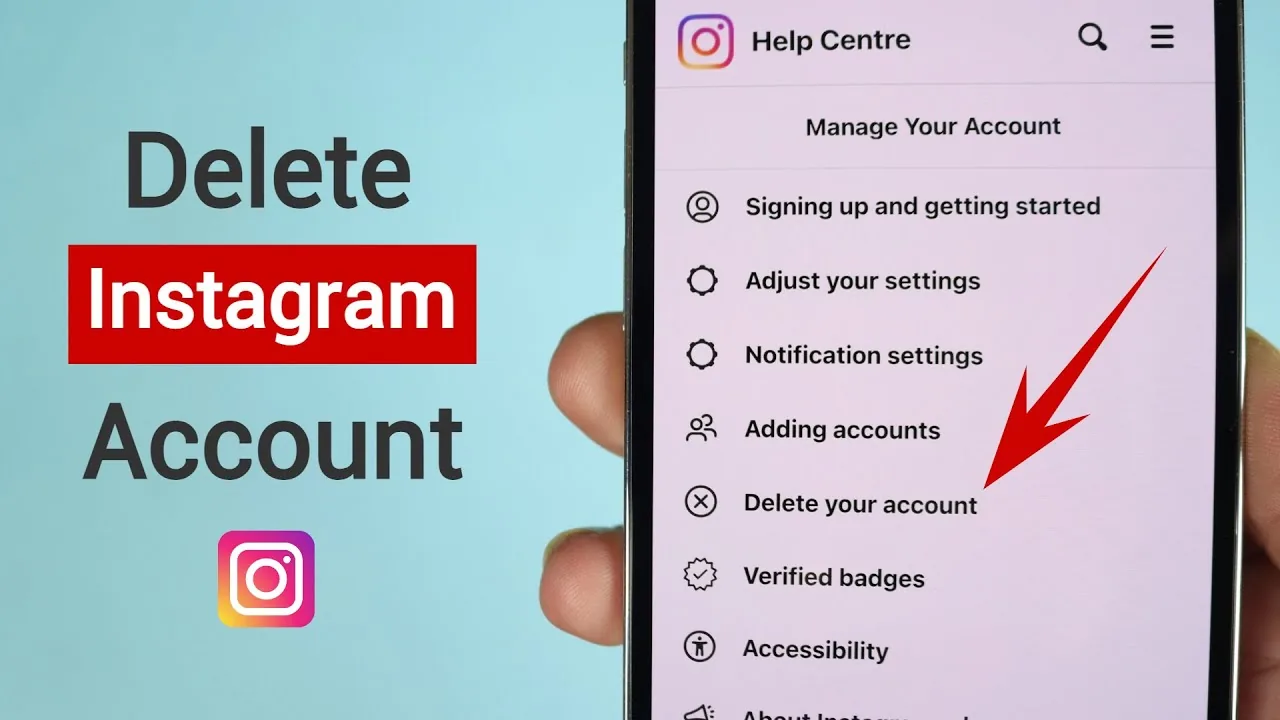
How Can I Remove My Instagram Account?
To permanently remove your Instagram account, go to Settings and privacy > Account Center > Personal details > Account ownership and control > Deactivation or deletion > Delete account, pick a reason, and confirm your password — deletion has roughly a 30-day grace period before it's final.
 Reels
ReelsHow Can I Save an Instagram Video?
Tapping the bookmark/ribbon icon on any Reel or video post saves it privately to your Instagram Saved collections for later viewing — but it doesn't download the file to your device. Actually downloading a video file requires it to be your own upload, screen recording, or a third-party tool that carries real privacy and Terms of Use risk.
 Monetization
How Can I Share an Instagram Post?
Tap the paper-airplane share icon under any post to send it as a DM or add it to your Story, or tap the three-dot menu and choose Copy Link or Share to... to send it outside Instagram entirely.
 Growth
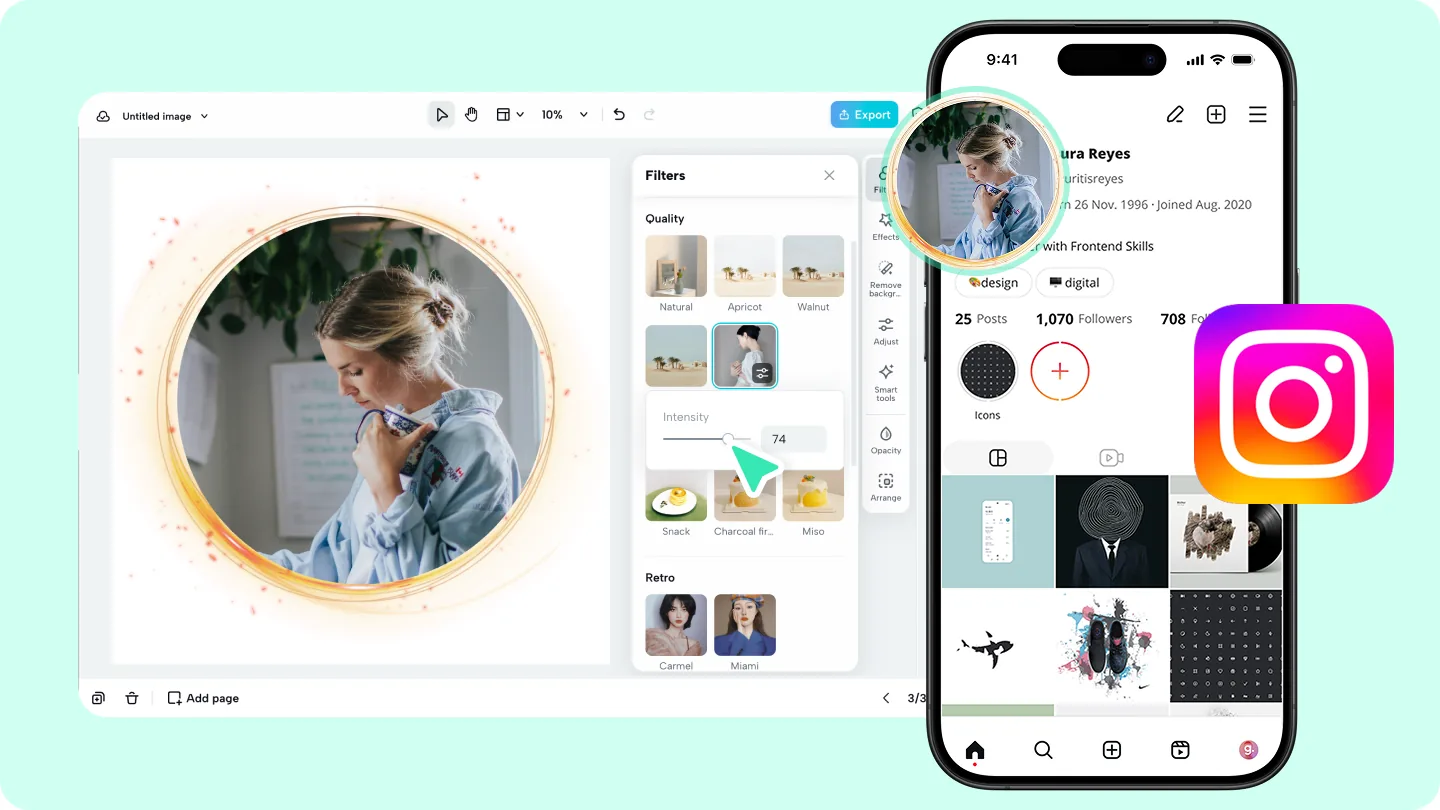
How Do I Change My Pic on Instagram?
To change your Instagram profile picture, open your profile, tap your current photo or Edit profile, then choose a new photo from your camera roll, take a new one, or select an avatar — the change is visible everywhere on Instagram within seconds.
 Profile & Bio
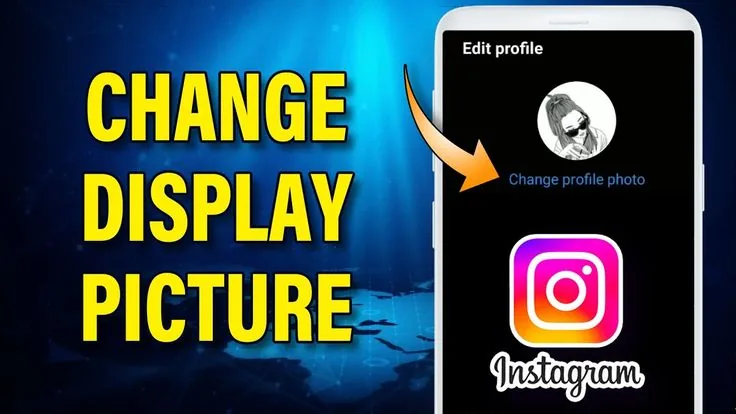
How to Change Your Instagram Profile Picture
Change your Instagram display picture in seconds by tapping your current photo on your profile — here's the full process plus sizing tips.
 Content Strategy
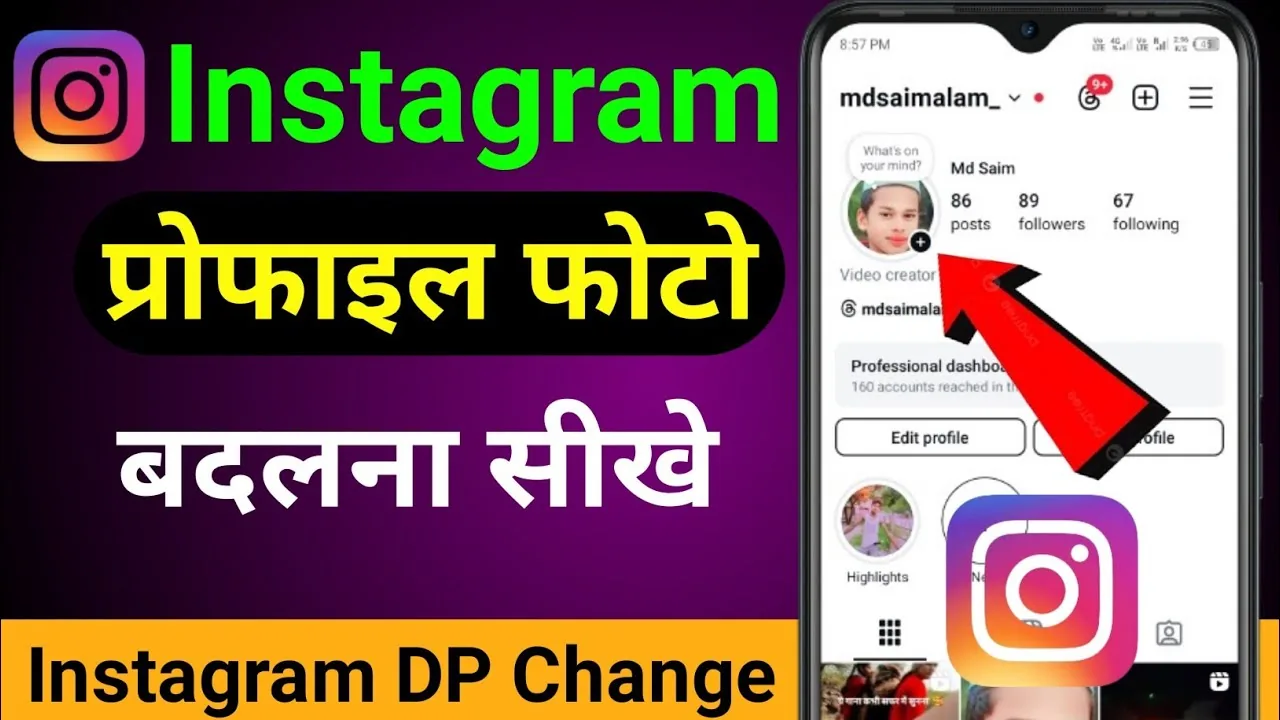
How to Change Your DP on Instagram (Quick Steps)
"DP" just means profile picture — here's the fastest way to change your Instagram DP on mobile, the web, and what happens to your old one.
 Profile & Bio
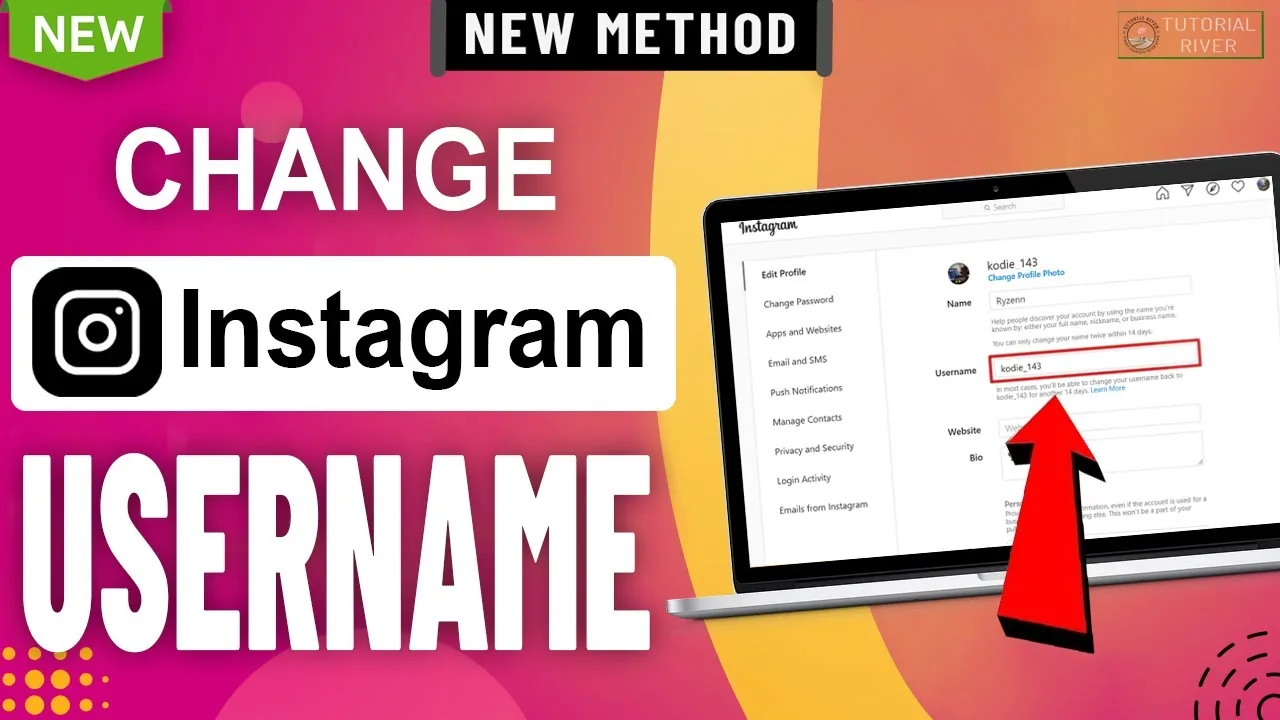
How to Change Your Instagram Username (@handle)
Change your Instagram username from Edit Profile in seconds — the 30-character rule, what happens to your old handle, and whether you'll get it back later.
 How-To
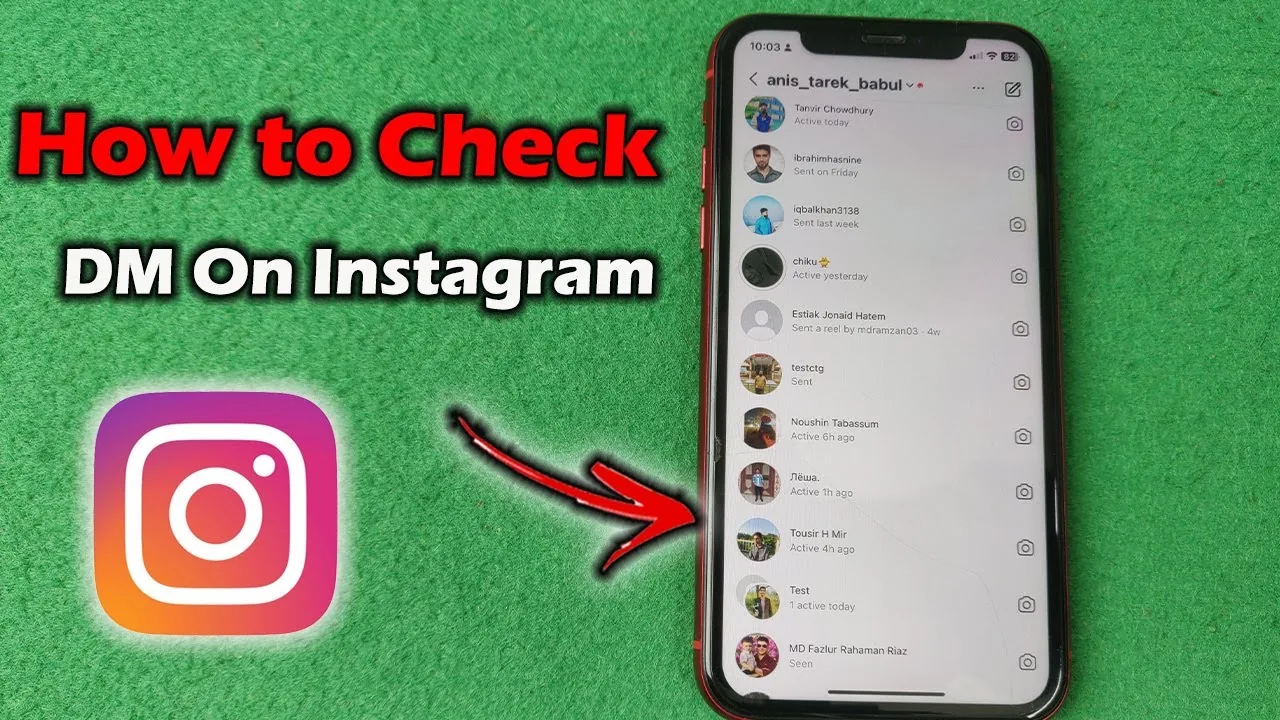
How to Check Your DMs on Instagram (Inbox and Requests)
Tap the paper plane icon on Instagram to open your Direct inbox, then check the separate Requests folder for messages from people you don't follow.
 Profile & Bio
How to Go Live on Instagram: Requirements & Steps
To go live on Instagram you need a public account with 1,000+ followers, then tap + and select Live. Here's the full walkthrough.
 Growth
How to Link Facebook to Instagram: Step-by-Step Guide
Link your Instagram Business or Creator account to a Facebook Page to cross-post, share an inbox, and run Meta ads.
 How-To
How to Post a Black Screen on Your Instagram Story
Post a solid black Instagram story using the paint bucket tool, a pre-made black image, or a darkened photo — all in under a minute.
 Tools & Privacy
How to Reply to a DM on Instagram (Mobile and Web)
Learn how to reply to a DM on Instagram from your inbox or a specific message, plus how to reply with a swipe, an emoji, or inside a group chat.
 Monetization
How to See if a Specific Person Blocked You on Instagram
Search their exact username from another account, check for a grayed-out DM thread, and look for missing posts to confirm one person blocked you.
 Explainers
How to Tell If Someone Blocked You on Instagram
Instagram never sends a block notification, but there are clear signs you can check to confirm it, and ways to rule out a deactivated account instead.
 Growth
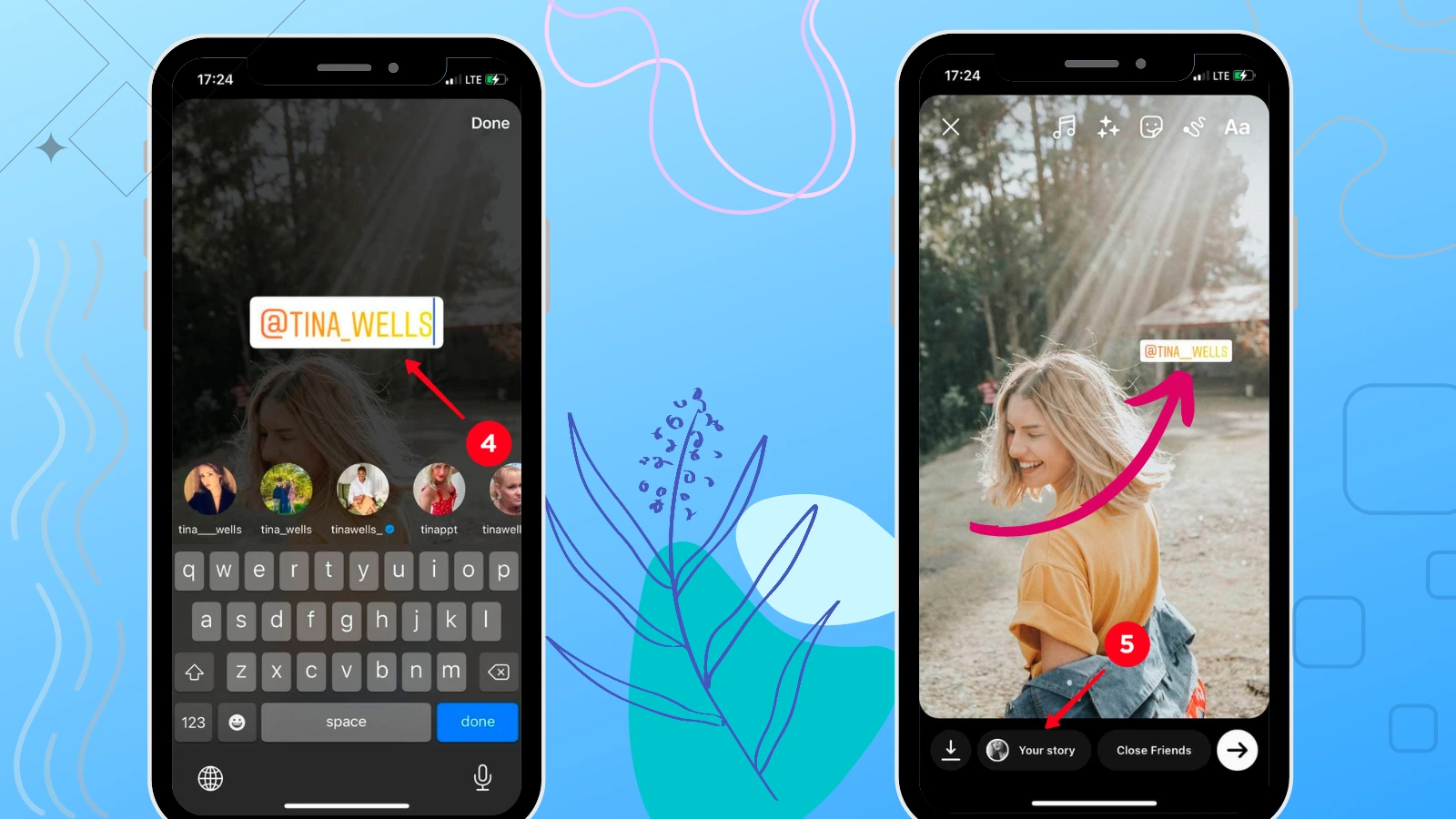
How to Tag Someone on Your Instagram Story (2026)
Mention up to 20 people in an Instagram story using the Aa text tool and the @ mention sticker, plus fixes when tags don't show up.
 Explainers
Who Created Instagram? Meet the Founders and Story
Instagram was created by Kevin Systrom and Mike Krieger in 2010, after pivoting an earlier check-in app called Burbn into a photo-sharing tool.
 Explainers
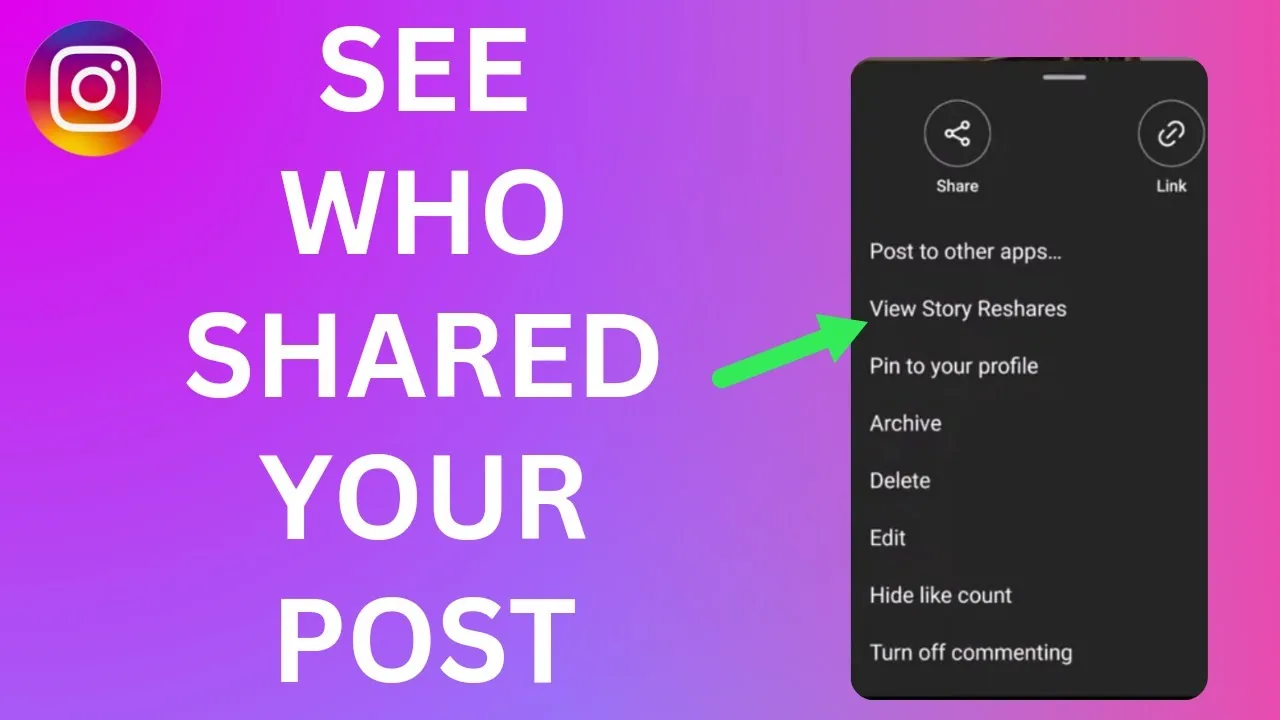
Can I See Who Shared My Instagram Post?
No — Instagram doesn't give post authors a full list of everyone who reshared their post to Stories or sent it via DM. You only get partial visibility: a notification if someone shares to their Story and tags you, viewable in your Stories tray for 24 hours.
 Monetization
Can Instagram See Screenshots?
Instagram's app can technically detect a screenshot event on your phone, but it only turns that into a notification for one feature: disappearing photos and videos in DMs. Feed posts, profiles, and regular Stories are never flagged.
 Profile & Bio
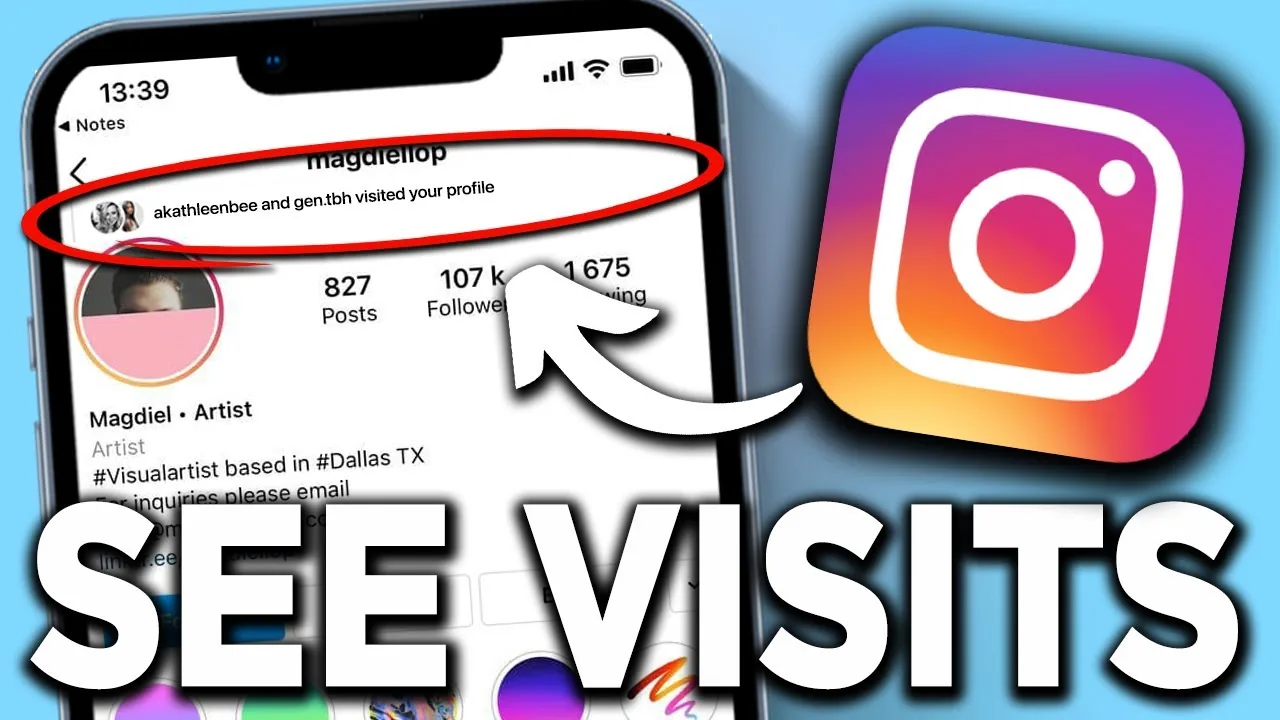
Can Instagram See Who Viewed Your Profile?
Instagram does not track or reveal who visited your profile, and no legitimate feature or app can show you that list — any service claiming otherwise is not using real Instagram data.
 Explainers
Can People See if You Look at Their Instagram?
No, not for profiles, posts, or Reels — Instagram doesn't notify anyone when you view their content. The only real exception is Stories, where the poster can see a list of who watched while it's still active.
 How-To
Can You Turn Off Repost on Instagram? 2026 Guide
Yes — you can stop others from reposting your Instagram content in Settings, though the Repost feature itself can't be removed entirely.
 Tools & Privacy
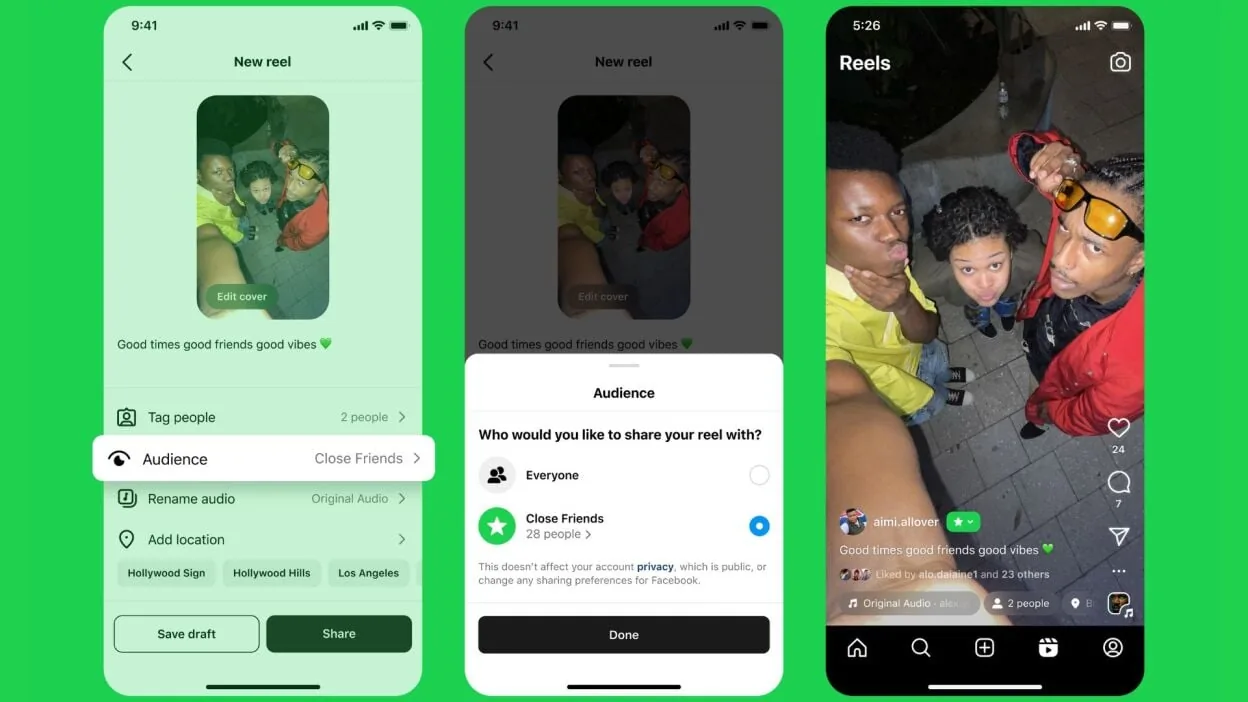
Can You Download Someone's Close Friends Story on Instagram?
Instagram has no native download button for someone else's Close Friends story. Here's what actually works, and why it's a privacy gray area.