How to Change Your Instagram Profile Picture
Change your Instagram display picture in seconds by tapping your current photo on your profile — here's the full process plus sizing tips.
Short answer
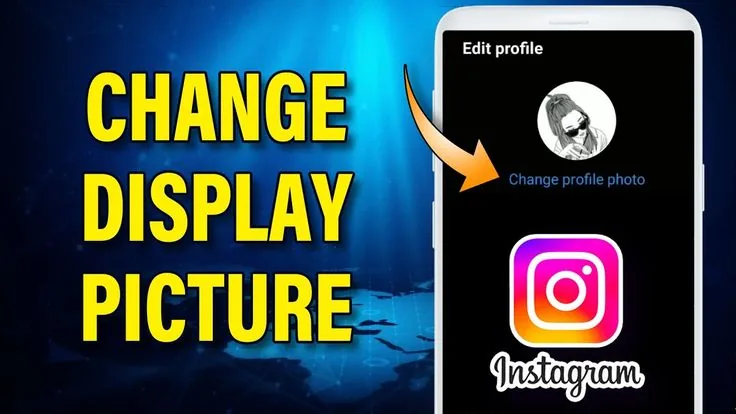
Open your profile, tap your existing profile picture (or go to Edit Profile), then choose New Profile Picture to upload a new photo or crop an existing one. The update applies instantly across posts, comments, and Stories, though it can take a few minutes to refresh everywhere.
Key takeaways
- Tap your current profile photo directly on your profile page to jump straight into the change flow
- Alternatively, go to Edit Profile and select the profile picture field from there
- Instagram crops new photos into a circle, so center your subject and avoid busy edges
- Changes apply almost instantly on your own profile but can lag a few minutes in comments and old posts
- You can revert to a previous profile picture if Instagram saved it, or simply re-upload the old file
- Business and creator accounts follow the identical process — there's no separate settings path
How do I actually change my profile picture?
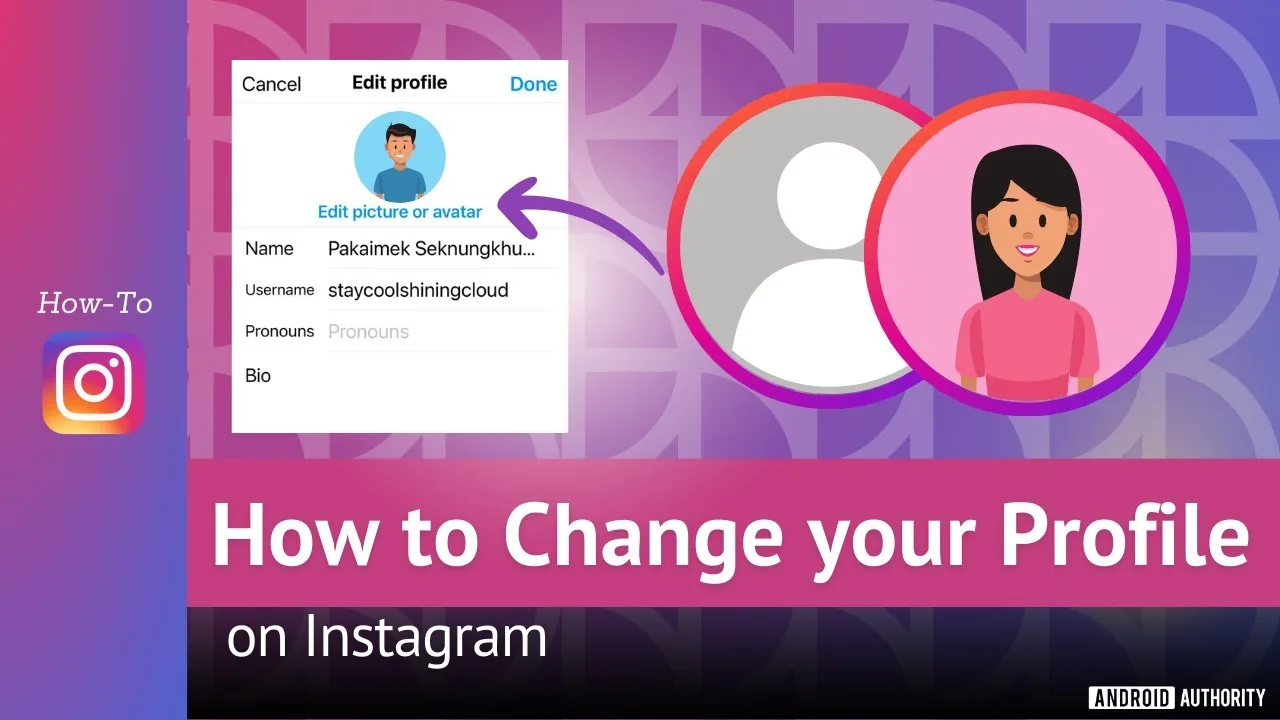
Open the Instagram app, go to your profile, and tap directly on your current profile picture — this opens a menu with the option to add a new photo. From there you can take a new picture, choose one from your camera roll, or in some cases pull from Facebook if your accounts are linked, similar to how you'd manage how to link facebook to instagram for cross-posting.
What's the alternative path if tapping the photo doesn't work?
Go to your profile, tap Edit Profile, and look for the profile picture thumbnail near the top of that screen — tapping it opens the same photo selection menu. This route is useful if you're already in Edit Profile updating other details, like when you're also working on how to write instagram bio text at the same time.
What size and shape should my photo be?
Instagram displays profile pictures as a circle, so use a square source image with your subject centered, since anything near the corners gets cropped out. A resolution of at least 320 by 320 pixels keeps the image sharp; anything smaller can look blurry, especially when viewers tap to expand it to full size.
How long does the new picture take to show up everywhere?
Your own profile updates almost immediately after you confirm the crop, but cached versions in old comments, DMs, or on other people's devices can take a few minutes to catch up. If it still looks wrong after a while, force-closing and reopening the app usually clears the stale cache faster than waiting.
Can I remove my profile picture entirely instead of replacing it?
Yes — in the same photo menu, look for a Remove Current Photo option, which reverts your profile to Instagram's default placeholder avatar. This is different from privacy settings like what does restrict mean on instagram, since removing your photo is purely cosmetic and doesn't limit who can view your account.
Does changing my profile picture affect anything else on my account?
No — your username, bio, and post history all stay exactly the same, and the update doesn't reset your follower count or notify your followers directly. It's purely a visual change, so pairing it with a broader profile refresh, like reviewing optimize instagram bio copy or checking how to look up instagram profile settings, is optional but often done together.
| Method | Where to start | Notes |
|---|---|---|
| Tap current photo | Your profile page | Fastest route on mobile |
| Edit Profile menu | Profile picture field | Useful when editing other details too |
| Import from Facebook | Photo menu, if linked | Requires connected Facebook account |
| Remove photo | Same photo menu | Reverts to default avatar |
If you manage multiple profiles, remember the process is identical for every account type, so switching between them follows the same steps you'd use for how to switch accounts on instagram before updating each one's photo.
Frequently asked questions
Tap your current profile photo on your profile page, then choose to take a new photo or select one from your camera roll to replace it.
Sources
Keep reading
More guides to grow your account.