How to Change Your Instagram Username (@handle)
Change your Instagram username from Edit Profile in seconds — the 30-character rule, what happens to your old handle, and whether you'll get it back later.
Short answer
Open Edit Profile, tap the Username field, type a new unique handle under 30 characters using only letters, numbers, periods, or underscores, and tap Done — Instagram checks availability live as you type.
Key takeaways
- Your username (the @handle) is different from your display name — this is the field that determines your profile URL and how people tag you.
- Change it from Edit profile → Username, type the new handle, and Instagram checks availability as you type.
- Usernames are capped at 30 characters and can only use letters, numbers, periods, and underscores — no spaces or other symbols.
- Usernames must be unique across all of Instagram; display names don't have that requirement.
- Instagram doesn't publish a fixed guaranteed grace period for reclaiming a released username — it becomes available to others once it's no longer tied to an active account, and high-reach accounts may need a review before the change applies.
- Your followers may be notified when you change your username, so it's not a silent switch.
How do you change your Instagram username?
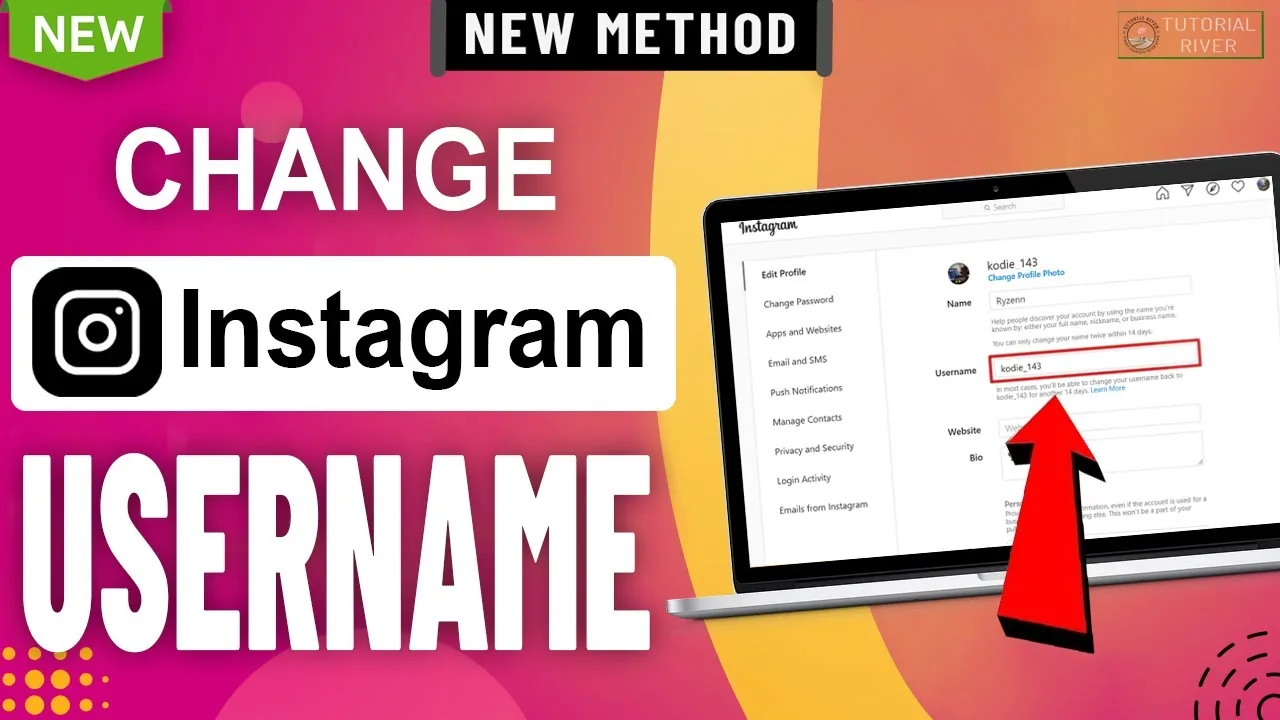
Open your profile, tap Edit profile, tap the Username field, clear the current handle, and type your new one. Instagram validates it live — showing whether it's available — and tapping Done or Submit saves it immediately for most accounts.
| Field | Must be unique? | Character limit | Allowed characters |
|---|---|---|---|
| Username (@handle) | Yes | 30 | Letters, numbers, periods, underscores |
| Display name | No | 30 | Broader — includes emojis and most symbols |
What are the exact rules for a valid username?
A username must be 30 characters or fewer and can only contain letters, numbers, periods, and underscores — spaces, hyphens, and most other symbols aren't accepted. It also can't already be in use by another active account, and Instagram checks this instantly as you type a candidate handle. This is a stricter rule set than the display name field, which allows a wider range of characters and doesn't require uniqueness.
What happens to your old username after you change it?
Your old handle stops working as your profile link and becomes available for someone else to claim, though Instagram doesn't publish an exact, guaranteed timeline for when that happens. According to Instagram's own help documentation, a username becomes available again once it's no longer tied to an active account you own, and if your account reaches a large audience, the change itself may first need to go through a review before it takes effect.
Can you get your old username back later?
Sometimes — you can generally switch back to a previously used username if no one else has claimed it and it hasn't been recently released from another active account. There's no guarantee it will still be free, so treat reclaiming an old handle as possible, not certain.
Does changing your username notify your followers?
It can — Instagram's own guidance notes that followers may be notified when your username changes, unlike a display name change, which doesn't trigger a notification. Plan a deliberate rebrand rather than testing handles casually if you'd rather not surface repeated changes to your audience.
Does changing your username break old links or tags?
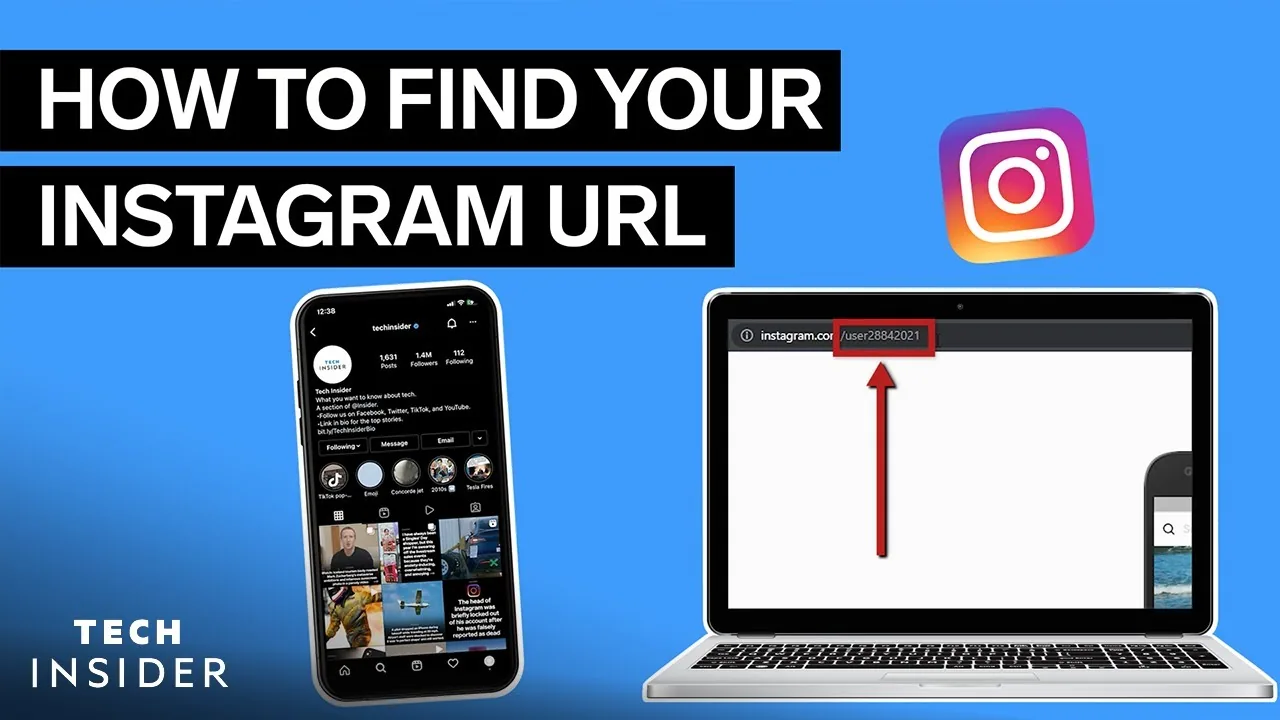
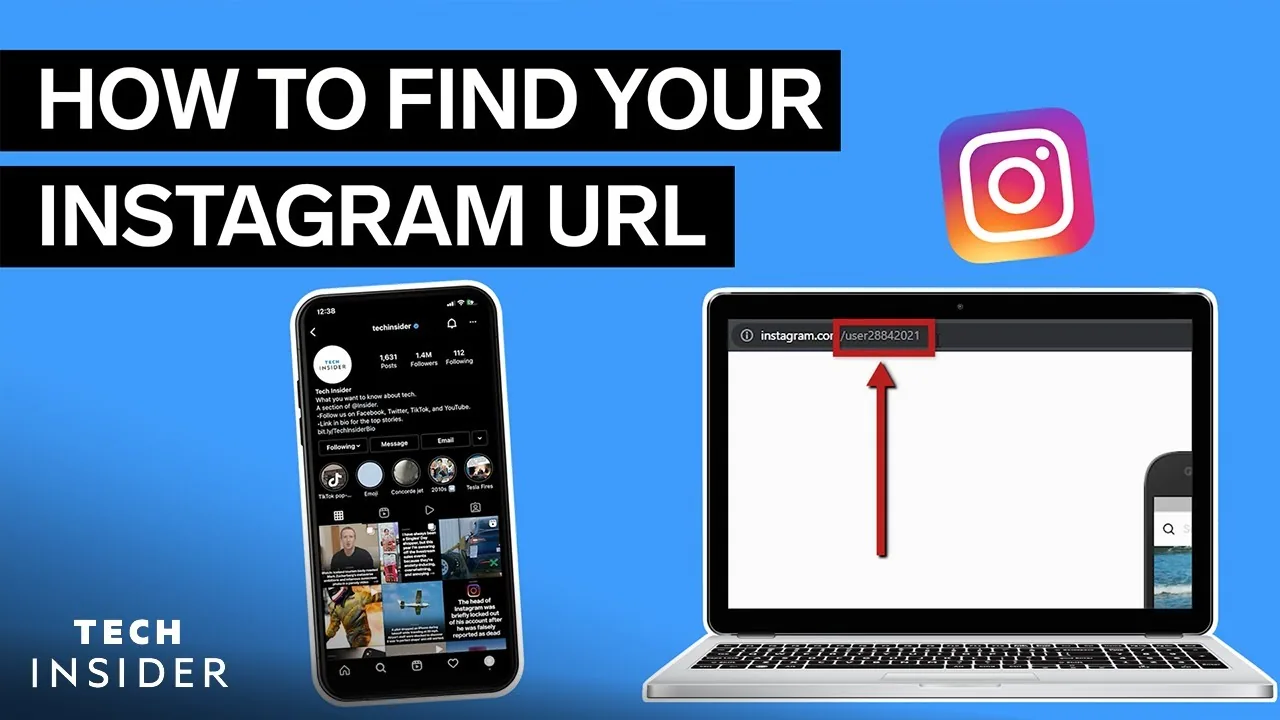
Yes. Any link, tag, or mention using your previous @handle stops resolving to your profile once the change takes effect, since your profile URL is generated directly from your username. Update external links — your Instagram bio link, website, other social profiles — right after changing, the same way you would after changing your profile picture or other identity details.
Does this affect your followers, posts, or account history?
No. Your follower count, posts, likes, and comment history all stay intact — only the handle itself and the URL built from it change. This is different from more disruptive actions like deactivating your account, which temporarily hides your profile entirely rather than just renaming it.
Does changing your Instagram username affect Threads?
It can, since Threads and Instagram usernames are connected through the same Meta account. If you actively use both apps, check your Threads handle after an Instagram username change to confirm it updated the way you expect rather than assuming it happened automatically.
What if your desired username is already taken?
Instagram won't let you claim a username that's actively in use, even by an inactive-looking account, unless it later gets released. Try a close variant — an underscore, a relevant word, or a period — and confirm your final choice reads clearly, since usernames with unusual character stacking are harder for people to type correctly when searching for your business or creator account.
Does your username choice matter for discovery and search?
Yes, more than most people assume — a clear, guessable username helps people find you directly rather than relying on the Instagram algorithm to surface your content. Pairing a clean handle with an optimized bio and consistent contact details, including a current email on file, gives people multiple easy ways to confirm they've found the right account.
Frequently asked questions
Go to Edit profile, tap the Username field, type a new unique handle, and tap Done. Instagram checks availability as you type and saves the change immediately for most accounts.
Sources
Keep reading
More guides to grow your account.