Can I See Who Shared My Instagram Post?
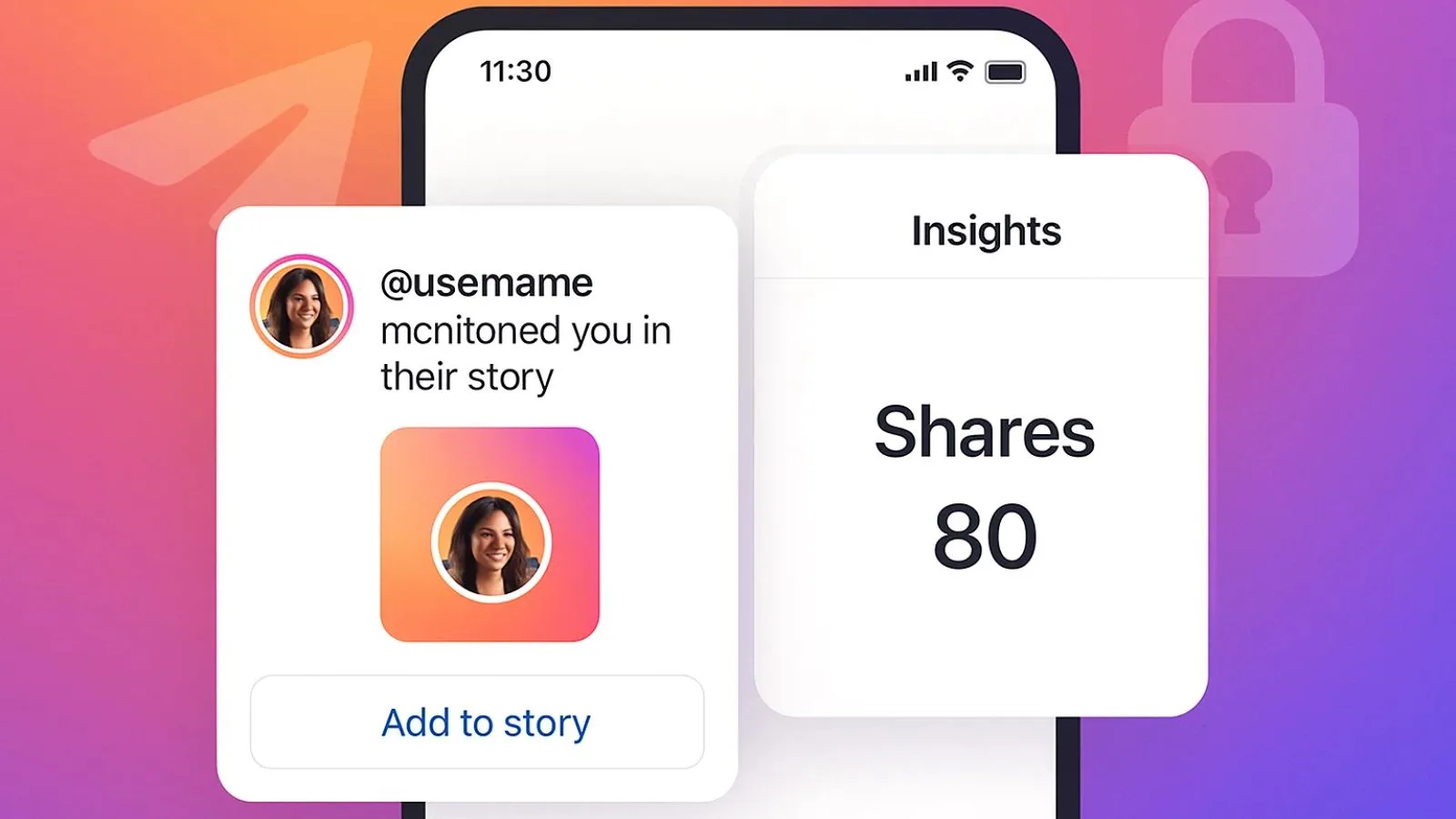
No — Instagram doesn't give post authors a full list of everyone who reshared their post to Stories or sent it via DM. You only get partial visibility: a notification if someone shares to their Story and tags you, viewable in your Stories tray for 24 hours.
Short answer
No — Instagram doesn't give post authors a full list of everyone who reshared their post to Stories or sent it via DM. You only get partial visibility: a notification if someone shares to their Story and tags you, viewable in your Stories tray for 24 hours.
Quick answer
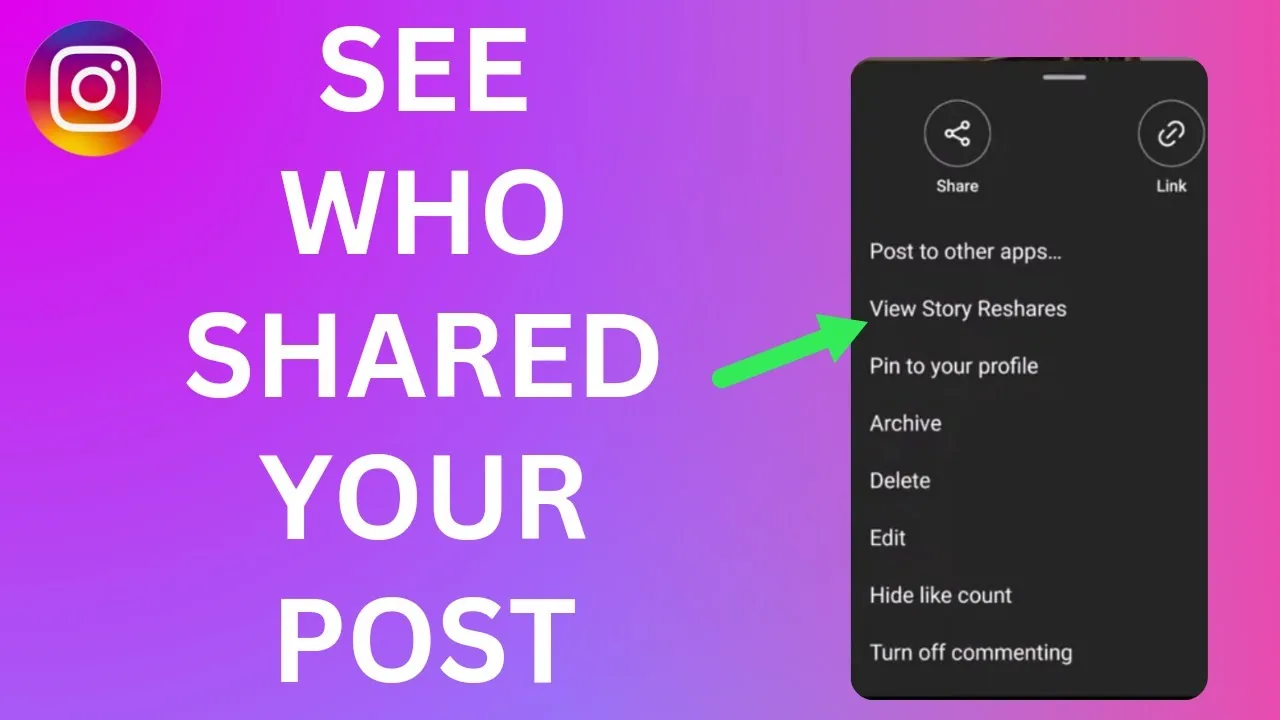
No, not comprehensively. Instagram does not provide a full "reshare list" showing everyone who shared your feed post to their Story or forwarded it in a DM. There is no equivalent of the Stories viewer list for reshares. What you do get is partial: if someone reshares your post to their own Story and it includes your account tag (which Instagram adds automatically when you use the built-in Share > Add post to your story option), you'll receive a notification, and you can see that specific share by tapping into your notifications or viewing their Story within its 24-hour window. Beyond that one case, reshares and DM shares are invisible to you as the original poster.
Key takeaways
- There is no menu, tab, or insights panel that lists every account that shared your post
- Story reshares that keep the automatic post-sticker tag will trigger a notification to you and are visible if you view that person's Story before it expires in 24 hours
- If someone screenshots your post or reshares it after removing/editing the sticker, you get no notification at all
- Shares sent through Direct Messages are completely private between sender and recipient — the original poster is never notified and never sees who received it
- Instagram Insights (for Professional accounts) shows an aggregate "Shares" count on a post, but never a list of names
What visibility actually exists
Story reshares. When someone taps the paper-airplane Share icon under your post and chooses "Add post to your story," Instagram generates a sticker version of your post with your username attached, and posts it to their Story. Because that sticker functions like a tag, you get a notification ("[username] shared your post"), and if you tap into their Story within the 24 hours it's live, you can see it. If you miss the 24-hour window, that visibility disappears along with the Story — there's no permanent record for you to check later unless you happen to have Story Highlights access to their account or they saved it there.
Direct Message shares. When someone sends your post to another person or group through DM, that action is entirely private. Instagram does not notify the original poster, does not log it anywhere visible to you, and gives you no way to see who received your content this way, no matter your account type or settings.
Aggregate share count. If you have a Business or Creator account, tapping "View insights" under one of your posts shows a numeric "Shares" metric — a running total of how many times the post was shared, combining Story reshares, DM shares, and shares to other apps. This number tells you volume, never identity.
Why Instagram works this way
Instagram intentionally treats DM shares like private messaging — the same privacy logic that keeps your own DMs from being visible to anyone but the participants applies when you forward someone else's post. Making reshares fully trackable would mean exposing who's talking to whom about a piece of content, which runs counter to how Meta designs sharing as a private, low-friction action. The Story case is the exception because a Story is public-facing (or visible to your followers) rather than a private message, and the sticker functions as a visible on-screen tag, similar to being tagged in a photo.
Common mistakes to avoid
- Assuming a high "Shares" count in Insights means you can drill down into who shared it — you can't
- Missing a Story share notification and then not being able to find it later because the 24-hour window closed
- Confusing this with the separate "Activity" or "Viewers" list on your own Stories, which is a different feature entirely (that one does show you who viewed your Story)
- Believing a third-party app that claims to reveal who shared your post via DM — no legitimate app has access to that data, since it isn't exposed by Instagram's API
Tips for a workaround
- Ask followers directly to tag or mention you when they share your content if you want to track engagement more actively
- Turn on notifications for your account so you don't miss the Story-share alert during its 24-hour visibility window
- For Professional accounts, use the aggregate Shares metric alongside saves and comments to gauge overall content performance, rather than trying to identify individuals
Conclusion
Instagram was built to let people share content quietly, so the original poster only sees a fraction of the picture: tagged Story reshares within a 24-hour window, plus an anonymous total count. Anyone claiming to unlock a full reshare or DM-share list is not describing a real Instagram feature.
Frequently asked questions
No. You're only notified when someone reshares your post to their Story using the built-in sticker, which keeps your account tagged. DM shares and reposts through other apps generate no notification at all.
Sources
Keep reading
More guides to grow your account.