How Do I Change My Pic on Instagram?
To change your Instagram profile picture, open your profile, tap your current photo or Edit profile, then choose a new photo from your camera roll, take a new one, or select an avatar — the change is visible everywhere on Instagram within seconds.
Short answer
Tap your profile photo or Edit profile, then New Profile Photo to upload an image, snap a new one, or pick a saved avatar — Instagram updates it instantly across your posts, comments, and Stories.
Quick answer
To change your profile picture, go to your profile, tap your current photo (or Edit profile), then tap it again and choose New Profile Photo. From there you can upload a photo from your camera roll, take a new one on the spot, or use a saved Instagram avatar. The update applies immediately across your whole account — profile, comments, Stories, and DMs.
Key takeaways
- The fastest path is tapping your existing profile photo directly from your profile page, not just going through Edit profile.
- Instagram profile photos display as a circle, so square or off-center images can get cropped unpredictably — center your face or subject before uploading.
- You can also set your profile photo to match your Facebook profile picture if the accounts are linked, or use a custom Instagram avatar instead of a real photo.
- Business and creator accounts follow the exact same steps as personal accounts — there's no separate photo tool for professional profiles.
- Removing your profile photo entirely isn't possible; you can only replace it with another image or the default silhouette placeholder by deleting the current one without adding a replacement immediately.
Step-by-step: changing your profile picture
- Open the Instagram app and tap your profile icon in the bottom right.
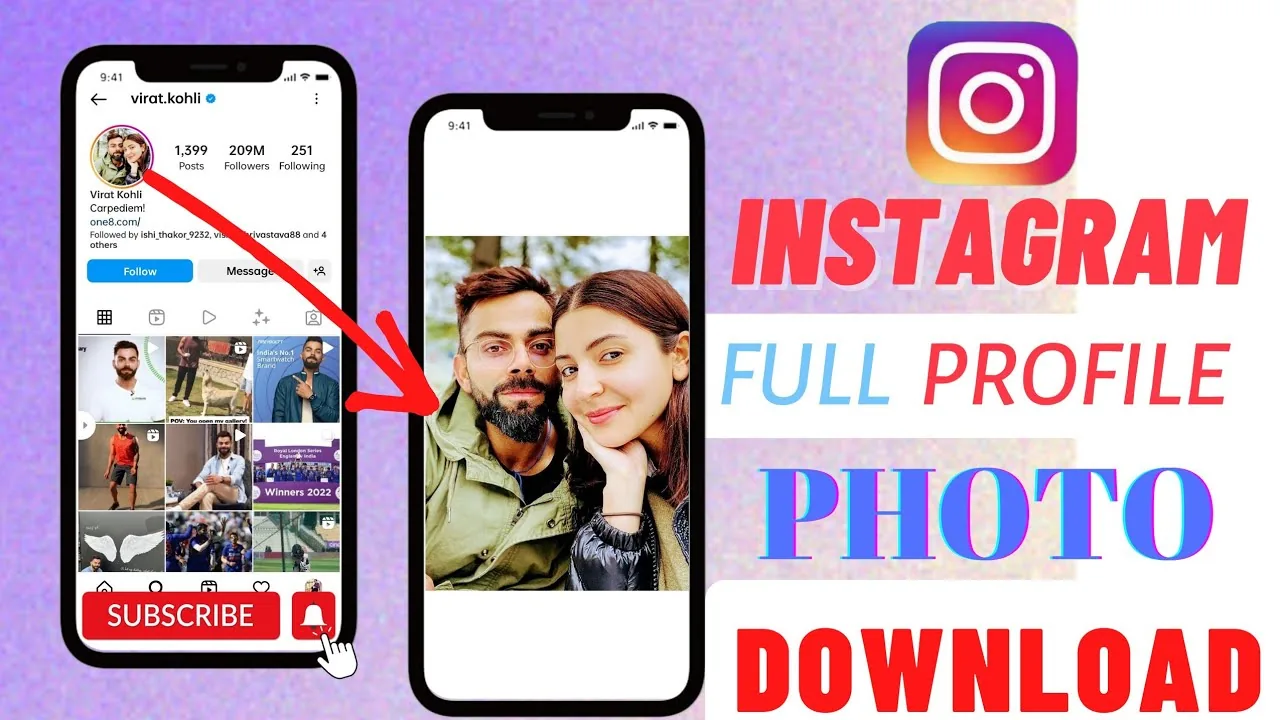
- Tap your current profile photo (the circular image at the top), or tap Edit profile and then tap the photo there.
- Choose one of the options: New Profile Photo (upload from your library), Take Photo, Import from Facebook (if linked), or Choose from Avatars.
- If uploading, select your image, drag to reposition and zoom to fit the circular crop, then tap Done.
- Confirm — the new photo appears on your profile, and older posts and comments will show it retroactively since Instagram doesn't archive a history of past profile photos.
Using an Instagram avatar instead of a photo
Instagram lets you create a customizable cartoon-style avatar and set it as your profile picture instead of a real photo. From the same photo-change menu, select Choose from Avatars, then either pick a preset style or build one by adjusting skin tone, hair, outfit, and expressions. This is a popular option for people who want a recognizable profile image without posting their actual face.
Common mistakes to avoid
- Uploading a rectangular image without adjusting the crop first — the circular frame will cut off edges unpredictably, often trimming faces or logos.
- Assuming a business Instagram account needs to sync its picture with a Facebook Page logo — the two can be set independently even when the accounts are connected.
- Forgetting that your profile photo appears small in search results and comment threads, so busy or highly detailed images often look muddy at that size — simpler, higher-contrast images tend to read better small.
- Expecting to preview how the photo looks before saving — always double-check the final crop on your live profile after confirming, since the in-editor preview can differ slightly from the final render.
Tips
- If you're also updating your display name to match a rebrand, see our guide on changing your name on Instagram — name and photo changes are handled from the same Edit profile screen.
- For usernames (the @handle, not the display name), the process is different — check how to change your Instagram username.
- If you want inspiration for consistent profile branding across platforms, keep the same photo or a close variant on Instagram and any linked Facebook Page for easier recognition.
Frequently asked questions
No — Instagram always displays profile photos in a circular frame throughout the app, including search results, comments, and Stories. You can adjust the zoom and position before saving, but you can't switch to a square or other shape.
Sources
Keep reading
More guides to grow your account.