Instagram guides and how-tos
408 step-by-step Instagram how-tos. Filter by what you want to work on next.
 Reels
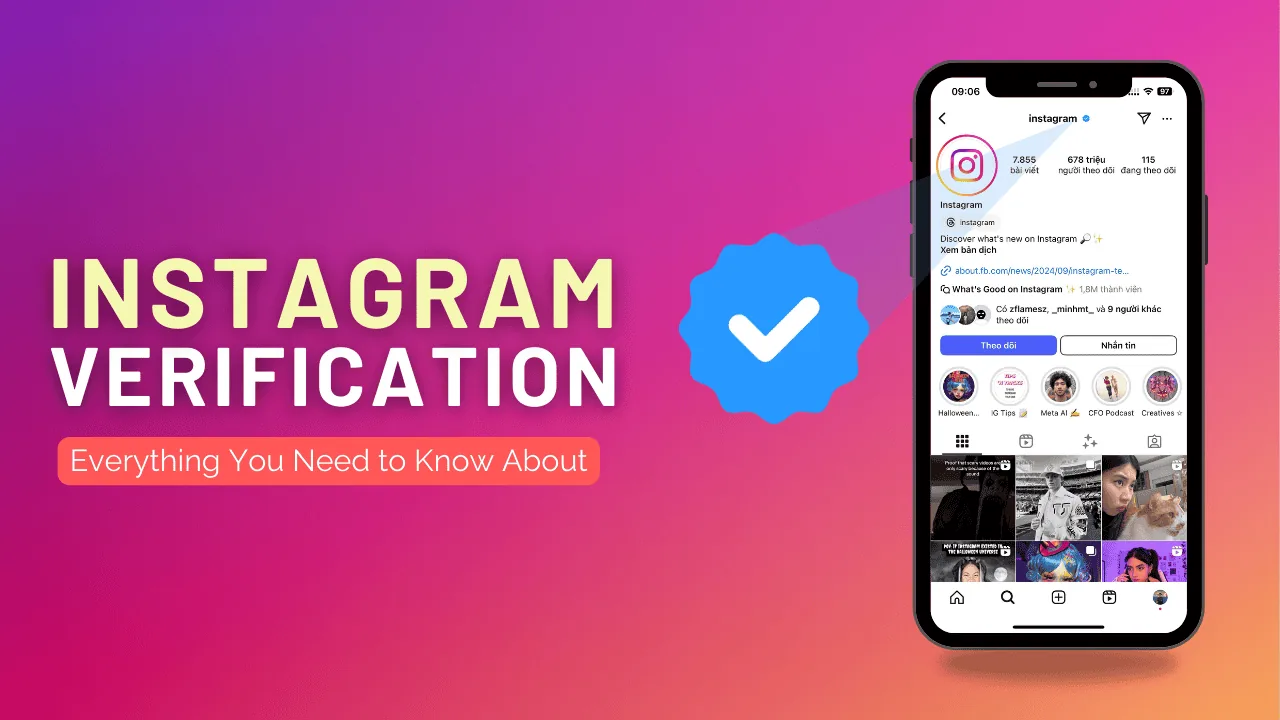
ReelsHow Can I Get Instagram Verification?
Free blue-check verification requires proving your account is authentic, unique, complete, and notable (genuinely covered by multiple independent news sources) via a government ID submitted through Account Center — it's a separate process from the paid Meta Verified subscription.
 Explainers
Can You See Who Views Your Instagram?
It depends on what you mean by "views": Instagram never shows who visits your main profile or feed posts, but it does show a viewer list for Stories and an aggregate view count for Reels.
 Monetization
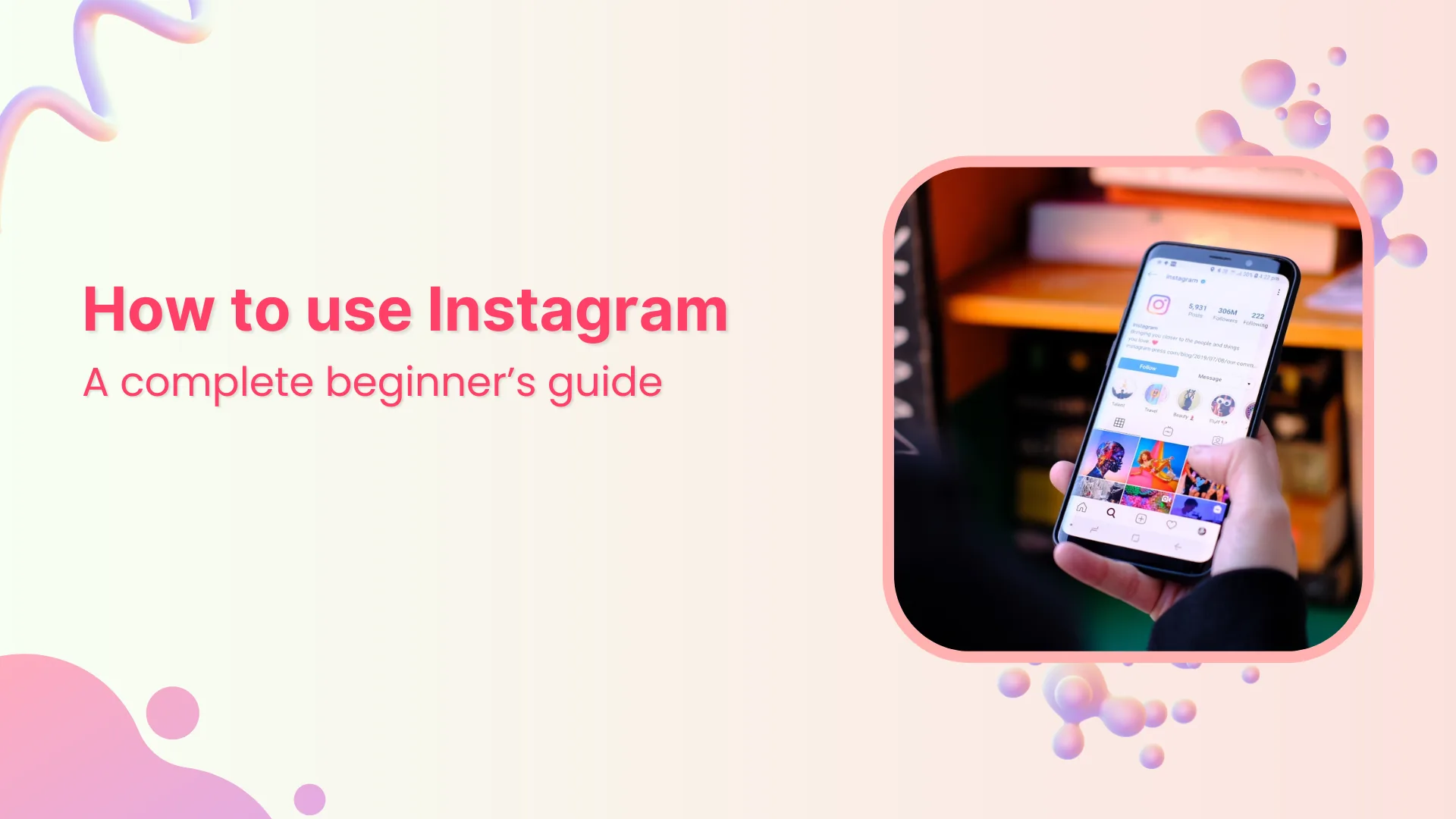
How Can I Use Instagram? A Beginner's Guide
Instagram centers on five tabs — Home feed, Search/Explore, Reels, notifications, and your profile — plus three content types (permanent posts, 24-hour Stories, and short-form Reels), tied together by following other accounts and messaging through DMs.
 Explainers
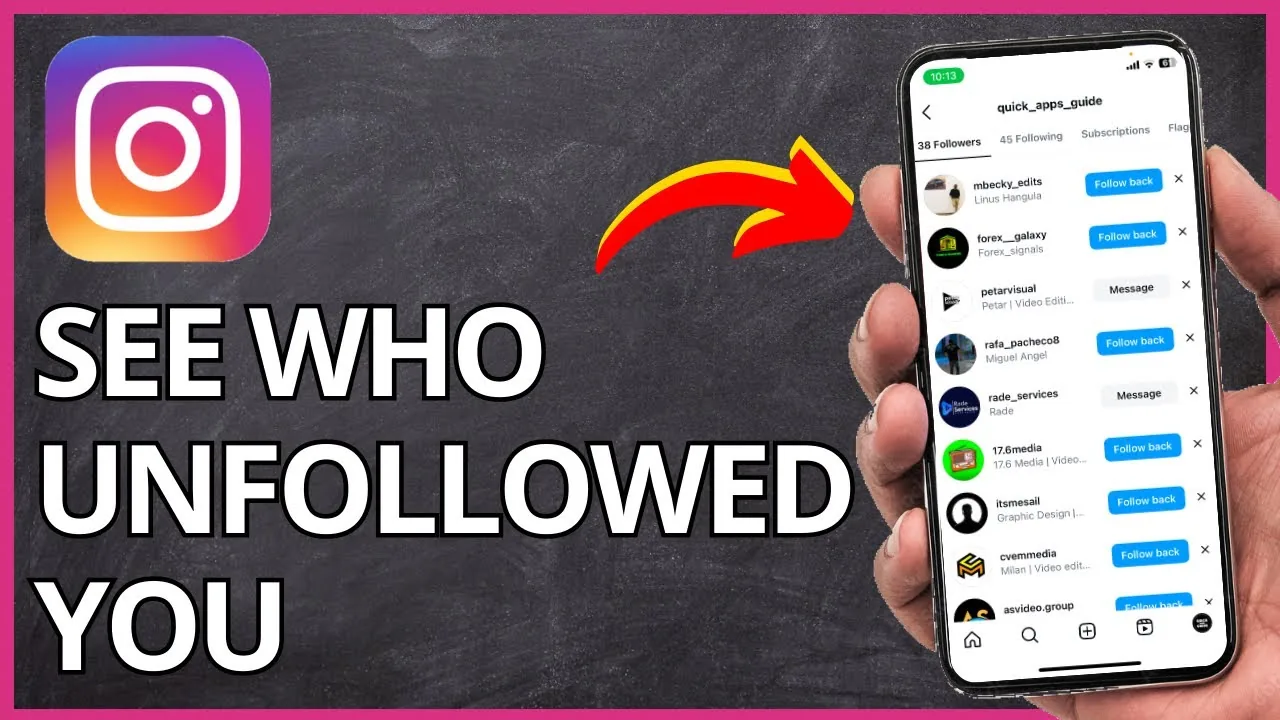
How to Check Who Unfollowed You on Instagram (2026)
Instagram won't notify you when someone unfollows you. Here are the real ways to spot who left, from manual checks to safe tracker apps.
 Monetization
How to Monetize Instagram in 2026: 6 Real Ways to Earn
From Reels bonuses to subscriptions and brand deals, here's how creators actually monetize Instagram in 2026 and which options fit your audience size.
 Explainers
How to View Instagram Stories Anonymously (2026 Guide)
Instagram has no built-in incognito mode, but a private second account or a story-saver tool lets you view stories without the poster knowing.
 Explainers
Why Can't I Go Live on Instagram? Common Fixes 2026
The Live button usually disappears due to age restrictions, an outdated app, a weak connection, or a recent Community Guidelines strike.
 Profile & Bio
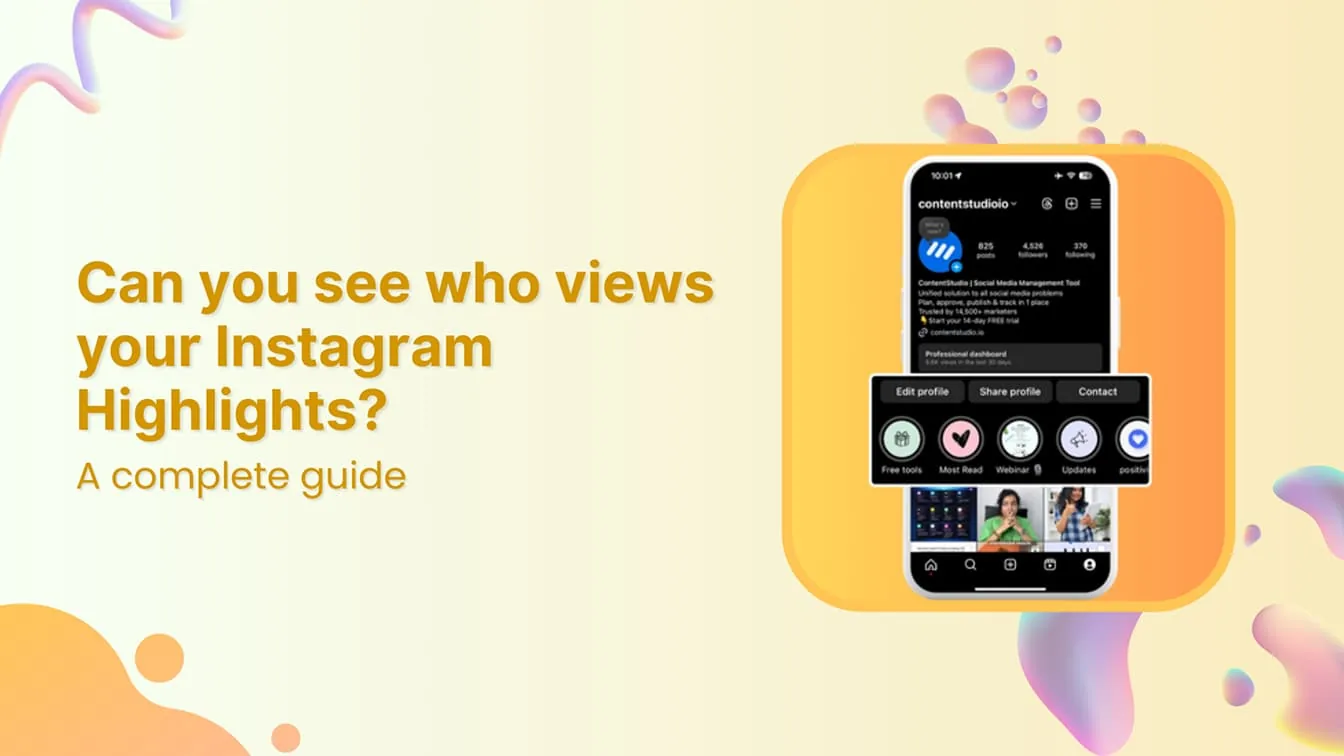
Can People See if You View Their Profile on Instagram?
No. Instagram has no feature that reveals who viewed a profile, and any app that claims to show this is not legitimate and typically puts your account at risk.
 Growth
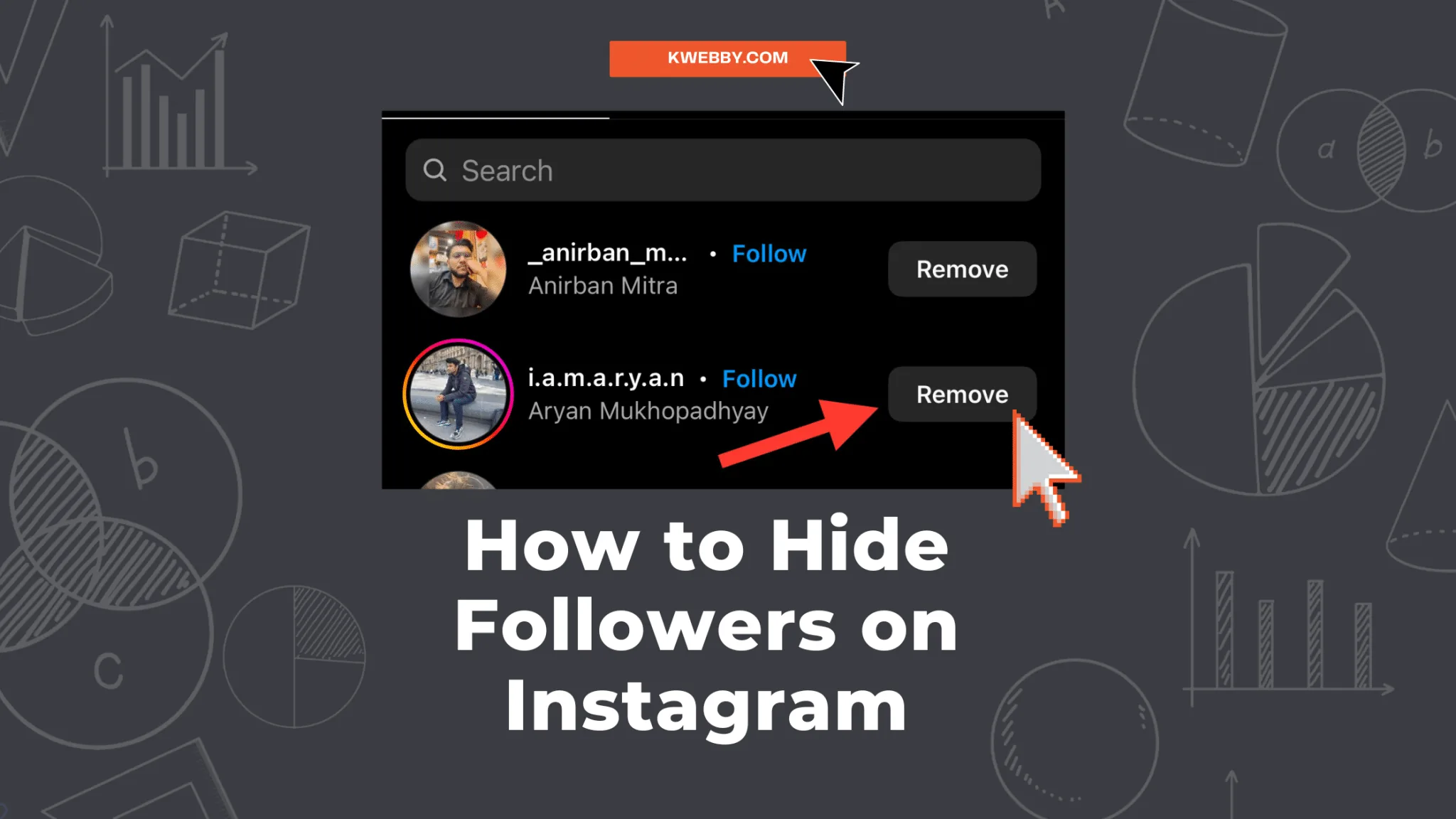
How Can I Hide My Followers in Instagram?
Instagram has no button that hides your follower list from specific people, but switching to a private account limits it to approved followers only, and in some regions you can hide the follower/following count on your own profile.
 Growth
How Many Photos Can You Post in One Instagram Post?
Instagram carousels now allow up to 20 photos or videos per post, double the old 10-item limit, though rollout and third-party tools vary.
 Tools & Privacy
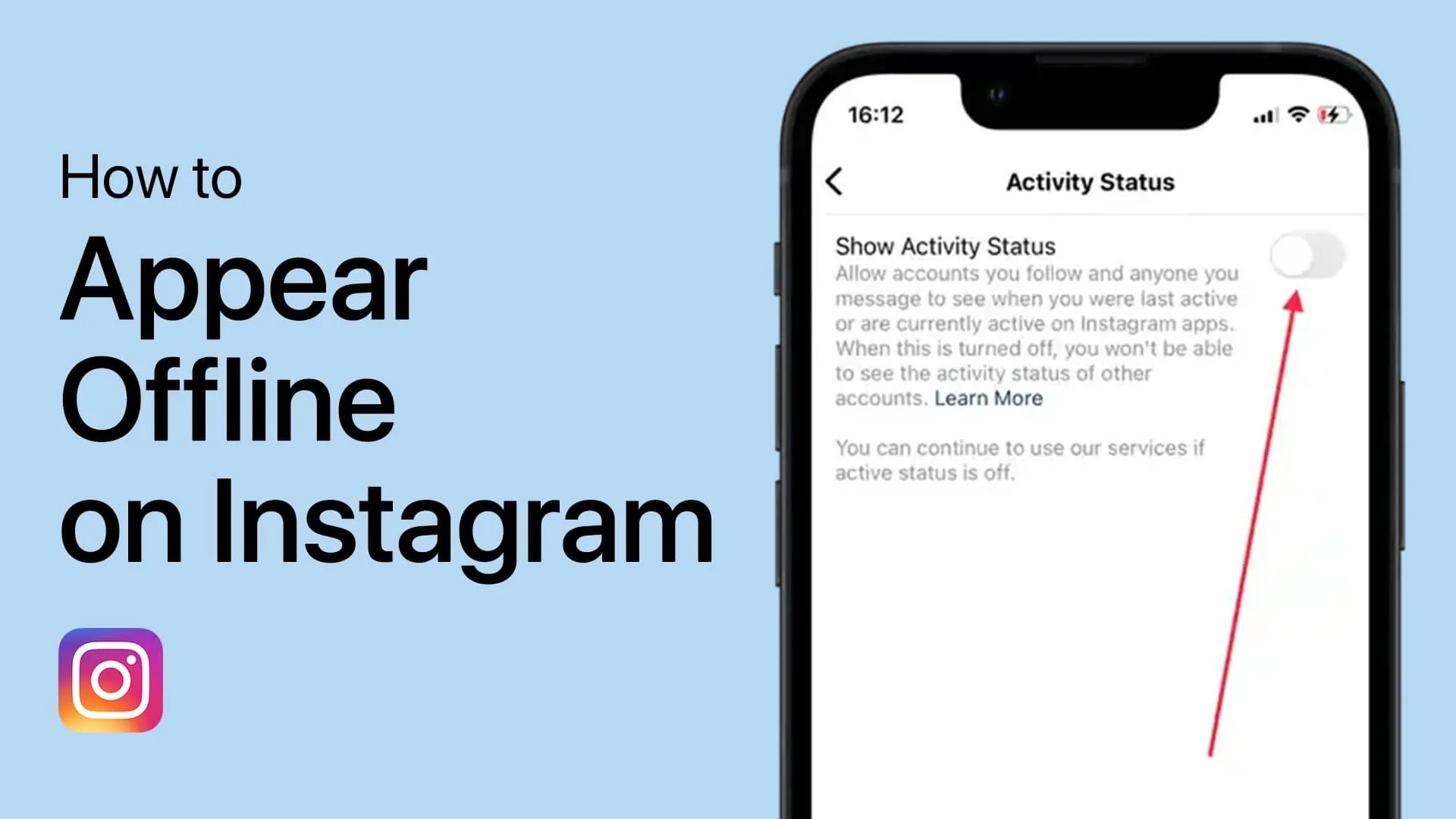
How to Appear Offline on Instagram (Turn Off Active Status)
Turn off Instagram's active status so the green dot and Active Now label disappear from your profile and DMs, letting you browse without showing you're online.
 Explainers
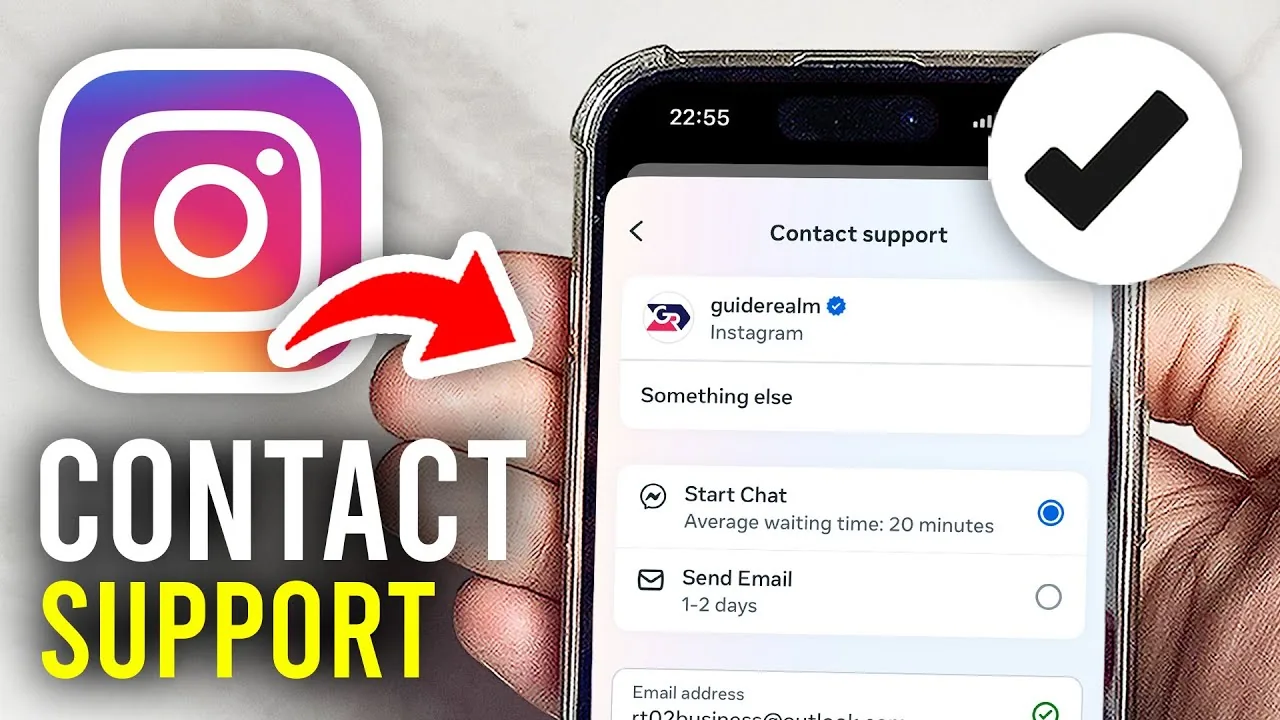
How to Contact Instagram Support in 2026 (Real Options)
Instagram has no public phone number — use the in-app Help Center, the Meta AI support assistant, or report tools to reach a real resolution.
 How-To
How to Post Photos on Instagram: Step-by-Step Guide
From single shots to 20-image carousels, here's exactly how photo posting works on Instagram in 2026, including sizing and editing tips.
 Explainers
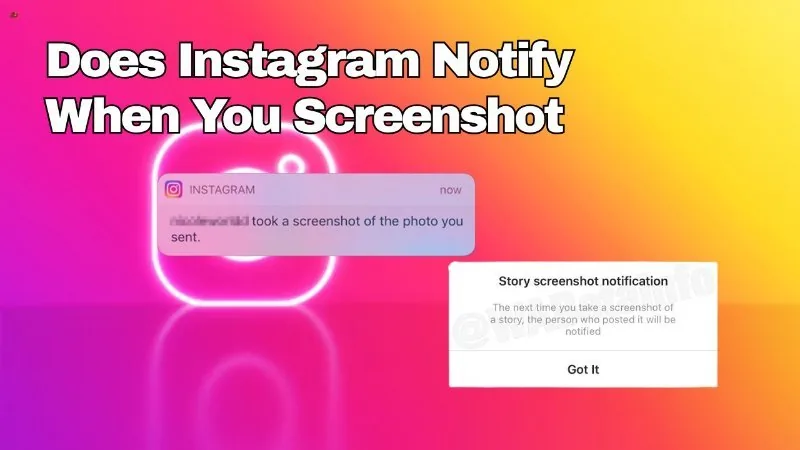
Does Screenshot Instagram Notify?
It depends entirely on what you're screenshotting: regular posts, feed content, and Stories never trigger a notification, while disappearing photo or video messages sent in a direct message can — though even that alert has become unreliable on recent Instagram versions.
 How-To
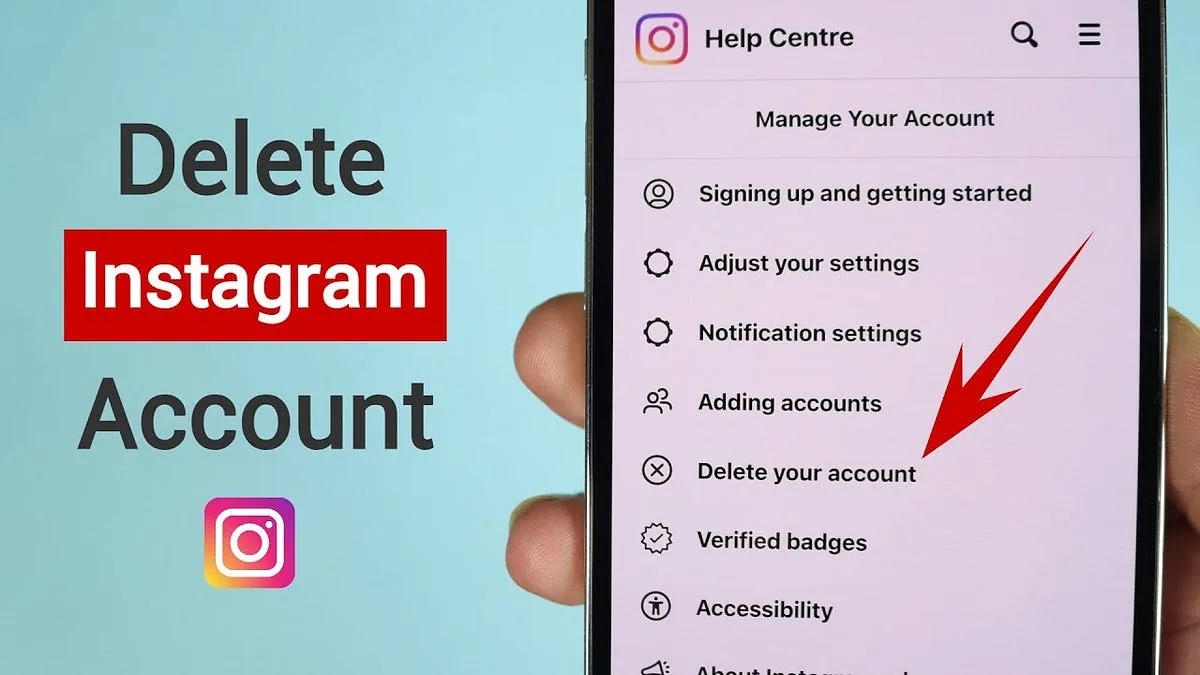
How Can I Deactivate My Instagram Temporarily?
Temporary deactivation isn't available in the mobile app — you have to do it from a browser, via Settings/Accounts Center > Personal details > Account ownership and control > Deactivation or deletion.
 Growth
What Happens When You Deactivate Your Instagram Account
Deactivating hides your profile, posts, comments, and likes from everyone else while your username stays reserved and your data stays intact, and logging back in at any time immediately undoes it.
 Profile & Bio
How Can You Save Photos on Instagram?
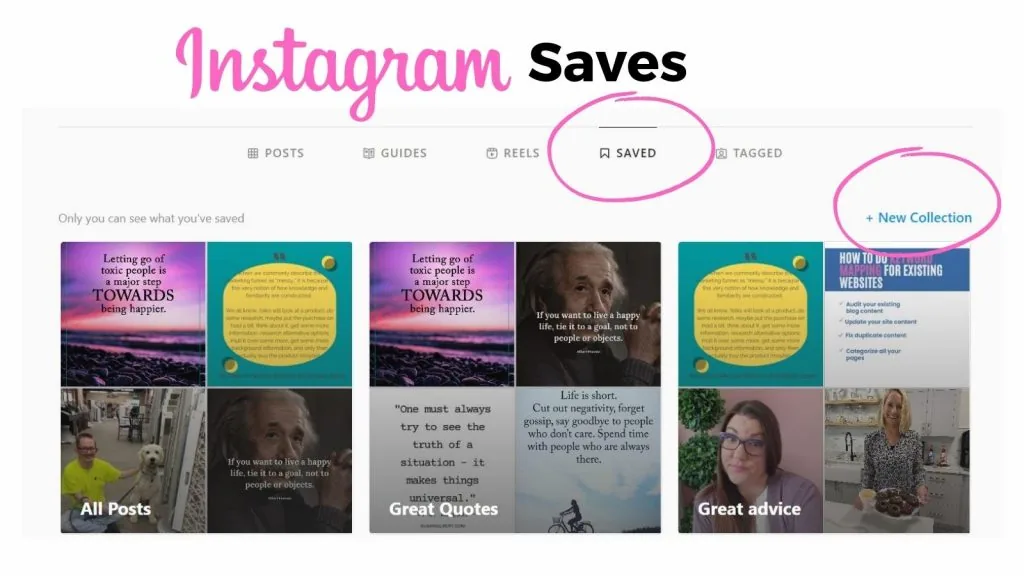
Tap the bookmark icon on any photo to file it into your private Saved Collections for quick browsing later - it's the fastest way to build a swipe file of outfits, recipes, or design ideas without leaving the app.
 Reels
ReelsHow Do I Delete My Instagram Account Permanently?
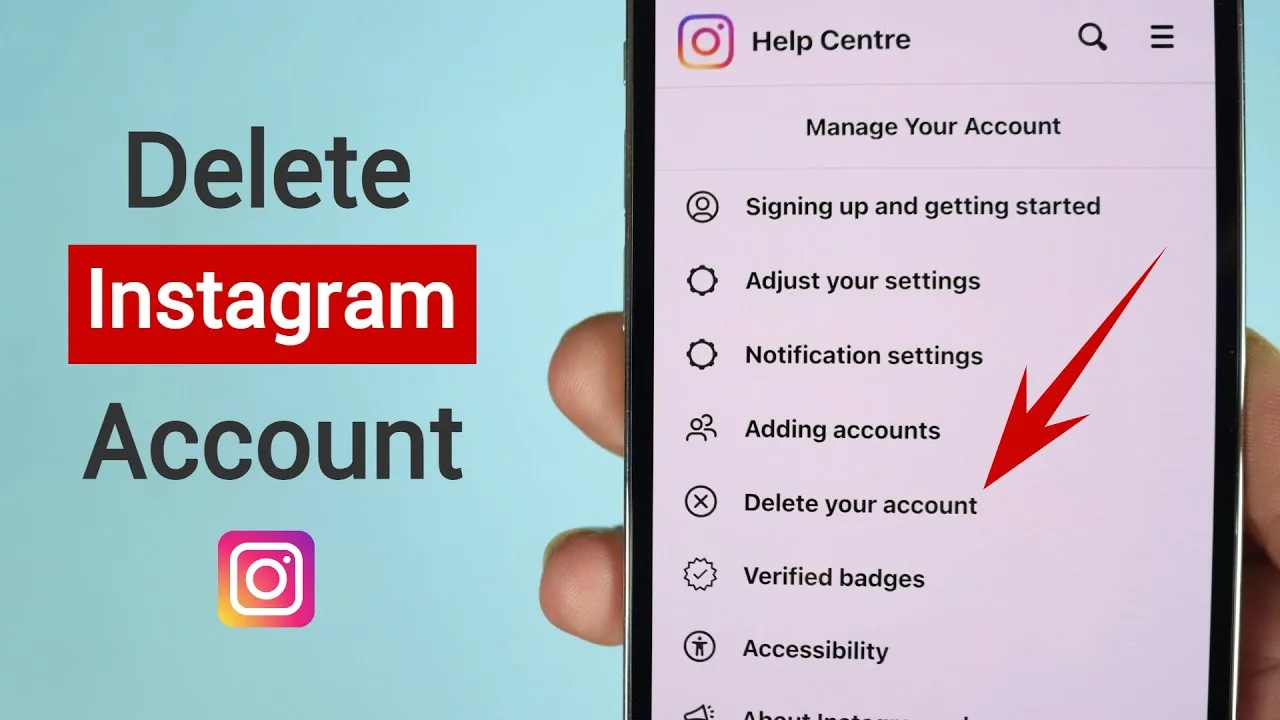
Delete your Instagram account via Accounts Center on web or mobile. You get a 30-day grace period before deletion becomes permanent.
 Explainers
How Does Instagram Work in 2026? The Complete Beginner Guide
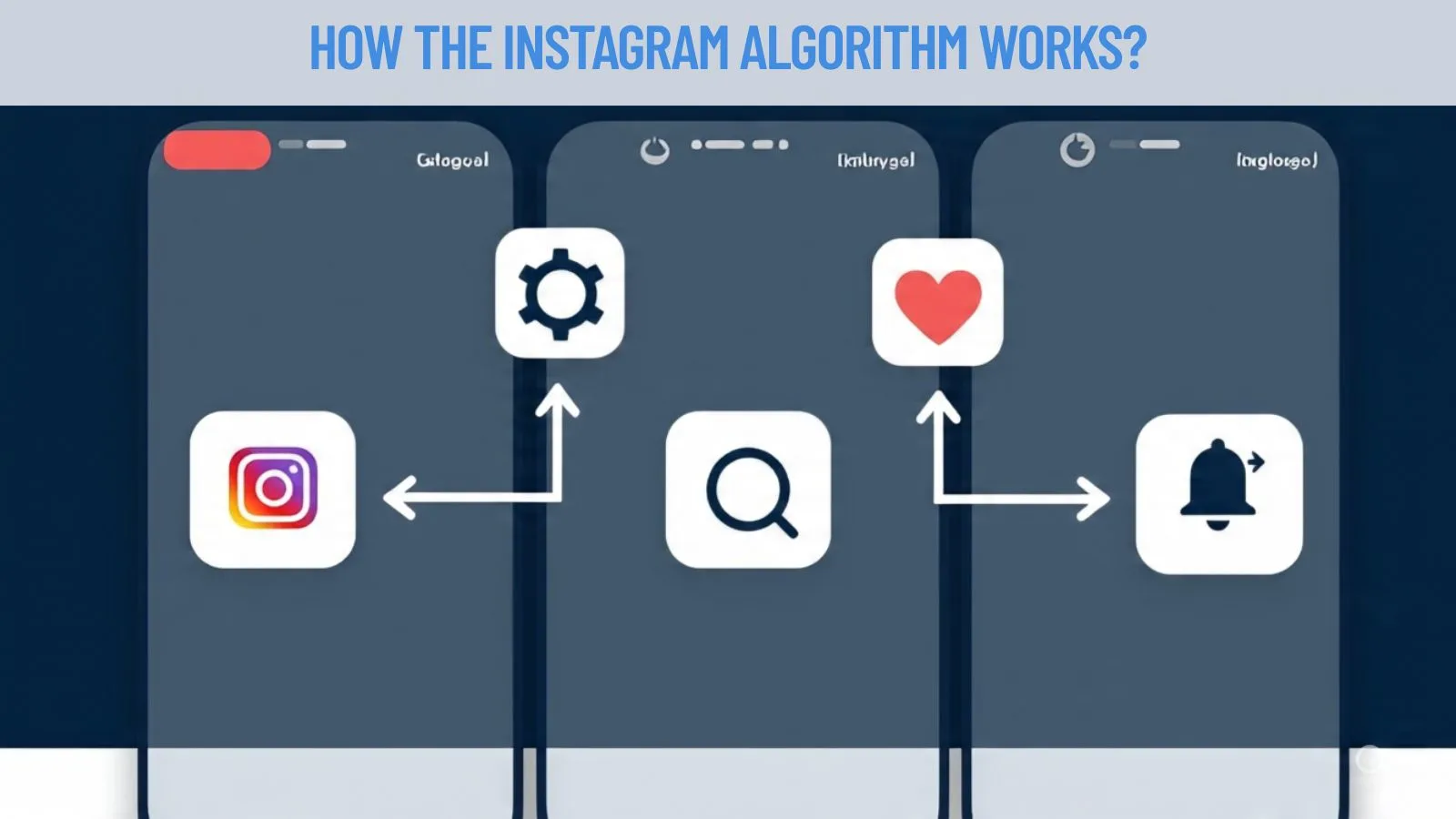
How Instagram's algorithm, Feed, Reels, Explore, Stories, and business model actually work in 2026, explained in plain English.
 Reels
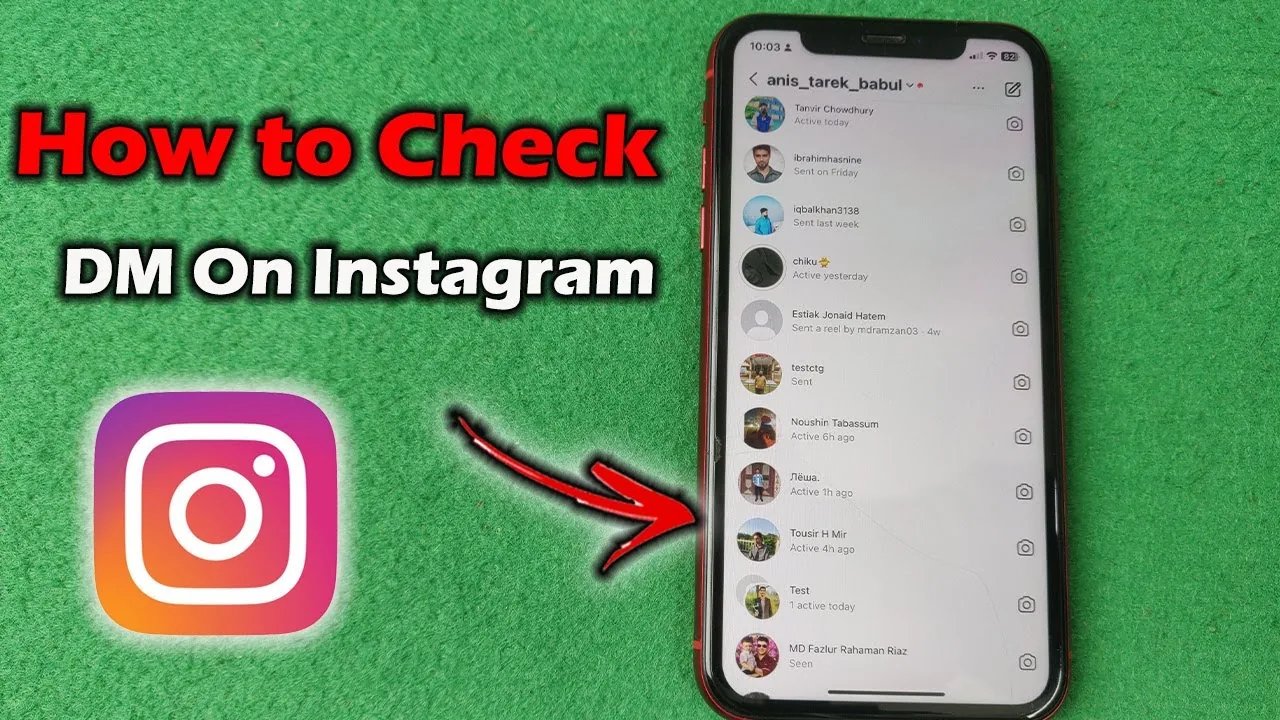
ReelsHow to Check DMs on Instagram, Including Requests
Where to find Instagram DMs, why message requests hide with no notification, and how the Primary, General, and Requests tabs actually work.
 Explainers
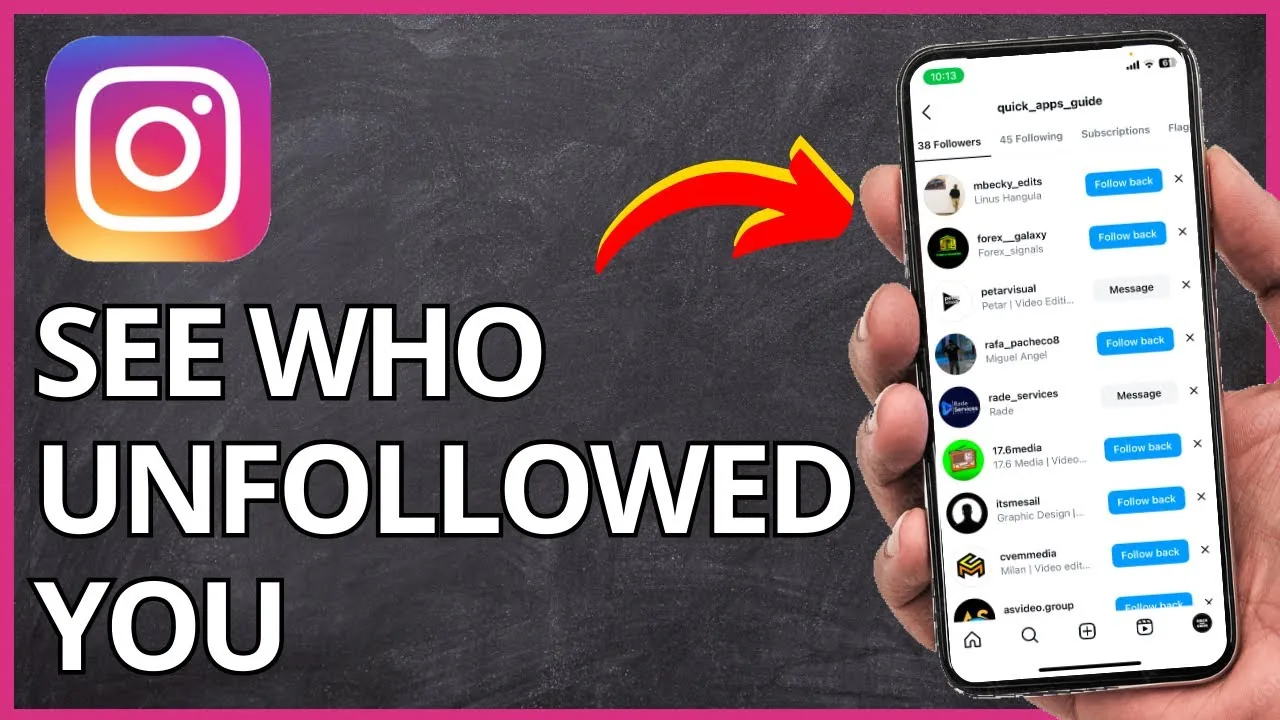
How to Know Who Unfollowed You on Instagram in 2026
Instagram has no built-in unfollower list, so compare follower counts manually or use a ZIP data export tool instead of risky login-based apps.
 Reels
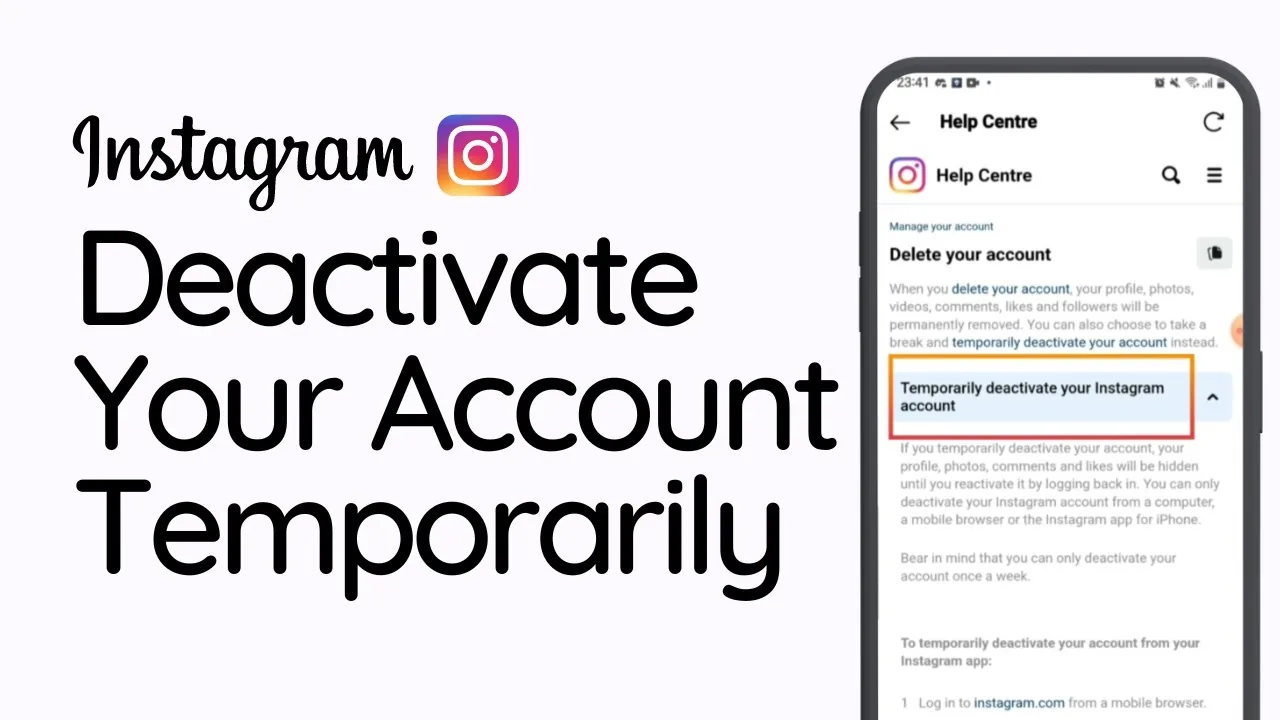
ReelsHow to Temporarily Disable Your Instagram Account (2026)
Deactivate Instagram through a browser to hide your profile instantly and reversibly, without losing any posts, followers, or messages.
 Profile & Bio
What Does It Mean to Restrict Someone on Instagram?
Restricting someone limits their ability to see when you're active or that you've read their messages, and moves their comments on your posts so only they can see them by default — all without unfollowing, blocking, or notifying them that anything changed.
 How-To
Why Is Instagram Not Working? Common Fixes for 2026
Instagram issues are usually a server outage, a stale app version, or a local connection problem. Here's how to tell which one and fix it fast.