Can Instagram See Screenshots?
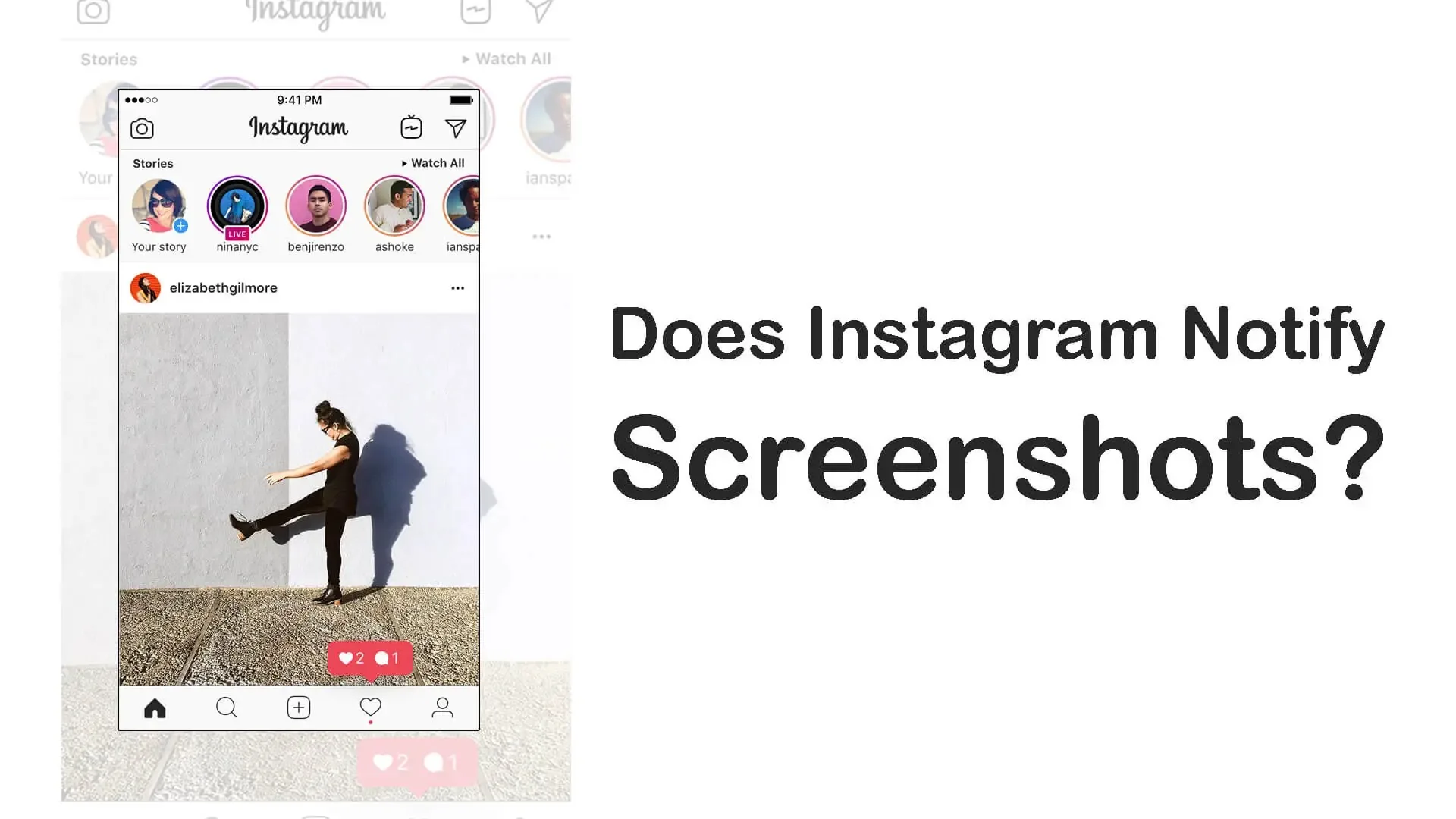
Instagram's app can technically detect a screenshot event on your phone, but it only turns that into a notification for one feature: disappearing photos and videos in DMs. Feed posts, profiles, and regular Stories are never flagged.
Short answer
Instagram can technically detect a screenshot happening on-device, but as of 2026 it only reports that to another user for disappearing (view-once/replay) DM photos and videos — never for regular posts, profiles, or Stories.
Quick answer
Detecting a screenshot and reporting it to someone else are two different things, and it's easy to conflate them. Instagram's app runs on operating systems (iOS and Android) that notify any open app when a screenshot is taken, so at a technical level, yes, Instagram "sees" that the event happened. But Instagram only converts that raw signal into an actual notification to another person in one specific place: disappearing photos and videos sent in a direct message. Regular feed posts, profile visits, Reels, and standard Stories are not covered — you can screenshot any of those with zero notification sent anywhere.
Key takeaways
- Technical detection and user notification are separate: the OS can tell an app a screenshot happened, but Instagram only acts on it in one narrow feature.
- Disappearing/view-once photos and videos in DMs: screenshotting or screen-recording them DOES alert the sender.
- Feed posts, carousels, Reels, and profile pages: no screenshot detection is ever surfaced to anyone.
- Regular Stories (the normal 24-hour kind): no screenshot alert — Instagram tested this in 2018 and dropped it.
- Any app or service claiming to reveal screenshot activity on regular content has no real access to that data.
What's actually happening under the hood
On iOS, the operating system fires UIApplication.userDidTakeScreenshotNotification to whichever app is in the foreground. Android has comparable mechanisms apps can use to notice a new screenshot file. Because of this, essentially every major app — Instagram included — is capable of noticing when you screenshot while it's open. That's the full extent of what "Instagram can see screenshots" means in a technical sense.
What matters to users is what Instagram does with that capability, and the answer is: almost nothing, except in one place.
Where Instagram does NOT act on it
- Feed posts and carousels — no notification to the poster, ever, regardless of account type.
- Reels — same as feed posts.
- Profile pages — screenshotting someone's profile (bio, grid, highlights) is invisible to them; this has nothing to do with the separate "who viewed my profile" myth, which doesn't exist either.
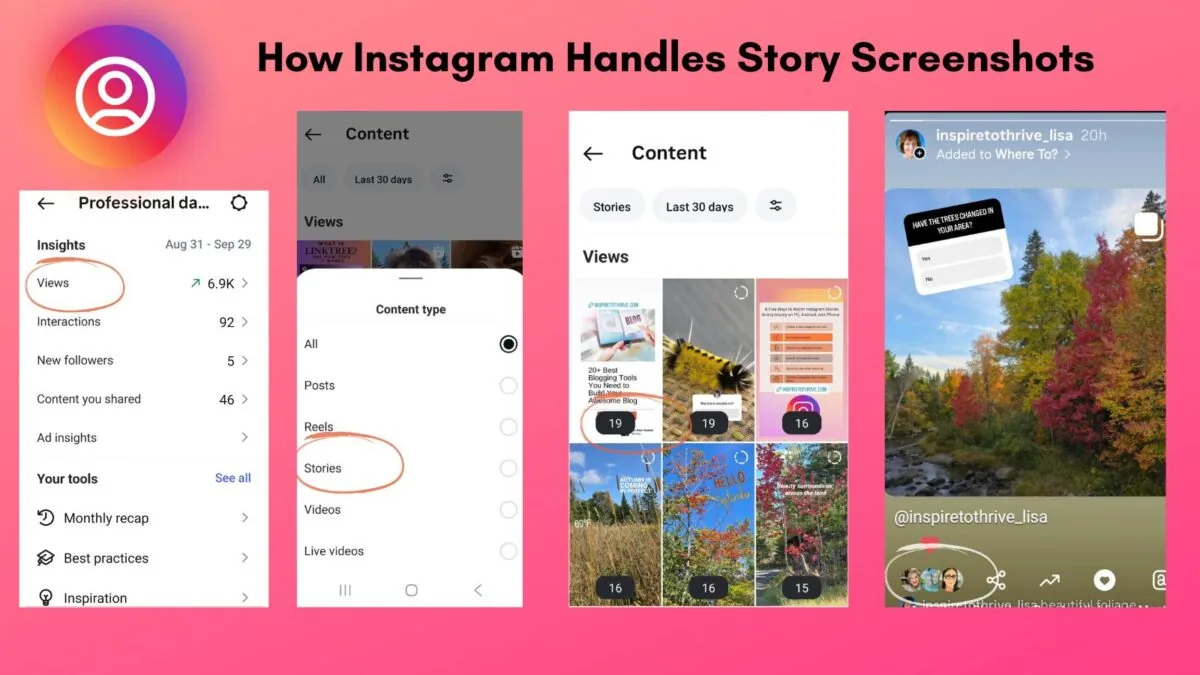
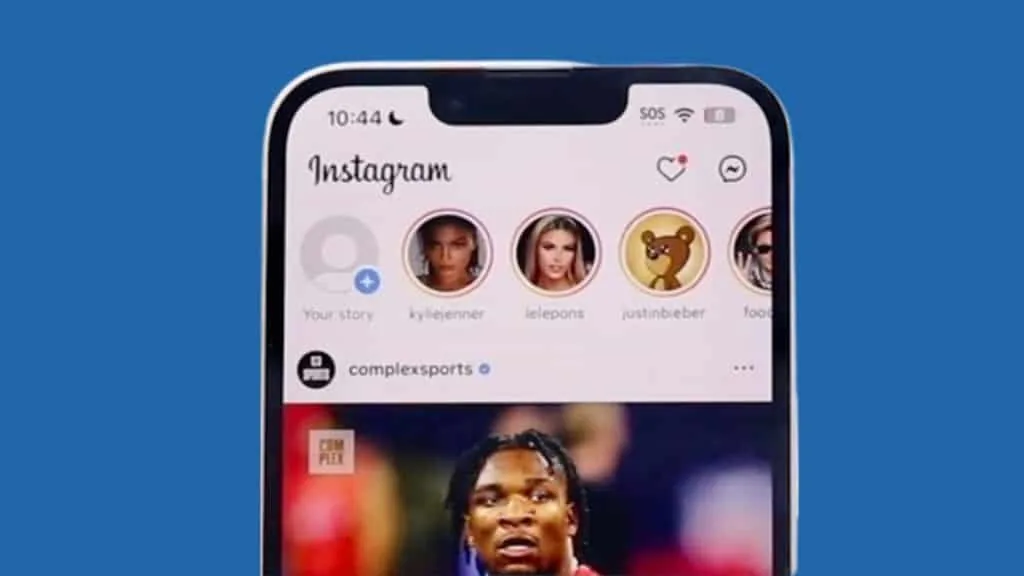
- Regular Stories — Instagram piloted a screenshot-alert icon for Stories around 2018, but it never became a permanent feature and isn't present in 2026.
Where Instagram DOES act on it
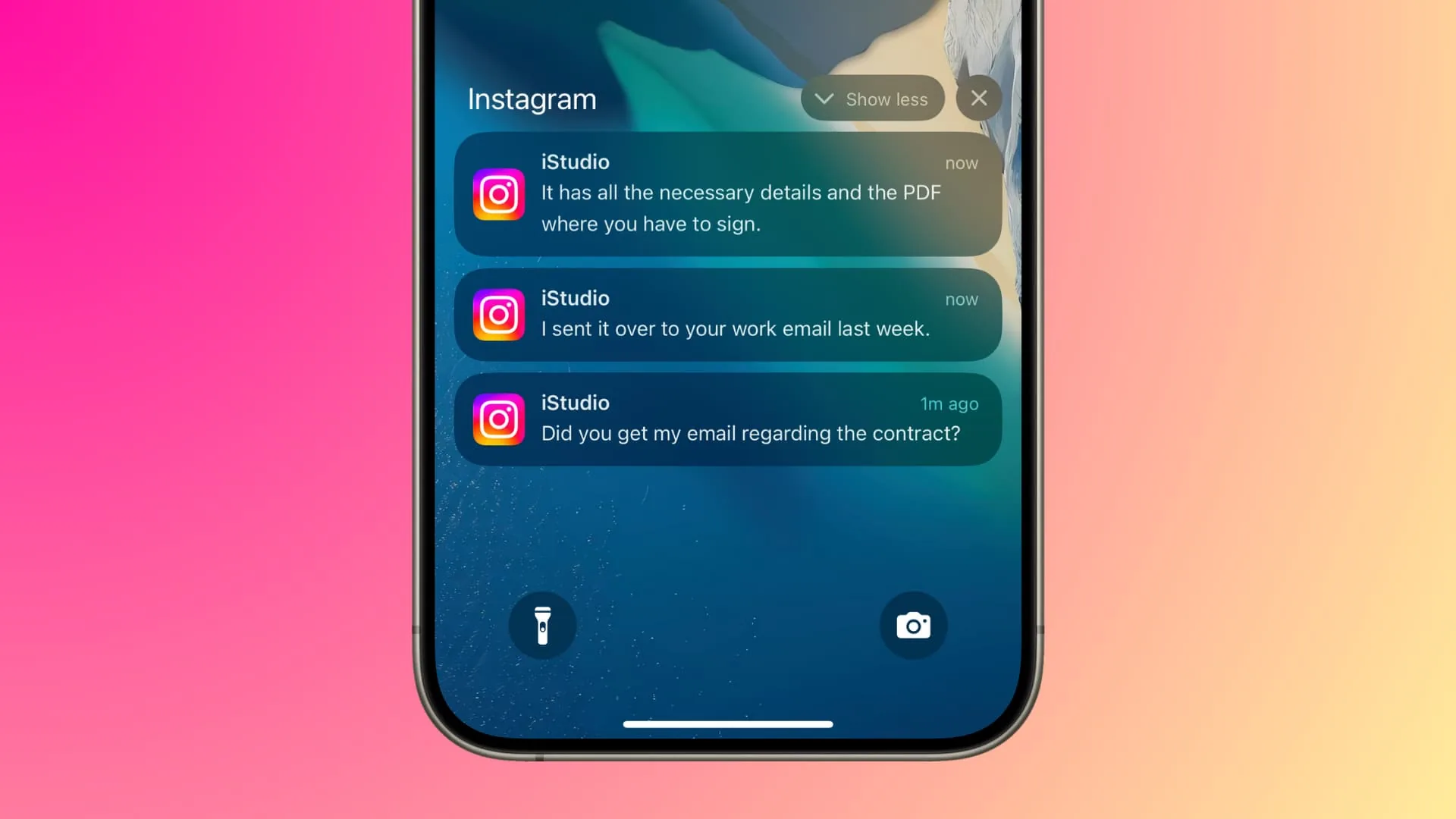
- Disappearing photos/videos in Direct Messages — when a photo or video is sent with "view once" or "allow replay" settings in a chat, and the recipient screenshots or screen-records it, Instagram sends the original sender a notification that the capture happened. This is a deliberate privacy feature built specifically for ephemeral chat media, conceptually similar to what Snapchat does with disappearing snaps.
Common mistakes to avoid
- Believing that screenshotting a public post will somehow "get back" to the poster — it will not.
- Trusting apps or browser extensions that promise to show you screenshot activity on posts or profiles; Instagram doesn't expose this data to third parties, so any tool claiming otherwise is either fake or phishing for your login.
- Mixing up the disappearing-DM rule with regular Stories — they behave completely differently.
Practical tips
- If you want a photo or video to stay private and know if it's captured, send it as a disappearing DM message rather than posting it publicly — that's the only context where a screenshot alert genuinely exists.
- Don't rely on "no notification" as proof no one is saving your content; screenshots of public posts and Stories are simply invisible to you either way.
- Keep official channels as your source of truth for any privacy feature changes, since third-party blogs frequently exaggerate Instagram's detection abilities.
Conclusion
Instagram's app has the same baseline technical ability any app has to notice a screenshot event on your device, but it deliberately chooses to notify someone about it in exactly one situation — disappearing photos and videos in DMs. Everywhere else in the app, screenshotting is silent and unreported.
Frequently asked questions
No. Screenshotting a public feed post, carousel, or Reel never generates a notification to the person who posted it.
Sources
Keep reading
More guides to grow your account.