How to See if a Specific Person Blocked You on Instagram
Search their exact username from another account, check for a grayed-out DM thread, and look for missing posts to confirm one person blocked you.
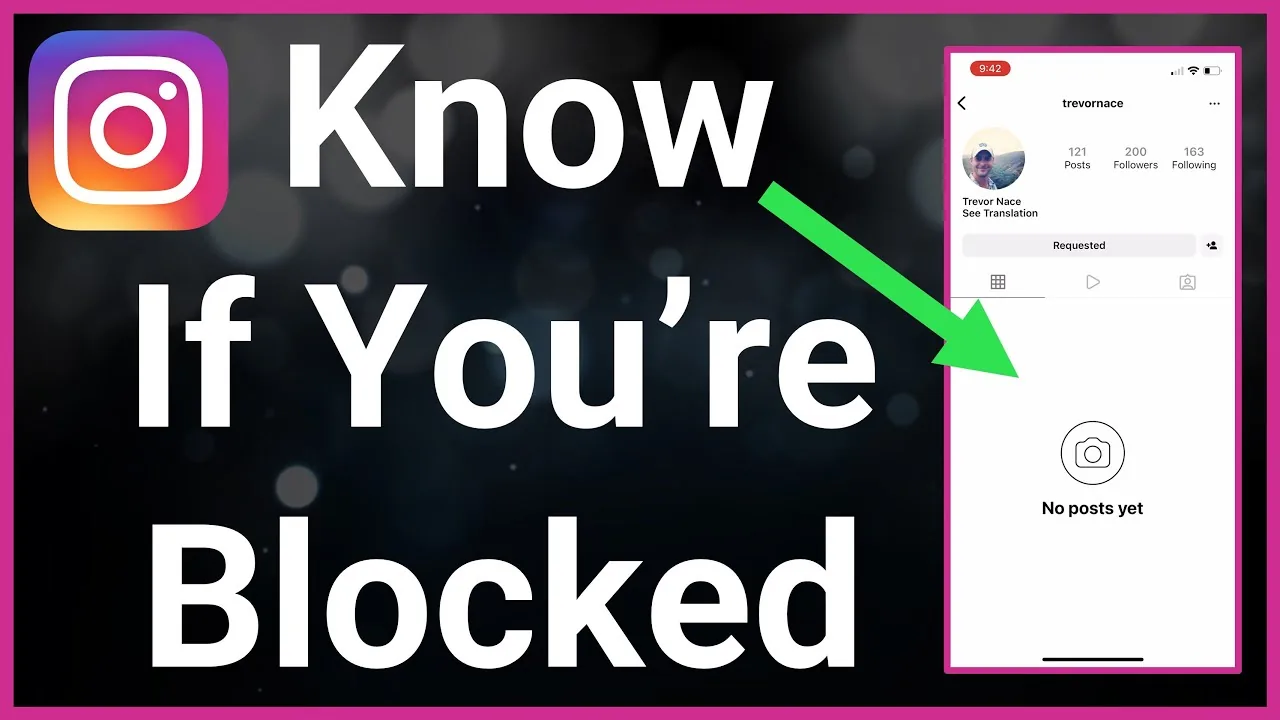
Short answer
To check if one specific person is blocking you, search their exact username from a different Instagram account or browser, check whether your old DM thread with them still shows their profile photo, and see whether their posts still appear when you're logged into your own account.
Key takeaways
- Instagram gives no direct notification for blocks, so checking a specific person requires a few manual comparisons
- Search their exact username on a second account or logged-out browser and compare results to your own account
- A DM thread with a grayed-out photo and unsendable messages is one of the strongest single signals
- Their posts and stories will stop appearing anywhere in your feed, tagged photos, or search results
- If the profile is missing everywhere, including for mutual friends, it's more likely a deactivation than a personal block
What's the fastest way to check one specific person?
Search their exact username using an account that you're confident they haven't blocked — a friend's account works well, or simply log out of Instagram and search from a browser. If their profile loads normally there but returns nothing on your own account, that's the clearest single confirmation available, and it mirrors the broader process used to find out who has blocked you on Instagram when you're not sure which specific person is responsible.
Does their profile picture disappearing in DMs confirm a block?
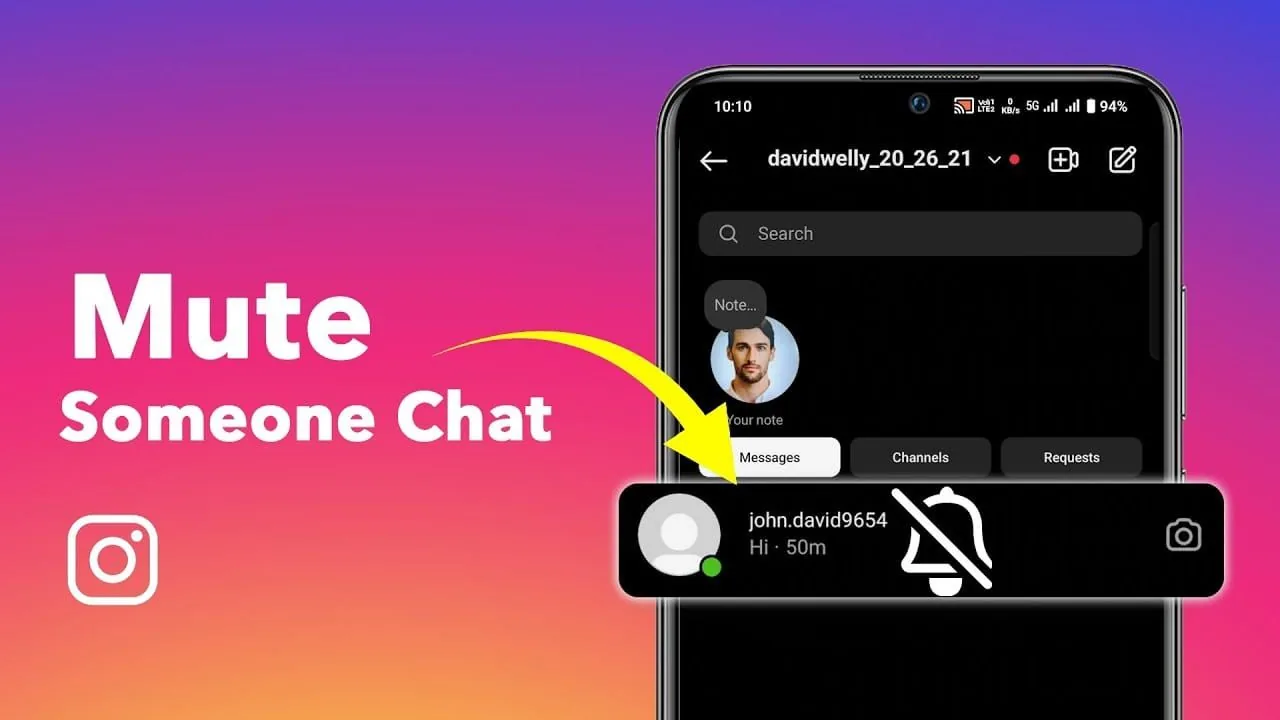
Yes, this is one of the most reliable individual signals. If you had a previous conversation, the thread typically stays in your inbox, but their profile photo vanishes, their name may switch to a placeholder, and any new message you try to send simply won't go through. Because this happens specifically to that one conversation and not your entire inbox, it's a strong sign the block is coming from that particular account rather than a wider app issue.
Can I tell by checking their followers or following list?
Sometimes. If you previously followed them and now can't find your own name in their followers list, or their account is entirely unsearchable, that combination points toward a block rather than a coincidence. Keep in mind that if their account is private and you're not connected, you wouldn't have visibility into that list regardless of block status, so this check works best when you previously had mutual access.
What if I can still see some of their content but not others?
Partial visibility usually means something other than a full block — most often a restrict rather than a block. Restricting is a lighter privacy tool where the person limits your ability to see when they're online or comment publicly without fully cutting you off, which is a different mechanism from a hard block. If comments and DMs behave oddly but their profile still loads, check whether restriction rather than a full block, similar to what's covered when you check who blocked you on Instagram, is the more likely explanation.
Should I use a third-party checker app?
No. There is no legitimate third-party service that can accurately confirm an Instagram block, and any app or website asking for your login to "check" this is a phishing risk. Stick to manual verification using a second account or browser, since that's the only method that doesn't put your credentials at risk, and it applies the same logic covered when learning how to know if someone blocked you on Instagram in general.
Does blocking affect our shared direct messages the same way as being restricted?
No, blocking is far more disruptive than restricting, since a block removes the ability to send new DMs entirely rather than just hiding read receipts. If you're trying to sort out whether messages simply aren't going through versus a full block, checking your ability to reply to a DM on Instagram with that person is one of the fastest confirmations.
What should I do if I confirm they blocked me?
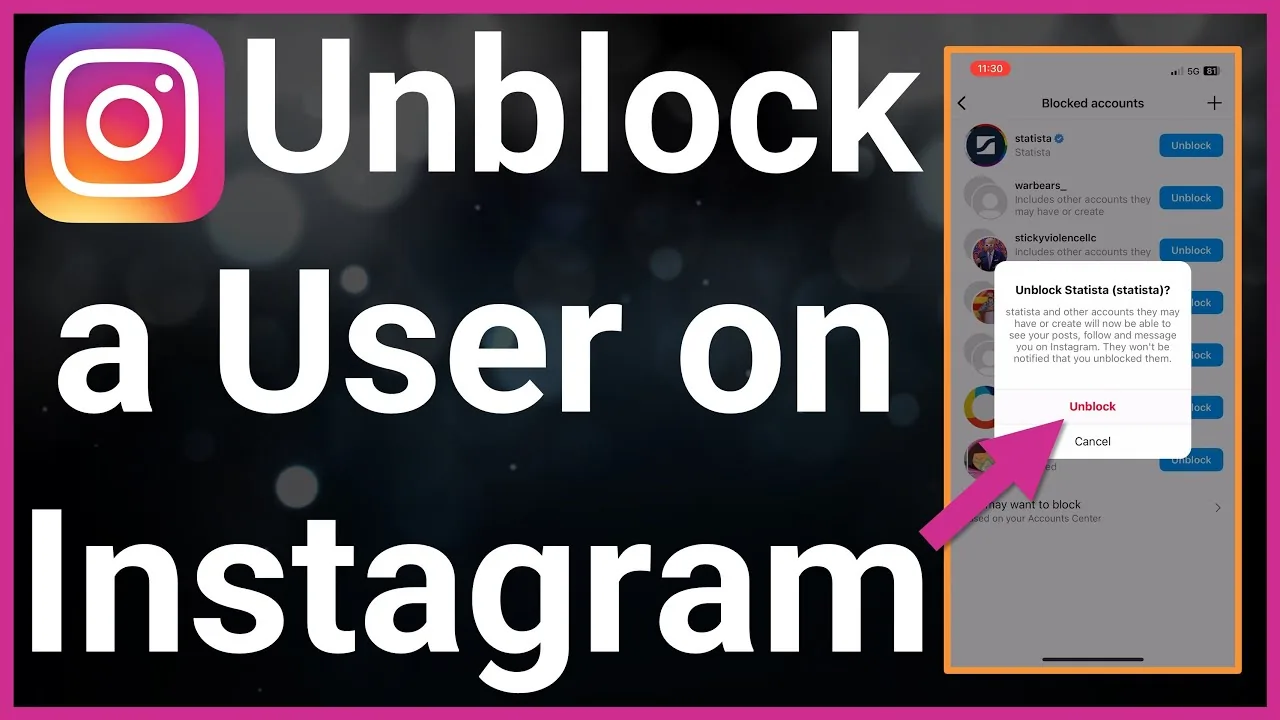
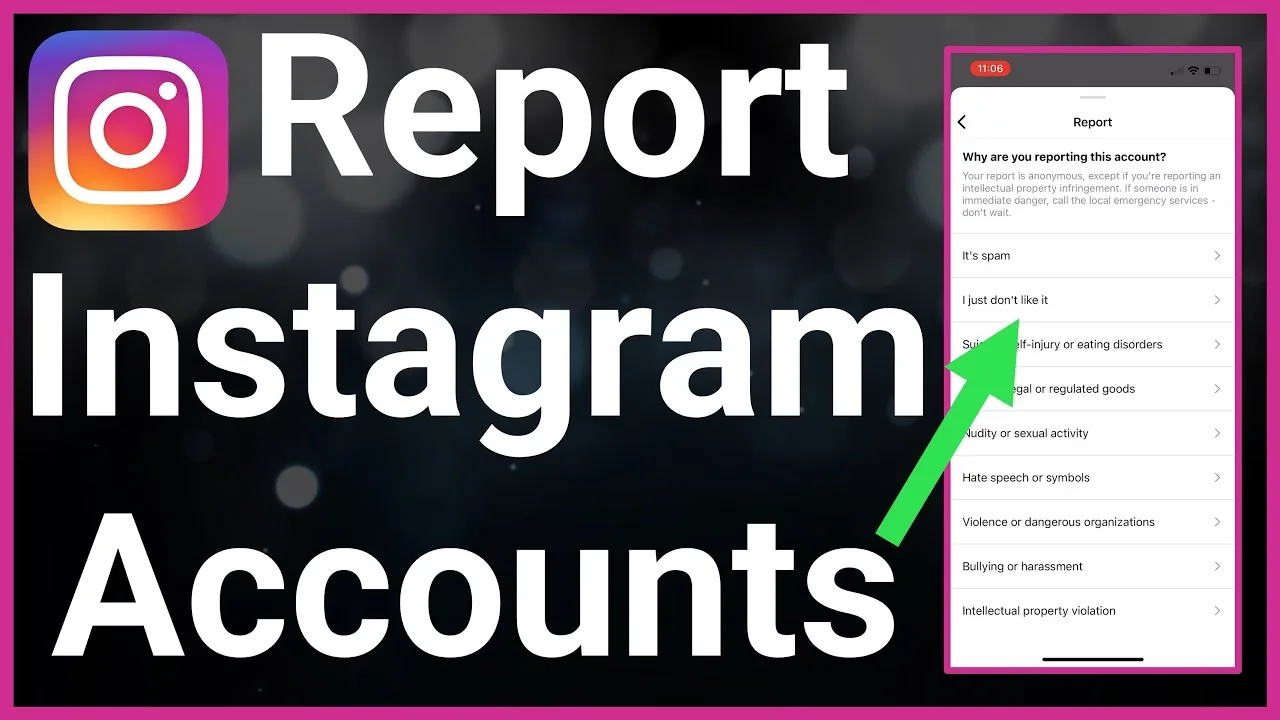
Respect it rather than creating a new account to get around the block, which can violate Instagram's terms and get flagged. If the block seems accidental or was resolved, the other person needs to be the one who chooses to unblock, similar to how you'd handle it if you wanted to unblock someone on Instagram yourself after a disagreement settles. It's also worth reviewing what reporting someone on Instagram actually does, since reporting and blocking are frequently confused but operate completely independently.
| Check | Confirms a block | Confirms restriction instead |
|---|---|---|
| Username search fails only on your account | Yes | No |
| DM photo grayed out, can't send | Yes | No |
| Comments hidden from others but visible to you | No | Yes |
| Online status hidden only for that person | No | Yes |
| Profile missing for everyone, even mutuals | Deactivation, not a block | No |
Running two or three of these checks together gives a far more reliable answer than relying on any single sign alone, since several ordinary glitches can mimic one symptom of a block in isolation.
Frequently asked questions
Search their exact username from a different account or a logged-out browser. If their profile loads there but not on your account, combined with a grayed-out DM thread, that confirms a block from that specific person.
Sources
Keep reading
More guides to grow your account.