How to Reply to a DM on Instagram (Mobile and Web)
Learn how to reply to a DM on Instagram from your inbox or a specific message, plus how to reply with a swipe, an emoji, or inside a group chat.
Short answer
Open your Instagram inbox, tap the conversation, type your message in the text field at the bottom, and hit send. You can also swipe left on any individual message to reply directly to it, which keeps the thread organized in busy chats.
Key takeaways
- Tap the paper-plane icon on your feed or profile to open your inbox, then tap a conversation to reply
- Swipe left on any single message to quote-reply directly to it, useful in fast-moving group chats
- Long-pressing a message brings up quick reactions plus options to reply, forward, or copy
- Voice notes, photos, and reels can be sent as replies the same way you send text
- Vanish mode changes how replies behave, since messages disappear after being seen
- If a reply won't send, check your connection and app version before assuming you've been blocked
How do you reply to a DM on Instagram?
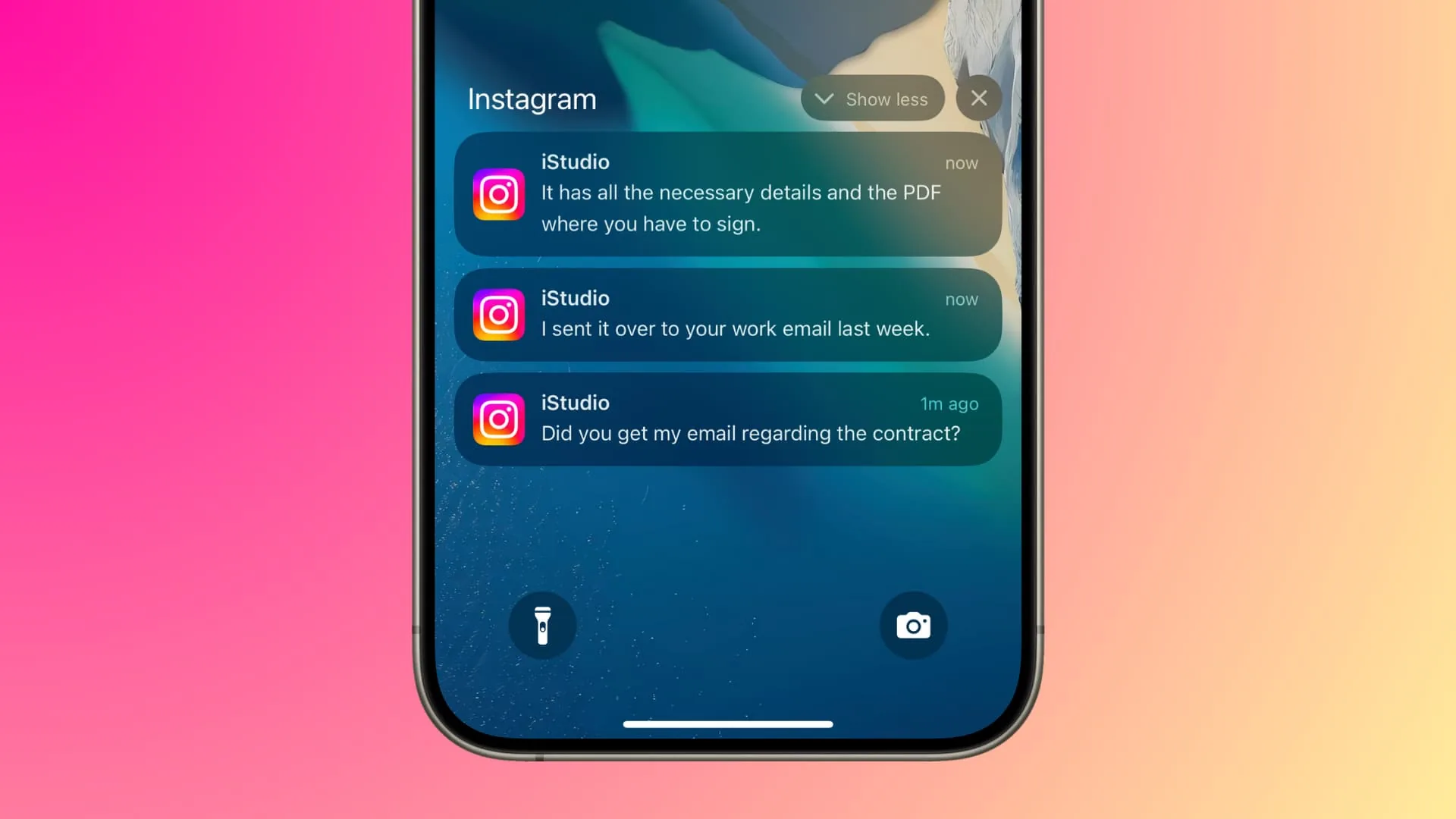
Open your inbox by tapping the paper-plane icon at the top right of your feed, then tap the conversation you want to reply to. Type your message in the text field at the bottom and tap send, or tap the microphone icon to send a voice note instead.
This works the same whether you're replying to a new message request or an existing thread, though message requests from people you don't follow may land in a separate folder first. If you're managing a lot of incoming messages, how to check dms instagram covers how to find conversations that may be buried in requests.
How do you reply to one specific message instead of the whole thread?
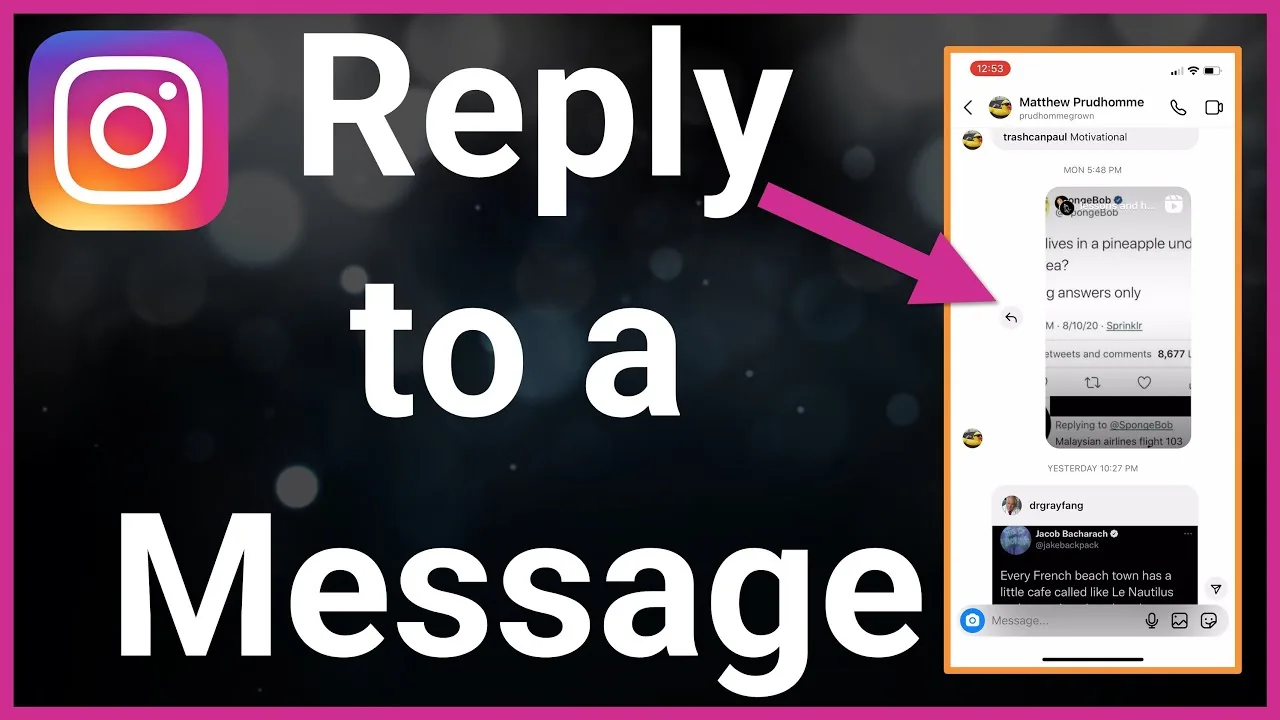
Swipe left on the exact message you want to respond to, and Instagram will attach it as a quoted reply above your text field. This keeps the context clear in group chats where several people are talking about different things at once, so your response doesn't get lost or misread.
You can also long-press a message to open a menu with reply, forward, copy, and reaction options in one place, which is faster than swiping if you're replying to several messages in a row.
Can you reply with just an emoji or reaction?
Yes, double-tap any message to instantly react with a heart, or long-press it to choose from a full emoji reaction menu. This sends a lightweight reaction attached to that specific message without opening the keyboard, which is useful for quick acknowledgments in a group thread.
Reactions show up next to the message for everyone in the conversation, similar to reacting to messages on other messaging apps.
What if you want to reply to a story someone sent you?
Tap the reply field at the bottom of the story and type your message, or tap an emoji to send a quick sticker reaction. Story replies land in your DMs as a normal conversation, so you can keep chatting from there just like how to respond to messages on instagram covers for regular messages.
If the story was shared into a group or sent via what is instagram direct, your reply goes back to whoever originally sent it, not the whole group.
Why can't you reply to someone's DM?
The most common reasons are being blocked, the other person having message requests turned off for non-followers, or a temporary app glitch. If your message shows as sent but never marked delivered, try force-closing the app or checking why is instagram not working for a broader outage.
If you suspect you've been blocked rather than experiencing a bug, how to know if someone blocked you on instagram walks through the signs to look for.
| Reply method | How to do it | Best for |
|---|---|---|
| Standard text reply | Type in the text field, tap send | Everyday conversations |
| Quote-reply to one message | Swipe left on the message | Group chats with multiple topics |
| Emoji reaction | Double-tap or long-press a message | Quick acknowledgments |
| Voice note reply | Tap and hold the microphone icon | Faster, more personal responses |
| Story reply | Type in the reply bar under a story | Responding to story content |
Does replying to a DM mark it as seen for read receipts?
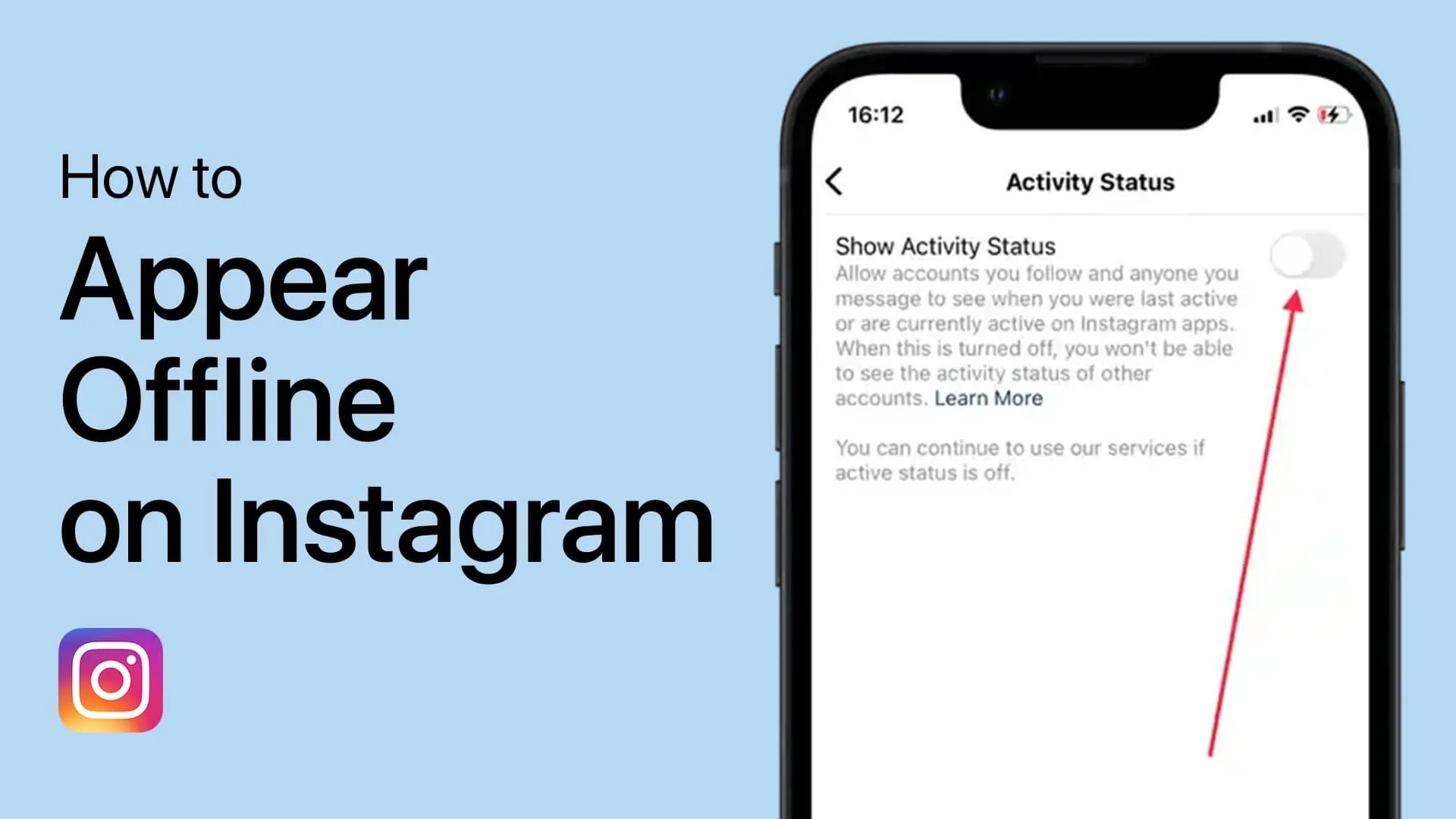
Yes, opening a conversation to reply typically marks the message as read unless you've turned off read receipts. If you want to read a message without the sender knowing, check how to turn off seen on instagram before opening the thread.
Keep in mind that turning off read receipts is a two-way setting, since you also won't see when others have read your replies once it's disabled.
Frequently asked questions
Open your inbox, tap the conversation, type your message in the text field, and hit send. You can also swipe left on a specific message to quote-reply to it directly.
Sources
Keep reading
More guides to grow your account.