How to Tell If Someone Blocked You on Instagram
Instagram never sends a block notification, but there are clear signs you can check to confirm it, and ways to rule out a deactivated account instead.
Short answer
Instagram doesn't tell you when someone blocks you, but you can confirm it by checking if their profile disappears from search, their username turns gray in your old DM thread, and their profile still shows up when you search from a different account.
Key takeaways
- Instagram never sends a notification or message when someone blocks you
- A blocked account disappears from search results, your followers list, and your feed
- In old DM threads, a blocking user's name and photo often turn gray or show as Instagram User
- You can't send new messages to someone who blocked you, and you'll get a send error if you try
- Searching their profile from a different account is the best way to rule out deactivation instead of a block
How do I know if someone blocked me on Instagram?
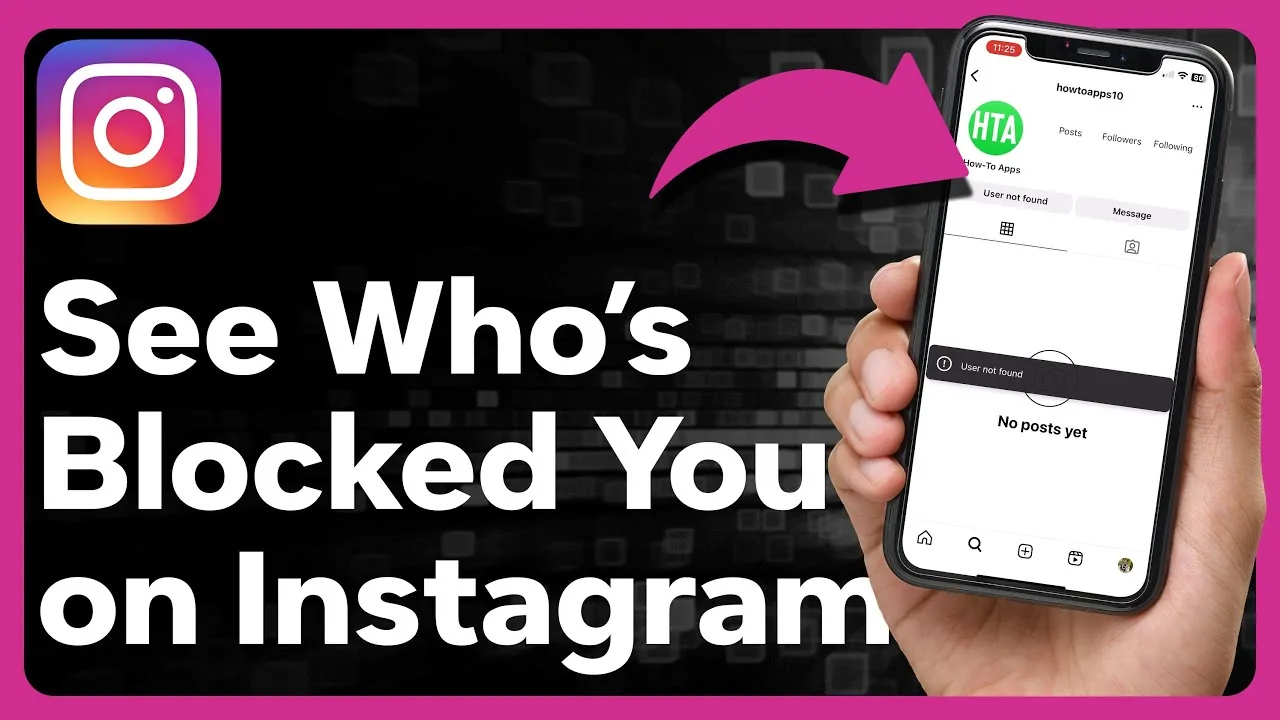
Search for their username directly — if the profile doesn't appear at all and previously showed up, that's the clearest sign. You'll also notice their posts and Stories vanish from your feed, they disappear from your followers or following list, and any attempt to message them fails, all happening at once rather than one symptom in isolation.
What happens to old DM conversations when someone blocks you?
The conversation thread usually stays in your inbox, but the blocking user's profile picture disappears and their username often shows up grayed out or replaced with a placeholder like Instagram User. You can still scroll back and read old messages, but trying to send a new one returns an error instead of going through — this is different from what happens when you see deleted messages on Instagram, which is a separate issue entirely.
How can I tell the difference between being blocked and them deactivating their account?
Search for the same profile using a second Instagram account, or ask a friend to check from theirs. If the profile shows up fine on another account but not on yours, you've been blocked specifically; if no one can find the profile at all, they've likely deactivated or deleted their account rather than blocking you individually.
Can I still see their profile at all if they've blocked me?
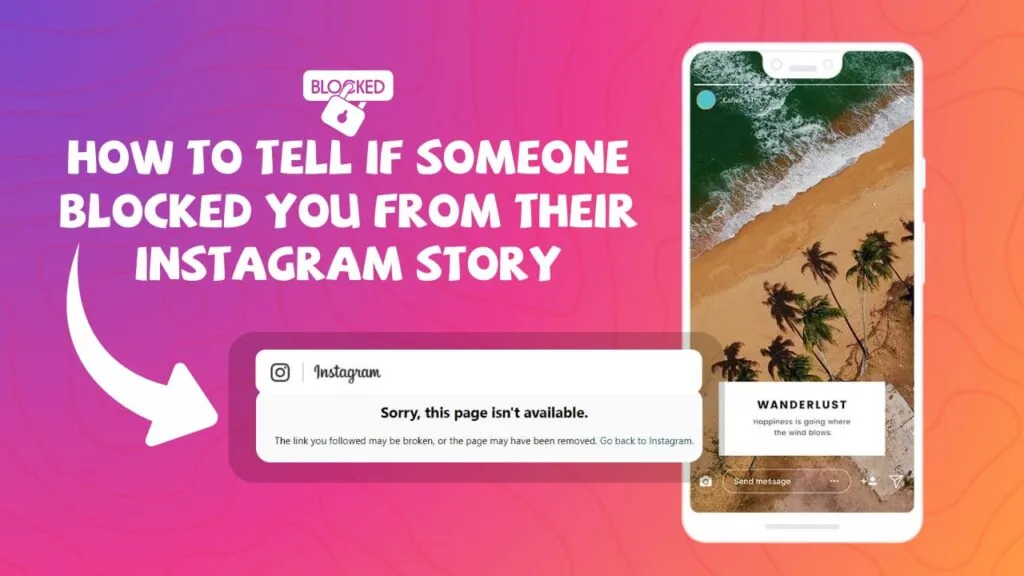
No — a full block hides their profile, posts, Stories, and Highlights completely from your account, with no partial visibility. This is different from being restricted on Instagram, which is a quieter, more limited moderation tool that doesn't fully hide the person's account from you.
Will Instagram ever tell me directly that I've been blocked?
No, Instagram deliberately keeps blocking silent on both ends — the blocker isn't notified you noticed, and you're never told outright that it happened. This is intentional privacy design, similar to how Instagram doesn't notify someone when you screenshot their content in most cases.
| Signal | Blocked | Deactivated account |
|---|---|---|
| Profile visible from your account | No | No |
| Profile visible from a different account | Yes | No |
| Old DM thread still exists | Yes, but grayed out | Yes, but grayed out |
| New messages send successfully | No | No |
What should I do if I confirm someone has blocked me?
There's no way to reverse a block from your side — only the person who blocked you can undo it. If the block is affecting a business relationship or you believe it was a mistake, reaching out through another channel is your only real option, since Instagram itself provides no override, and contacting Instagram support generally won't intervene in another user's blocking decisions.
Frequently asked questions
No, Instagram never sends any notification or alert for blocking, in either direction. You have to notice the signs yourself.
Sources
Keep reading
More guides to grow your account.