What Happens When You Deactivate Your Instagram Account
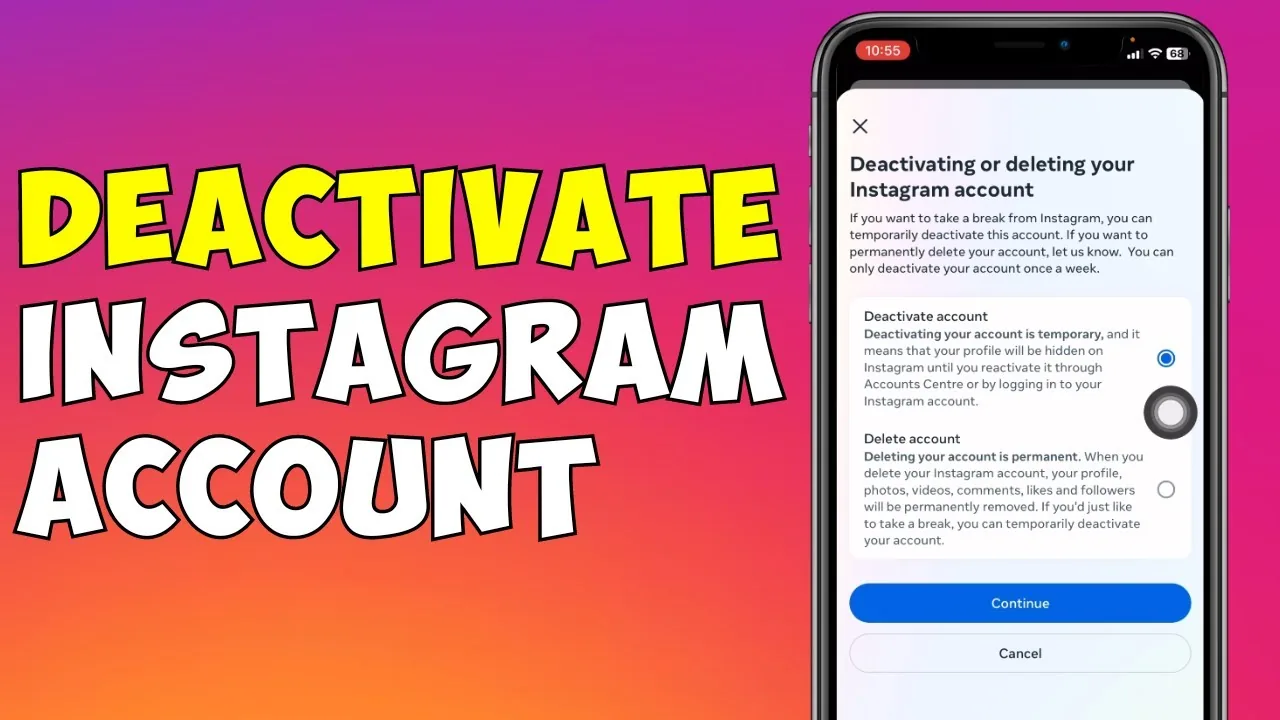
Deactivating hides your profile, posts, comments, and likes from everyone else while your username stays reserved and your data stays intact, and logging back in at any time immediately undoes it.
Short answer
Deactivating hides your profile, posts, comments, and likes from everyone else while your username stays reserved and your data stays intact, and logging back in at any time immediately undoes it.
Quick answer
Deactivation is a temporary, reversible pause — not a deletion. Everything you've posted stays stored, your username stays reserved, and you get it all back the moment you log in again. People just can't see any of it while you're deactivated.
Key takeaways
- Deactivating is meant for a break, not a goodbye — it's fully reversible with no time limit
- Your profile, grid posts, Reels, Story highlights, comments, and likes all become invisible to other users
- Direct messages you already sent stay in the other person's inbox; deactivation doesn't retract them
- You can only deactivate once every 7 days, so it's not a switch you can flip on and off casually
- Your username can't be taken by anyone else while the account sits deactivated
Why people deactivate instead of deleting
Most people who deactivate aren't trying to leave Instagram permanently — they're taking a break from notifications, cutting down screen time, stepping away during a stressful period, or just wanting a breather without losing years of photos, followers, and message history. Deactivation is Instagram's answer to that: it removes your visible footprint from the app without touching any of the underlying data on Meta's servers. Deletion, by contrast, is meant to be final — Meta gives you roughly a 30-day grace period to change your mind by logging back in, but after that the account is scheduled for permanent removal, and Meta says it can take up to 90 days for data to fully clear out of backup systems. If there's any chance you'll want your account back, deactivation is the safer choice.
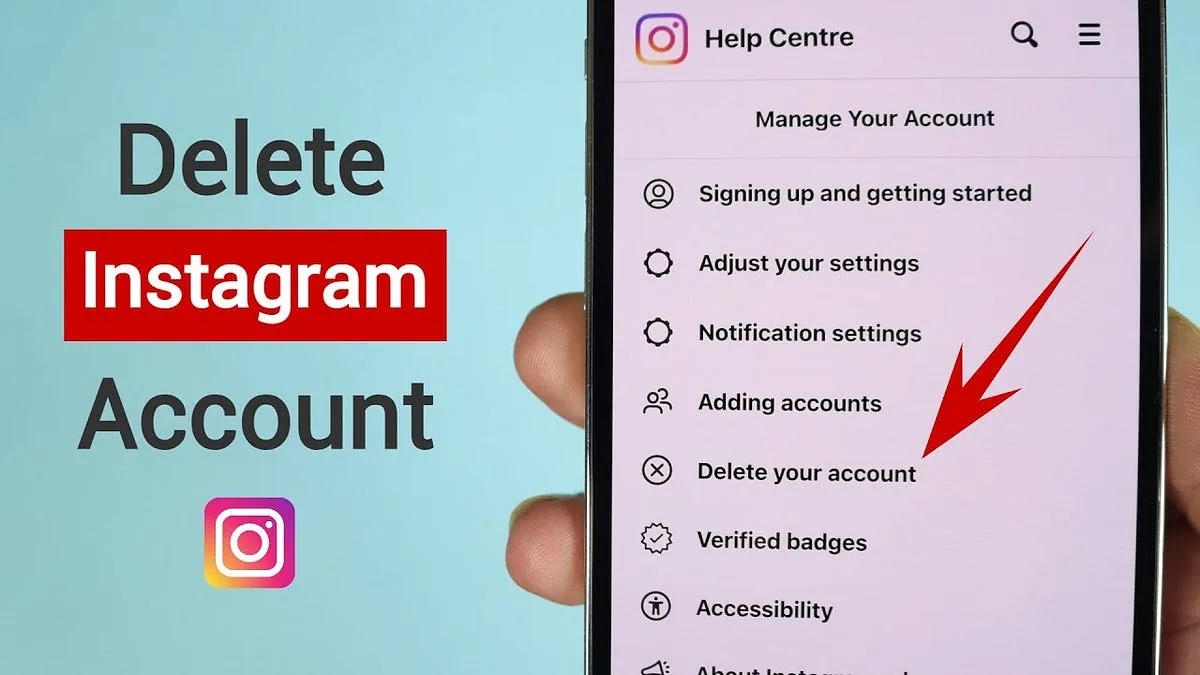
One quirk worth knowing: on some versions of the app, the deactivation option isn't available inside the mobile app's own settings menu — it only shows up if you log in through a mobile browser (like Safari or Chrome) at instagram.com. This has been true off and on as Meta reorganizes its settings, so if you can't find "Deactivate account" in the app, try the browser route before assuming it's been removed.
What actually happens while you're deactivated
- Your profile disappears from search and can't be visited by URL
- Posts, Reels, and Stories highlights vanish from feeds and from your profile grid
- Comments you left on other people's posts are hidden (they reappear once you reactivate)
- Likes you've given are hidden from view
- Your account is excluded from suggestions and "people you may know"
- Messages you sent before deactivating remain visible to the people you sent them to — deactivation does not delete or hide sent DMs on the recipient's side
- Followers and following lists stay intact behind the scenes and reappear exactly as they were when you reactivate
How to deactivate (short version)
- Go to Settings and privacy > Account Center > Personal details > Account ownership and control > Deactivation or deletion
- Select your account, tap Deactivate account
- Choose a reason and confirm with your password
If that path isn't visible in your app, repeat it in a mobile browser at instagram.com.
Common mistakes to avoid
- Deactivating expecting your DMs to disappear from the other person's side — they won't
- Trying to deactivate again the same week and hitting the once-per-7-days limit
- Confusing deactivation with deletion and assuming your content is gone for good
- Forgetting your password, since you need it both to deactivate and to log back in later
Tips for success
- If you're unsure whether you want to come back, deactivate rather than delete — you can always delete later, but you can't undo a completed deletion
- Note down your login details somewhere safe before deactivating
- If you manage a linked business Page or ad account, check how deactivating your personal profile affects that access before doing it
Conclusion
Deactivating your Instagram account is a low-risk way to disappear from the platform temporarily. Nothing is erased, your username is safe, and one login brings everything back exactly as you left it.
Frequently asked questions
They'll notice your profile is gone or unsearchable, but Instagram doesn't send them a notification explaining why — it just looks like the account no longer exists while you're deactivated.
Sources
Keep reading
More guides to grow your account.