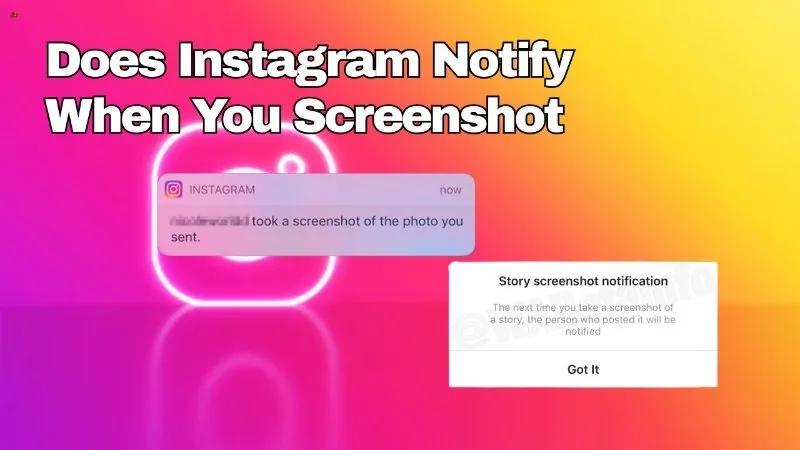
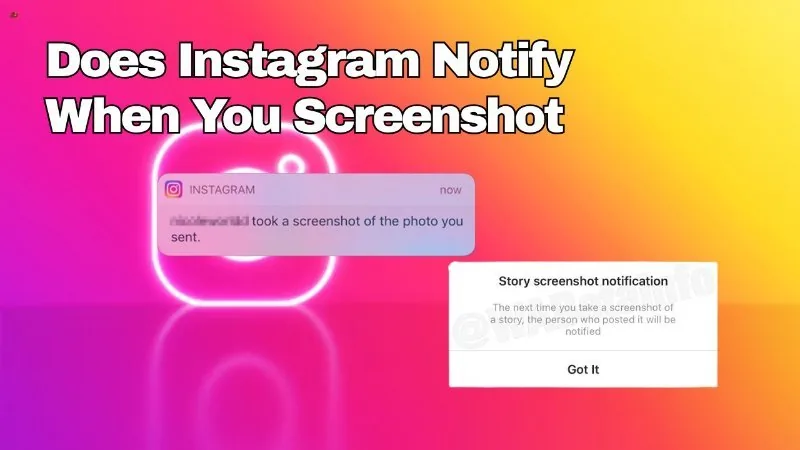
Does Screenshot Instagram Notify?
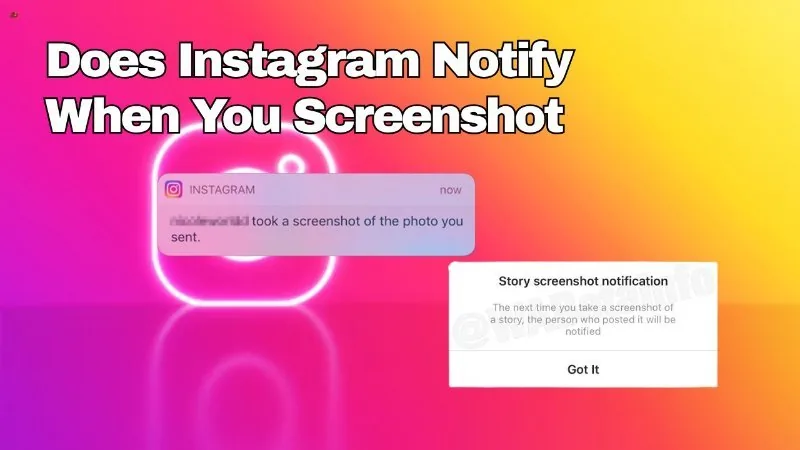
It depends entirely on what you're screenshotting: regular posts, feed content, and Stories never trigger a notification, while disappearing photo or video messages sent in a direct message can — though even that alert has become unreliable on recent Instagram versions.
Short answer
Whether an Instagram screenshot notifies someone depends on what you screenshot: feed posts and Stories never notify, but disappearing photo/video DMs and some Vanish Mode media can — inconsistently, depending on app version.
Quick answer
There's no single answer, because "screenshotting Instagram" covers several very different features that behave differently. Screenshotting a feed post, a profile, a comment, or a regular Story never sends a notification, no matter the account's privacy setting. The one exception is disappearing photo or video messages sent in a one-on-one Direct Message — those can notify the sender when screenshotted, though Instagram has made this behavior inconsistent across app versions in recent years.
Key takeaways
- Feed posts, profiles, comments, and regular Stories: no screenshot notification, ever.
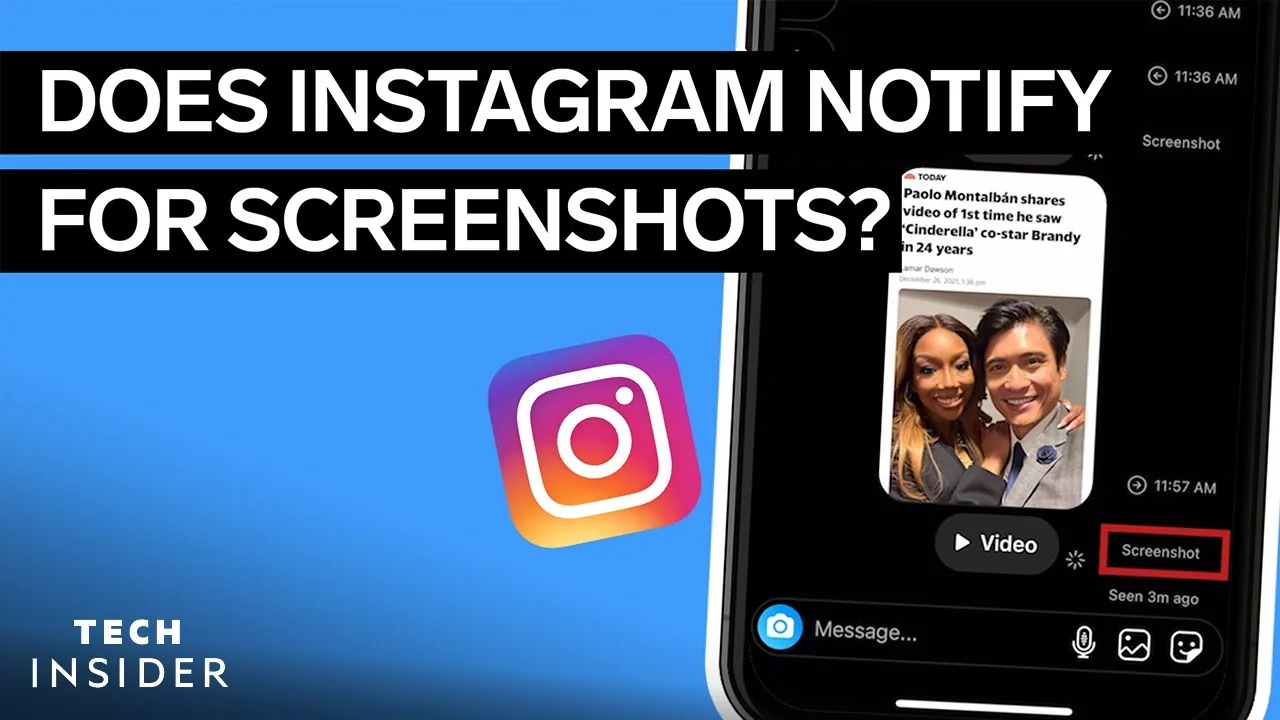
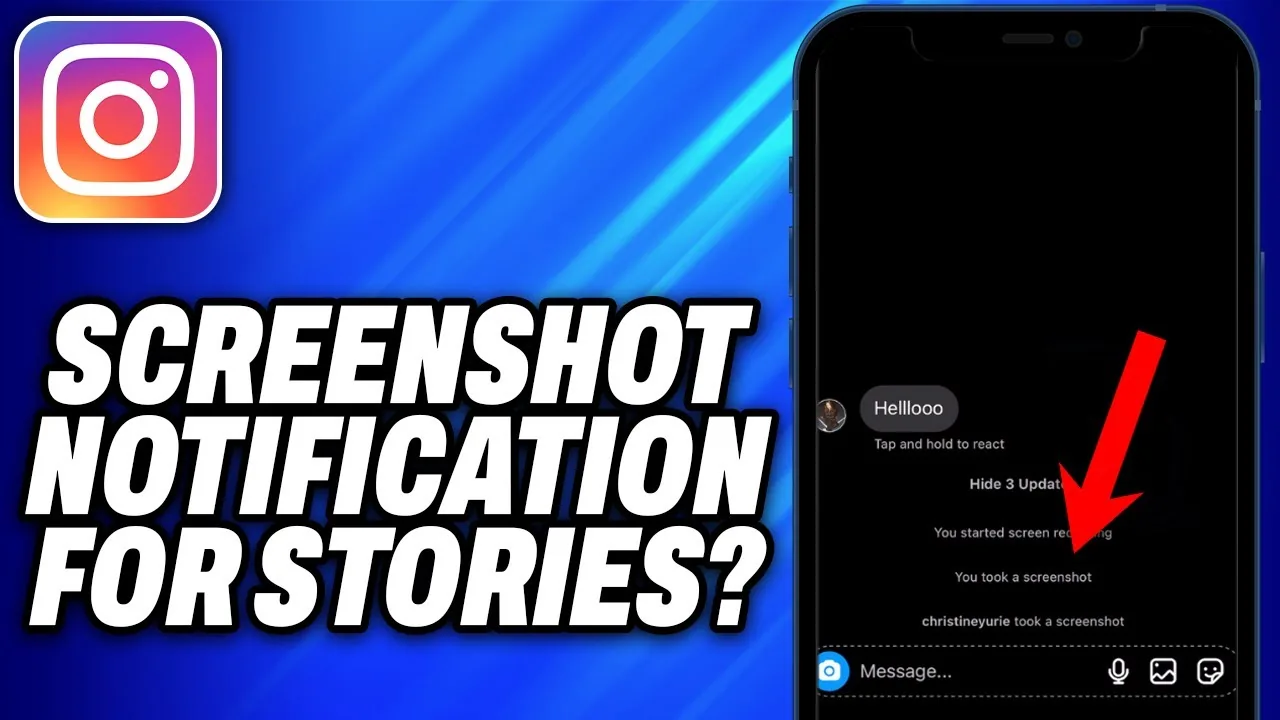
- Disappearing photo/video DMs (sent with "view once" or "allow replay"): can trigger a notification and an icon change in the chat when screenshotted.
- Regular photos/videos sent in DMs without disappearing mode: no notification, even though they're inside the same messaging feature.
- Vanish Mode conversations: text messages generally do not trigger a screenshot alert; the notification behavior has historically been tied to disappearing media, not the mode itself.
- Instagram has been reported to disable the DM screenshot alert for some users entirely in newer app versions, so it should not be relied on as a guaranteed deterrent.
A feature-by-feature breakdown
| Content type | Does screenshotting notify the other person? |
|---|---|
| Feed post / photo / video | No |
| Profile page | No |
| Comments | No |
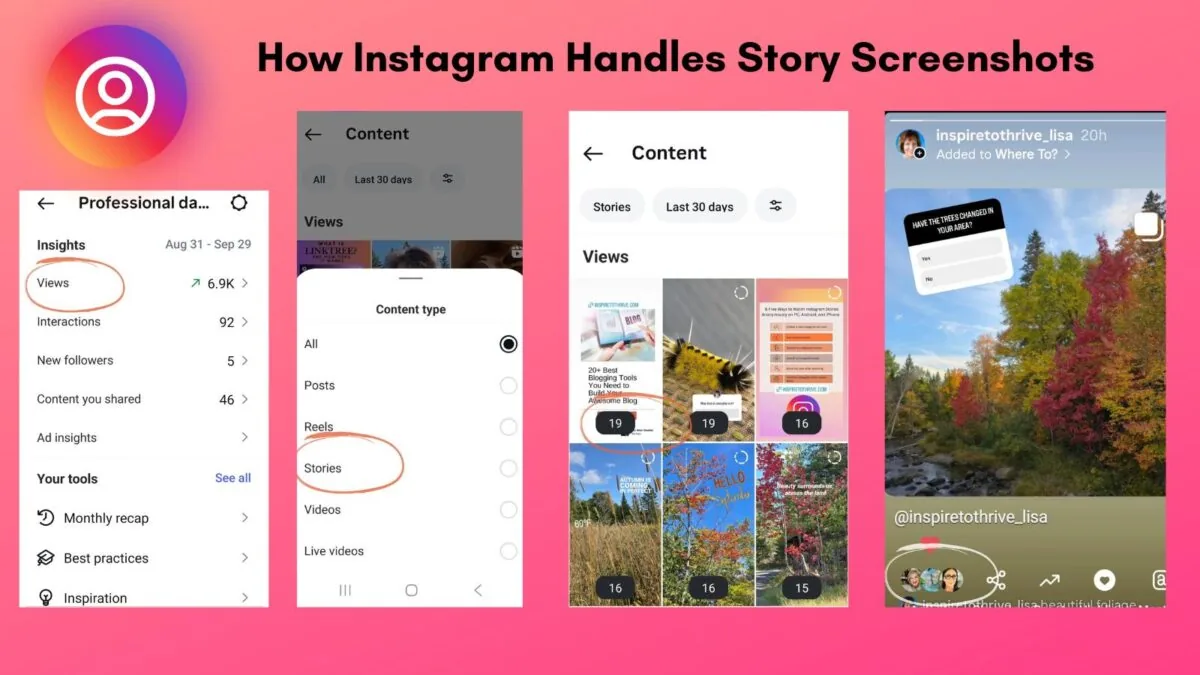
| Regular Story (including Close Friends) | No |
| Story highlight | No |
| Regular photo/video sent in DM (not disappearing) | No |
| Disappearing photo/video sent in DM ("view once"/"allow replay") | Can notify — behavior has become inconsistent |
| Vanish Mode text messages | Generally no |
| Voice or video call | No |
Why the DM screenshot alert exists but is unreliable
Instagram originally added the screenshot notification for disappearing photo and video messages to discourage people from permanently saving content that was meant to be viewed once and then gone — similar to Snapchat's original screenshot alerts. When it works, the sender sees a notification and a small "screenshot taken" indicator next to the message in the chat thread.
However, this has never been airtight. It doesn't cover screen recording on every device or OS version consistently, it doesn't apply to a second device (like taking a photo of the screen with another phone), and multiple users have reported the alert simply not firing on certain Android and iOS versions. Instagram has not published detailed documentation confirming exactly when the feature is active, so treat it as an inconsistent deterrent rather than a guaranteed one.
Common mistakes to avoid
- Assuming a screenshot of any DM triggers a notification — it only applies to disappearing photo/video messages, not regular chat messages or media.
- Assuming a Story screenshot is tracked the same way — Stories have never had a screenshot notification of any kind.
- Relying on the DM alert as a guaranteed way to know if someone captured sensitive content — treat it as inconsistent rather than certain.
- Using third-party apps that claim to add or bypass screenshot notifications — these have no real access to Instagram's backend and are commonly phishing tools.
Tips
- If you want a screenshot deterrent for something sensitive, use disappearing photo/video mode in a direct message rather than a Story, since Stories offer none at all.
- Don't rely on any in-app notification as your only privacy safeguard — anyone can photograph a screen with a second device, which no app can detect.
- Keep the Instagram app updated, since Meta periodically changes notification behavior without much public documentation.
FAQ
See below.
Frequently asked questions
No. Screenshotting a feed post, profile, or comment never sends a notification to anyone, regardless of account privacy settings.
Sources
Keep reading
More guides to grow your account.