How Can I Hide My Followers in Instagram?
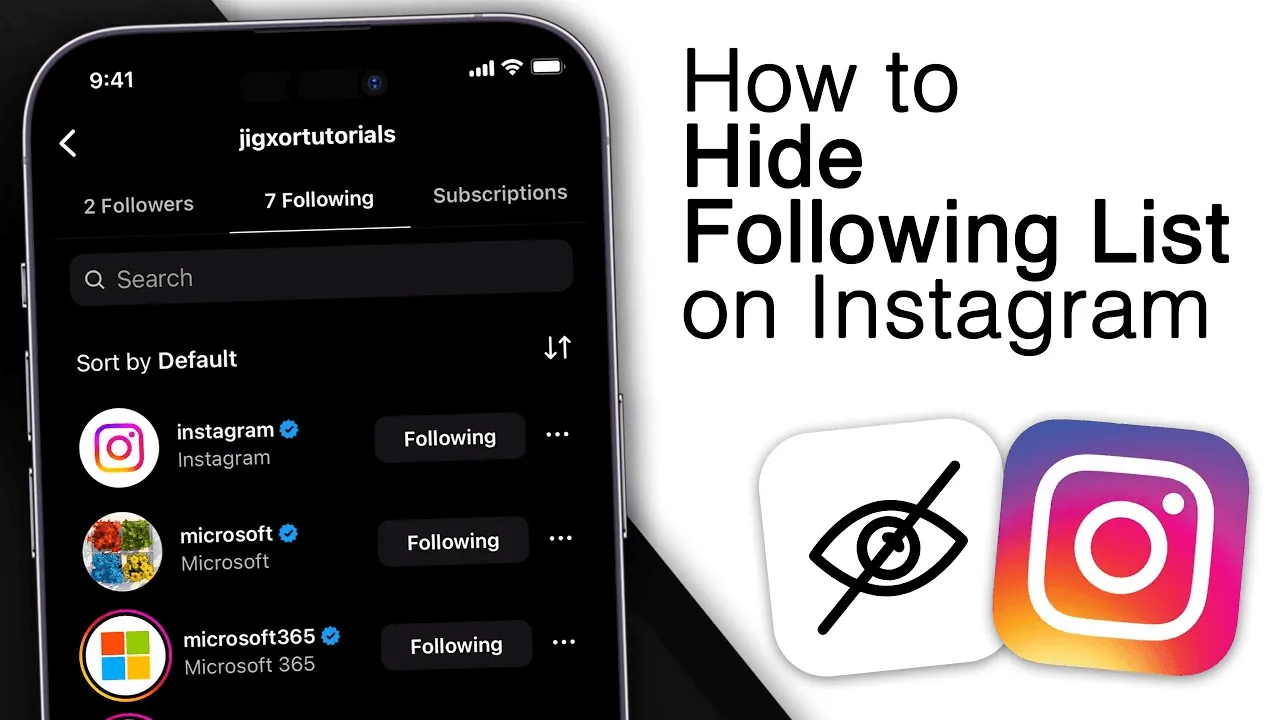
Instagram has no button that hides your follower list from specific people, but switching to a private account limits it to approved followers only, and in some regions you can hide the follower/following count on your own profile.
Short answer
There's no selective 'hide from this person' switch for your follower list — going private is the only way to gate who can see it, and a separate setting can hide the numeric count from your own profile.
Quick answer
Instagram gives you two real levers, not one magic toggle: making your account private restricts your Followers and Following lists so only people you've approved as followers can view them, and a separate display setting lets you hide the follower/following count shown on your profile. There is no feature that hides your list from some people while showing it to others — it's all or nothing per account.
Why people want this
Most people searching for this aren't hiding anything shady — the usual reasons are:
- Not wanting a stranger, recruiter, or new follow request to see the full list of who follows you
- Wanting to stop a competitor or ex from monitoring who you follow and who follows you back
- Feeling self-conscious about a low or high follower count and wanting it off the public profile
- Business/creator accounts wanting to look more established without a visible number inviting comparison
Key takeaways
- Instagram does not offer a per-person or selective hide for your followers list
- A private account is the only way to actually restrict who can see your Followers/Following lists
- Hiding the follower/following count is a display setting, separate from hiding the list itself, and its availability has varied by region and app version
- Third-party "hide followers" apps and browser extensions are not affiliated with Instagram and typically require handing over your login credentials, which risks account theft
The real options, ranked by effectiveness
1. Switch to a private account
Go to Profile > tap the menu icon (☰) in the top right > Settings and privacy > Account privacy, then toggle on Private account. Once private, anyone who isn't an approved follower cannot see your posts, Stories, or your Followers/Following lists — they'll just see a lock icon and a follow request button. This is the closest thing to "hiding your followers" that actually exists.
The tradeoff: this also hides your posts from non-followers, which isn't ideal for creators or businesses trying to grow reach — and business/creator accounts can't use this setting at all (see below).
2. Hide your follower/following count from your own profile
Separately from the list itself, Instagram has tested and rolled out (in some markets, not universally) an option under Settings and privacy > Interactions or profile display settings to hide the numeric follower/following count shown at the top of your profile. This doesn't hide who is following you if someone taps into the list (assuming your account is public) — it only removes the number from view. If you don't see this option, it may not be available in your region or app version yet.
3. Use Close Friends and Restrict for narrower control
These don't hide your follower list, but they let you control who sees specific posts (Close Friends) or quietly limit someone's interactions with you (Restrict) without them being notified. Useful if your real concern is a specific person rather than the general public.
Common mistakes to avoid
- Downloading a third-party "Instagram follower hider" app — these are not real and often exist to steal login credentials or push you toward paid scams
- Confusing hiding the follower count with hiding the follower list — they are two different settings
- Expecting a business or creator account to go fully private — Meta restricts this because professional accounts are meant to be discoverable
- Forgetting that going private also hides your content from potential new followers, which can hurt growth
Tips
- If your goal is just avoiding a specific stalker-ish account, use Restrict or Block instead of a blanket privacy change
- Check both mobile Settings and instagram.com — the count-hiding option has appeared in slightly different menu locations across updates
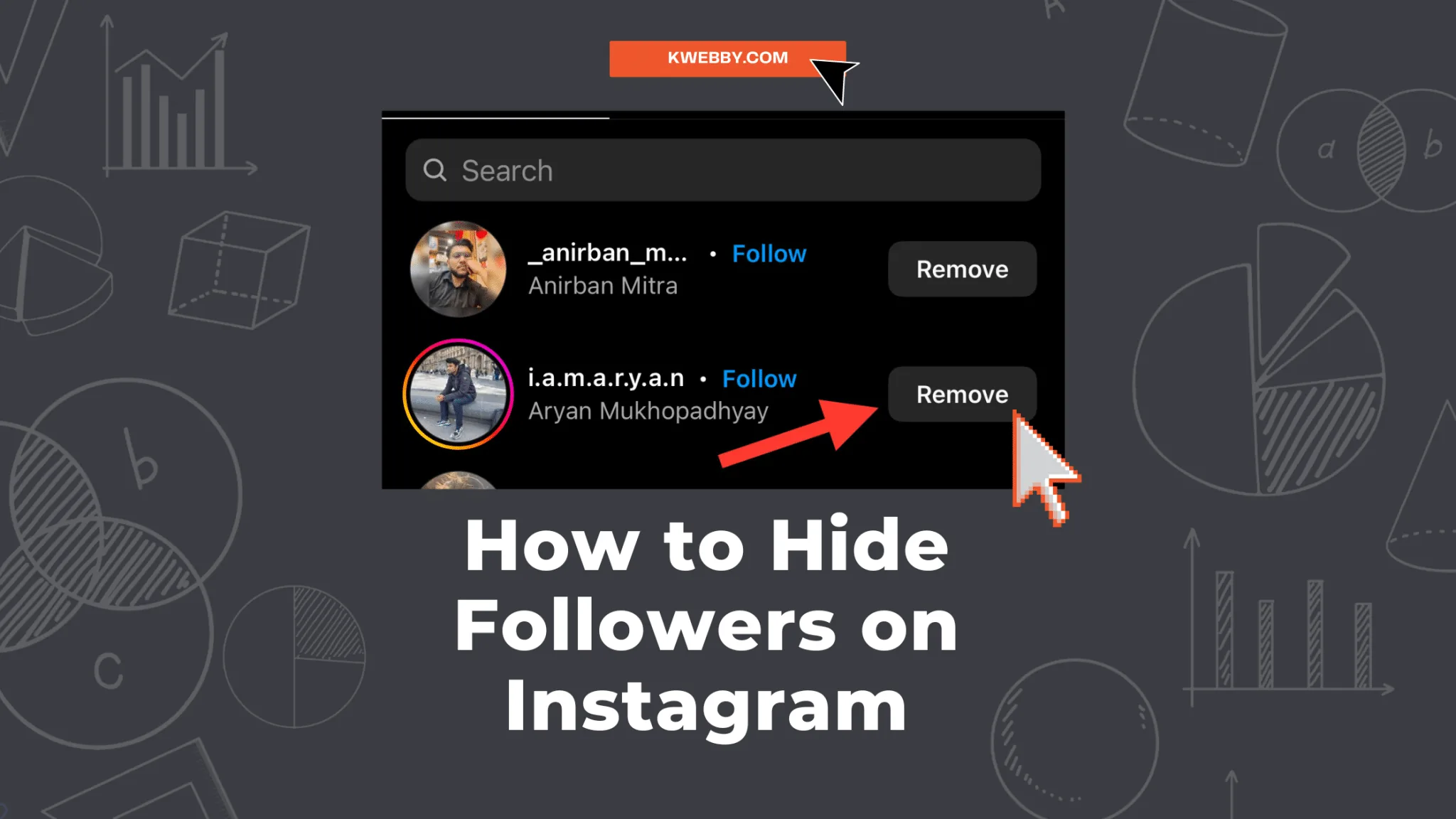
- Review your list of followers periodically and remove ones you don't want, rather than trying to hide the list from the public
Frequently asked questions
No. Instagram doesn't support hiding your followers list from select individuals — you can only Block or Restrict that person entirely, or make your whole account private.
Sources
Keep reading
More guides to grow your account.